


Door & Window Manager Pro
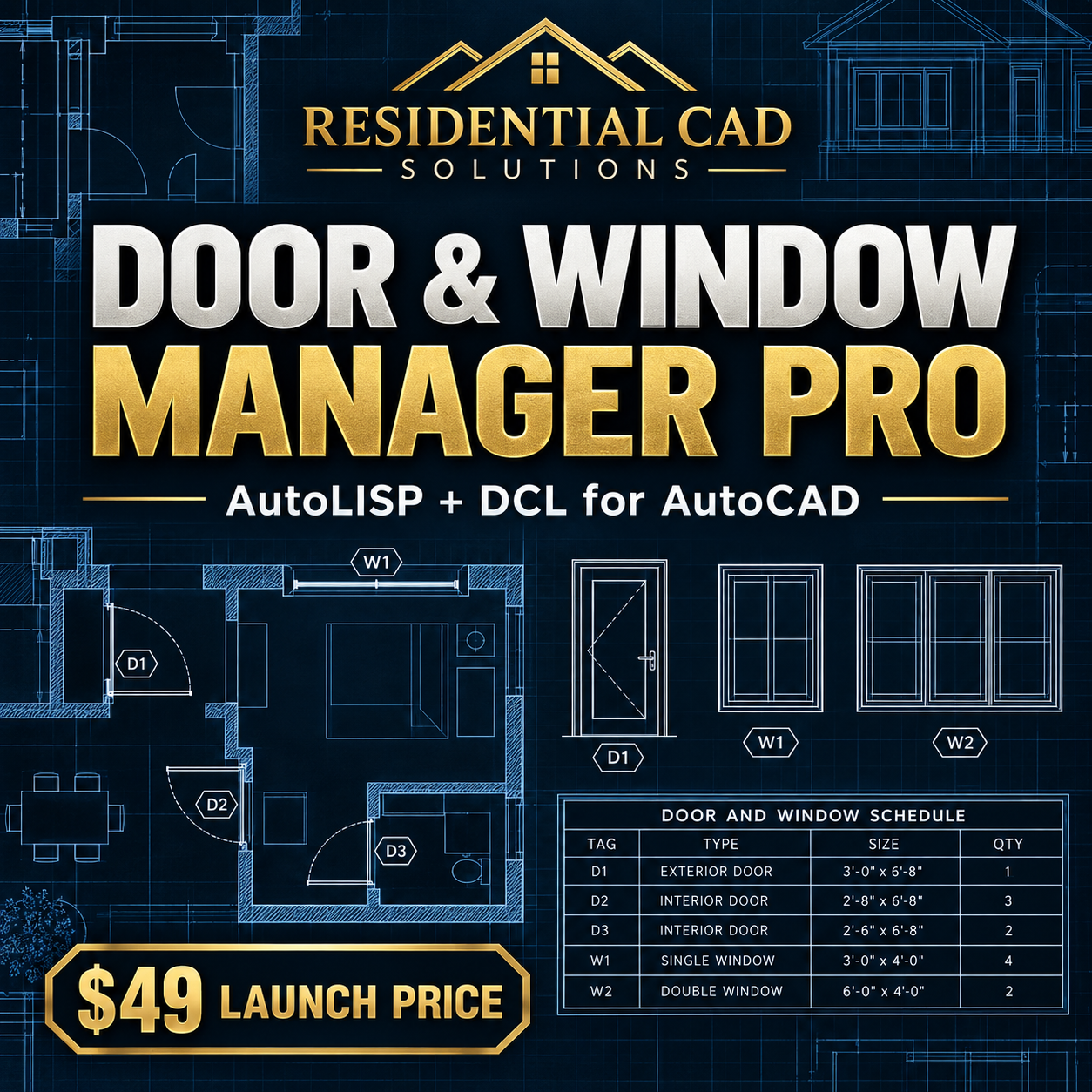
Insert, tag, and schedule residential doors and windows faster with Door & Window Manager Pro—an AutoLISP and DCL drafting tool developed for AutoCAD 2002-compatible workflows.
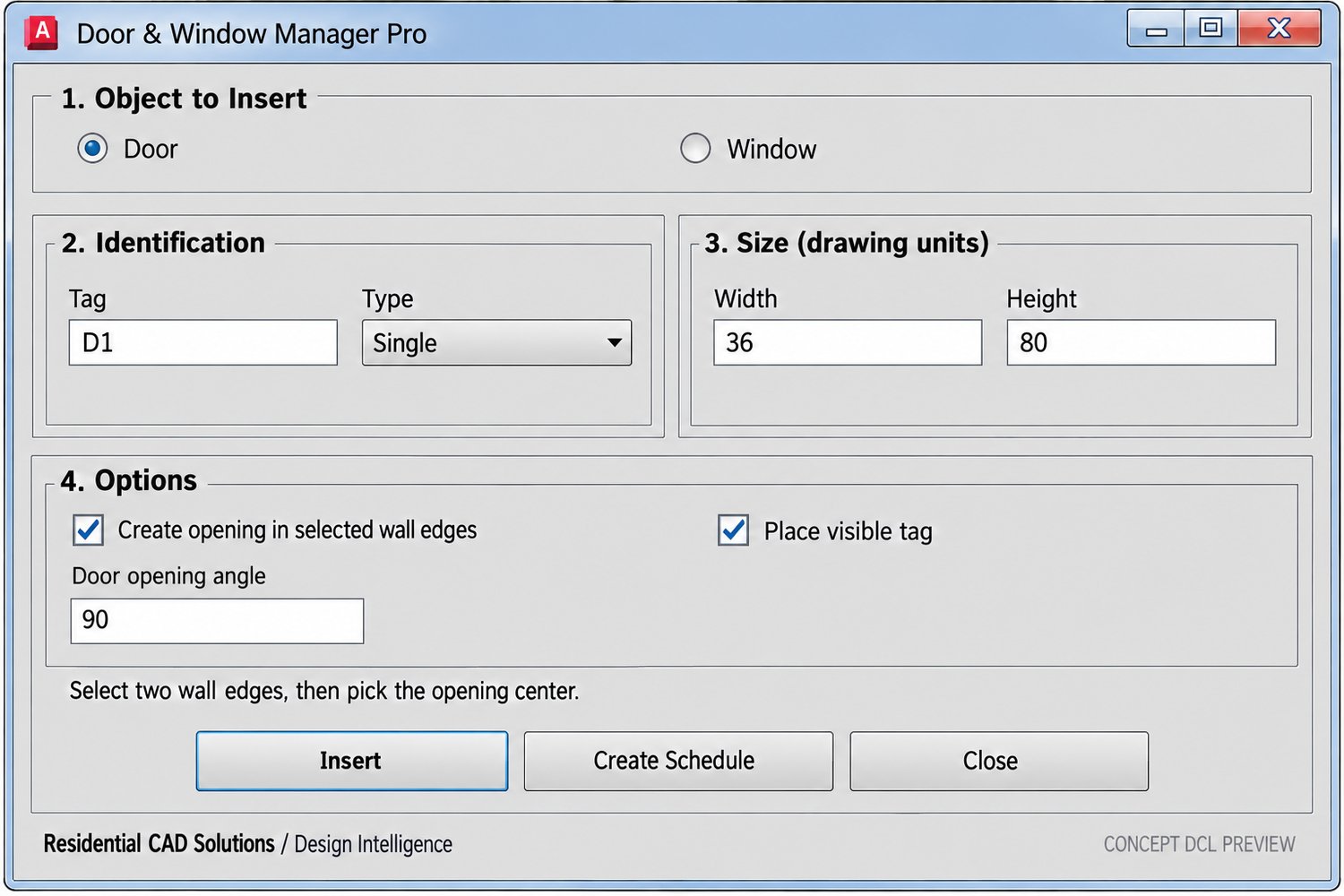
The program works from two selected wall edges, allowing it to accommodate different wall thicknesses instead of relying on one fixed wall size. Choose a door or window, enter its dimensions and tag, select the wall edges, and pick the opening center.
FEATURES
• Insert doors and windows between two selected wall edges
• Work with supported straight, angled, and curved wall edges
• Create openings using AutoCAD’s BREAK command
• Turn automatic wall opening on or off
• Add adjustable door and window dimensions
• Set the door opening angle
• Place visible door and window tags
• Store schedule information using AutoCAD XDATA
• Generate an organized door and window schedule
• Automatically create dedicated drawing layers
AVAILABLE TYPES
Doors:
• Single
• Double
• Bifold
• Sliding
Windows:
• Fixed
• Casement
• Awning
COMMANDS
DWM — Opens the complete Door & Window Manager Pro dialog
DWDOOR — Quickly inserts a door using the current defaults
DWWINDOW — Quickly inserts a window using the current defaults
DWSCHEDULE — Creates a schedule from tagged doors and windows
DRAWING LAYERS
• A-DWM-OPENING
• A-DWM-DOOR
• A-DWM-WINDOW
• A-DWM-TAGS
• A-DWM-SCHEDULE
YOUR DOWNLOAD INCLUDES
• Door_Window_Manager.lsp
• Door_Window_Manager.dcl
• Installation guide
• Command reference
• Compatibility notes
• Single-user commercial license
• Disclaimer and support documents
• Changelog
COMPATIBILITY
Developed from an AutoCAD 2002-compatible AutoLISP, Visual LISP, and DCL foundation. The software requires an AutoCAD edition and environment supporting AutoLISP, Visual LISP curve functions, DCL, XDATA, and the BREAK command.
Inputs follow the current drawing units. In an inch-based drawing, enter 36 for a 3'-0" opening. Supported architectural input may also be accepted by AutoCAD.
IMPORTANT LIMITATIONS
The automatic opening option modifies the two selected wall-edge entities using AutoCAD’s BREAK command. Always save a backup copy and test the tool before using it on production drawings.
Complex wall objects, blocks, external references, overlapping geometry, AEC wall objects, very short segments, and unsupported curves may require manual trimming or cleanup.
Door swings, window symbols, tags, and schedules are drafting aids. They do not verify rough openings, handing, hardware, structural headers, flashing, waterproofing, energy performance, safety glazing, accessibility, emergency escape requirements, manufacturer instructions, or code compliance.
All openings must be reviewed against the project documents, specifications, manufacturer information, applicable codes, qualified professional requirements, and the authority having jurisdiction.
Commercial Edition Launch Price: $49
Save drafting time, keep opening tags organized, and generate coordinated door and window schedules with Door & Window Manager Pro.