Purpose
With jobs disappearing and corporate doors closing, it’s time to pivot. Learn how to create and sell your own products using Canva and AI. Build your brand, fuel your vision, and help shape a new economy—one we own, one we grow together. This is the season of creation, elevation, and wealth transfer. Let’s rise. Join the Black Sheep Movement.
Pricing Plans
This is your moment to step forward with intention. Carefully select the tier that best aligns with your goals and creative needs. Due to the nature of the course and time invested, all purchases are final and non-refundable.
Tier 1: Essentials
$99.99
Explore the Tools. Learn the Layout.
This tier is a guided walkthrough designed for beginners. You’ll introduce students to Canva’s interface and features, helping them feel confident navigating the platform and understanding its creative potential.
What’s Included:
This tier is a guided walkthrough designed for beginners. You’ll introduce students to Canva’s interface and features, helping them feel confident navigating the platform and understanding its creative potential.
What’s Included:
- How to sign up and navigate Canva’s dashboard.
- Overview of template types and design categories.
- Introduction to creation tools: text, images, shapes, and layout.
- Font types, sizes, brand kits, and color swatches.
- One simple template demo to show how it all comes together.
- Replay access to the Zoom walkthrough.
- Tips for organizing projects and saving designs.
- Overview of free vs. paid Canva features and how to maximize both.
Tier 2: Builder
$199.99
Design Branded Assets. Create Real Products. Use AI Strategically.
This tier builds on Tier 1 and dives deeper into design strategy and product creation. Students begin using AI tools to generate content, structure product ideas, and support branding.
What’s Included:
All Tier 1 content-
In addition to:
This tier builds on Tier 1 and dives deeper into design strategy and product creation. Students begin using AI tools to generate content, structure product ideas, and support branding.
What’s Included:
All Tier 1 content-
- How to sign up and navigate Canva’s dashboard.
- Overview of template types and design categories.
- Introduction to creation tools: text, images, shapes, layout.
- Font types, sizes, brand kits, and color swatches.
- One simple template demo to show how it all comes together.
- Replay access to the Zoom walkthrough.
- Tips for organizing projects and saving designs.
- Overview of free vs. paid Canva features.
- Intro to AI: how ChatGPT and Copilot can assist with ideas, captions, and content prompts.
In addition to:
- Intermediate Canva skills: layering, grouping, resizing, layout strategy
- Branding essentials: logos, business cards, letterheads, flyers, calendars
- Design for tangible and digital products: planners, journals, invitations, posters
- AI for product descriptions, marketing copy, and social media content
- How to use ChatGPT and Copilot to brainstorm product ideas and write content
- Tips for cohesive brand identity across platforms
- Multiple live Zoom sessions + replay access
- Worksheets, templates, and group Q&A support
- Guidance on organizing your designs for future automation and sales
Tier 3: Boss Mode
$499.99
Tier 1 Content:
- How to sign up and navigate Canva’s dashboard.
- Overview of template types and design categories.
- Introduction to creation tools: text, images, shapes, layout.
- Font types, sizes, brand kits, and color swatches.
- One simple template demo to show how it all comes together.
- Replay access to the Zoom walkthrough.
- Tips for organizing projects and saving designs.
- Overview of free vs. paid Canva features.
- Intro to AI: how ChatGPT and Copilot can assist with ideas, captions, and content prompts.
- Intermediate Canva skills: layering, grouping, resizing, layout strategy.
- Branding essentials: logos, business cards, letterheads, flyers, calendars.
- Design for tangible and digital products: planners, journals, invitations, posters.
- AI for product descriptions, marketing copy, and social media content.
- How to use ChatGPT and Copilot to brainstorm product ideas and write content.
- Tips for cohesive brand identity across platforms.
- Multiple live Zoom sessions + replay access.
- Worksheets, templates, and group Q&A support.
- Guidance on organizing your designs for future automation and sales.
- Full product creation: digital books, planners, journals, branded merch.
- Advanced Canva design: packaging, mockups, multi-page layouts.
- AI-powered writing: sales funnels, email campaigns, product copy.
- How to use ChatGPT and Copilot to structure full eBooks, write intros, prompts, and calls-to-action.
- Automation setup: product delivery, email flows, passive income systems.
- Personalized feedback, premium templates, and launch checklist.
- Priority support.
- New templates and design packs.
- Bonus AI prompt libraries.
- Mini trainings and masterclasses.
- Updated automation walkthroughs.
- Private community access.
- Refreshed launch strategy tools.
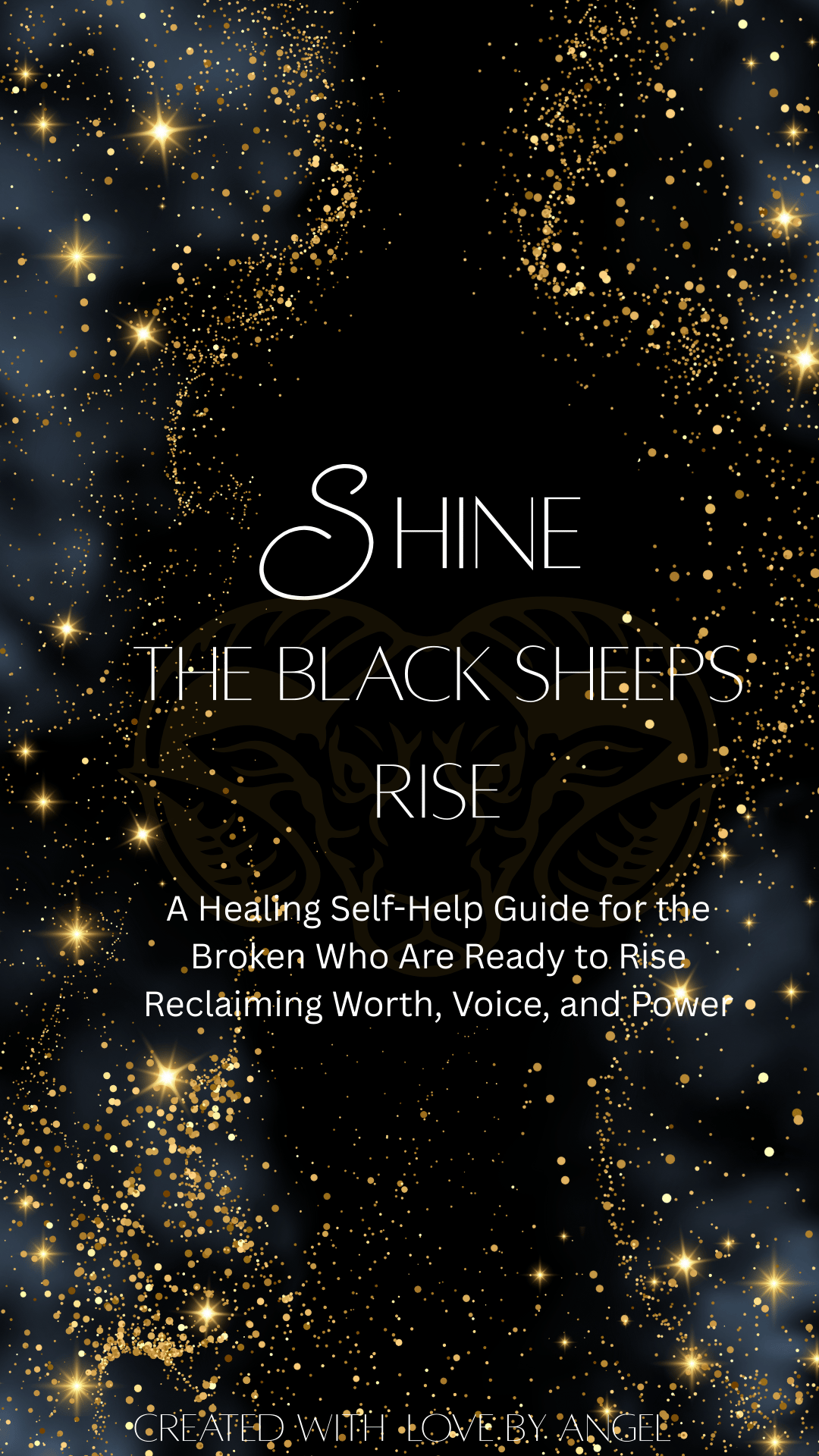
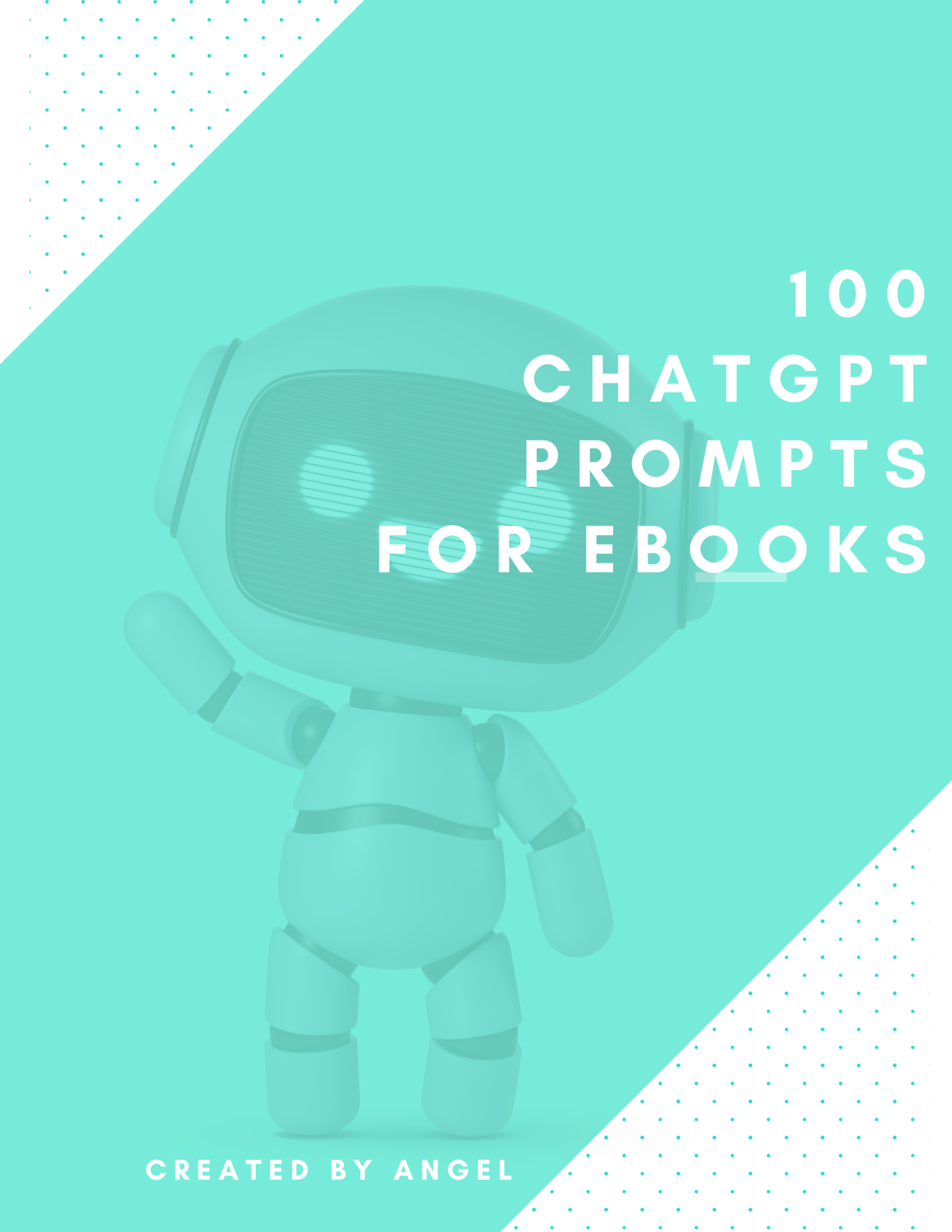
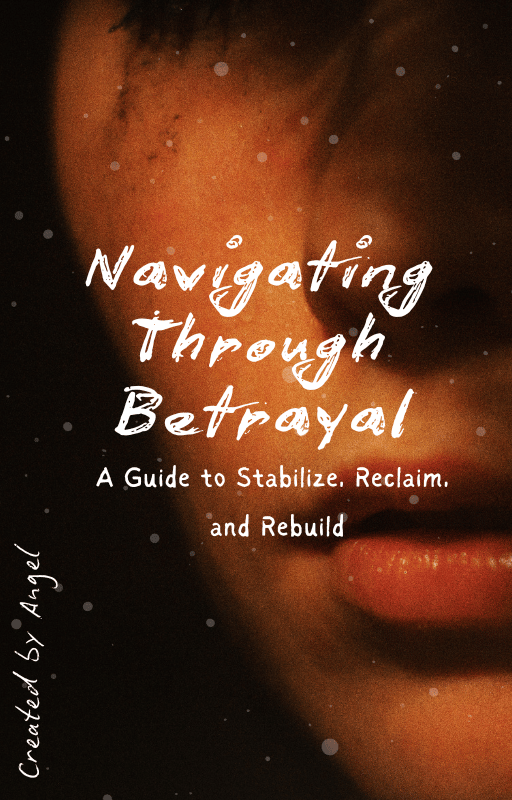
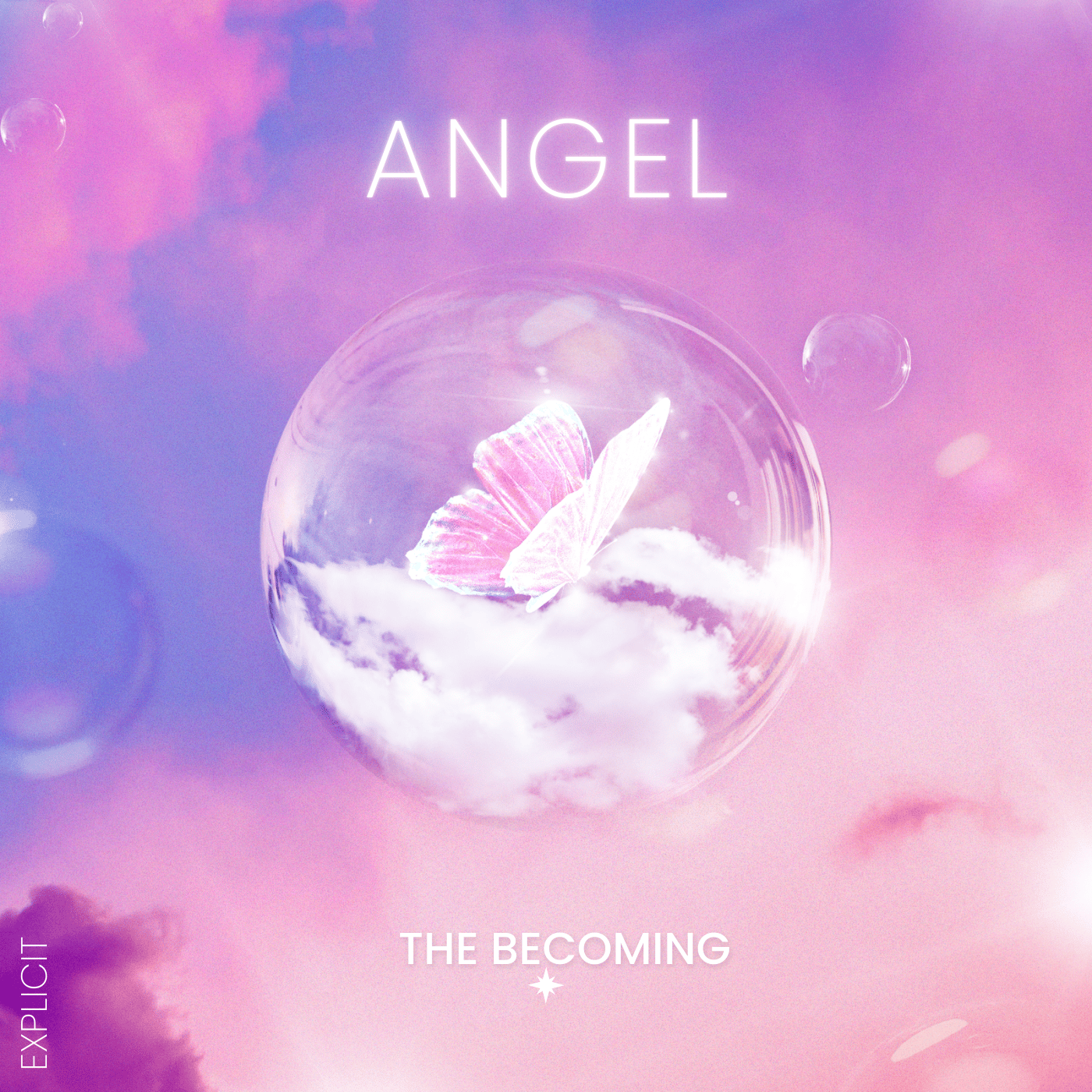
PROJECT SAMPLES