

Law school planner 3.0 - Notion template
Law School Planner 3.0: The Complete Notion System for Law Students
Law school does not hand you a syllabus for staying organized. Between case briefs, cold calls, outlines, moot court, tuition payments, and a reading load that never seems to end, most students end up juggling five different apps just to keep track of it all.
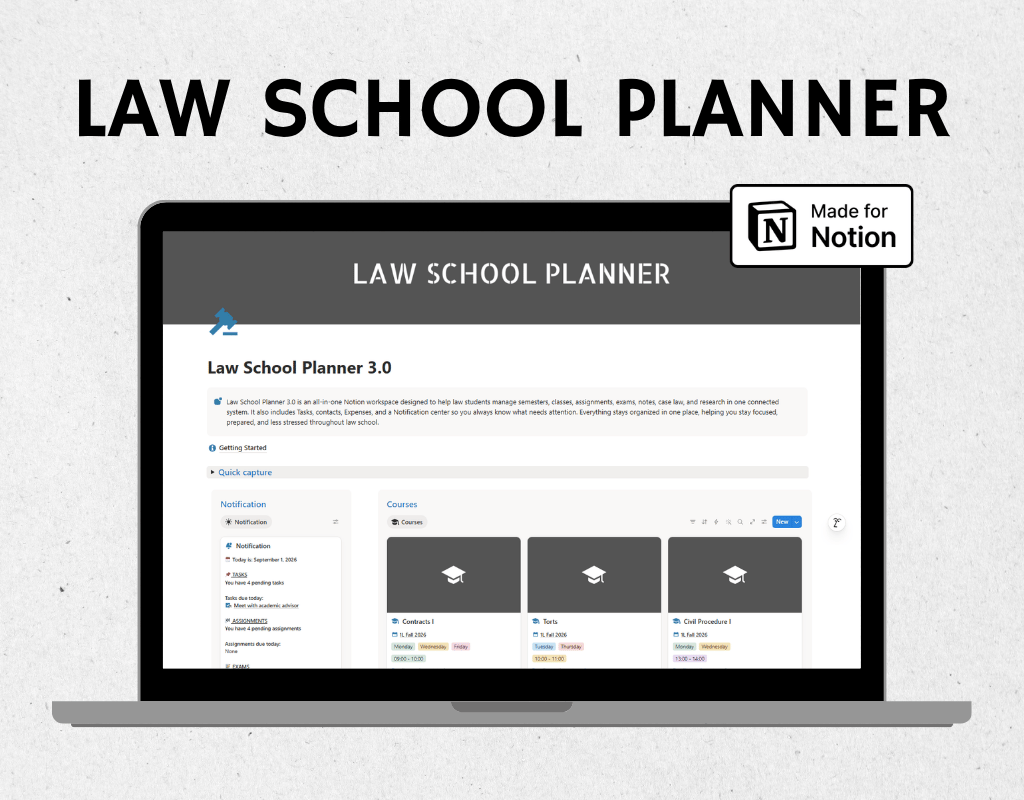
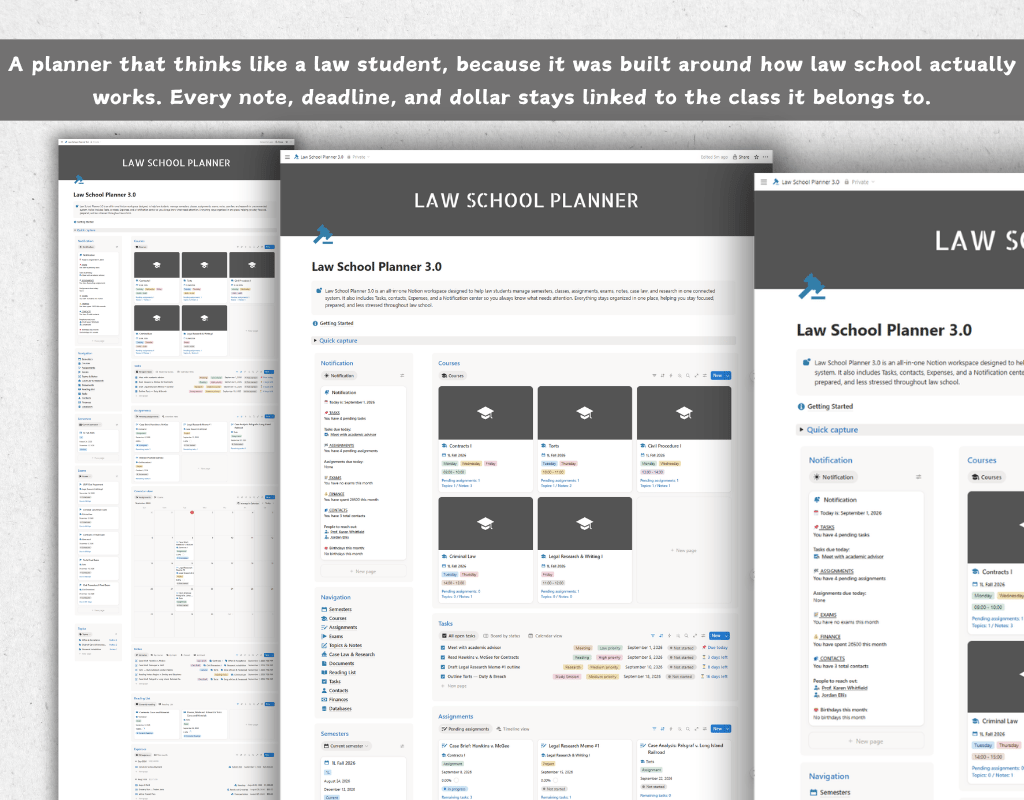
Law School Planner 3.0 puts everything in one connected Notion workspace, built specifically around how law school actually works: semesters, courses, cases, deadlines, and the life admin that comes with all of it.
What is inside
- Semesters: plan your academic terms, set GPA targets, and track your cumulative GPA from 1L through graduation
- Courses: store your professor, credits, room, and schedule for every class, all in one card
- Assignments and Exams: track due dates, weight toward your grade, format, and scores, with the ability to break big deadlines into daily tasks
- Tasks: a simple daily to do list that stays linked to the classes and deadlines it belongs to
- Notes and Topics: organize lecture notes, outlines, case briefs, and exam prep by course and by concept, so review season is a search, not a scavenger hunt
- Case Law: a structured case brief database with fields for key facts, issues, holdings, citations, and procedural history
- Legal Research and Documents: keep research threads, memos, briefs, and files organized and attached where you need them
- Reading List: track assigned casebooks and articles with due dates and progress
- Contacts: keep professors, classmates, recruiters, and mentors organized, with reminders for when to reach out
- Expenses and Budgets: track tuition, rent, books, and daily spending against a real budget for every category
- Notification Center: one feed that pulls in everything due soon, so you check one place instead of nine
- Getting Started Guide: a full walkthrough of how every database connects, so you are set up correctly from day one
Why students love this system
Every database in this planner is connected. Add a case brief and it links to the course, the topic, and the reading it came from. Log an assignment and it links to the tasks that get it done. Track a semester and every course and expense inside it stays organized under one filter. Nothing lives in isolation, so nothing gets lost.
This is not a generic student planner with law school branding slapped on top. It is built around the actual rhythm of 1L year and beyond: cold calls, case briefs, outlines, finals, and the constant balancing act between coursework and everything else.
Perfect for
- 1L students building study habits from scratch
- 2L and 3L students juggling coursework, journals, and job applications
- Anyone who wants their case briefs, notes, and deadlines to actually talk to each other
What you need
A free or paid Notion account. Works on desktop, web, and mobile. Duplicate it into your workspace and it is yours to customize.
FAQ's
Q: What is Notion?
A: Notion is an all-in-one workspace that combines note-taking, task management, and collaboration tools into one platform. It's highly customizable and allows users to create their own databases, pages, and templates to suit their specific needs.
Q: How do I duplicate the template after purchasing?
A: After purchasing the template, you'll receive a link to access it in Notion. Simply click on the link, and then click on the "Duplicate" or "Start with this template" button in the top-right corner of the template. This will create a copy of the template in your own Notion workspace, which you can then customize and use as you wish.
Q: Is there a refund policy for the templates?
A: Due to the nature of digital templates, refunds are not applicable once the template has been purchased. However, if you encounter any issues or have questions about the template, please don't hesitate to reach out, and I'll be happy to assist you.