
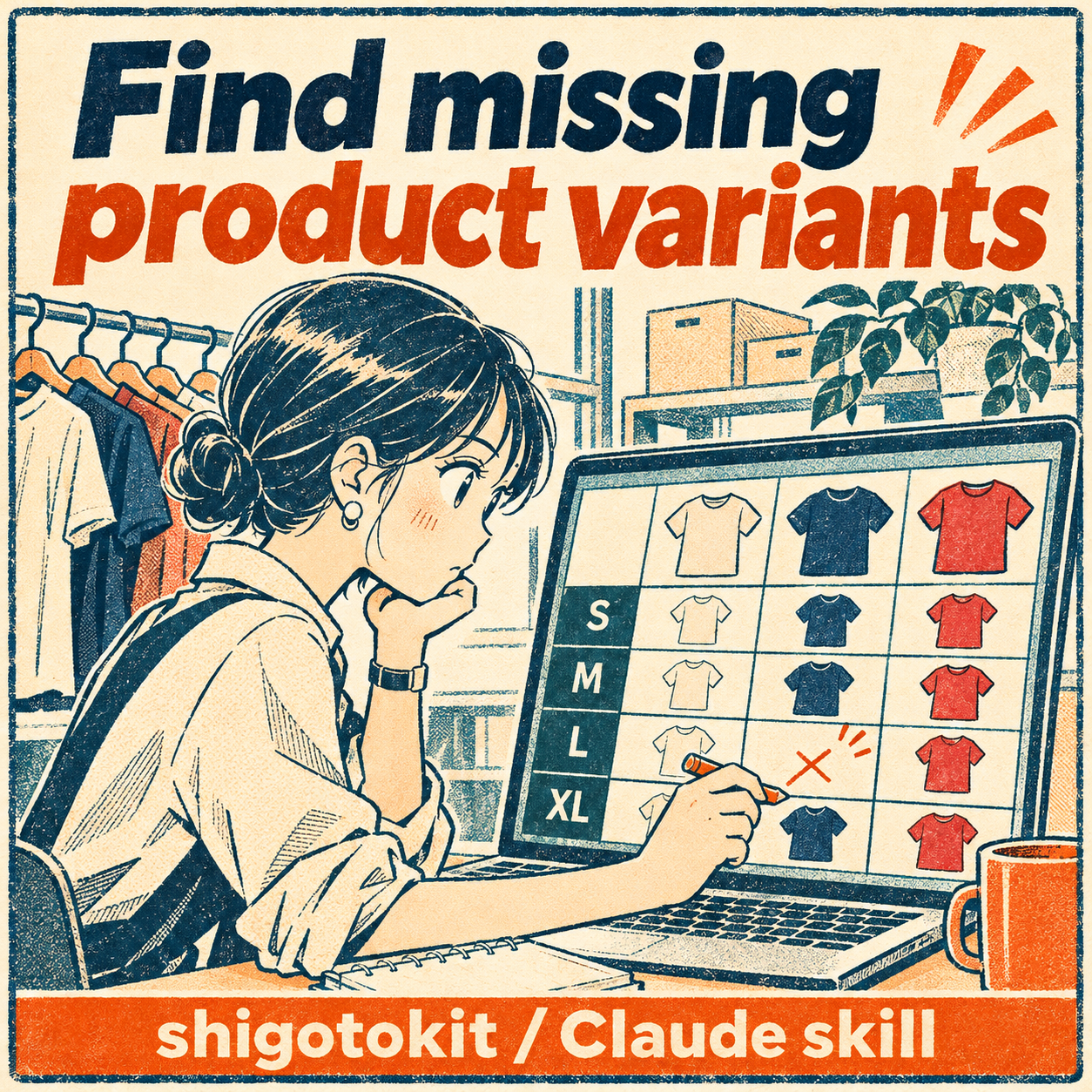
Product Variant Audit for Claude
Check a product family's color and size combinations before a catalog update. This custom skill for Claude compares your approved assortment with the rows you intend to list.
Who it is for
For ecommerce catalog operators reviewing a single product family before publishing a listing or importing a table.
What to provide
Paste the approved combinations, explicit exceptions and aliases, then the listing rows with row ID, SKU, color and size. Include stock when relevant. Preserve leading zeros in SKUs.
Worked example — fictional assortment
A tee comes in white S, white M and navy M. Row 1 is SKU 001, white S, stock zero. Row 2 is SKU 001, navy M. Row 3 is SKU 009, navy S. White S and navy M are present. White M is missing, navy S is unexpected, and rows 1 and 2 reuse SKU 001. A zero-stock row still exists. Ask which row should keep 001 and whether navy S belongs in the assortment.
Files and setup
Unpack the outer download. Enable the enclosed skill archive named variant-audit (ZIP format) in Claude custom skills. START-HERE.txt contains setup steps, input fields and a worked example. Requires access to custom skills in Claude, billed separately. Review the findings against the master before editing your store. The skill drafts a report and does not change listings.
Use and support
Version 1.0. Internal business use and editing allowed. No redistribution or resale. Use the store contact link for file questions.