

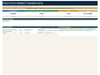
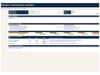
Executive Project Highlight Board Dashboard
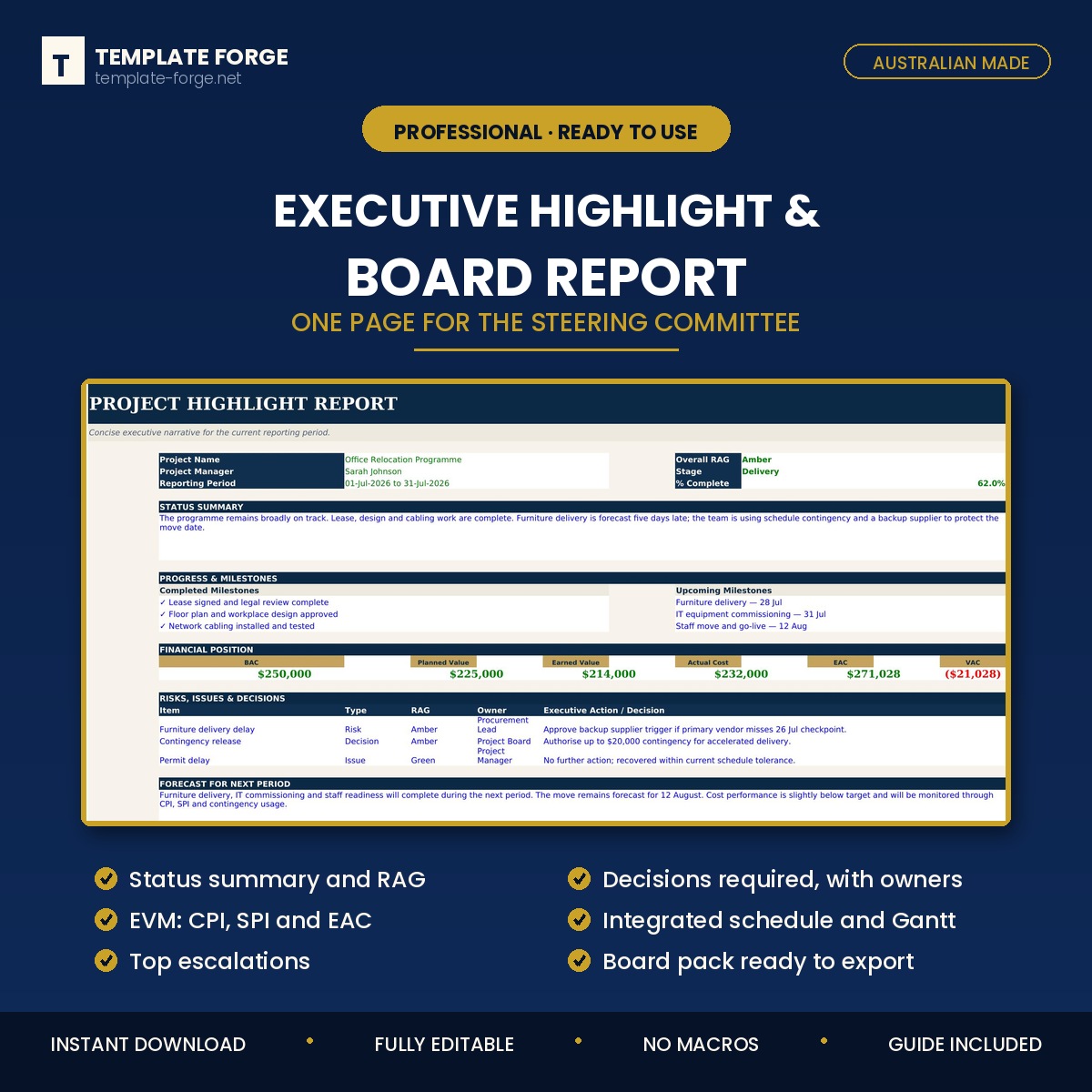
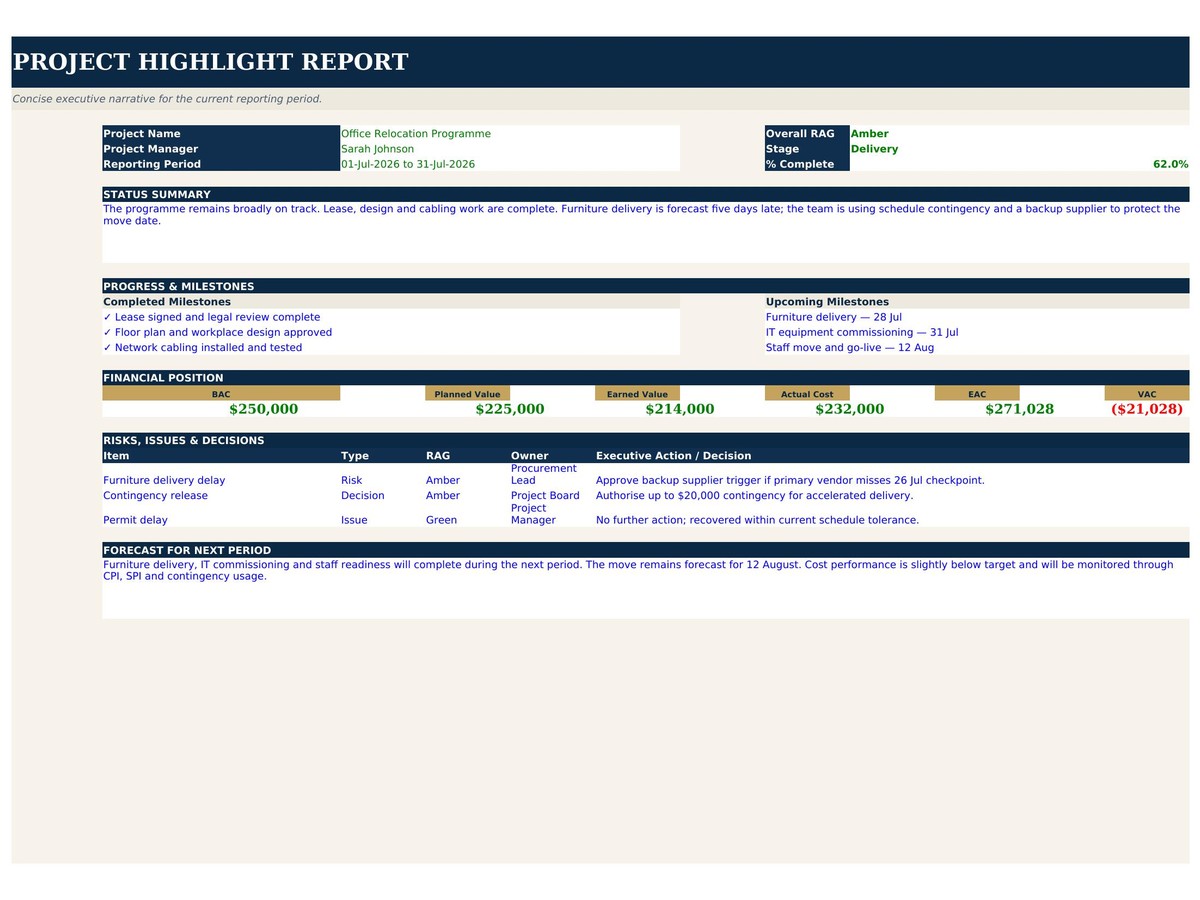
Executive Project Highlight Report
The one-page report a sponsor will actually read — status, decisions needed, and what happens next.
Most project reports are three pages of activity and no request. This one is built the other way round: what changed, what is at risk, what you need a decision on, and what is coming. If a sponsor reads nothing but the top third, they still know where the project stands.
What's inside
- Highlight summary — period status in a sentence, with RAG rating
- Progress this period — what was actually completed, not what was worked on
- Planned next period — so the sponsor can hold you to it
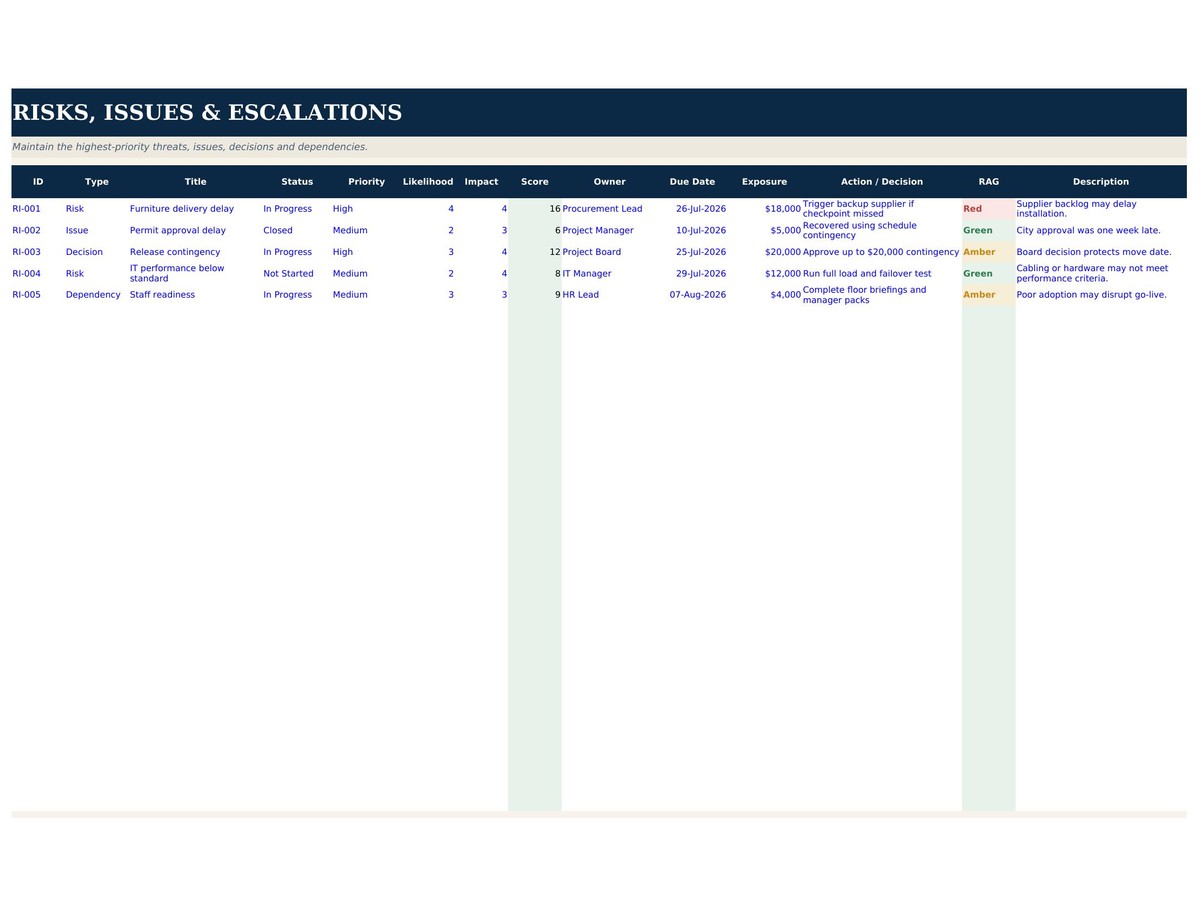
- Decisions required — the section most reports leave out, with the decision, the owner and the date it is needed by
- Risks and issues — only the ones that need attention, not the whole register
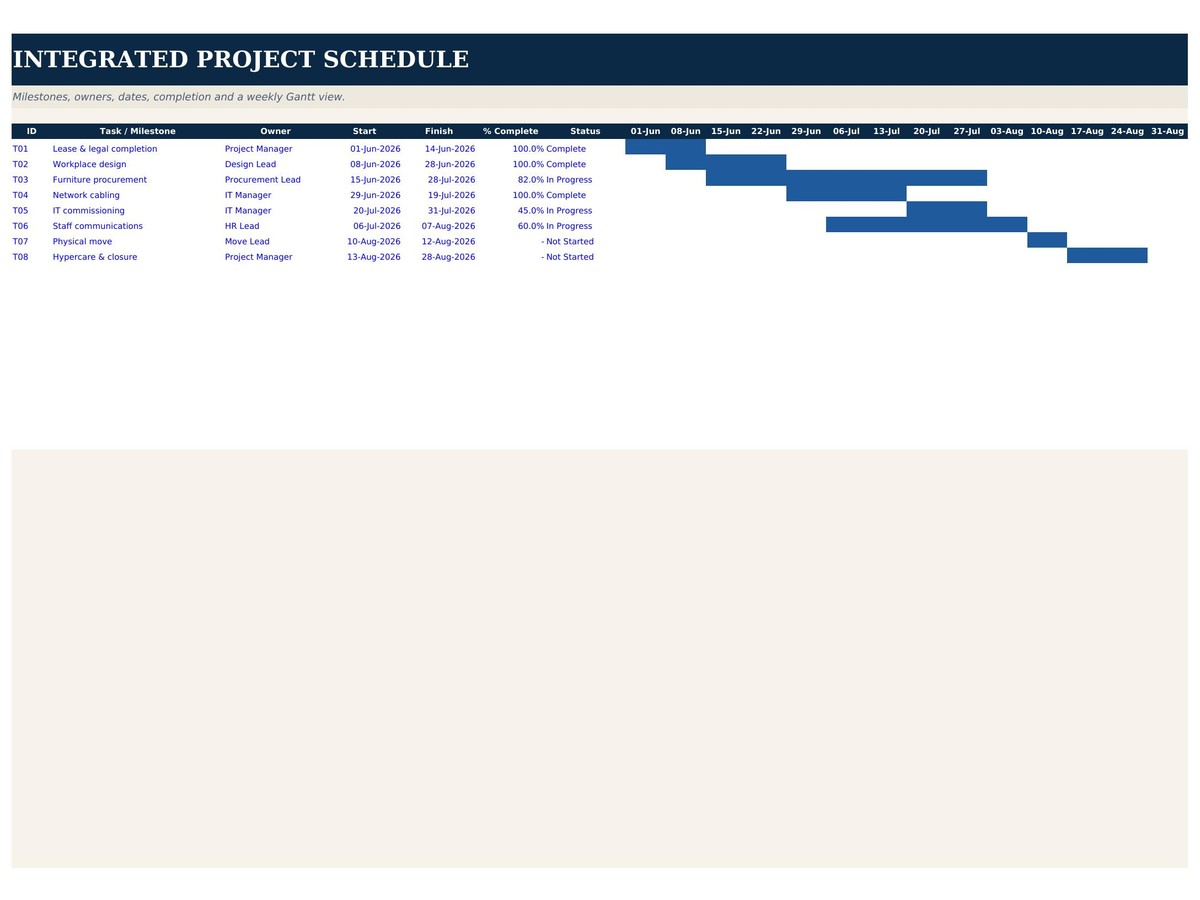
- Milestones — baseline against forecast, with slip
- Budget position — spend against plan, with variance
- Escalations — what is going up, to whom, and why
Who it's for
Project managers reporting to a steering committee, board or client, and anyone who has watched a good report get ignored because the ask was buried on page three.
How it works
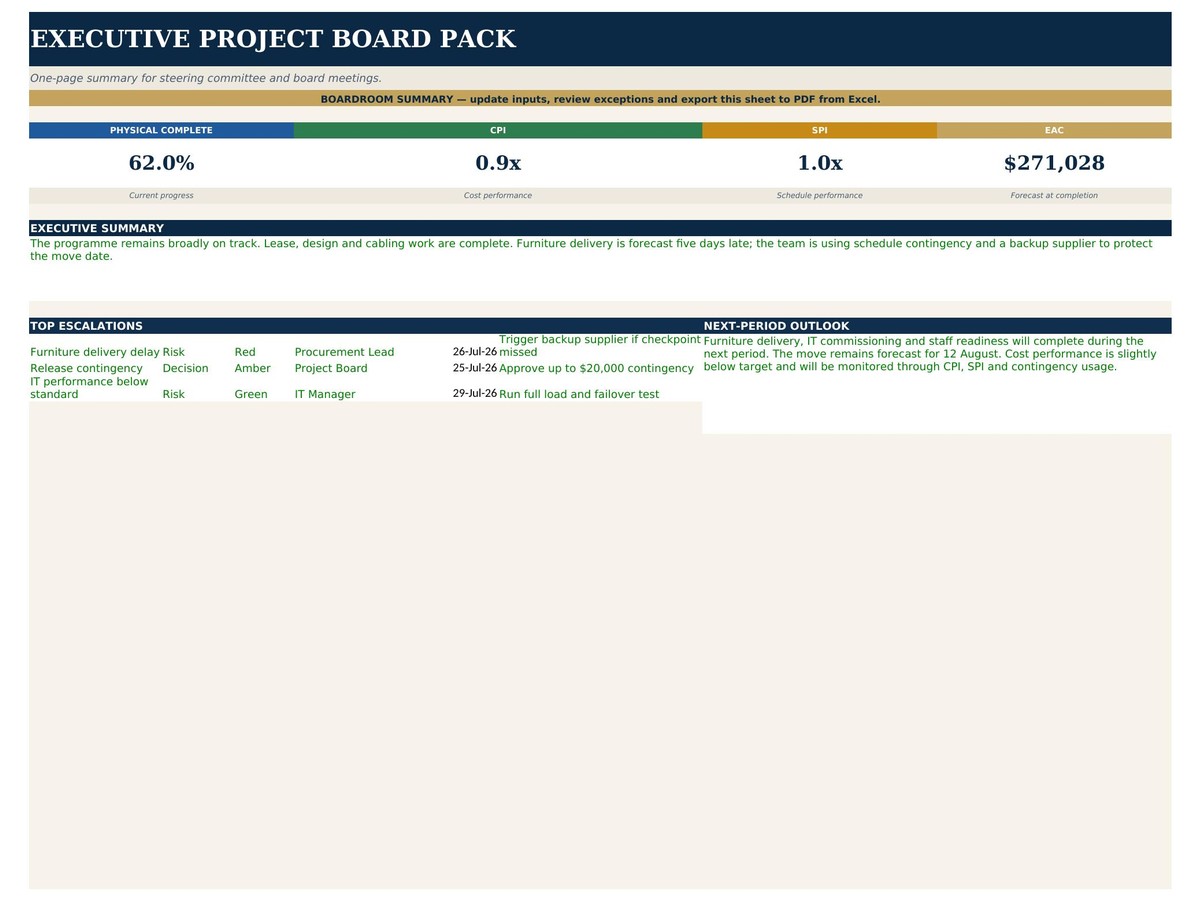
Enter the period's data and the status flags, ratings and variances calculate themselves. Print it or export it straight into the meeting pack. No macros, no add-ins, no subscription — a normal Excel file that opens in any version of Excel and keeps working forever.
Why one page
Because a sponsor gives you five minutes. A report that needs fifteen gets skimmed, and the decision you needed does not get made. This format forces you to say what matters and ask for what you need.
Built in Australia from more than twenty years of program delivery experience. Instant download, yours to keep, use it across as many projects and reporting periods as you like.