

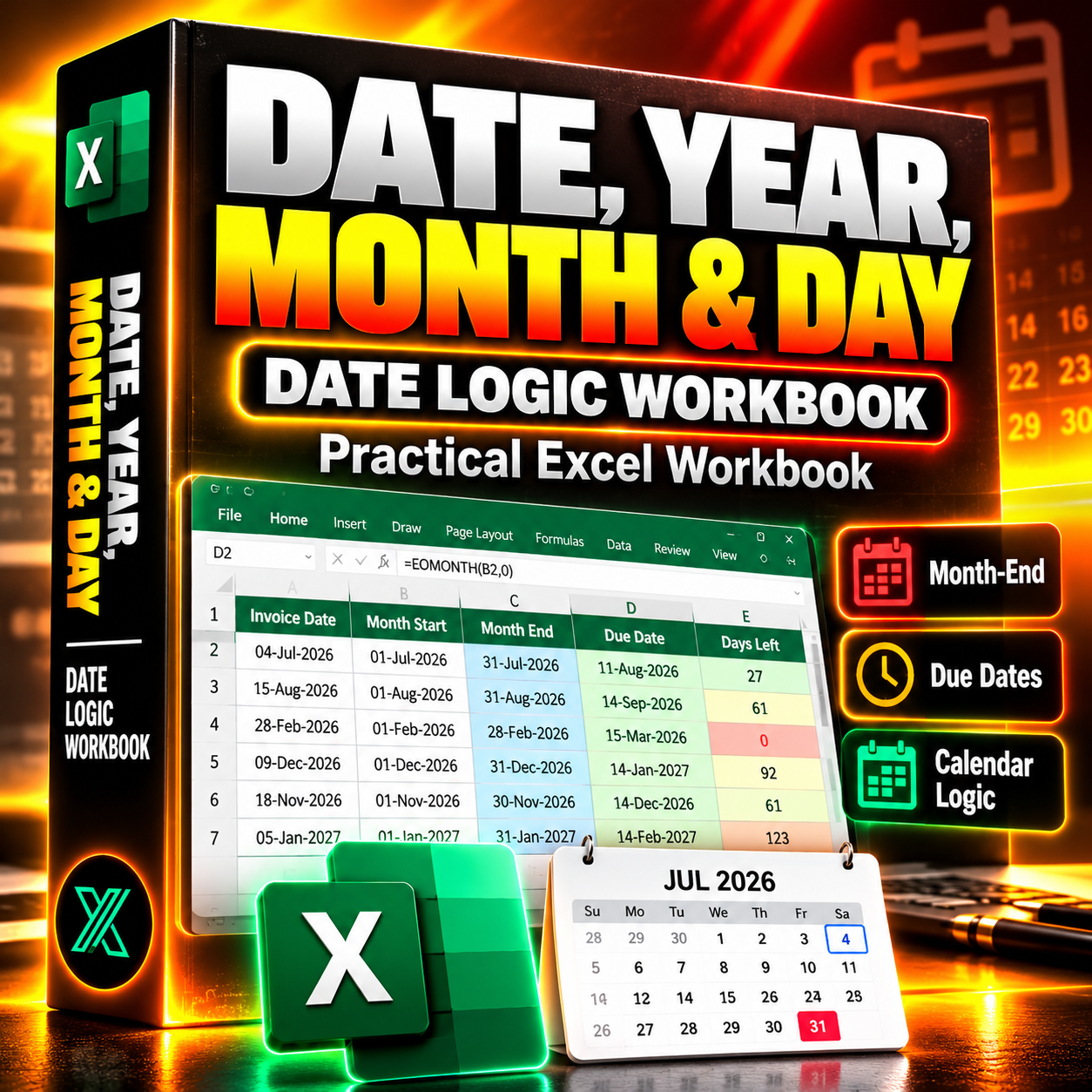
Excel Date Logic Workbook — Invoice Dates, Month-End & Deadline Tracker
Excel Date Logic Workbook — Invoice Dates, Month-End & Deadline Tracker
Turn everyday Excel date formulas into a practical, reusable business tool.
Working with dates in Excel should be simple. But calculating month boundaries, tracking invoice deadlines, handling year transitions, and extracting date components can quickly become repetitive.
This Excel workbook combines hands-on DATE, YEAR, MONTH, and DAY exercises with a reusable date-control system designed for real business tasks.
Whether you're an analyst, accountant, office professional, or small business owner, this workbook helps you understand Excel date logic and apply it to everyday reporting and deadline management.
What's Included
1. Practical Invoice Date Workbook
Work with 30 realistic invoice records and learn how to:
- Extract years, months, and days from invoice dates.
- Reconstruct valid dates using the DATE function.
- Calculate the first and last day of any month.
- Handle February, leap years, and year transitions.
- Calculate invoice payment deadlines.
- Identify overdue and upcoming deadlines based on a configurable reference date.
Includes both a starter workbook and a completed version with working formulas.
2. Reusable Business Date Control
Go beyond the tutorial with a practical date-management worksheet.
- Enter your own events and business deadlines.
- Configure lead times and reference dates.
- Calculate month-start and month-end dates.
- Generate follow-up dates.
- Monitor remaining days until deadlines.
- Reuse the system with new business records.
3. Expandable Excel Tables
The workbook uses structured Excel Tables rather than relying on a fixed number of demonstration rows.
Add new records to the tables and extend your date calculations as your data grows.
4. Formula-Based, No Macros
All date calculations use standard Excel functions.
No VBA, external add-ins, subscriptions, or Microsoft 365-exclusive formulas are required.
Who Is This Workbook For?
- Business analysts working with reporting periods and transaction dates.
- Accountants and finance professionals managing invoice schedules.
- Office professionals tracking deadlines and recurring tasks.
- Excel learners who want practical exercises instead of isolated formula examples.
- Small business owners organizing payment and follow-up dates.
Why This Workbook Is Worth Having
You could build these formulas manually every time you need them.
Or you can start with a structured, reusable workbook that already includes the examples, calculation logic, and business date-control framework.
Learn the functions once. Reuse the workflow whenever you need it.
What You'll Receive
Two downloadable Excel files:
1. Starter Workbook (.xlsx)
Original invoice data and prepared working areas for following the tutorial.
2. Completed Workbook (.xlsx)
Working date formulas, calculated deadlines, and an additional reusable Date Control worksheet.
Compatibility & Important Notes
- Microsoft Excel 2016, 2019, 2021, and Microsoft 365.
- Standard XLSX format.
- No macros required.
- Invoice deadlines use calendar days, not business days.
- The overdue indicator compares due dates against a selected reference date; it does not independently verify payment status.
- Newly added records should be entered within or directly below the structured Excel Tables to maintain the calculated-column workflow.
Get a practical Excel date workbook that helps you learn faster, reduce repetitive calculations, and manage everyday business deadlines with confidence.