

AI Agent Skill-JSONL to Markdown Converter
JSONL to Markdown Converter
AI Agent Skill for VS Code
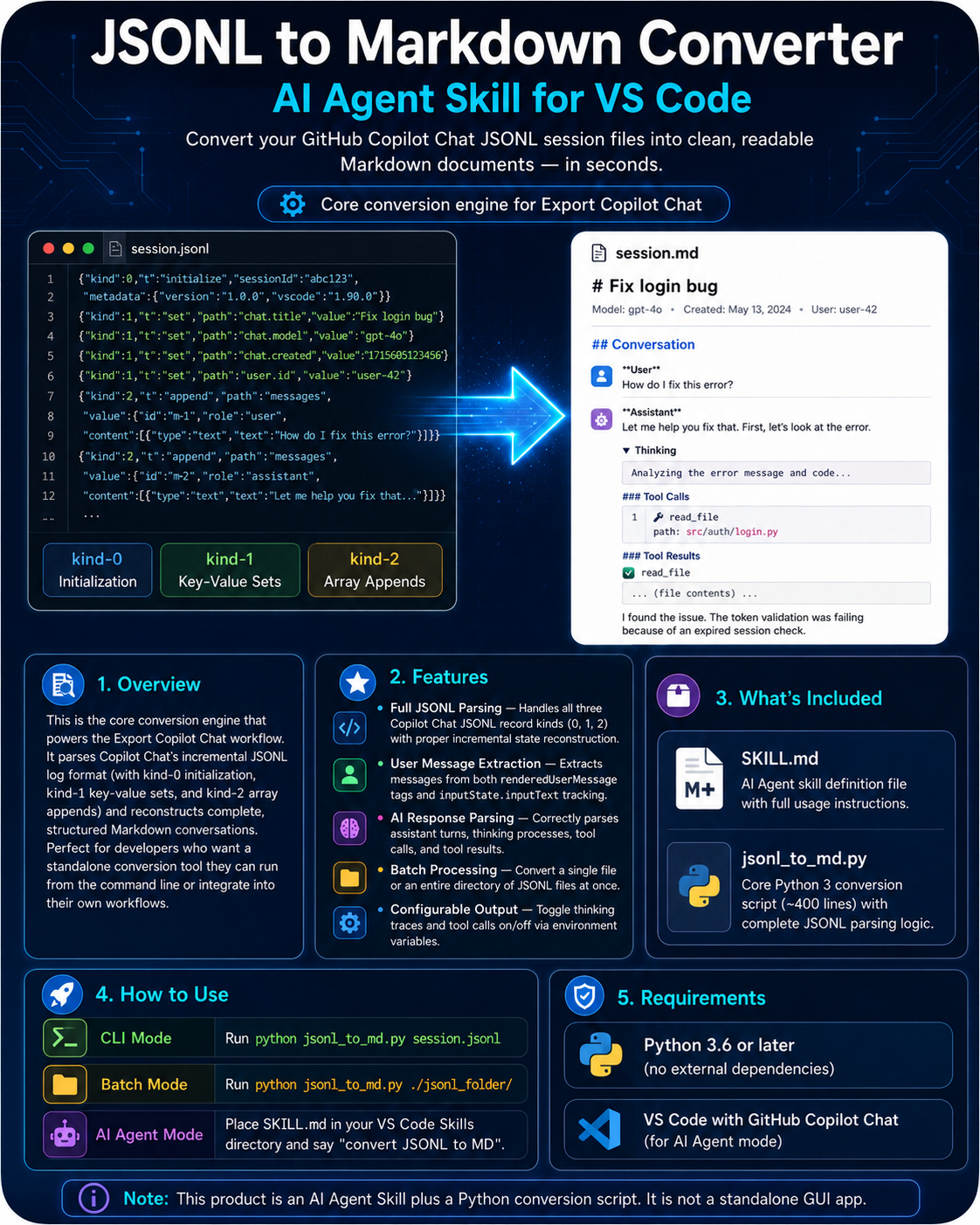
Convert your GitHub Copilot Chat JSONL session files into clean, readable Markdown documents — in seconds.
Overview
This is the core conversion engine that powers the Export Copilot Chat workflow. It parses Copilot Chat's incremental JSONL log format (with kind-0 initialization, kind-1 key-value sets, and kind-2 array appends) and reconstructs complete, structured Markdown conversations. Perfect for developers who want a standalone conversion tool they can run from the command line or integrate into their own workflows.
Features
Full JSONL Parsing: Handles all three Copilot Chat JSONL record kinds (0, 1, 2) with proper incremental state reconstruction.
User Message Extraction: Extracts messages from both renderedUserMessage tags and inputState.inputText tracking.
AI Response Parsing: Correctly parses assistant turns, thinking processes, tool calls, and tool results.
Batch Processing: Convert a single file or an entire directory of JSONL files at once.
Configurable Output: Toggle thinking traces and tool calls on/off via environment variables.
What's Included
SKILL.md — AI Agent skill definition file with full usage instructions.
jsonl_to_md.py — Core Python 3 conversion script (~400 lines) with complete JSONL parsing logic.
How to Use
CLI Mode: Run python jsonl_to_md.py session.jsonl to convert a single file.
Batch Mode: Run python jsonl_to_md.py ./jsonl_folder/ to process all files in a directory.
AI Agent Mode: Place SKILL.md in your VS Code Skills directory and say "convert JSONL to MD".
Requirements
• Python 3.6 or later (no external dependencies)
• VS Code with GitHub Copilot Chat (for AI Agent mode)