
HabitTracker
System Requirements:
Android 7.0 or newer
The app is a comprehensive Habit Tracker designed with a modern Android interface using Jetpack Compose. It focuses on helping users build consistency through daily tracking, visual progress analytics, and personalized coaching.
Key Features
1. Daily Habit Management (Home Screen)
•
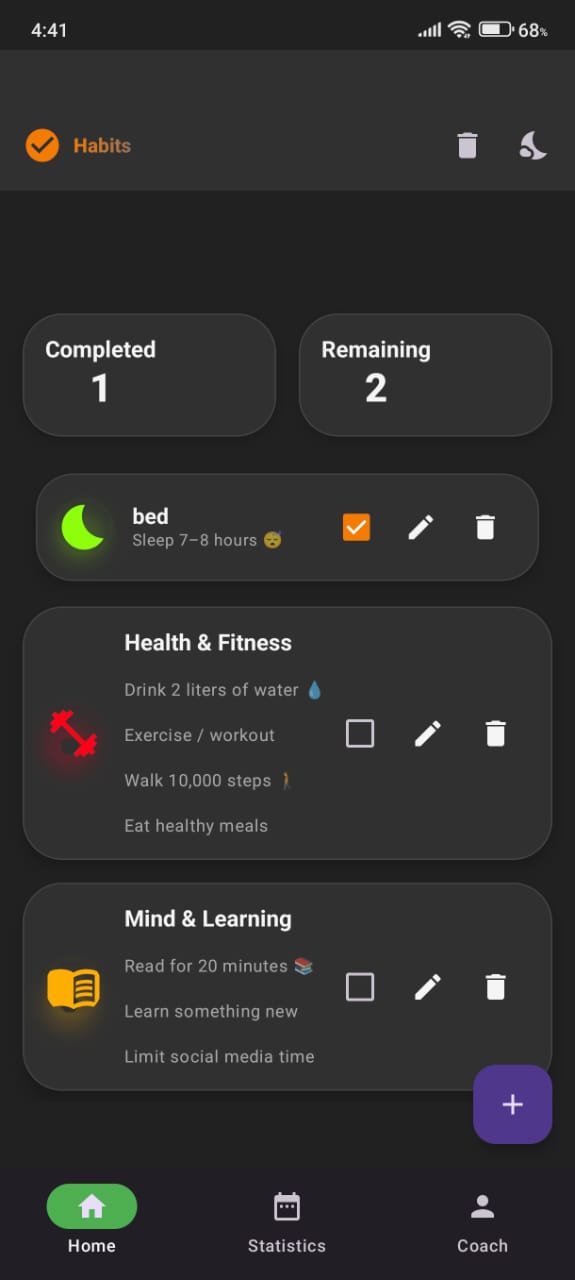
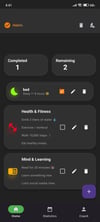
Habit List: A clean, interactive list where users can view their daily commitments.
•
Completion Tracking: Users can toggle habits as "complete" for the day. Marking a habit as done triggers a haptic feedback response and a celebratory confetti animation to provide positive reinforcement.
•
Progress Summary: A visual header at the top of the home screen showing the number of completed versus remaining habits for the current day.
•
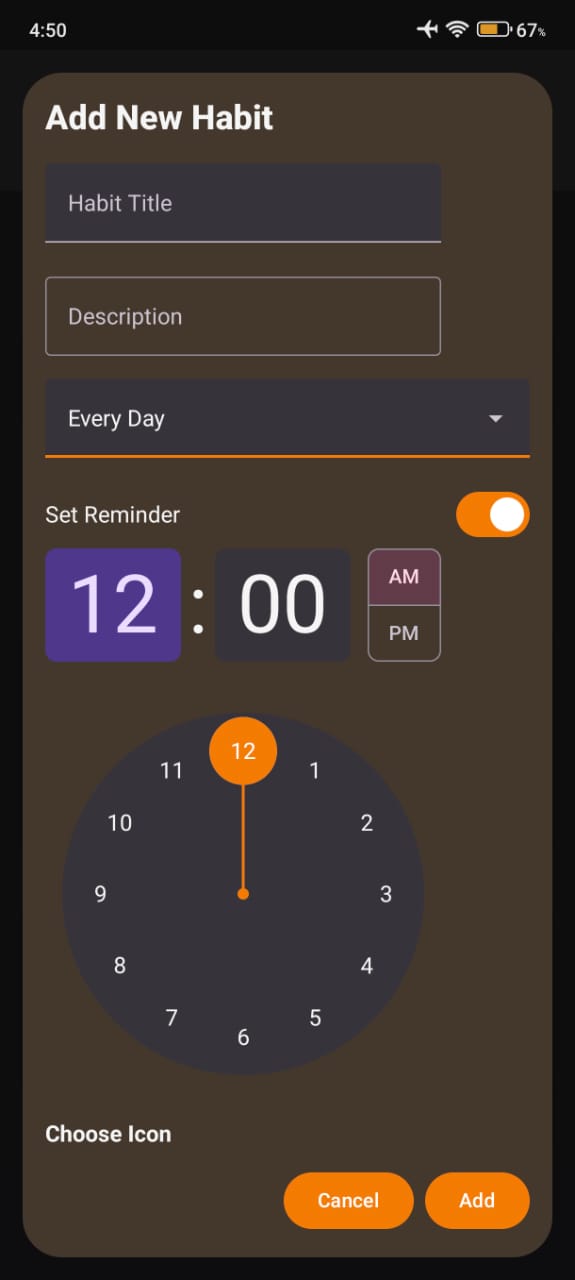
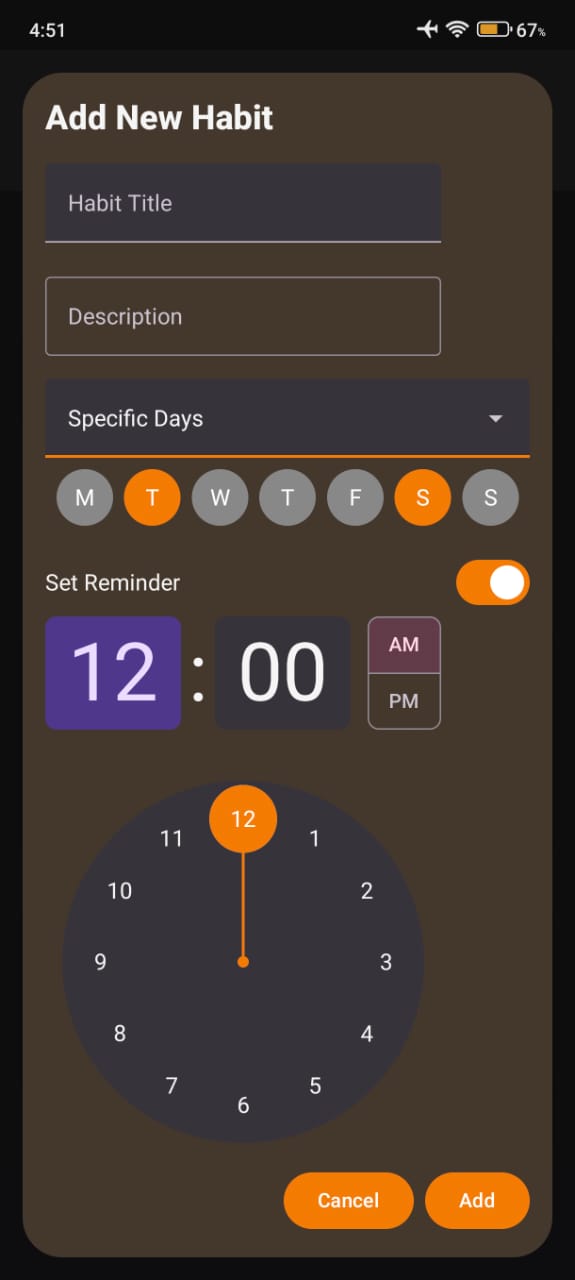
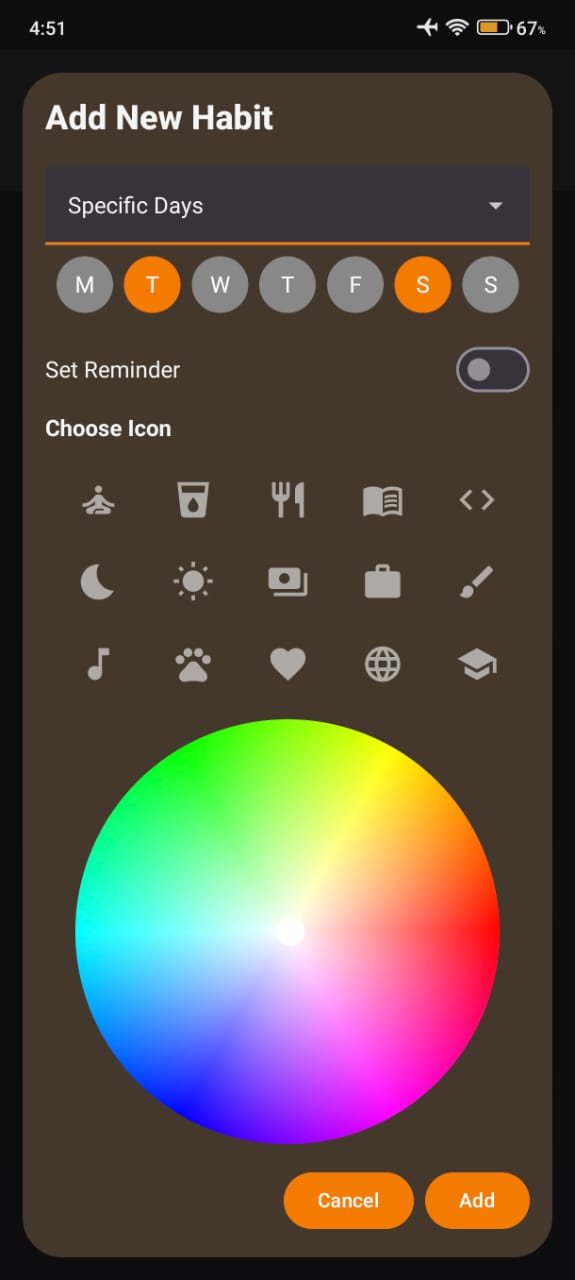
CRUD Operations: Users can easily add new habits, edit existing ones, or delete them via long-press or dedicated action buttons.
2. Visual Analytics (Statistics Screen)
•
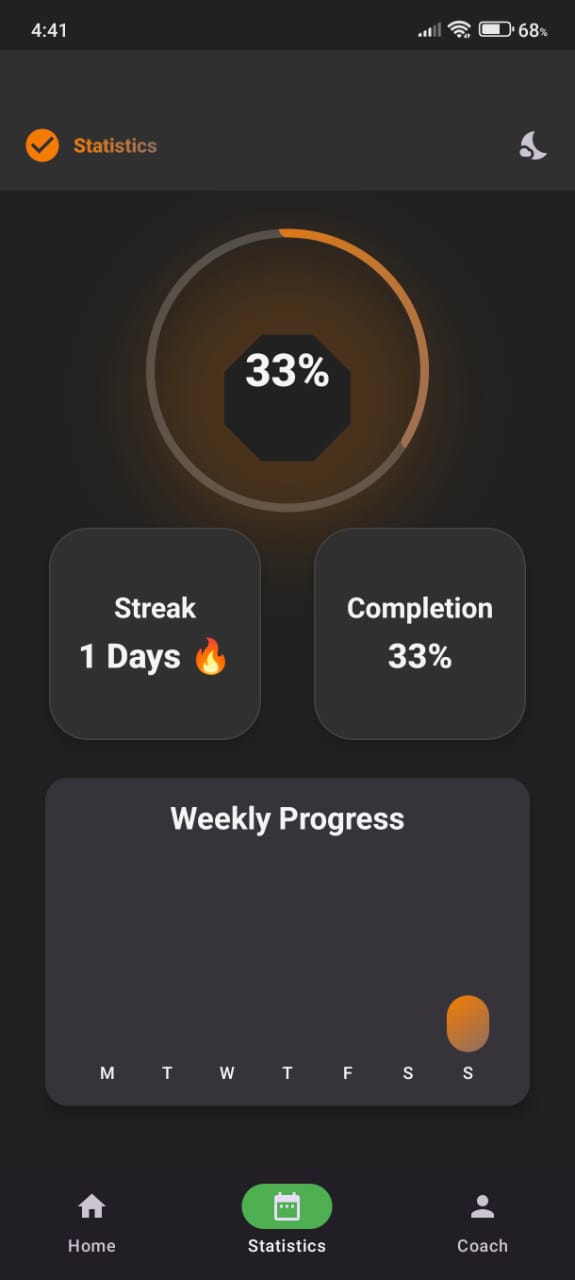
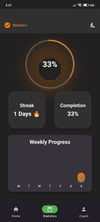
Weekly Insights: A dedicated screen for "Weekly Analytics" that allows users to look back at their performance over time.
•
Data Visualization: Likely utilizes charts or grids (as suggested by the WeeklyAnalyticsScreen call) to show streaks and consistency levels.
3. Personalized "Habit Coach"
•
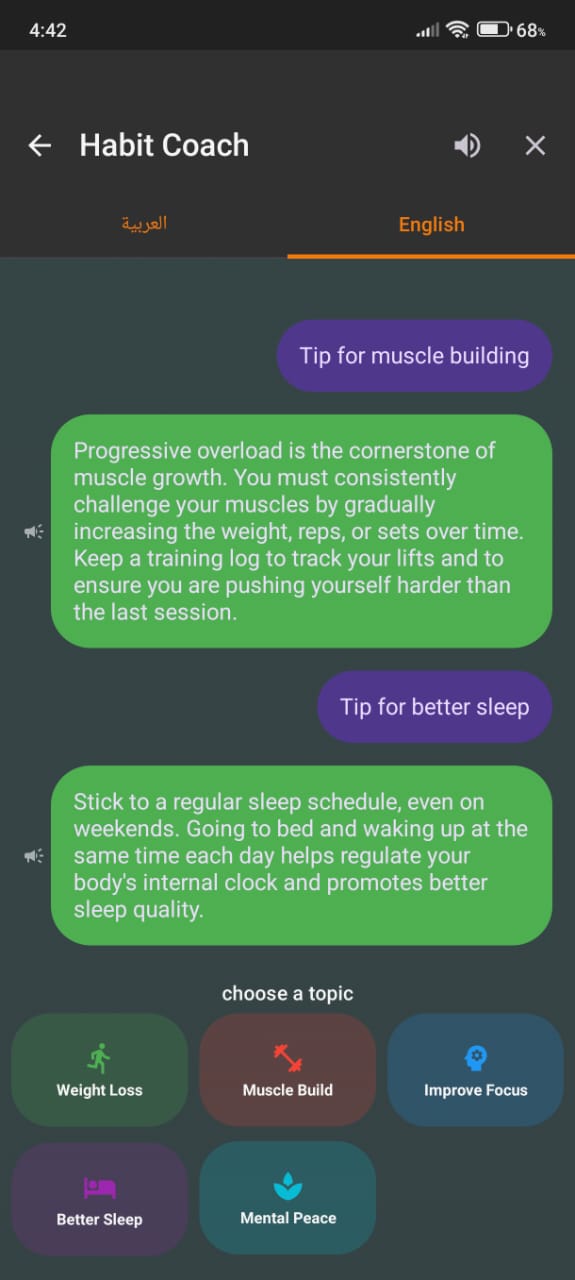
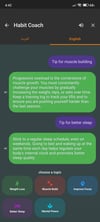
AI/Automated Guidance: A specific "Coach" section reachable via the bottom navigation bar. This provides a focused environment (likely using the HabitCoachScreen component) to offer advice or feedback on the user's habit-building journey.
4. Customization and UI/UX
•
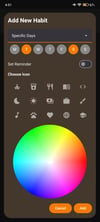
Extensive Icon Library: The app offers a vast range of icons for habit categorization, including fitness (cycling, running, soccer), lifestyle (reading, cooking, meditation), and productivity (coding, work).
•
Smart Theme Management:
◦
Supports Light Mode, Dark Mode, and System Default.
◦
Features smooth transitions between themes using Crossfade animations.
•
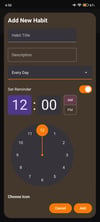
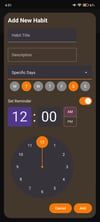
Time-Sensitive Reminders: Integration with AlarmManager and a built-in TimePicker allows users to set specific reminders for their habits.
•
Interactive Design: Uses Haptic Feedback for physical confirmation of actions and AnimatedContent for smooth UI transitions.
5. Technical Highlights
•
Material 3 Design: Utilizes the latest Material Design components (Scaffold, TopAppBar, NavigationBar) for a native Android look and feel.
•
State Management: Built using a ViewModel pattern with StateFlow (collectAsState) to ensure the UI stays synchronized with the underlying database.
•
Animations: High-quality polish using the Konfetti library for celebrations and Compose animations for layout changes.
Target Use Case
This app is ideal for users looking to gamify their productivity—whether they are tracking health goals (drinking water, exercising), learning new skills (reading, coding), or managing daily chores—all while receiving visual and haptic encouragement.