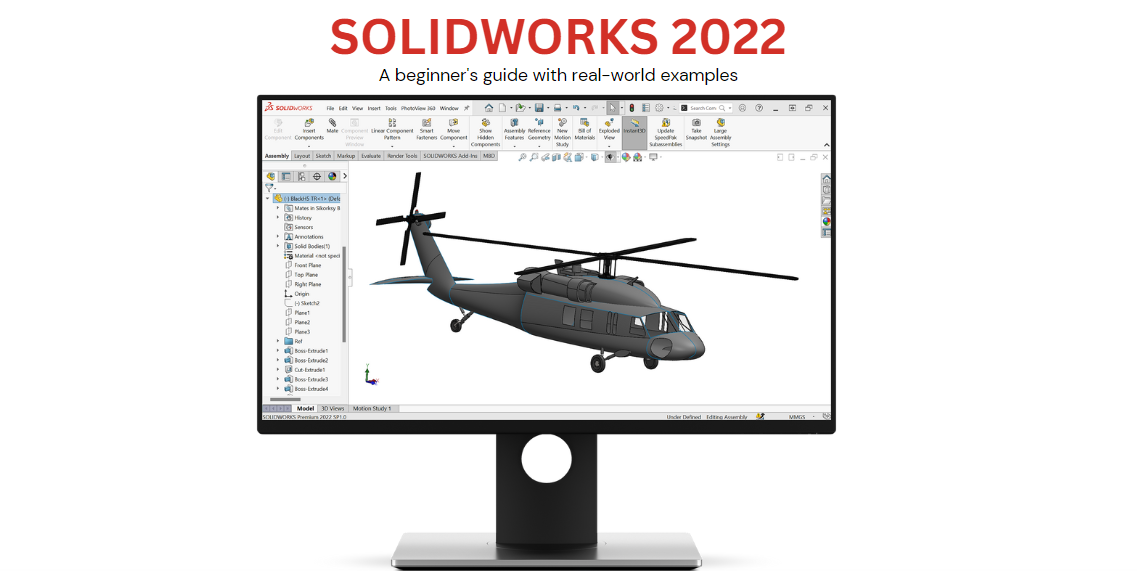
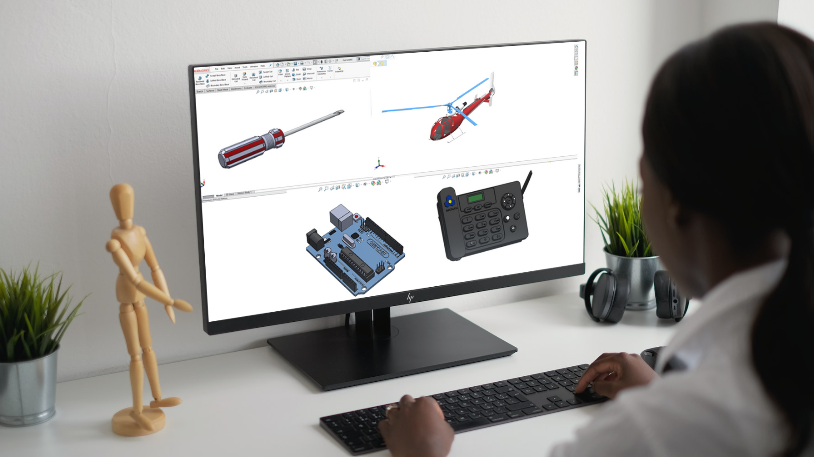
SolidWorks is a powerful tool for designing and manufacturing mechanical parts and assemblies and is widely used in many industries around the world.
This course is meant for absolute beginners and it will cover the ideal core skills a user should be equipped with.
Choose a pricing plan
Course curriculum
- Introduction
- Chapter 1: SolidWorks User Interface
- Chapter 2: Sketching tools
- Chapter 3: Editing 2D Sketches
- Chapter 4: Creating new planes
- Chapter 5: 3D Geometry tools
- Chapter 6: Editing 3d Geometry
- Chapter 7: Assembly
- Chapter 8: Drawing
Course duration is 2 hours 14 minutes 29 seconds.
Enroll now and take the first step towards achieving your goals in learning SolidWorks. We look forward to having you as a part of our course community!
>> The lectures have English captions/subtitles <<
-
1Introduction
-
2Chapter 1 SolidWorks User Interface
-
3Chapter 2 Sketching tools
-
4Chapter 3 Editing 2D Sketches
-
5Chapter 4 Creating new planes
-
6Chapter 5 3D Geometry tools
-
7Chapter 6 Editing 3D Geometry
-
8Chapter 7 Assembly
-
9Chapter 8 Drawings
How to model and animate the Kaplan turbine in Solidworks
We shall look at a Kaplan turbine as a case study in this video. Key features covered include circular patterns, creating planes, and using mates in SolidWorks assembly. All these features mentioned are covered in the course.
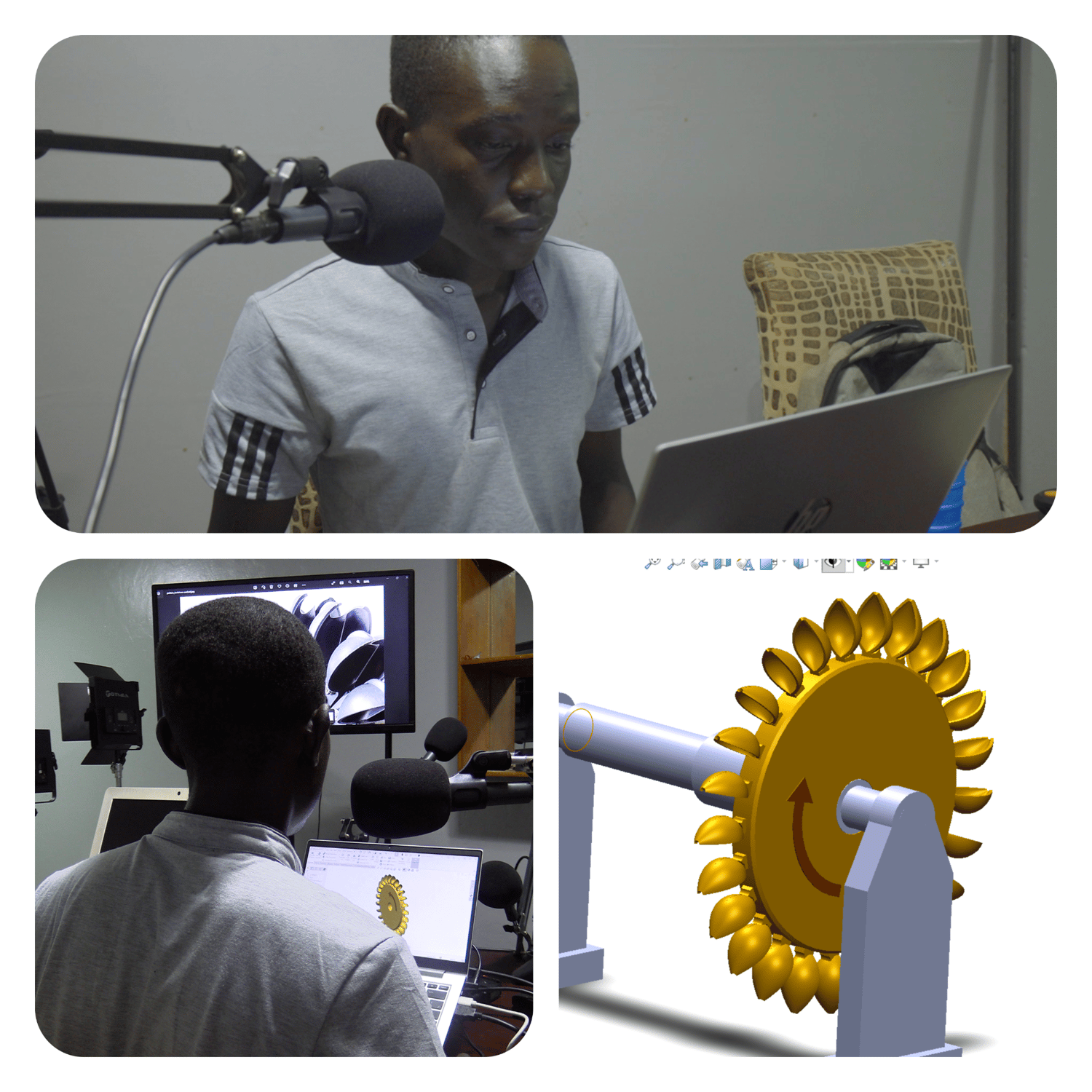
Pelton turbine