
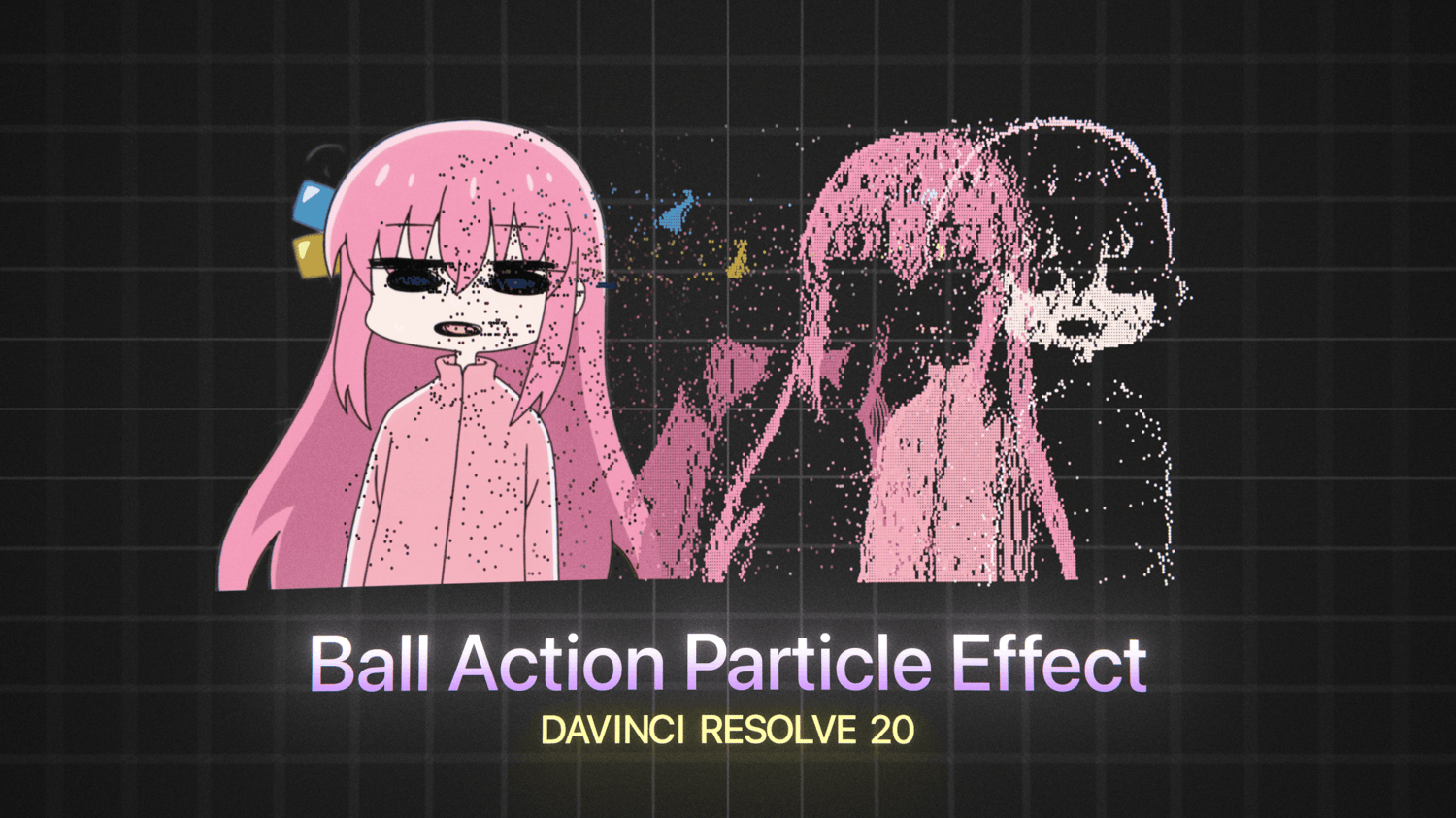

SC_BallAction LITE | Free Ball Action Particle Macro
On Sale
$0.00
Free CC Ball Action recreation from After Effects.
How To Install Macros:
- Install Macro .Setting File from Payhip
- Find Macro Installation Path
- Windows: %appdata%\Blackmagic Design\DaVinci Resolve\Support\Fusion\Macros\
- MacOS: ~/Library/Application Support/Blackmagic Design/DaVinci Resolve/Fusion/Macros/
- Restart DaVinci Resolve and locate the effect using the toolbox in Fusion, SC_BallActionLITE
If you are not able to find the correct macro install path, refer to this video: Where to Install Macro Nodes for Fusion | PeeJ