
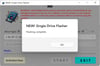
NEW Single Drive Flasher
NEW Single Drive Flasher — Windows 11 (64‑bit)
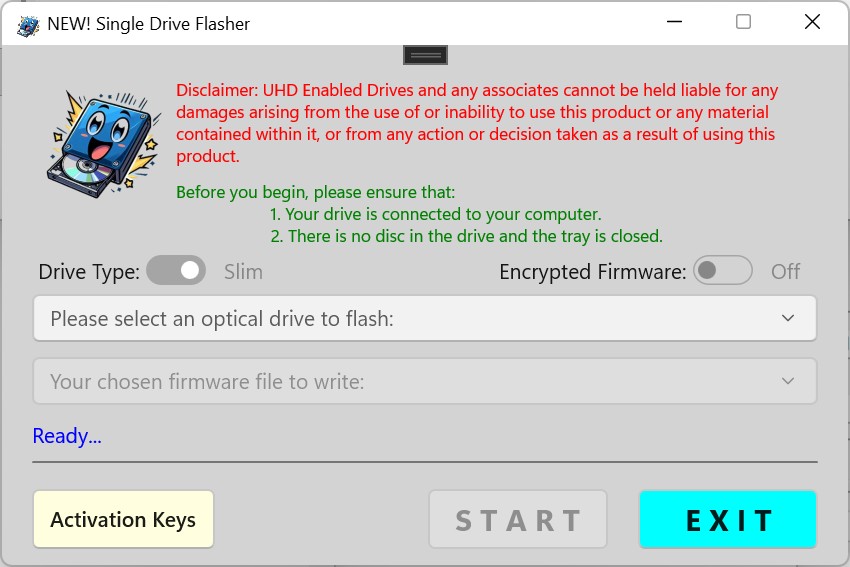
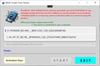
A modern, GUI‑based flashing tool designed specifically for MT1959‑platform drives. No scripts, no remote flashing, no waiting — just a clean, reliable, self‑contained executable.
✔ Automatic drive checks
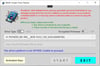
Detects platform type, encrypted firmware, and other required conditions before flashing.
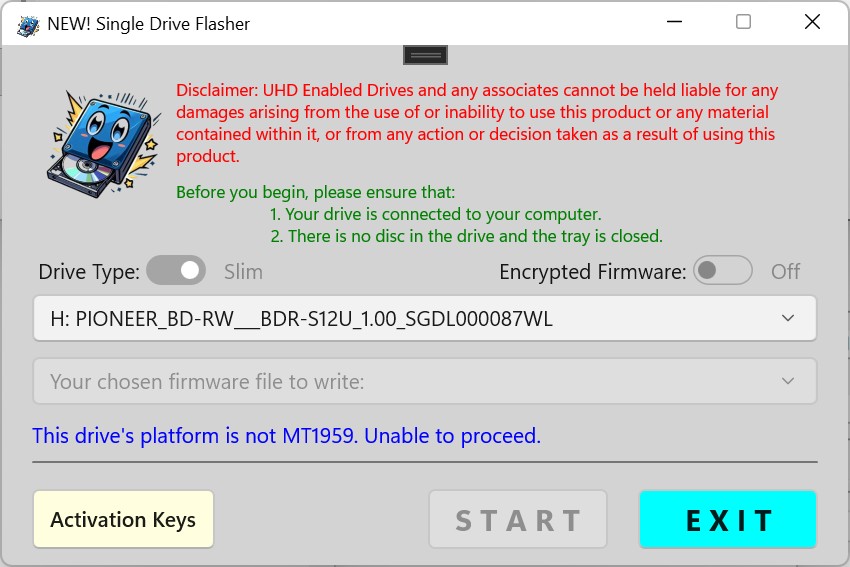
✔ MT1959 drive platform compatibility
Supports all compatible drives using the MT1959 drive platform, manufactured from 2016 onward.
(Drives from late (October) 2015 may work, if you decide to risk it.)
✔ Simple workflow
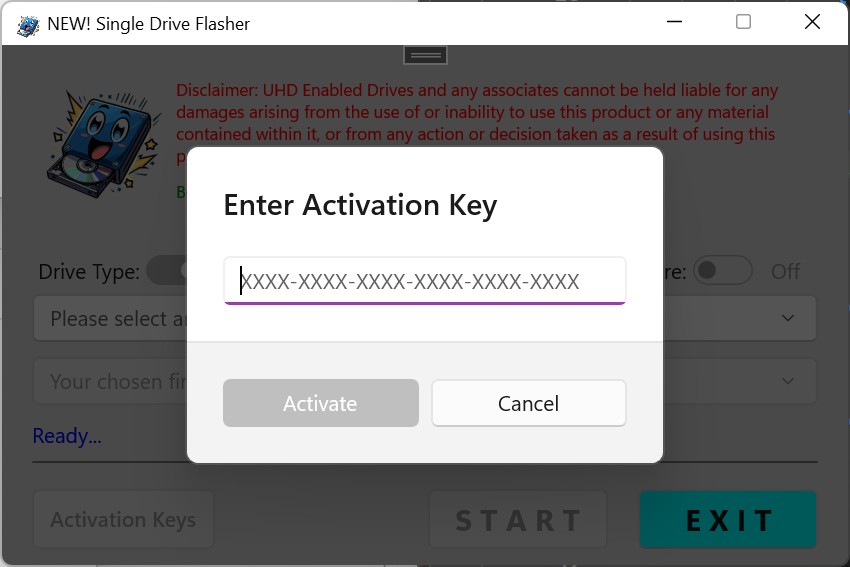
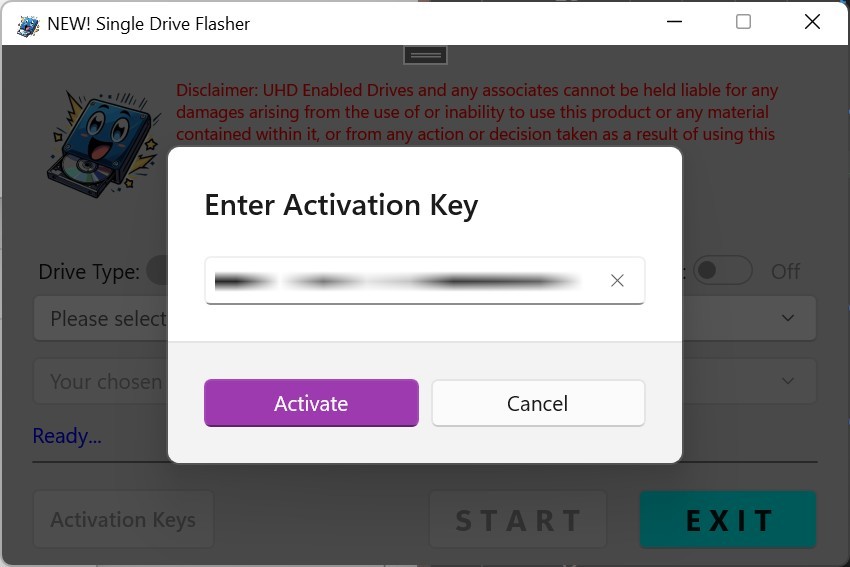
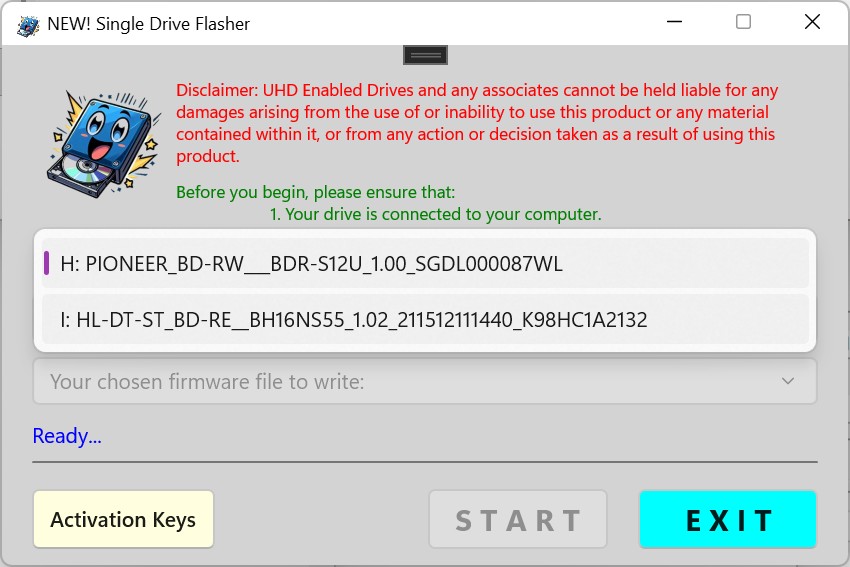
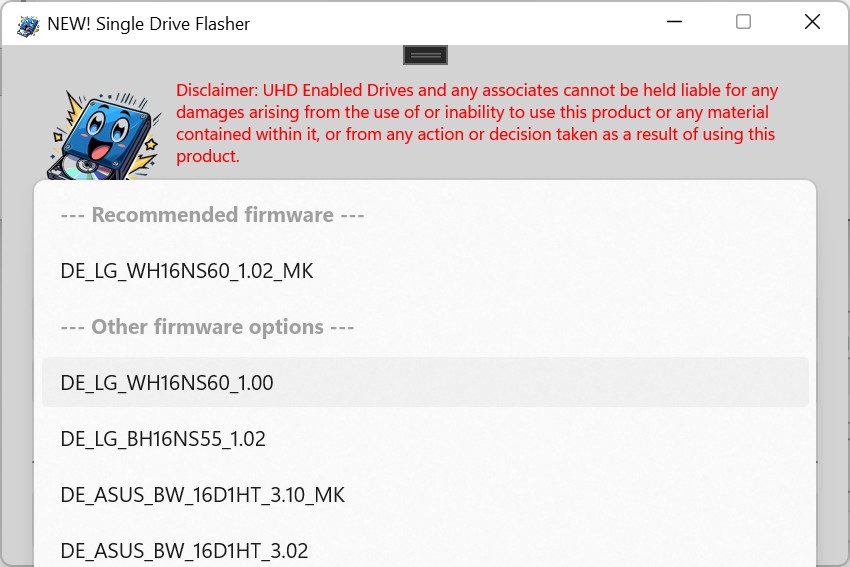
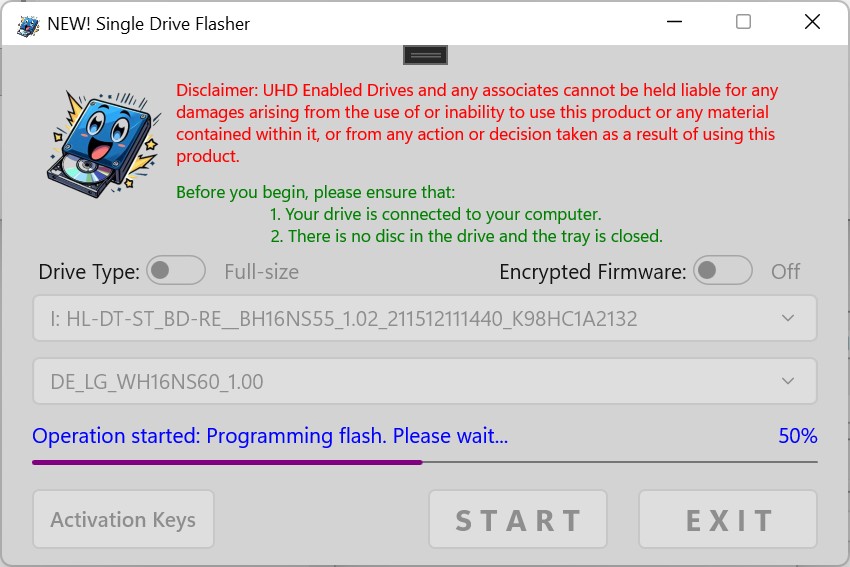
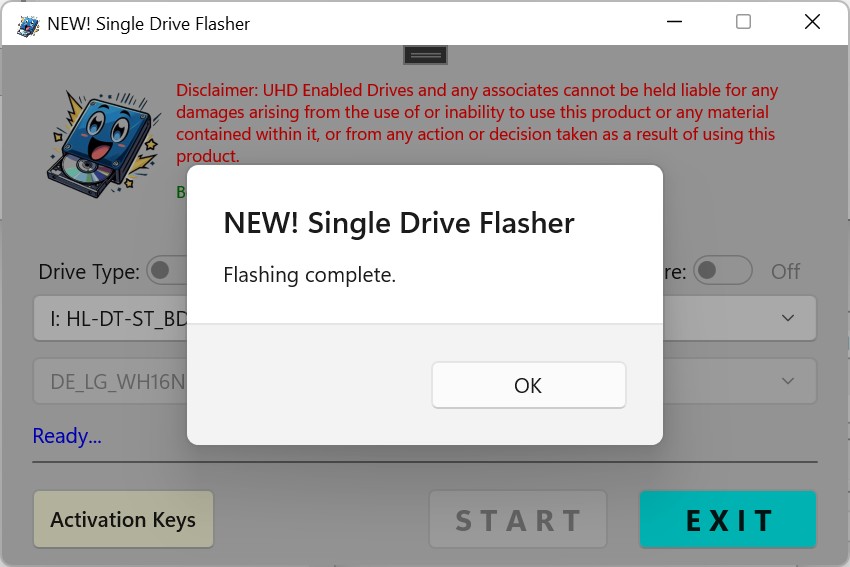
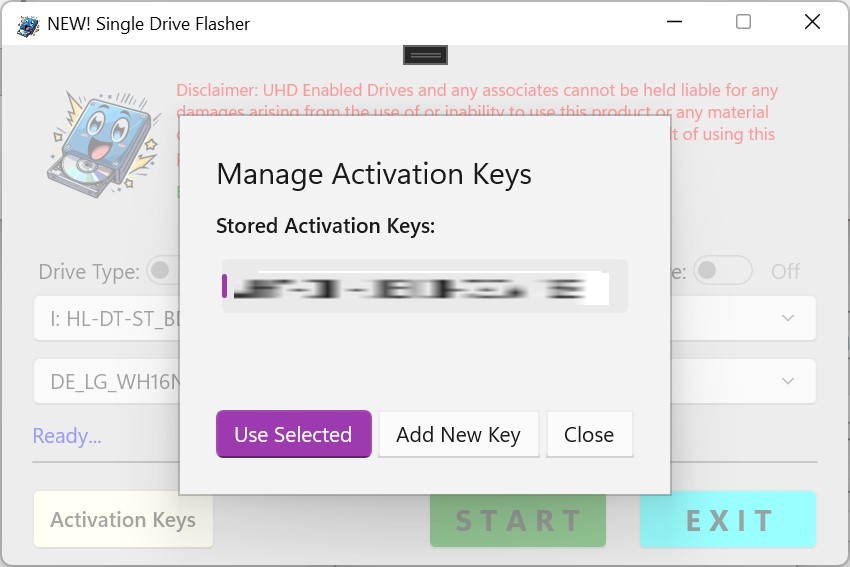
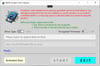
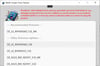
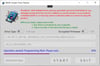
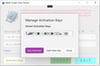
Enter your activation key → select your drive → choose firmware → press START.
(You can also flash a different firmware version to the drive if you want to change it at any time.)
✔ Instant access
Your download and license key are delivered immediately after PayPal payment is processed.
✔ MK firmware support
MK firmware works with MakeMKV and Xreveal only. For DVDFab or other ripping software, use a non‑MK firmware.
Important enclosure note:
Regarding external drives, the enclosure must allow flashing commands and LibreDrive passthrough. Some newer Archgon and XrtFore (and possibly other) enclosures block these commands. If your enclosure blocks flashing, remove the drive from the enclosure and flash it directly.
Important MakeMKV note:
It may be possible that you might need to have MakeMKV installed on your PC for the tool to work properly. If this is the case for you, do not use MakeMKV v2.0.0. Install an older version, such as MakeMKV v1.18.4, which can be downloaded from https://makemkv.com/download/old/
Encrypted firmware detection:
The flasher tool automatically detects encrypted firmware and applies the correct flag. If your drive is very new and detection fails and you believe the encrypted flag is the issue, press SHIFT+E to toggle the encrypted flag manually. (Examples: Archgon BU40N 1.02, ASUS BW‑16D1HT 3.11)
Incompatible models:
There are some models available that are not compatible, even though they use the MT1959 drive platform. One example is the LG BP50NB40 with the SVC:NB71 code. For LG drives, make sure the SVC code on the drive label is NB50 or greater or NS50 or greater. You can find a list of what drives are compatible over on the MakeMKV forum.
This is a digital software product. The executable is self‑contained and may take up to one minute to run on first launch.