
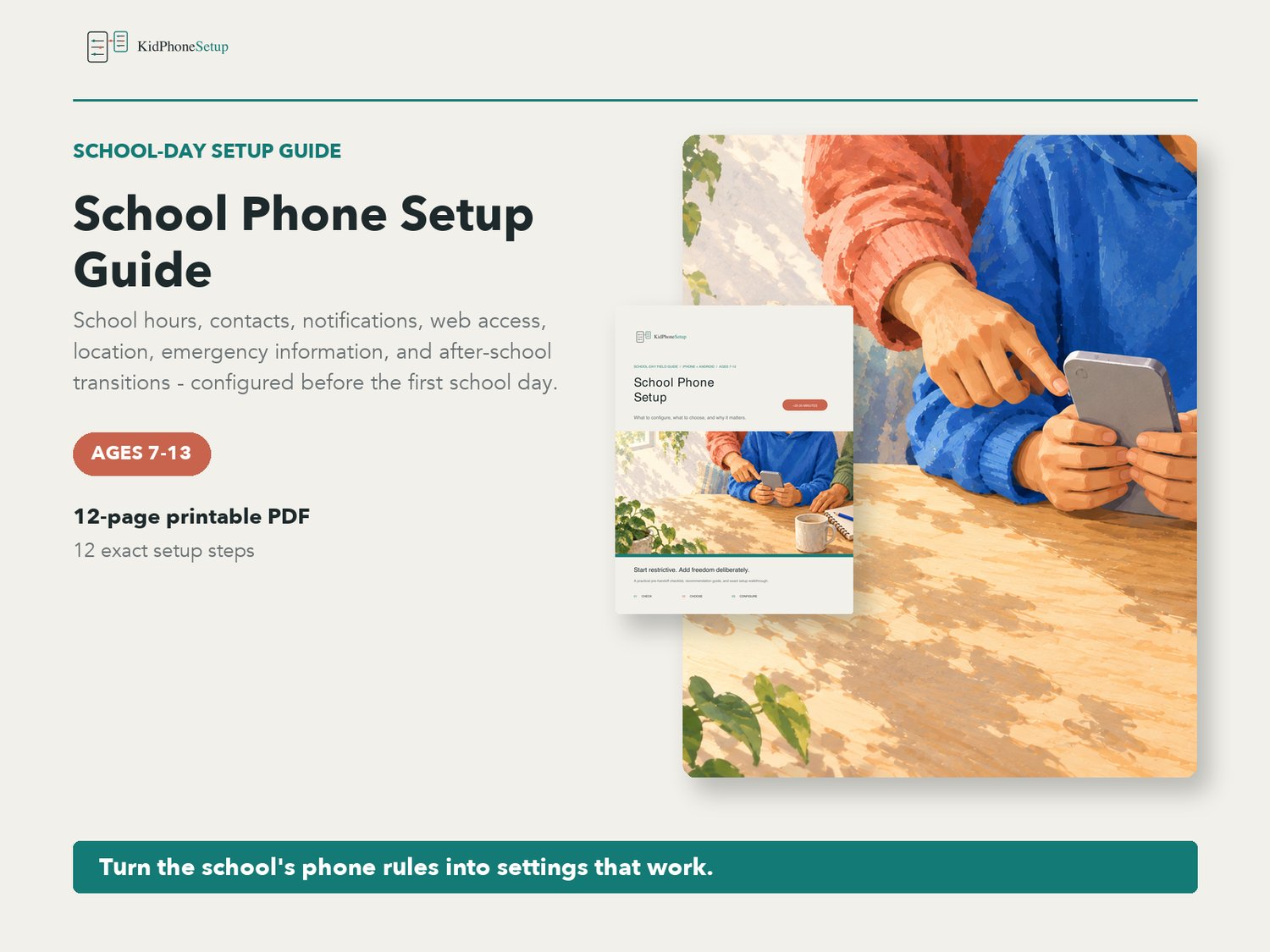


School Phone Setup Guide | iPhone & Android Parent Checklist PDF | Ages 7-13
Set up your child's phone for the school day before the first morning rush.
School phone rules vary, but the setup problem is consistent: the phone needs to support coordination, commuting, emergencies, and real school tools without becoming a classroom distraction. This guide turns the school's policy and your family's needs into exact iPhone and Android settings.
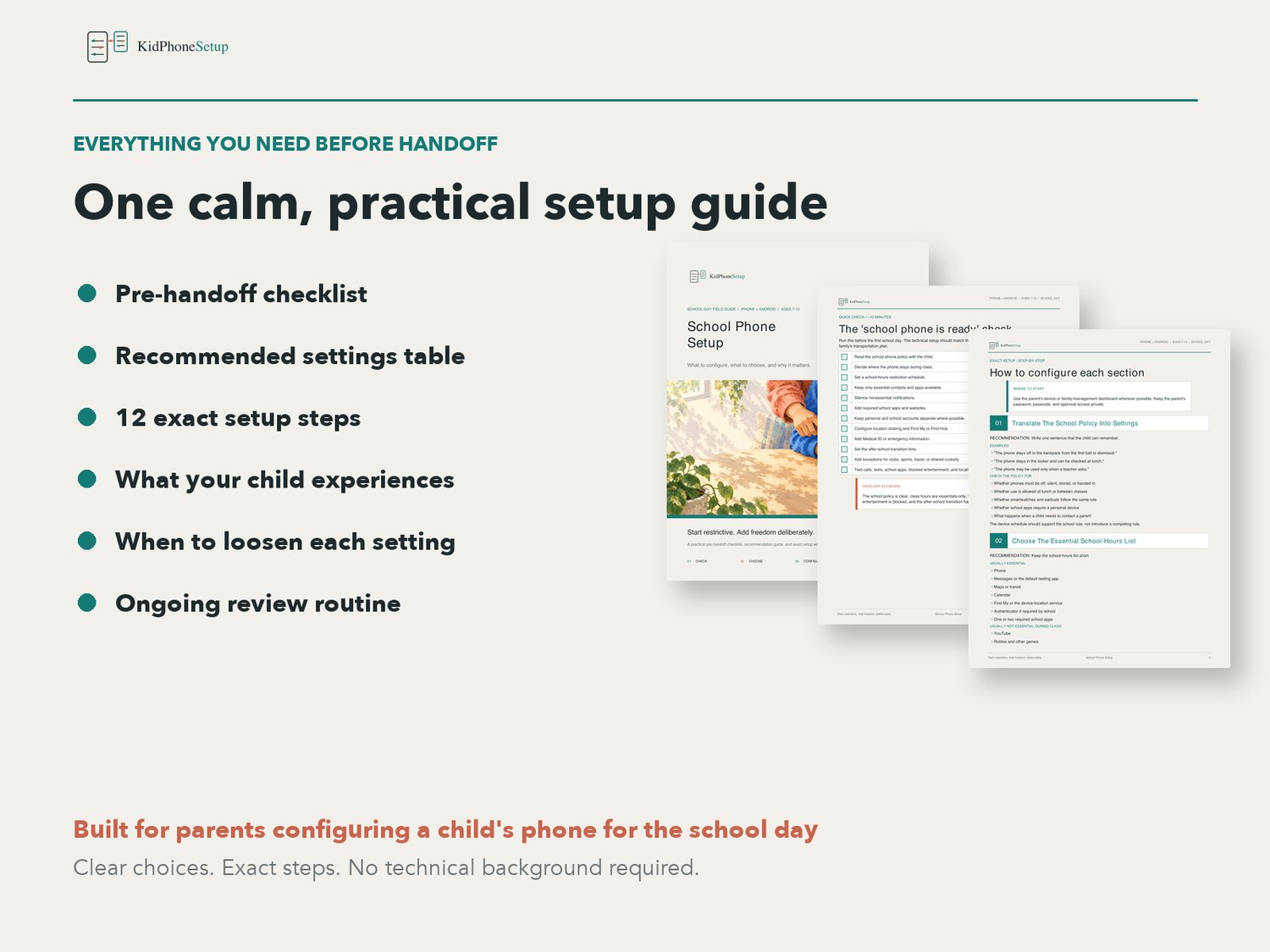
WHAT'S INCLUDED
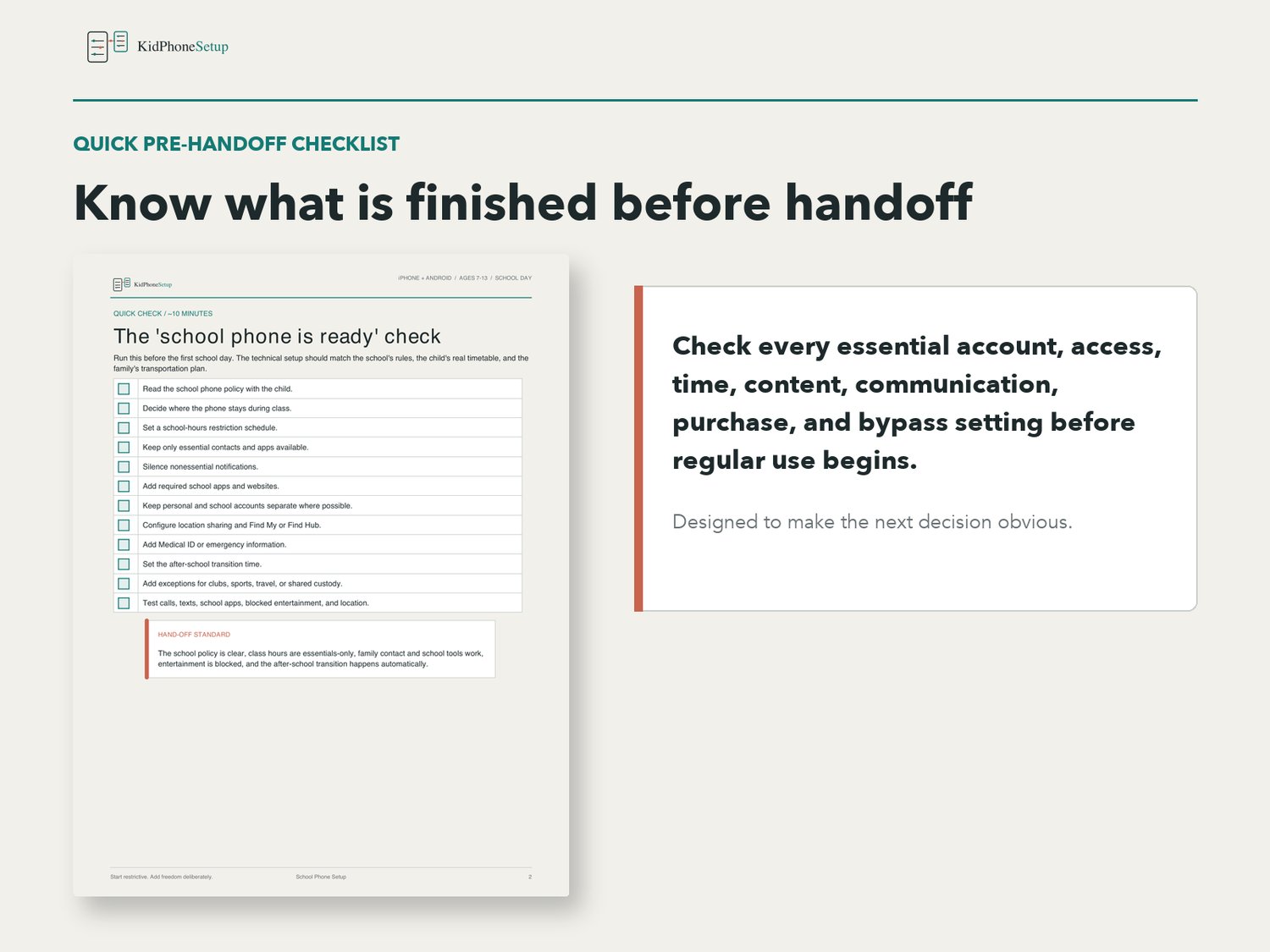
- Quick pre-handoff checklist
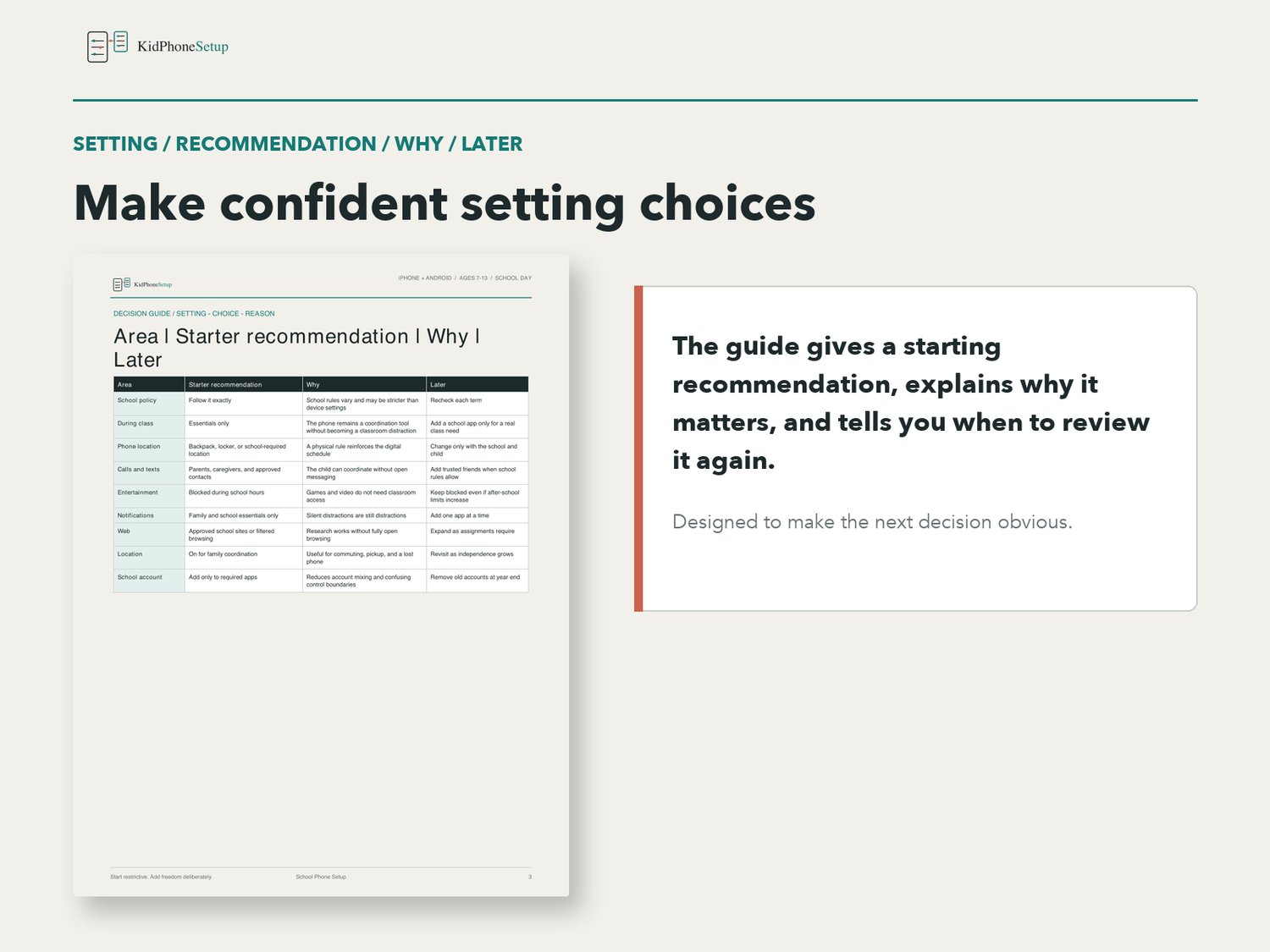
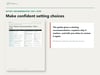
- Recommended school-day settings table
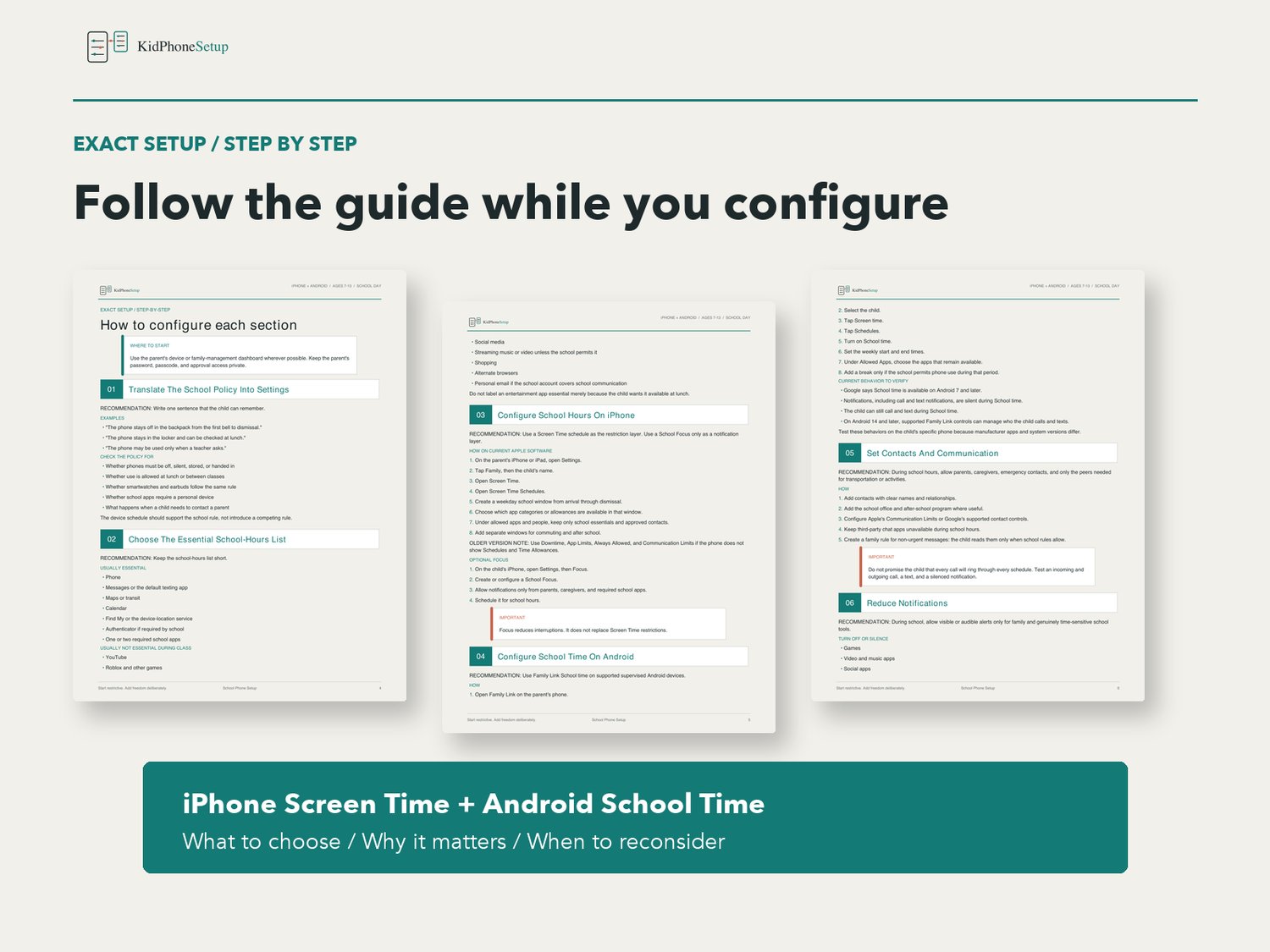
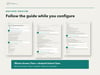
- 12-step iPhone and Android setup walkthrough
- School-policy-to-settings worksheet
- Essential school-hours app list
- iPhone School Time and Screen Time guidance
- Android School Time and Family Link guidance
- Parent, caregiver, and approved-contact setup
- Notification reduction
- School app and website setup
- Filtered web access for assignments
- Location and commute settings
- Emergency information setup
- Automatic after-school transition
- Pre-first-day testing checklist
- What the child experiences
- Starter family rules and parent conversation prompts
- Weekly review for the first month
- Gradual-loosening guidance
- Links to the official Apple and Google sources used to verify the guide
FORMAT
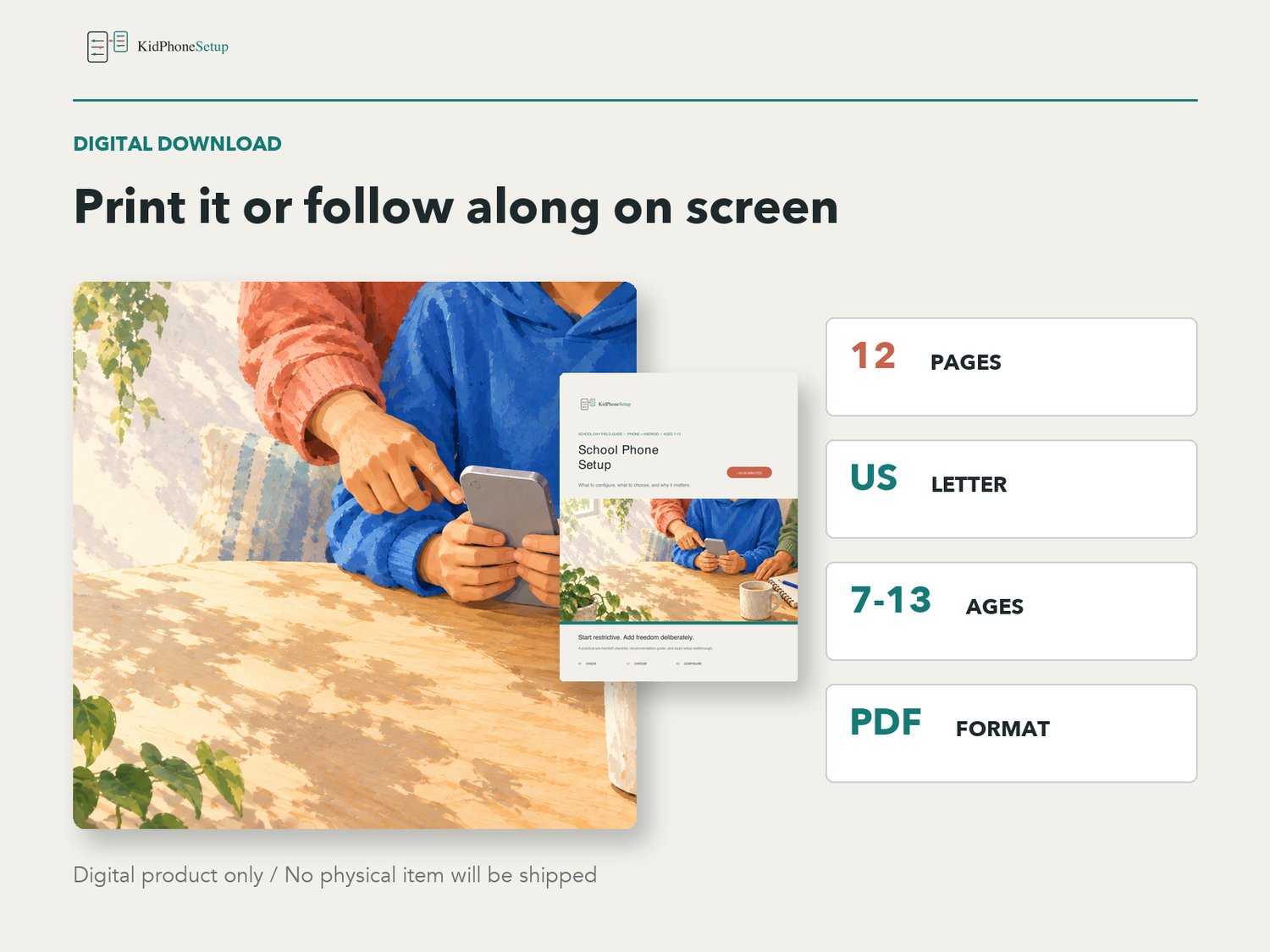
- 12-page PDF digital download
- US Letter size
- Clear, parent-friendly instructions
- Covers iPhone and Android
- Intended for parents of children ages 7-13
- Last verified September 2026
This is a digital product. No physical item will be shipped. School policies and phone controls vary by school, account, device, region, and software version; verify the school's current policy and important settings on your own device.
KidPhoneSetup is an independent educational resource and is not affiliated with or endorsed by Apple, Google, or any school system.