




Table Creator for Illustrator
# Table Creator for Illustrator
**Build the grid. Leave it native.**
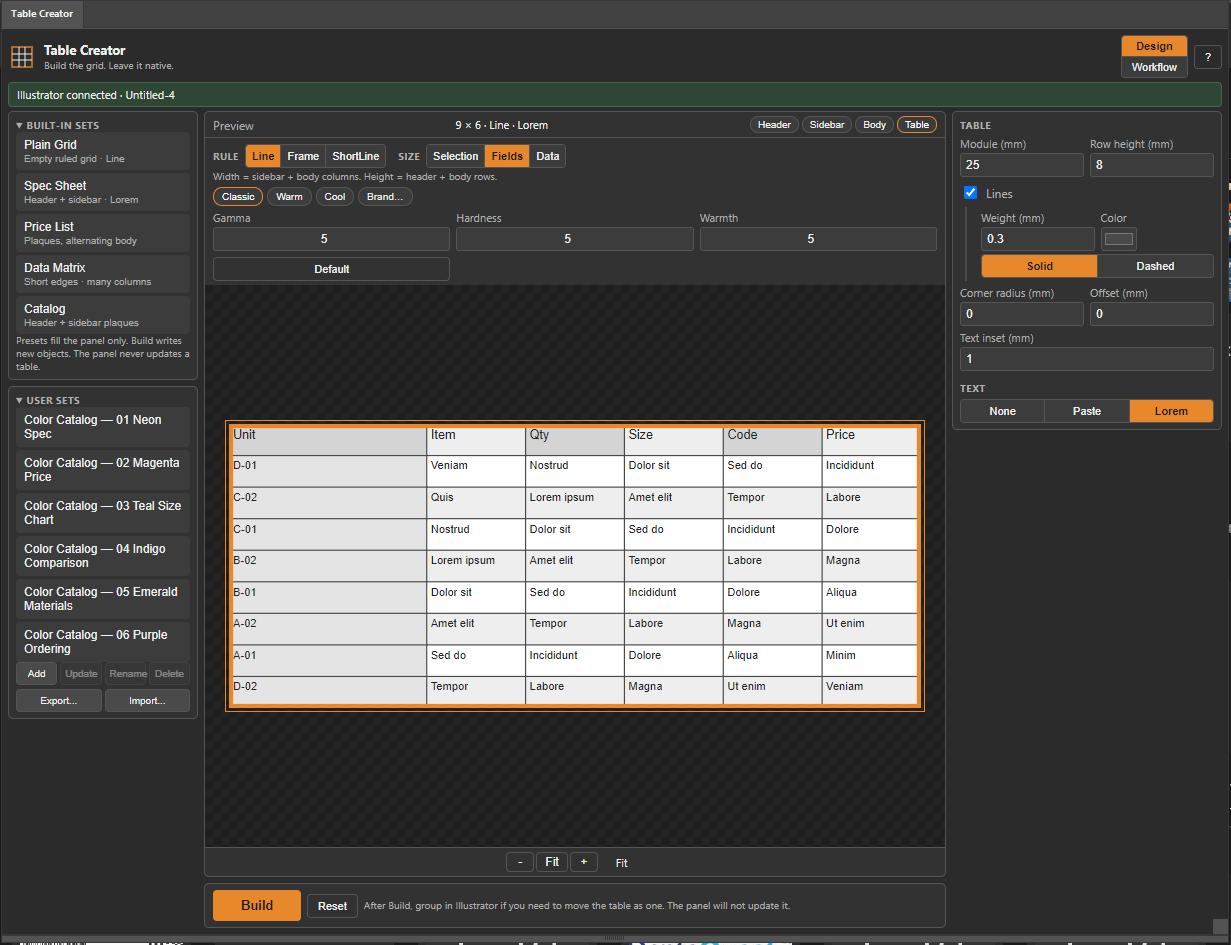
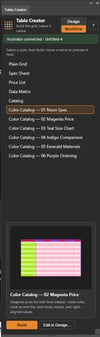
Design the structure and style in a live Preview — then create a fully native, fully editable table grid in Adobe Illustrator with one click. No links, no lock-in: the output is ordinary Illustrator artwork you can edit like anything else.
## Why Table Creator
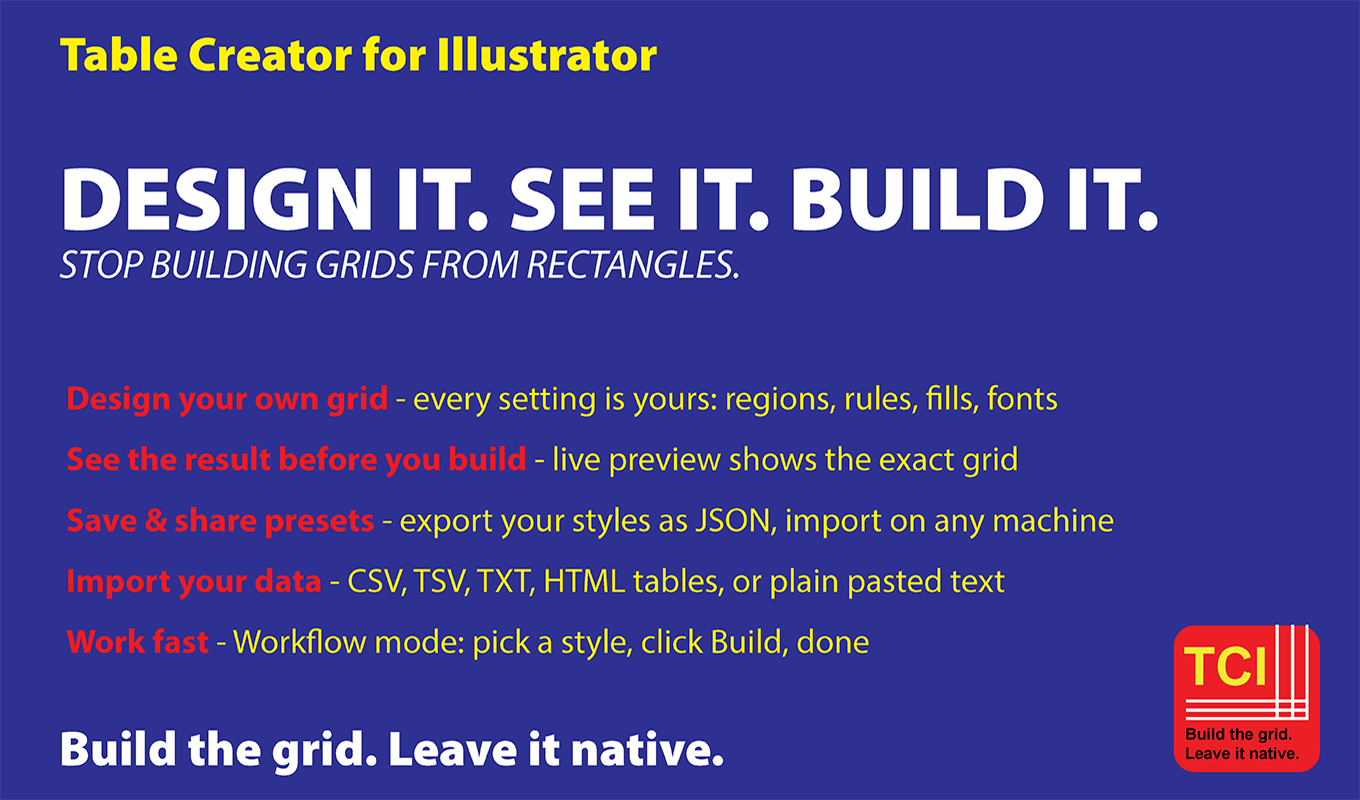
- **See it before you build it** — the live Preview shows the exact grid; pan, zoom, and click any line or cell to edit it
- **Get client sign-off first** — export the Preview as a 150 dpi PNG and get approval before a single object is created
- **One click, native output** — fills, rules, and text frames on T_fill / T_frame / T_text layers with paragraph styles
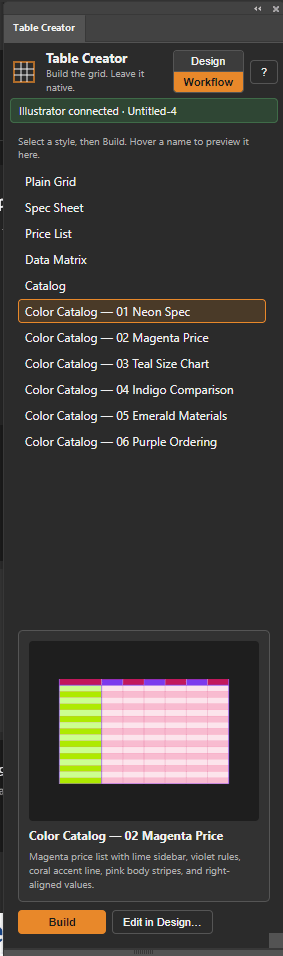
- **Design or Workflow** — full control over every parameter, or pick a ready style and click Build
- **Save & share your styles** — presets as JSON with checksum verification, so your whole team builds in the same style
- **Import your data** — CSV, TSV, TXT, HTML tables, or pasted text; the grid sizes itself to the data
- **30 ready-made styles** — 5 sample packs: magazine, book, documentation, and color catalogs
## Requirements
- Adobe Illustrator CC 2019 (23.0) or later
- Windows 10/11 or macOS 10.14+
## Installation
Purchase and download the `.zxp` file, then:
1. Install a free ZXP installer (e.g. ZXP Installer by aescripts)
2. Drag the `.zxp` file into it
3. Restart Illustrator and open **Window > Extensions > Table Creator**
(A PDF quick-start guide is included in the download.)
## License
One license — one designer. Lifetime use, one year of updates.
## Support
Questions, bug reports, feature requests: **ryzl@hotmail.com**
*Privacy: the plugin runs fully offline. No network access, no telemetry, no personal data collected. Presets are stored locally on your computer.*