
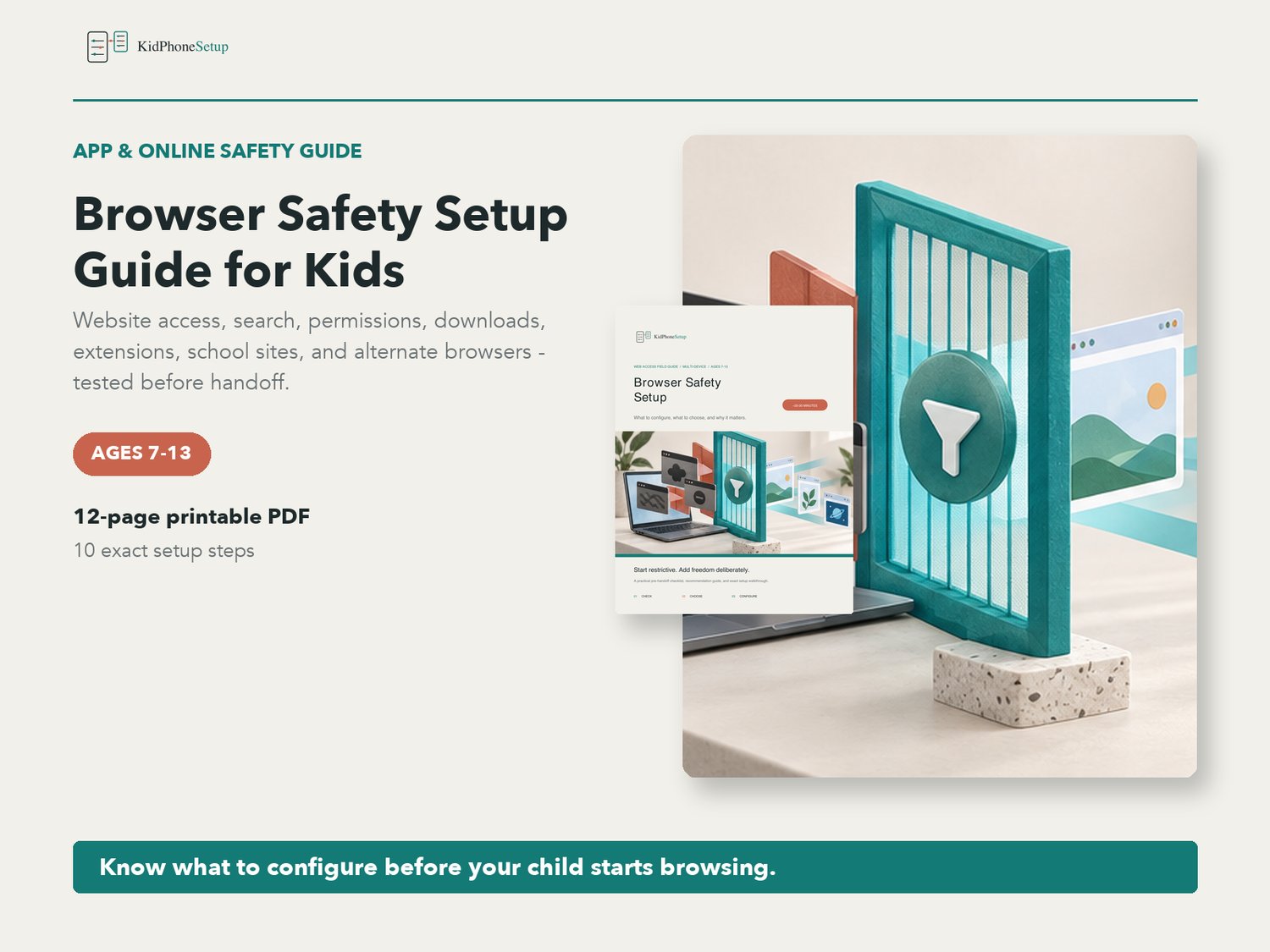


Browser Safety Setup Guide for Kids | Parent Web Filter Checklist PDF | Ages 7-13
Configure the browser your child will actually use - and test the routes that can bypass it.
This practical parent guide covers safer web access across iPhone, iPad, Android, Chromebook, Windows, and Mac. It explains what to choose, why the setting matters, and how to add access gradually when a legitimate site is blocked.
WHAT'S INCLUDED
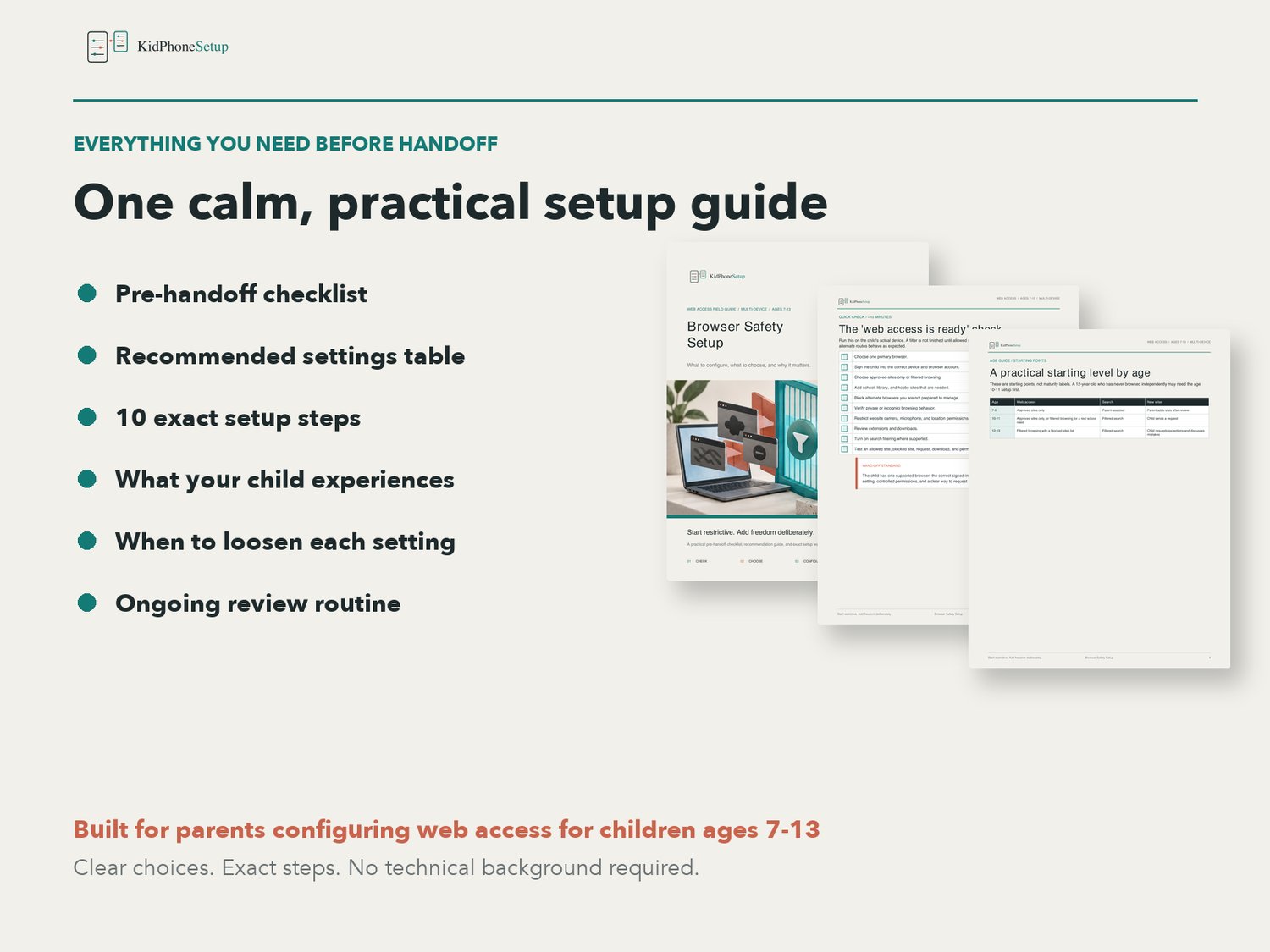
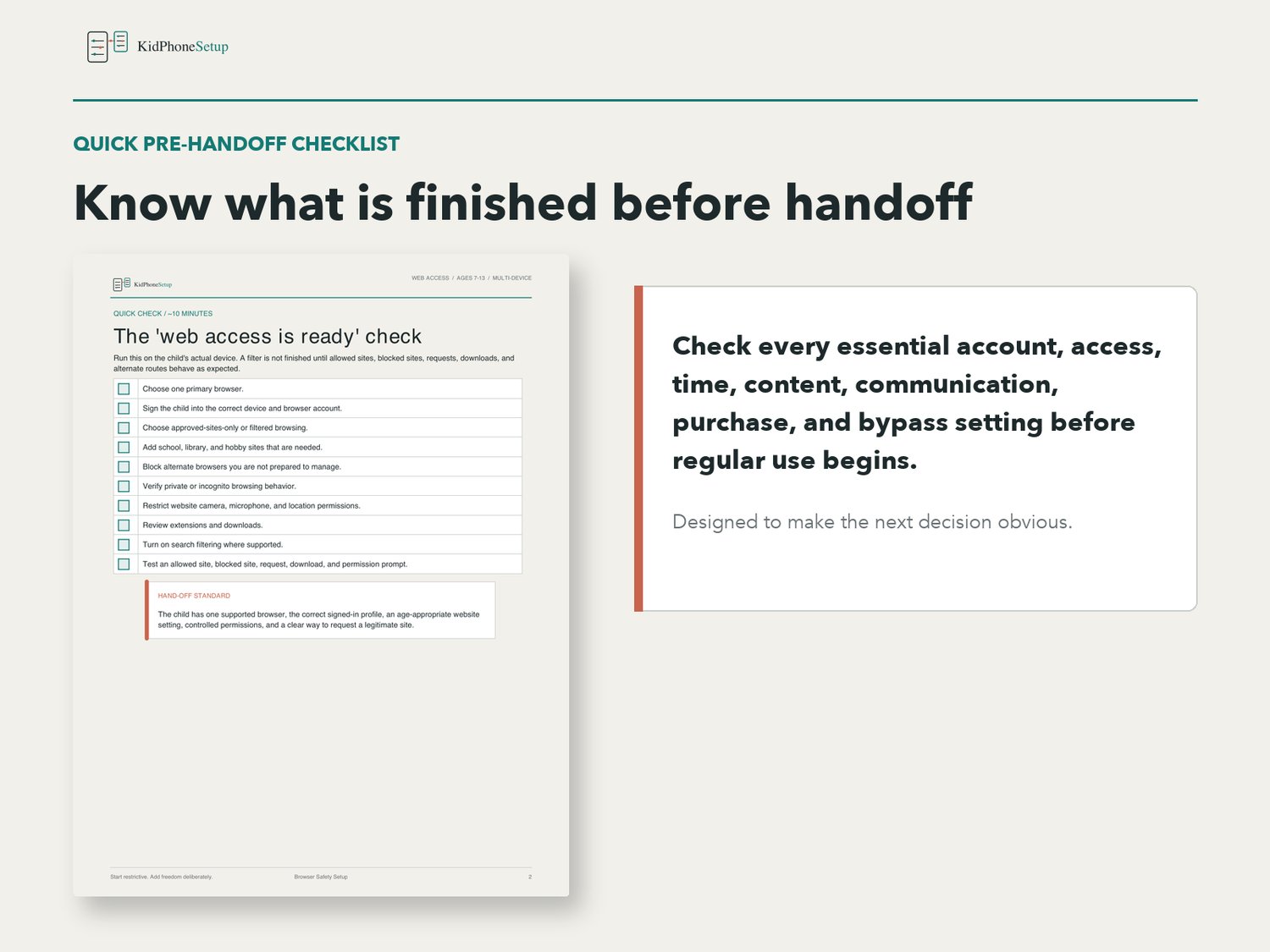
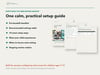
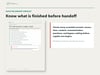
- Quick pre-handoff checklist
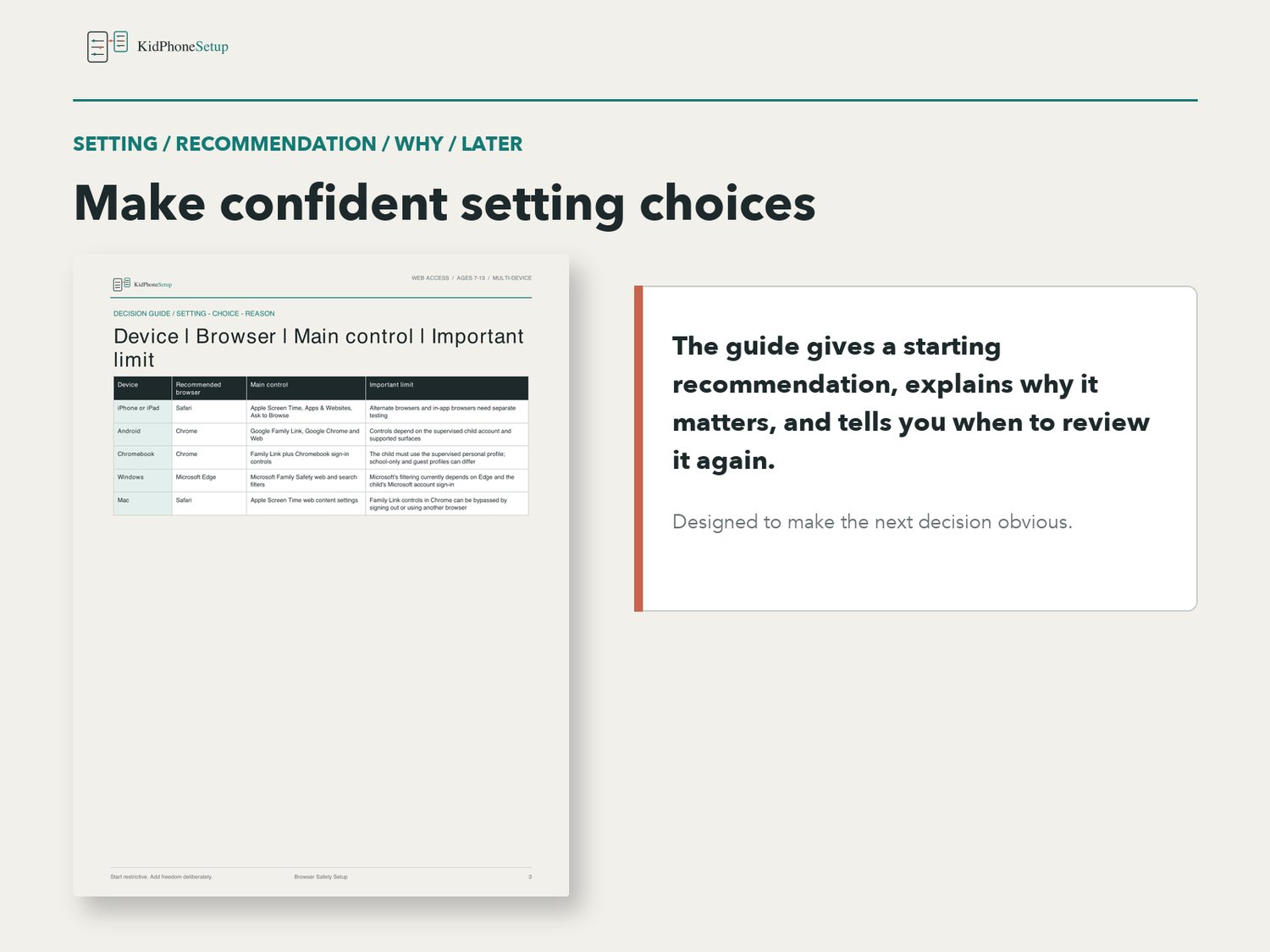
- Multi-device browser recommendation table
- Practical starting recommendations by age
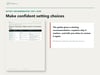
- 10-step browser-safety walkthrough
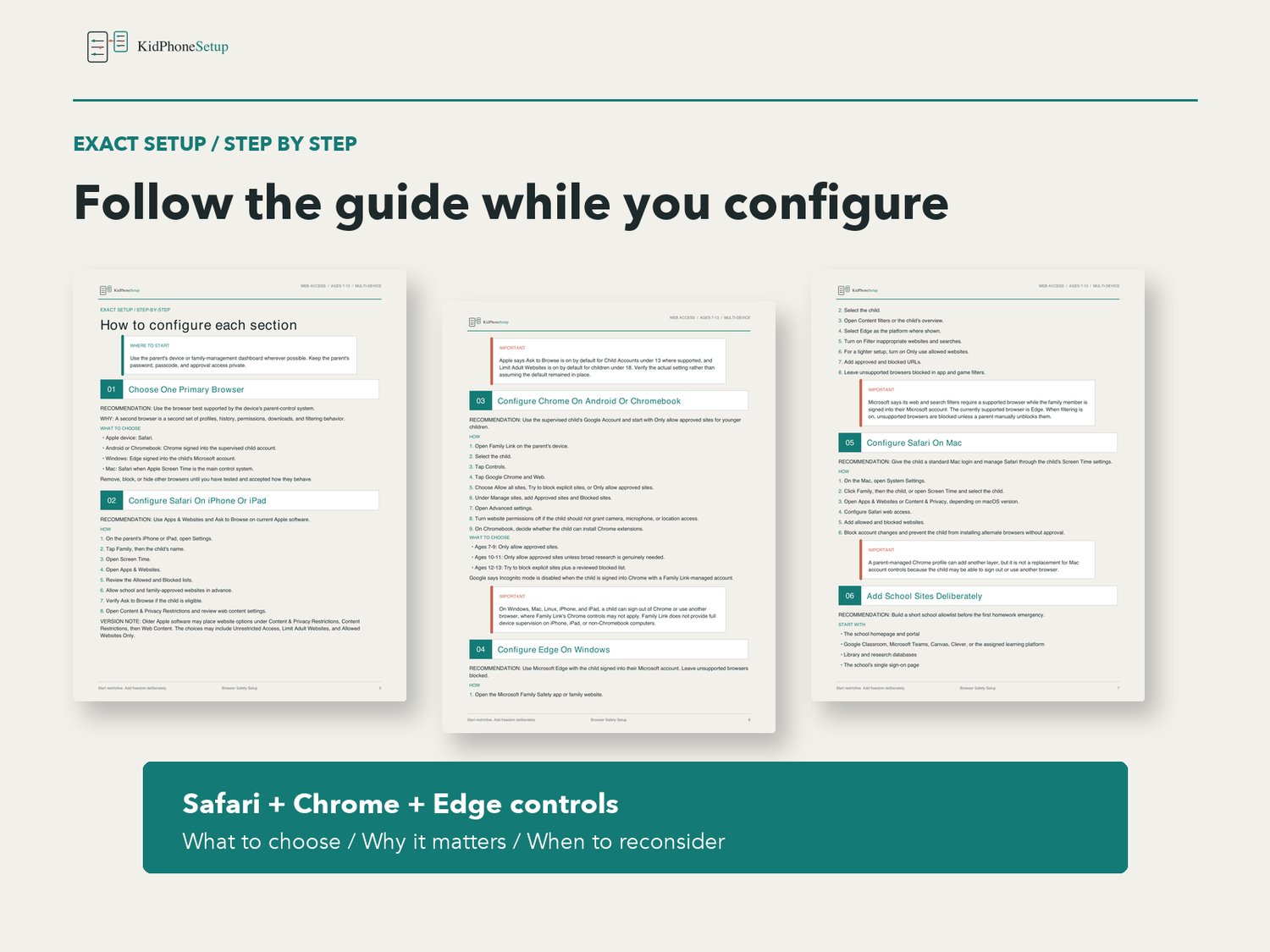
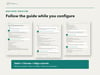
- Guidance for Safari on iPhone and iPad
- Guidance for Chrome on Android and Chromebook
- Guidance for Edge on Windows
- Guidance for Safari on Mac
- School-site allow-listing workflow
- Camera, microphone, location, notification, and download permissions
- Search, extension, and download checks
- In-app browser and alternate-browser bypass checks
- What the child experiences
- Starter family rules and parent conversation prompts
- Monthly review and gradual-loosening guidance
- Links to the official Apple, Google, and Microsoft sources used to verify the guide
FORMAT
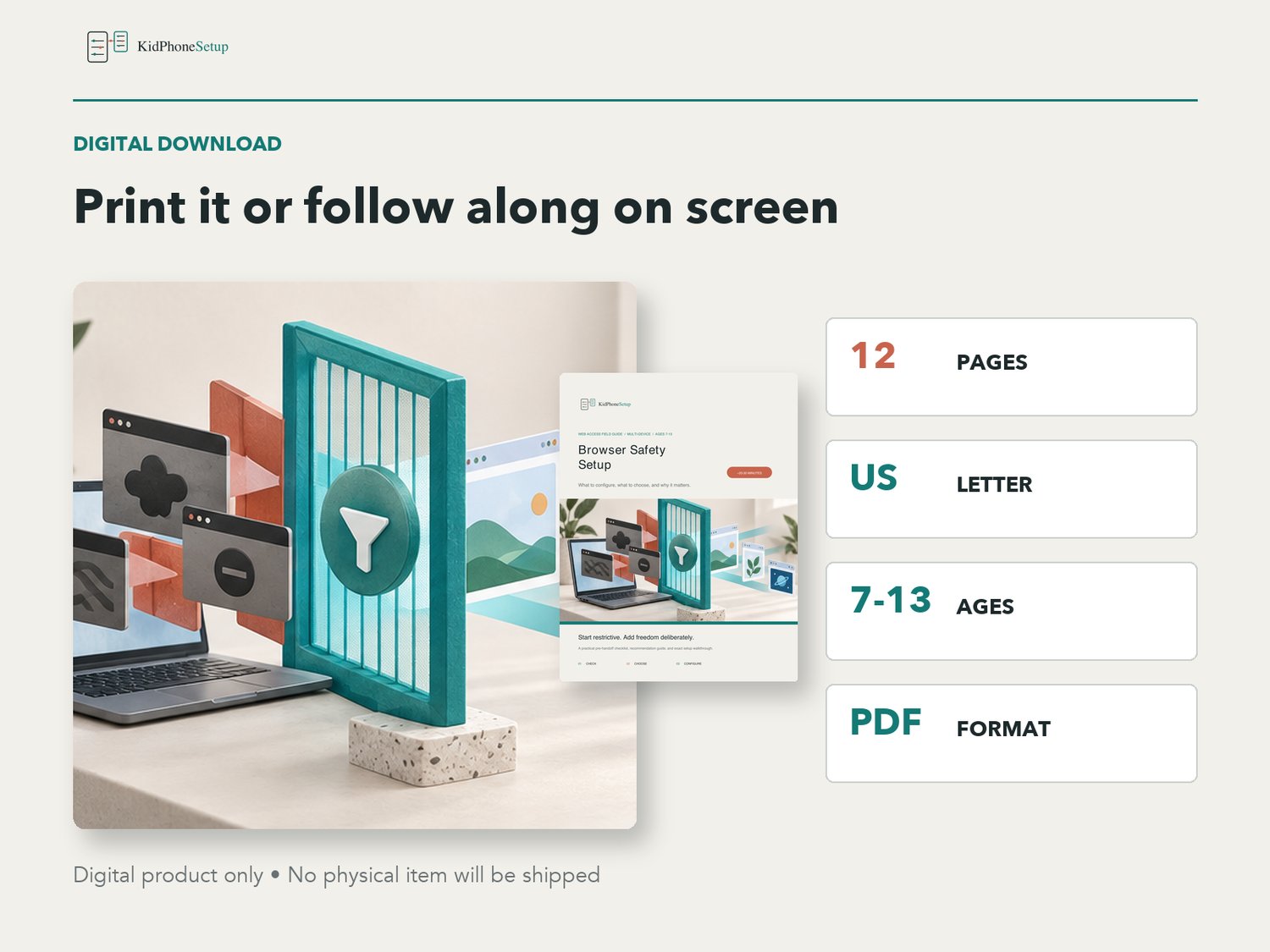
- 12-page PDF digital download
- US Letter size
- Clear, parent-friendly instructions
- Covers iPhone, iPad, Android, Chromebook, Windows, and Mac
- Intended for parents of children ages 7-13
- Last verified September 2026
This is a digital product. No physical item will be shipped. Browser controls vary by device, account, region, school policy, and software version; verify important settings on your own device.
KidPhoneSetup is an independent educational resource and is not affiliated with or endorsed by Apple, Google, or Microsoft.