



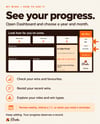


My Wins Tracker: Free Excel & Google Sheets Wins Log + Dashboard
On Sale
$0.00
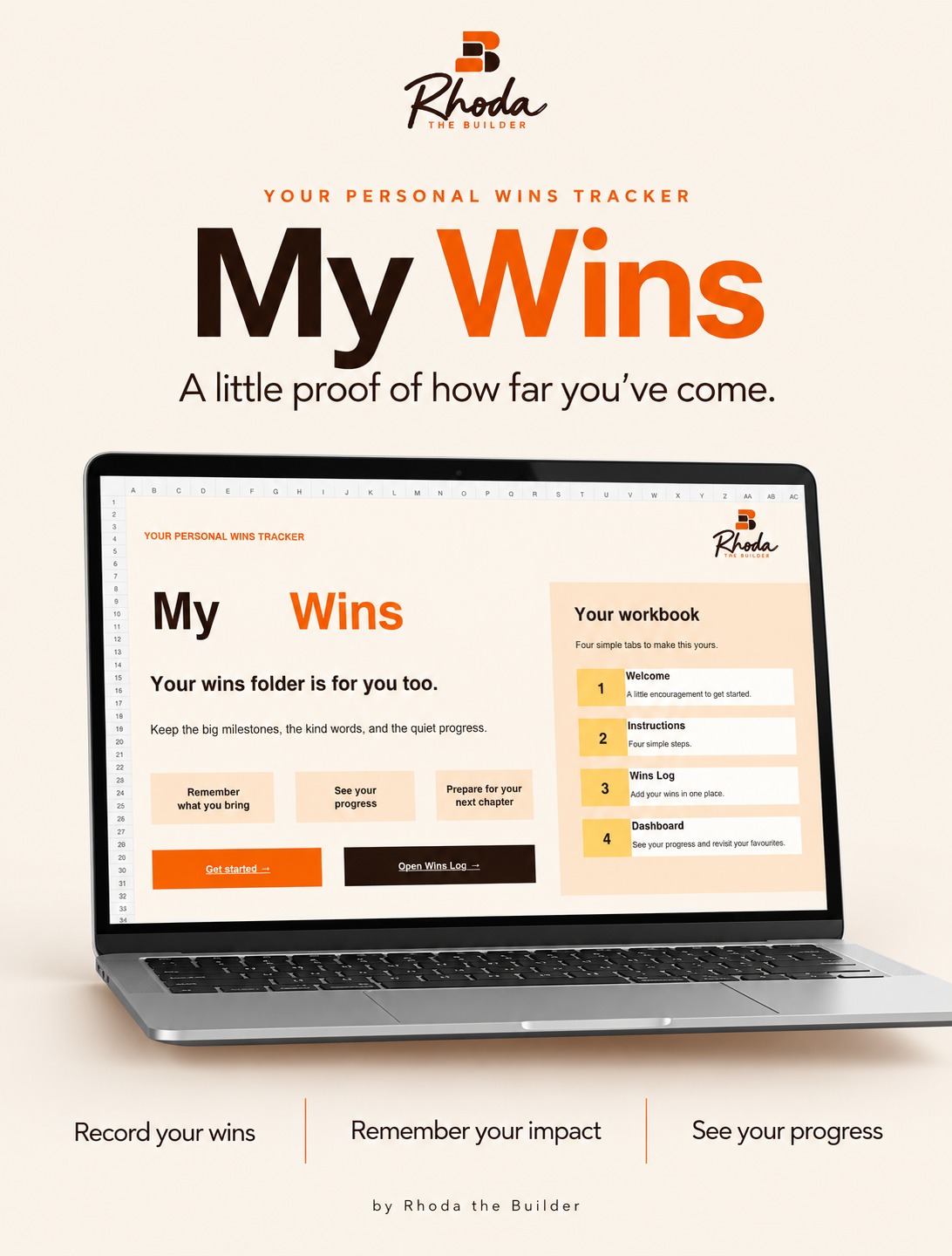
Your wins folder is for you too.
My Wins Tracker is a free spreadsheet for keeping the big milestones, the kind words and the quiet progress in one place, so you never have to scramble to remember what you've done before a review, a 1:1, an interview or a raise conversation.
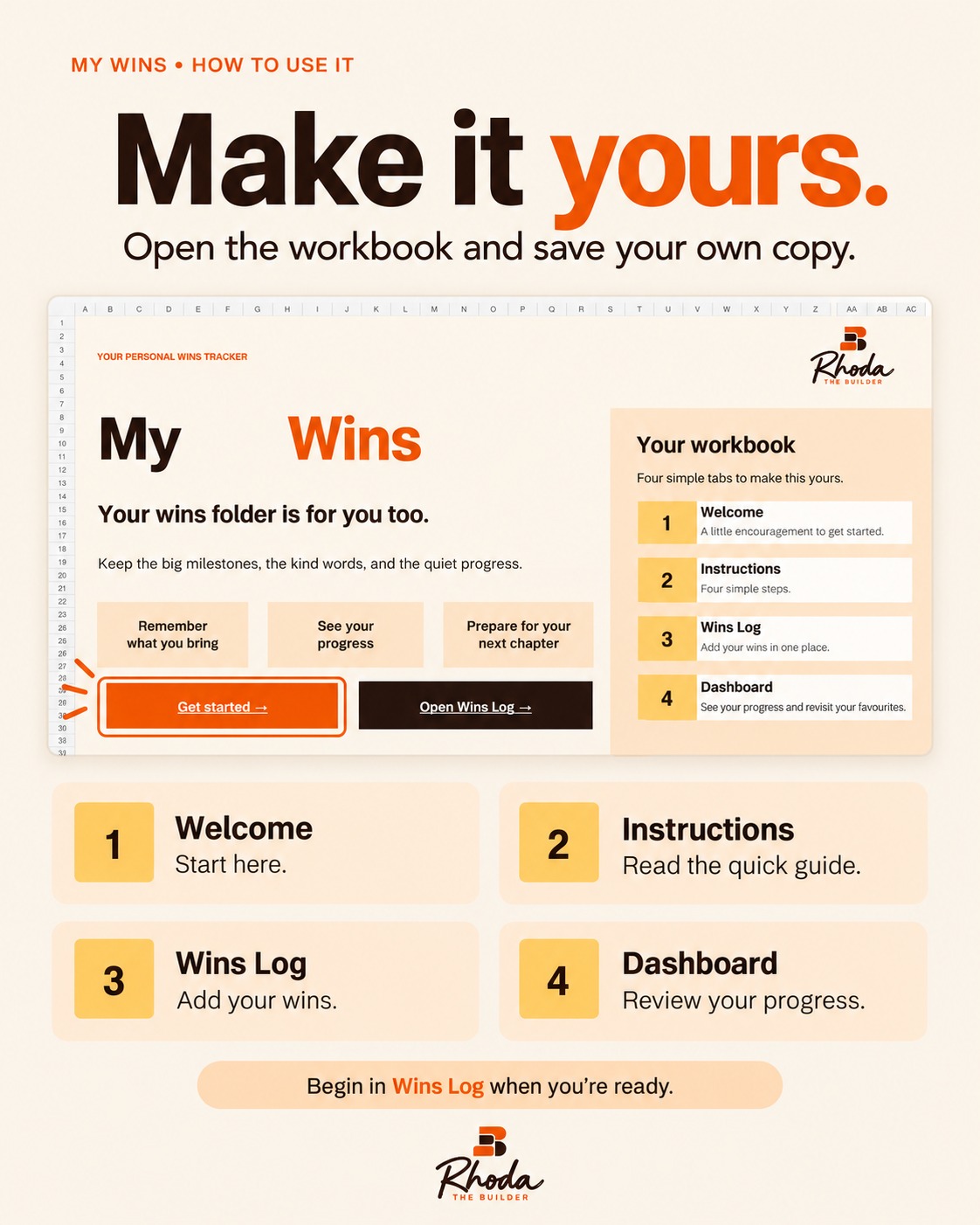
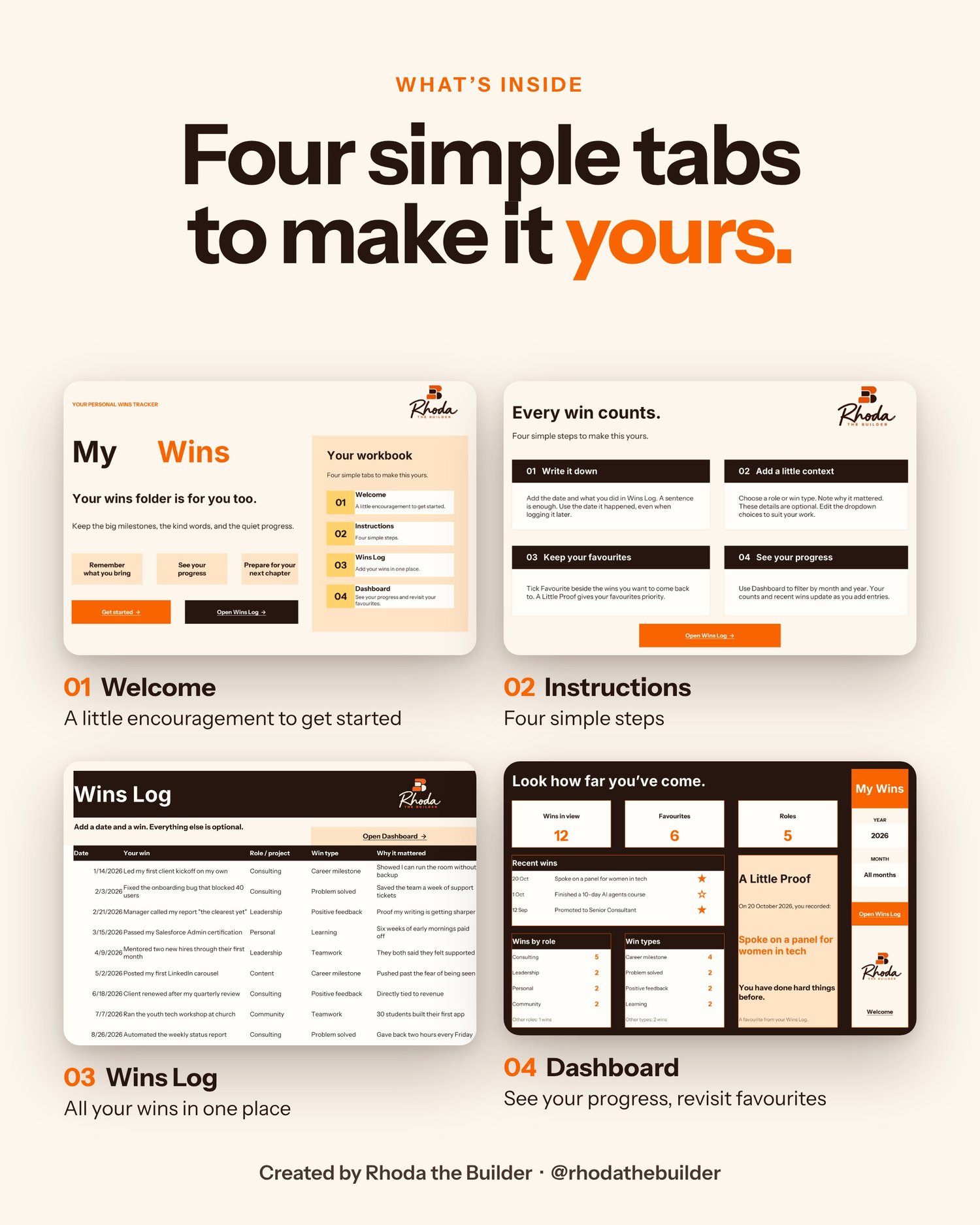
What's inside (4 simple tabs)
- Welcome: a little encouragement to get started
- Instructions: four simple steps to make it yours
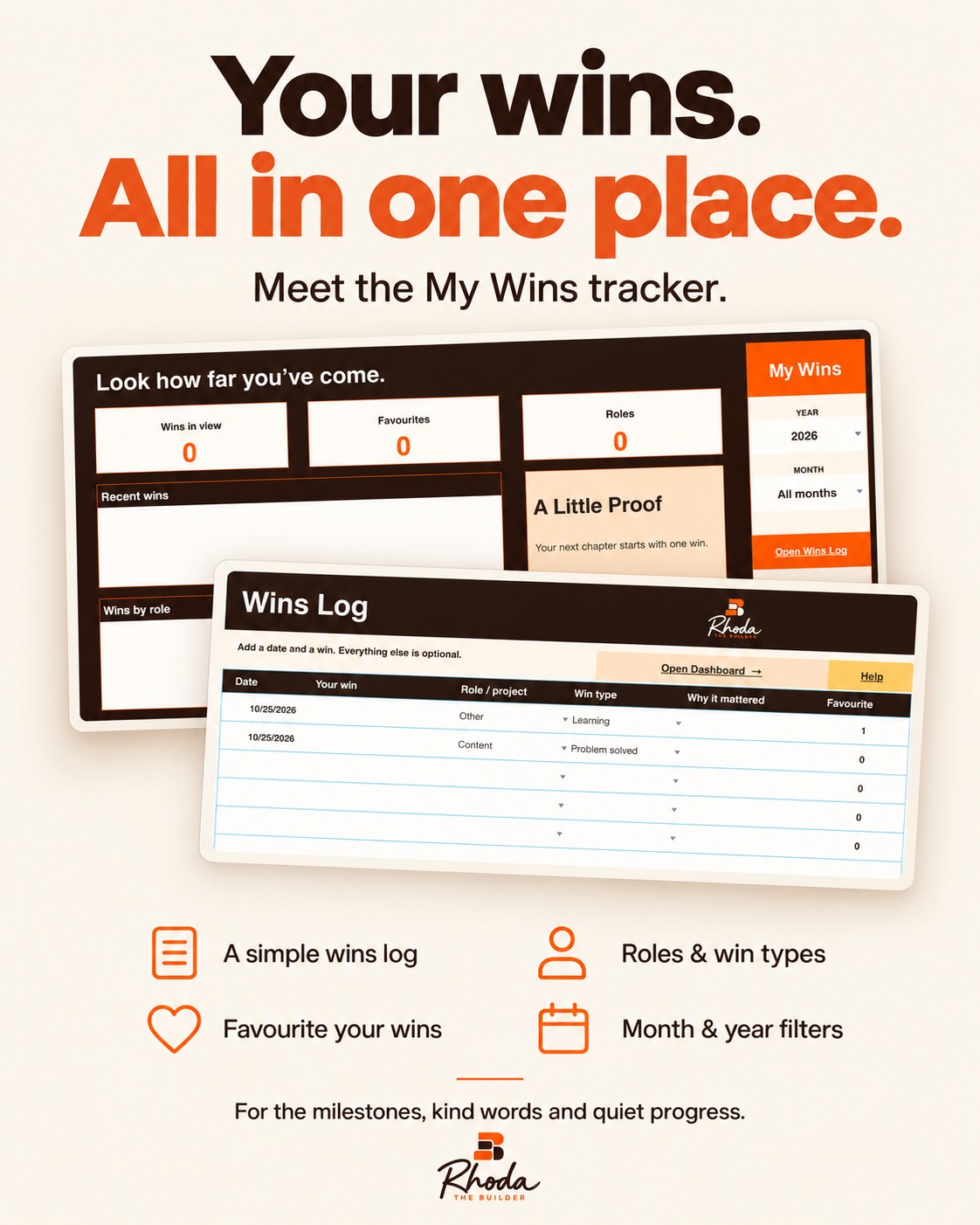
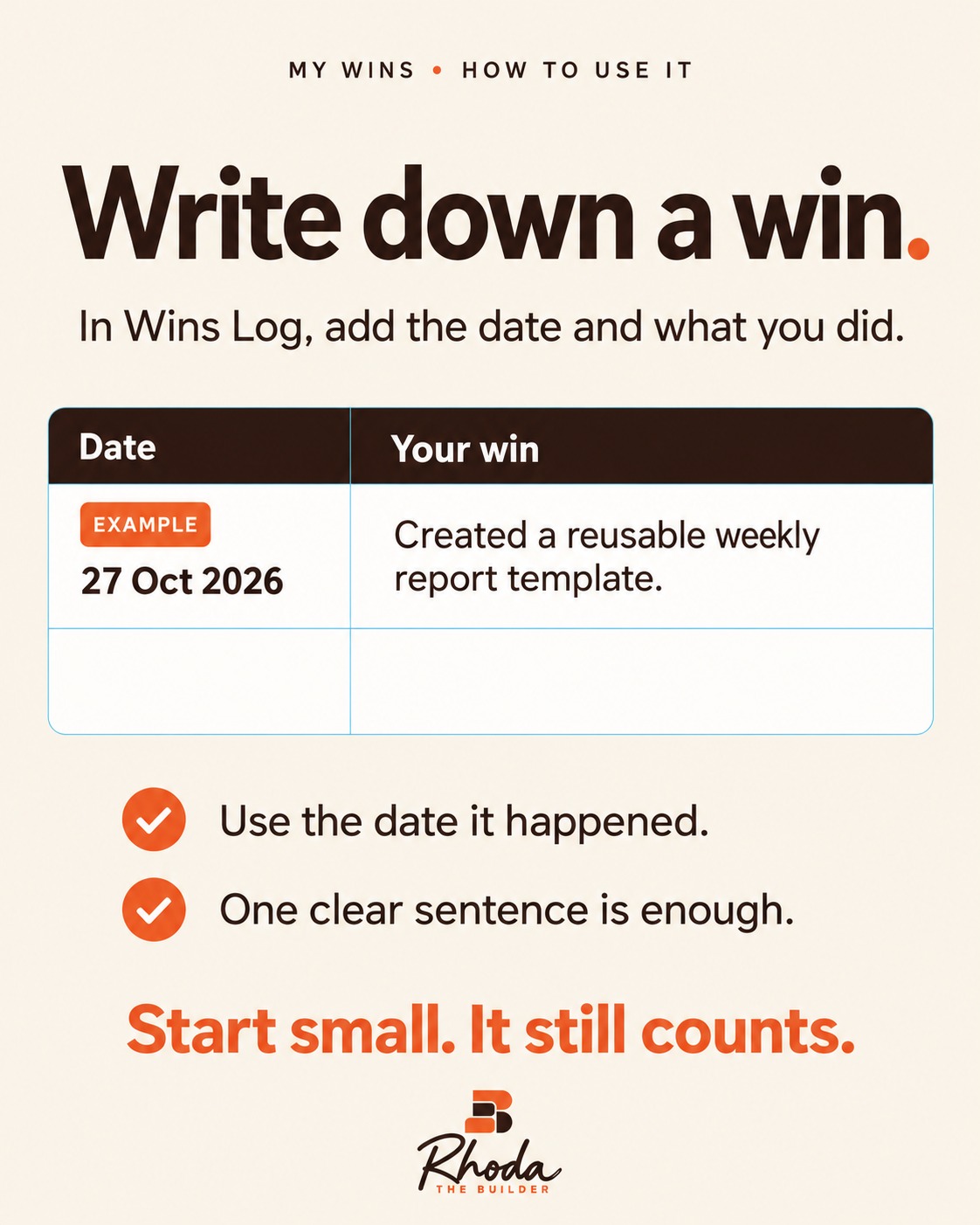
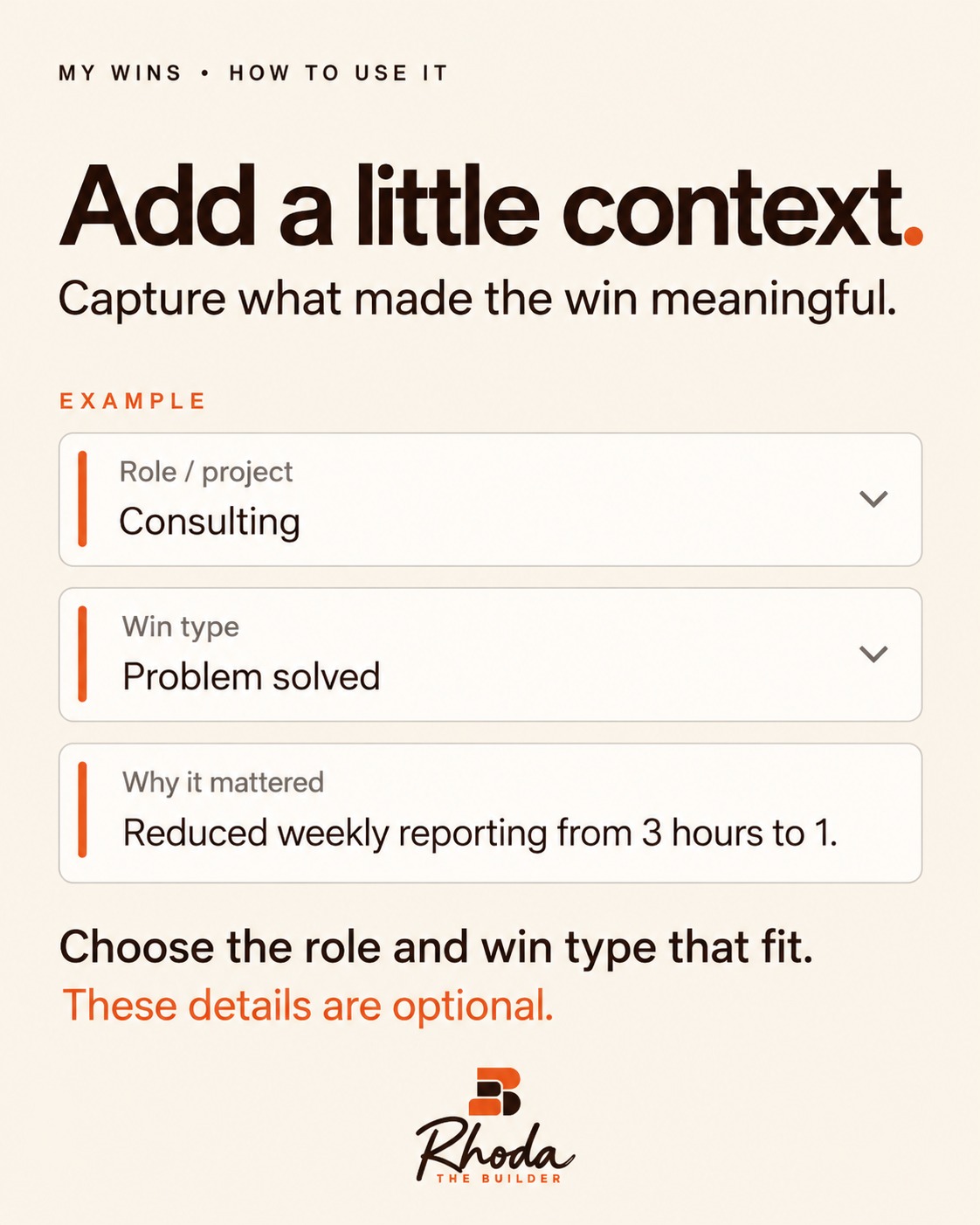
- Wins Log: add a date and a win. Role, win type and why it mattered are optional, with dropdowns you can edit. Room for 500 wins.
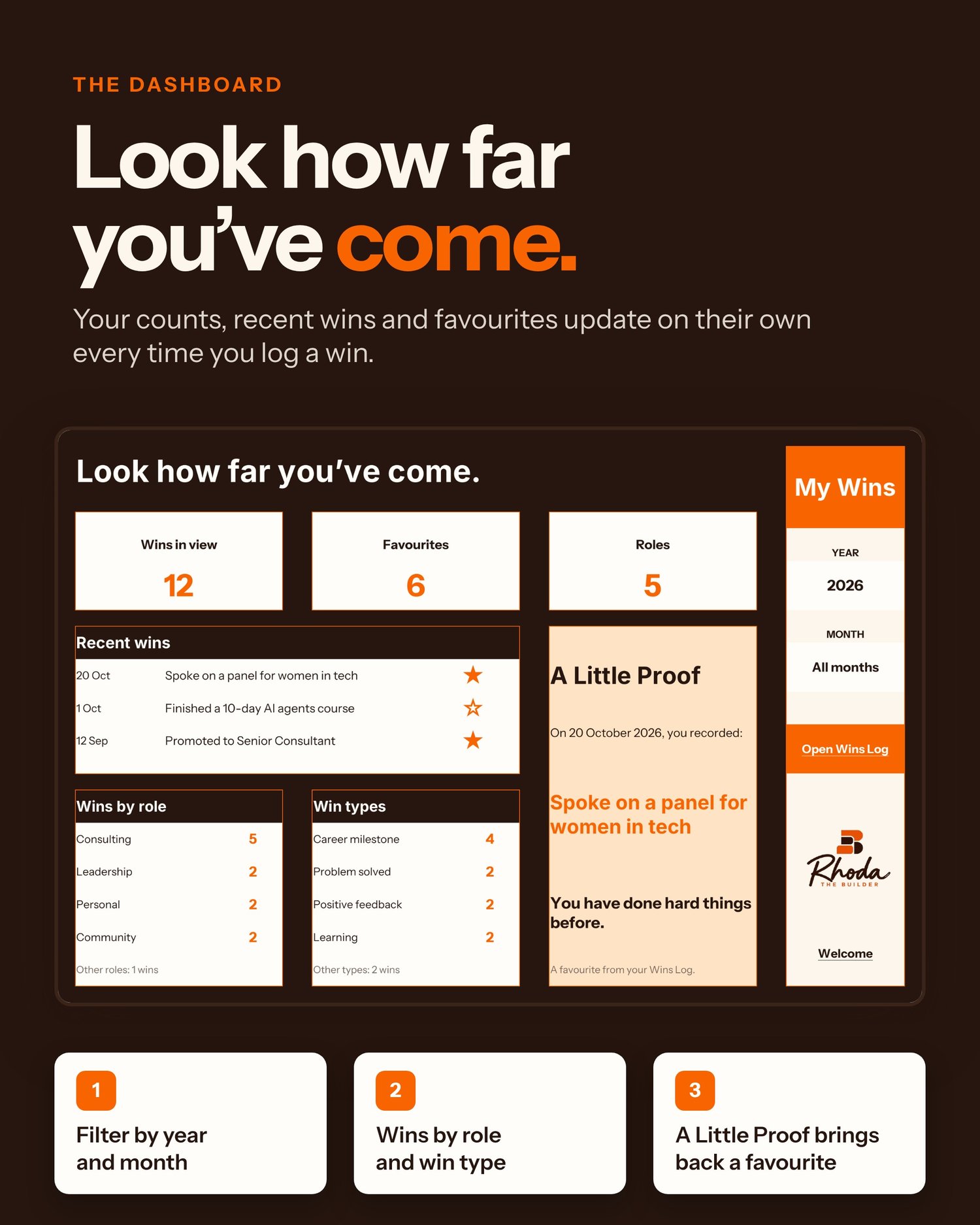
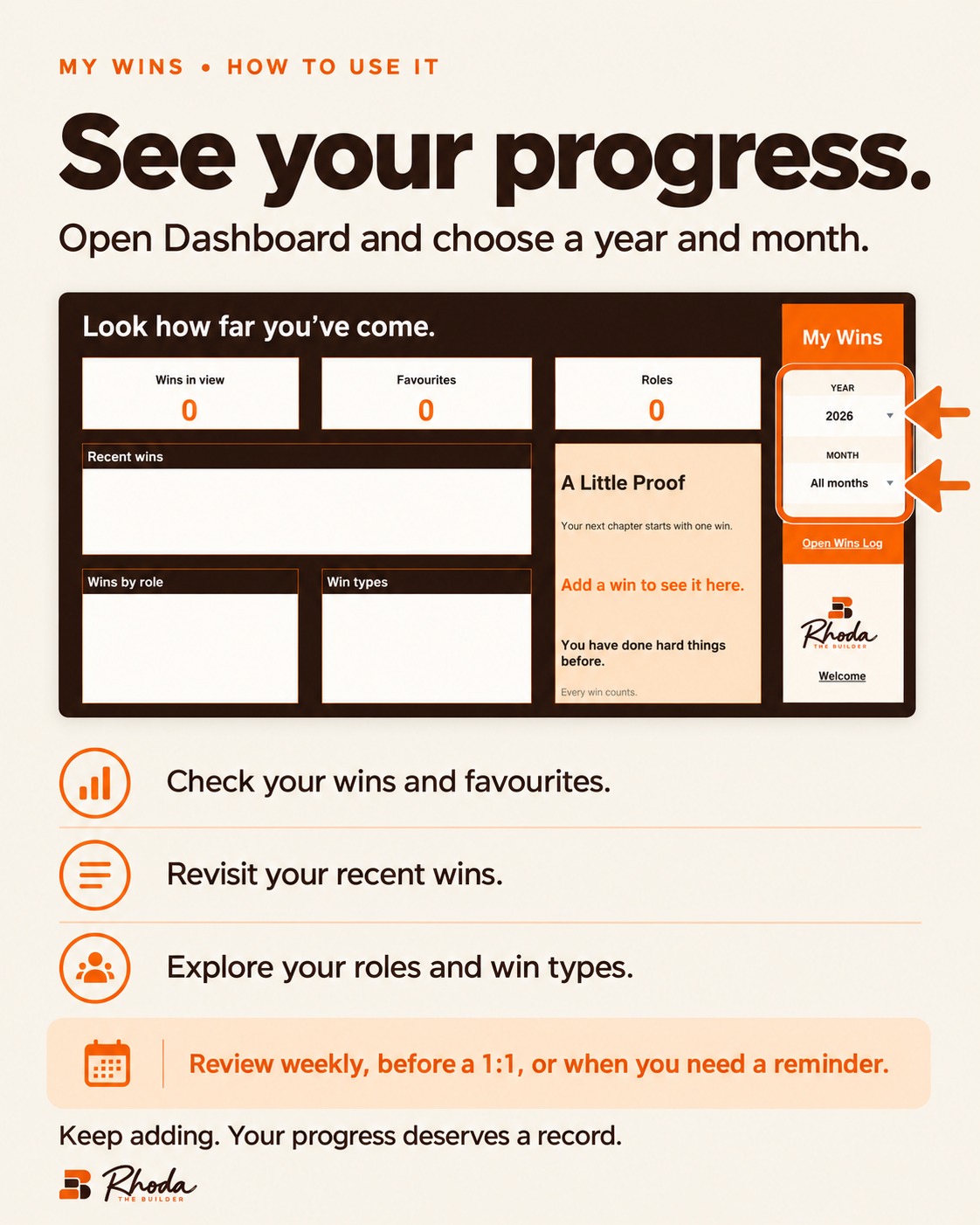
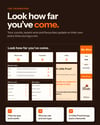
- Dashboard: filter by year and month to see your wins, favourites, recent wins, and wins by role and win type
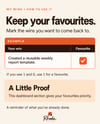
A Little Proof
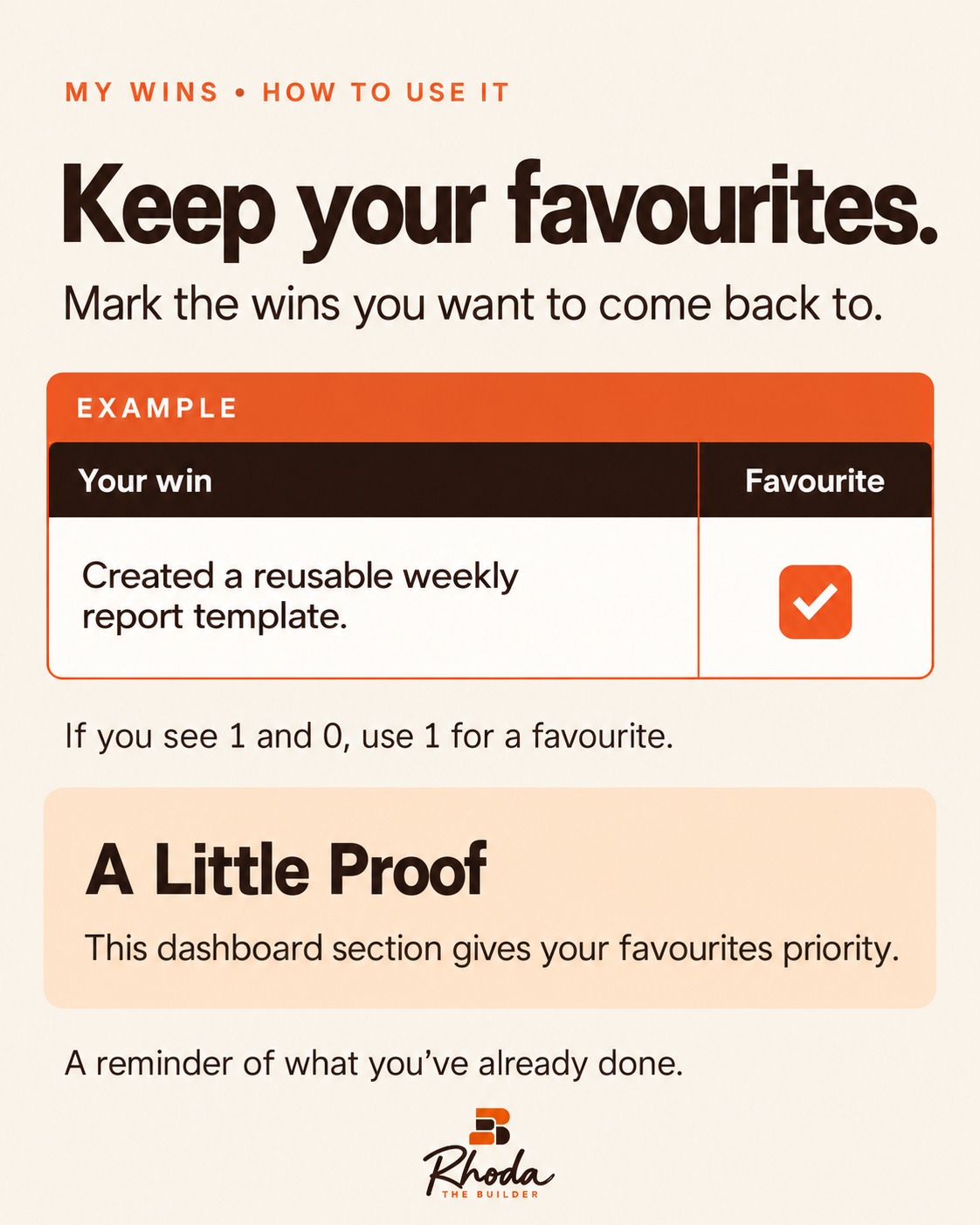
Mark your favourite wins and the dashboard brings one back to you as a reminder that you have done hard things before.
How to use it
- Download the file and open it in Excel, or upload it to Google Sheets.
- Save your own copy.
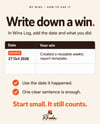
- Start in Wins Log. One clear sentence is enough. Start small. It still counts.
Format: .xlsx file (works in Microsoft Excel and Google Sheets).
Created by Rhoda the Builder. Follow along on Instagram, TikTok and YouTube @rhodathebuilder for more career tools and tips.