
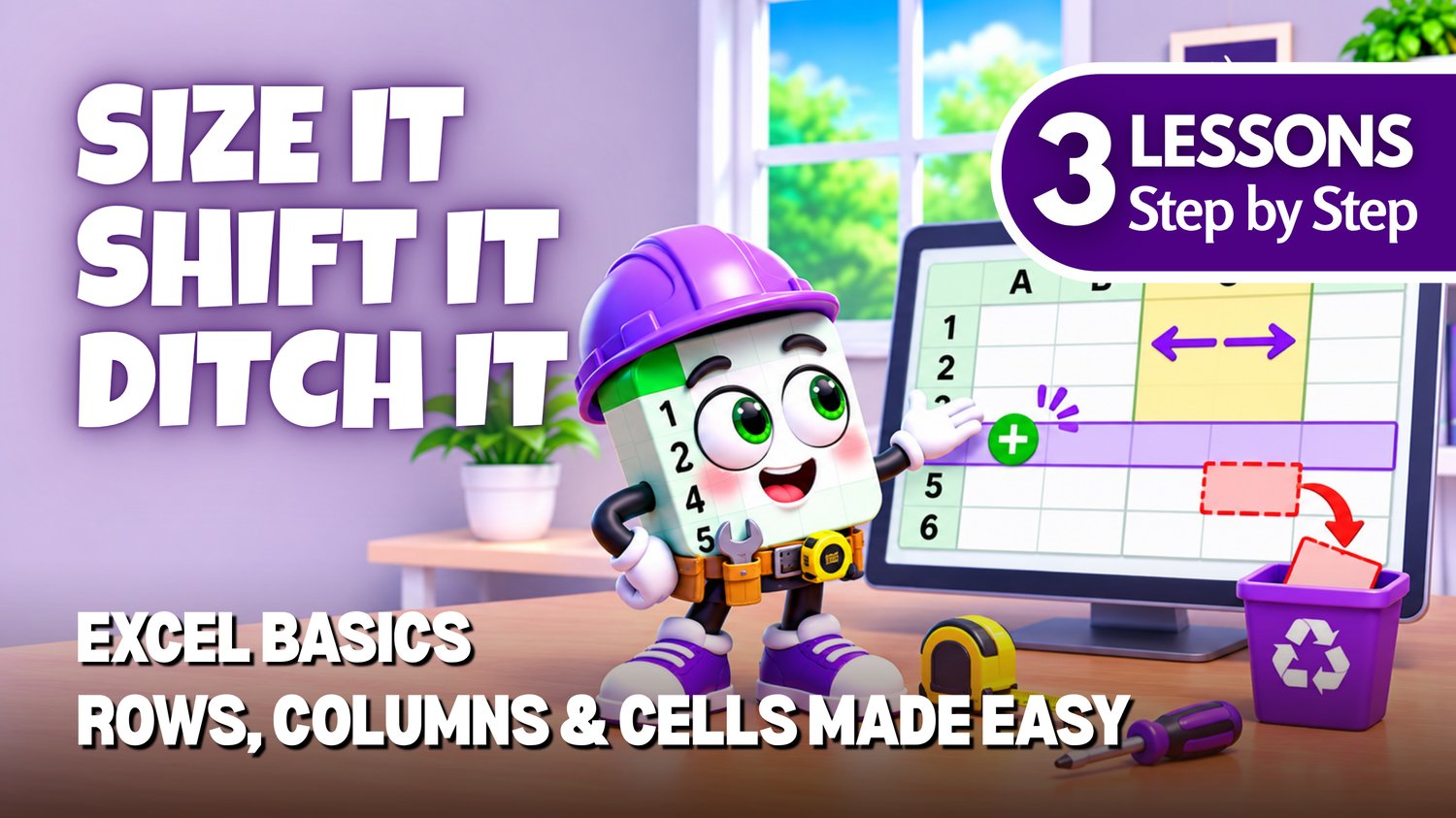
Excel Rows, Columns & Cells Practice Workbooks | 3 Beginner Lessons
Learn how to manage rows, columns, and cells in Microsoft Excel with this beginner-friendly collection of three practice workbooks from Easy Mode Excel Tutorials!
Want to organize your spreadsheets, make room for new information, and adjust your worksheet layout? These three essential Excel lessons will help you work with rows, columns, and cells more confidently!
This hands-on collection accompanies our free Excel video lessons and gives you the opportunity to practice three important spreadsheet skills — all in one convenient bundle!
What You'll Practice
LESSON 1 — Insert & Delete Rows and Columns
✓ Insert new rows and columns into your spreadsheet
✓ Delete rows and columns you no longer need
✓ Make room for additional information
LESSON 2 — Insert & Delete Cells
✓ Insert individual cells into a worksheet
✓ Shift existing cells to make room for new information
✓ Delete cells and understand how surrounding data moves
LESSON 3 — Row Height & Column Width
✓ Adjust row heights to improve your worksheet layout
✓ Change column widths to fit your information
✓ Make your spreadsheets easier to read and organize
What's Included
✓ Three downloadable Excel practice workbooks (.xlsx) — one for each lesson
✓ Beginner-friendly exercises covering all three topics
✓ Workbooks you can open and edit in Microsoft Excel
✓ Hands-on practice you can complete at your own pace
Bundle & Save!
Get all three practice workbooks for just $5.49 USD!
Purchased separately, these three workbooks would cost $7.47 USD.
Your bundle savings: $1.98 USD — over 26% off!
One convenient purchase gives you all three workbooks to practice whenever you're ready.
Perfect for Excel beginners! Practice three useful spreadsheet skills together and build confidence organizing and formatting your worksheets.
After purchasing, you'll be able to download all three Excel practice workbooks and start practicing right away!
This purchase includes the three practice workbooks only. Microsoft Excel is not included.
Watch the FREE Video Lessons
🎥 Excel — Insert & Delete Rows and Columns, Insert & Delete Cells, and Row Height & Column Width
YouTube compilation video: https://youtu.be/7MNMIq8dyIU