


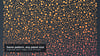
Perforated Facade Kit: 36 CAD Panel Patterns (DXF, SVG, PNG) with Fabrication Data + Offline Configurator
Perforated panel patterns that come with their numbers
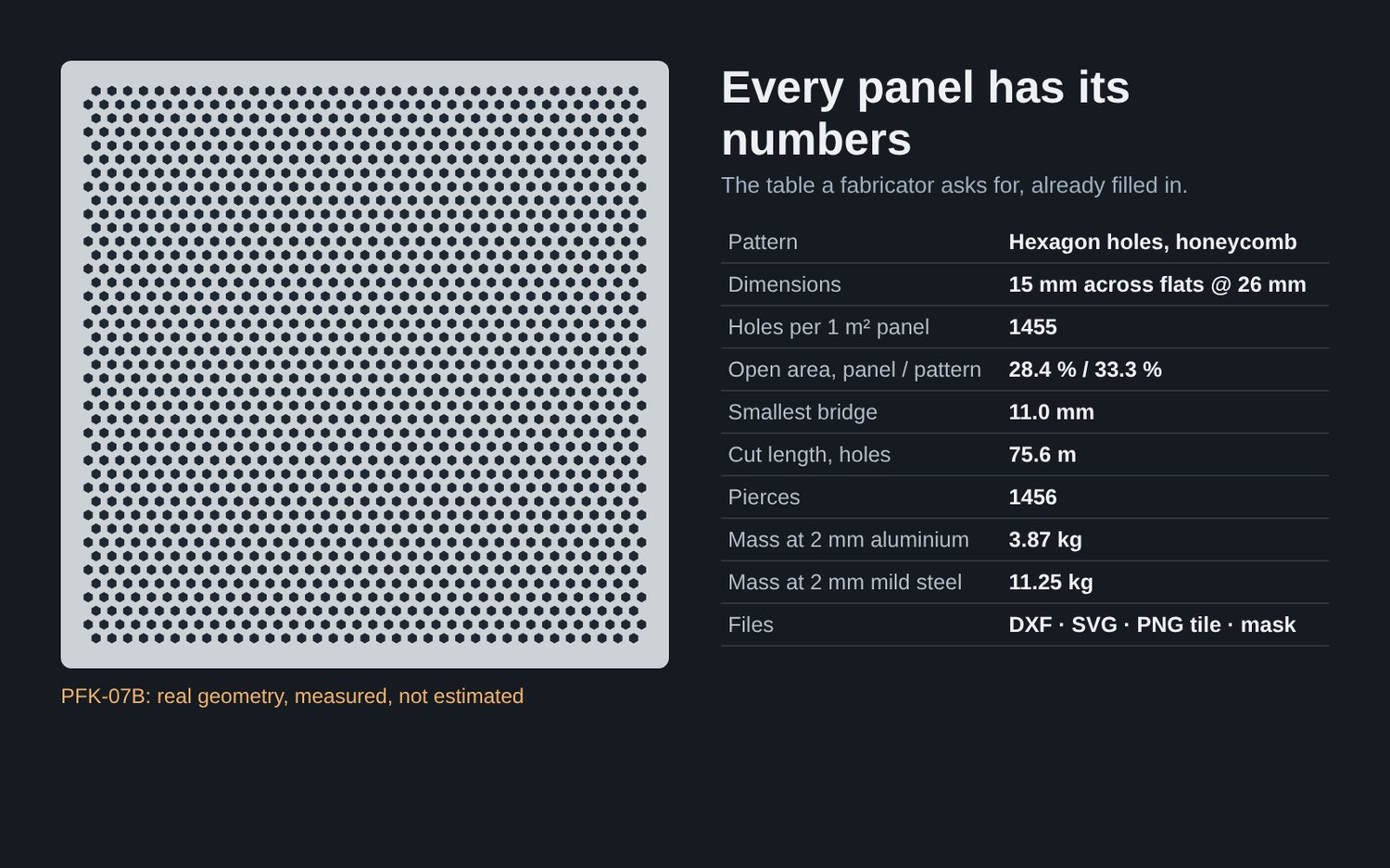
Most pattern packs give you a drawing. A fabricator asks for more: how open is the panel, how thin is the bridge between holes, how long is the cut, how many pierces, how heavy. This kit gives you the drawing and those numbers, measured on the real geometry.
What you get
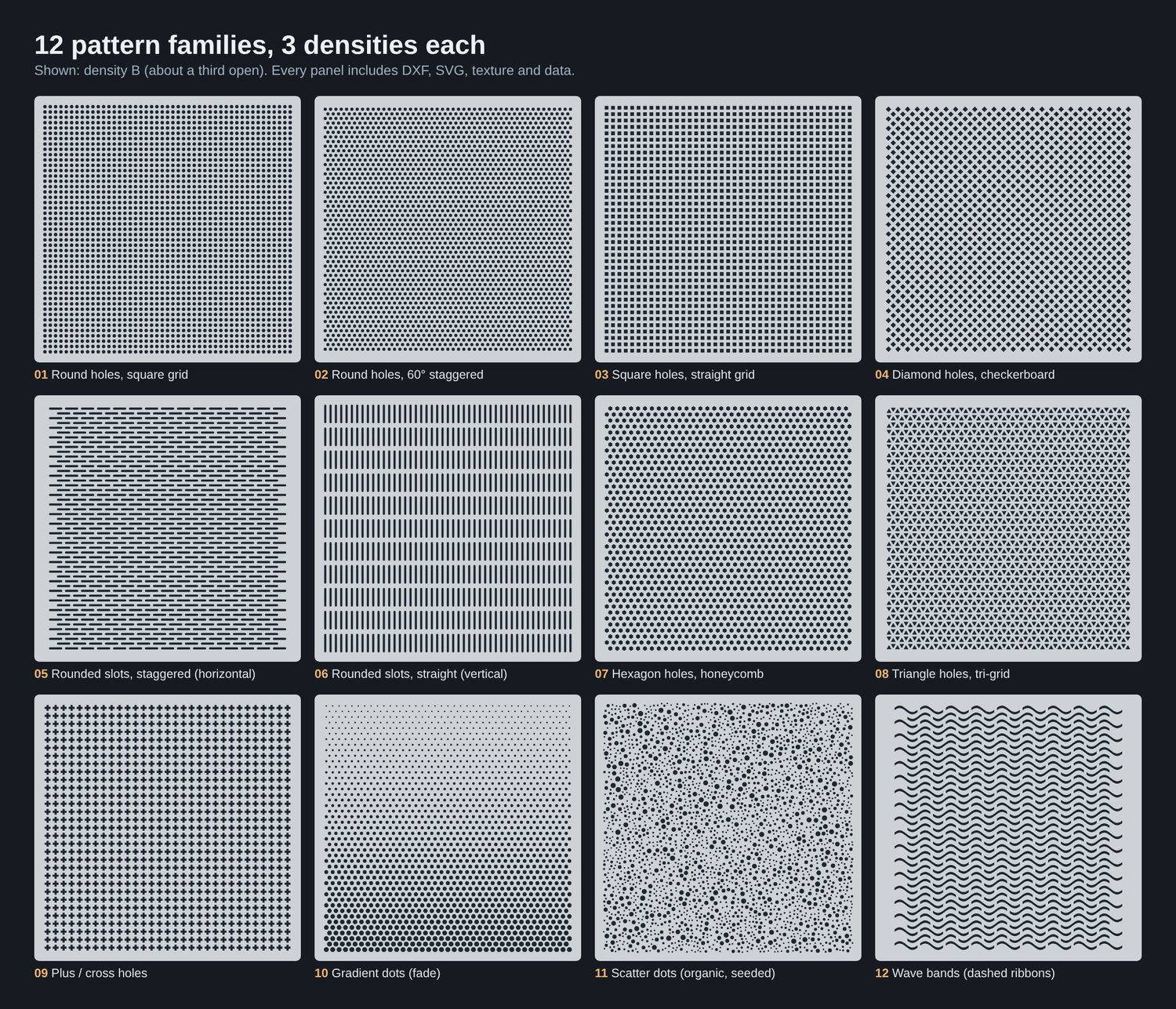
- 36 panels (12 pattern families × 3 densities), each 1000 × 1000 mm with a 30 mm solid border, drawn 1:1 in millimetres
- DXF (R12 ASCII, layers CUT and OUTLINE) and SVG for every panel
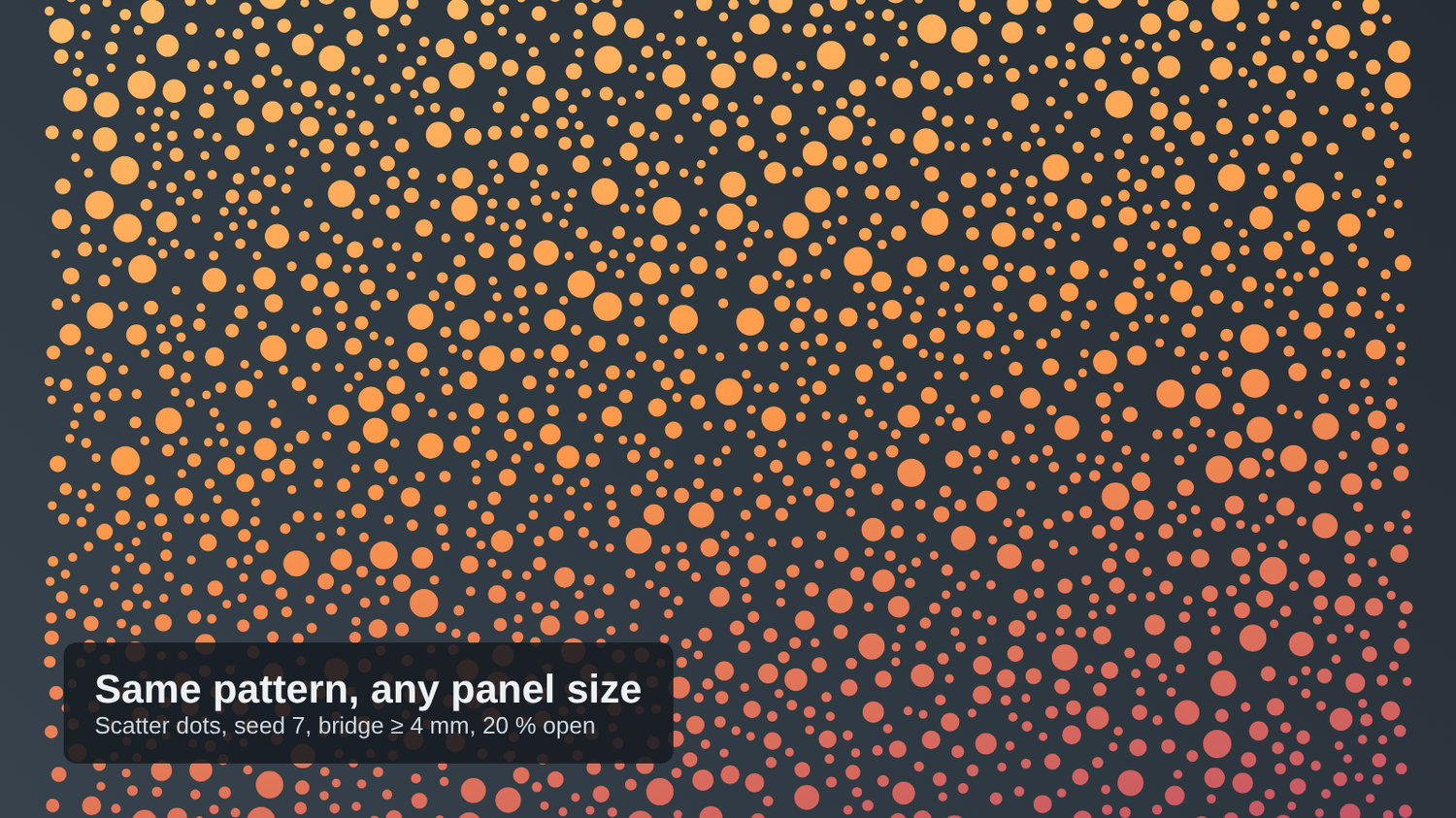
- Seamless PNG textures: 30 tiles with transparent holes (RGBA) and greyscale masks, plus full-panel masks for the gradient and scatter patterns, so you can render a whole facade without modelling thousands of holes
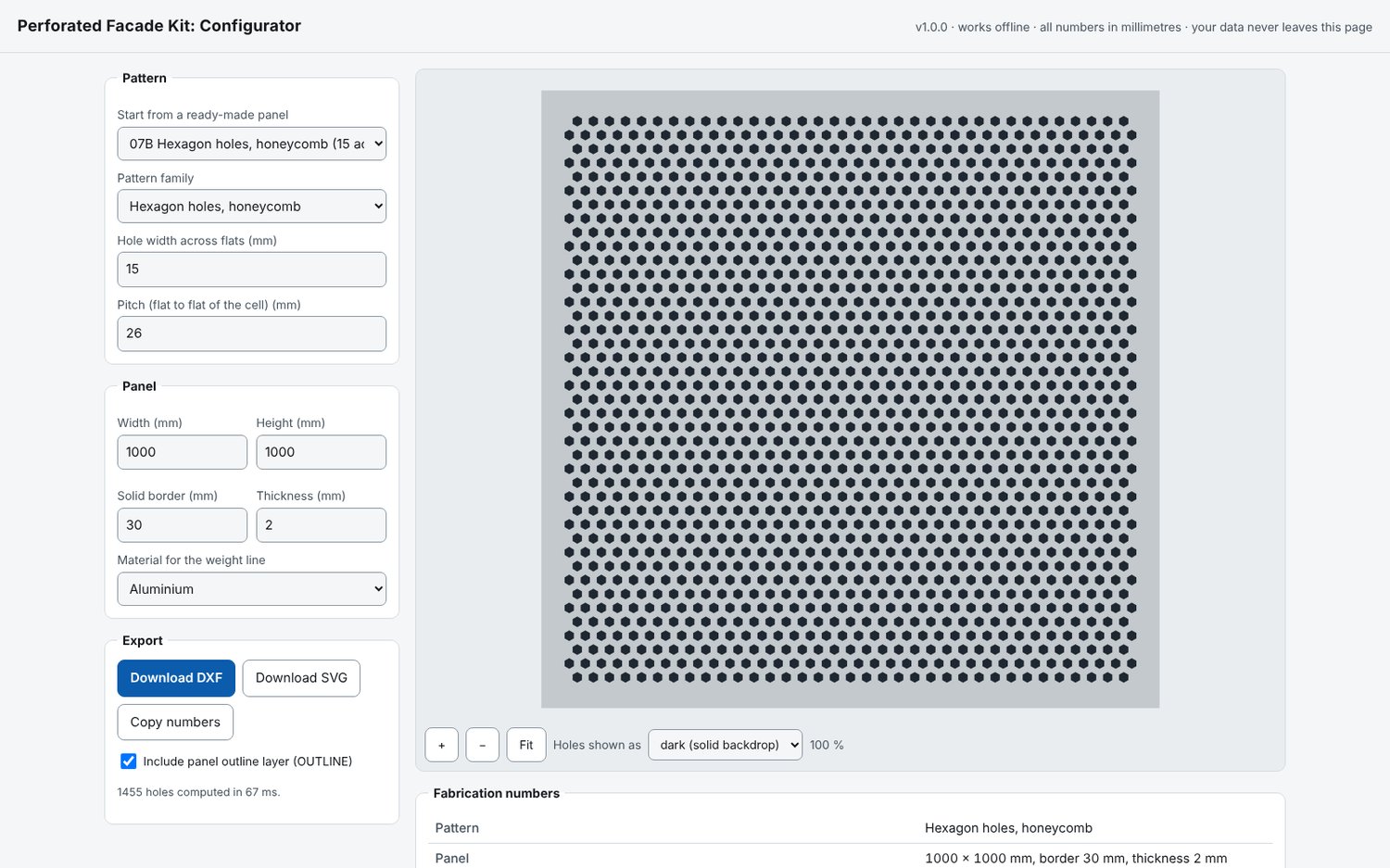
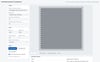
- Offline configurator (one HTML file): change panel size, pitch, hole size, thickness and material; see open area, smallest bridge, cut length, pierces and mass live; export a new DXF or SVG
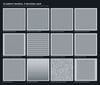
- Pattern catalog (15-page PDF) and fabrication_data.csv / .json with every number
The 12 pattern families
Round holes (square grid) · Round holes (60° staggered) · Square holes · Diamond checkerboard · Rounded slots, staggered · Rounded slots, vertical · Honeycomb · Triangles · Plus / cross · Gradient dots (fade) · Scatter dots (seeded, organic) · Wave bands
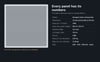
The numbers for every panel
- Open area of the panel and of the repeating pattern
- Smallest bridge between holes and smallest hole, checked against 1 × sheet thickness (a common shop guideline)
- Hole count, cut length and pierce count, for estimating laser, waterjet or punching time
- Mass for aluminium, mild steel and stainless 304 (linear in thickness)
Who it is for
Architects, facade and interior designers who need a believable perforated skin and a number to put next to it; makers and shops with a laser, CNC or waterjet who want clean closed geometry; anyone rendering metal screens in SketchUp, Rhino, Blender, Twinmotion, D5 or V-Ray.
How it was checked
Every DXF was re-read by an independent checker that recomputed hole count, areas, cut length, smallest bridge and edge distance, and matched the data table. SVG files were rendered and compared with the DXF geometry. The configurator’s exports are byte-identical to the files in the kit. Sample DXFs also opened in LibreOffice Draw.
What it does not do
This is geometry and nominal data. It does not assess structure, stiffness, wind load, fire, acoustics, corrosion or compliance with any code, and open area is a geometric ratio, not a ventilation rating. Confirm minimum bridge, minimum hole size and tolerances with your fabricator, and have a qualified engineer check any load-bearing use.
Licence
Use the files in your own projects and for clients, including built and rendered work. Do not resell or share the files themselves. Full text in LICENSE.txt.
Want to try first?
A free Lite version with 3 panels, with the same files and numbers, is available in the store.
FAQ
Does it work in SketchUp? Import the DXF with units set to millimetres, or apply a PNG texture and set its width to the tile size shown in the file name.
Can I make a panel of a different size? Yes: open configurator.html, pick a panel as a starting point, change the size or dimensions and export a new DXF or SVG.
Is it engineered or certified? No. See “What it does not do”.