







VECTRA Essential | Smart Finance Toolkit
VECTRA Essential | Smart Finance Toolkit
Your finances. Your strategy. Your future.
Take control of your money with VECTRA Essential, a beautifully designed desktop finance application built to help you understand where your money comes from, where it goes, and what you can do with it.
Whether you're organizing your personal finances, managing household expenses, working as a freelancer, or keeping track of a small business's income and expenses, VECTRA gives you a clear, practical place to manage your financial records.
One purchase. Your computer. Your financial control.
What's included in VECTRA Essential?
Module 01 — Cash Flow Tracker
This package includes the complete Cash Flow Tracker module, featuring:
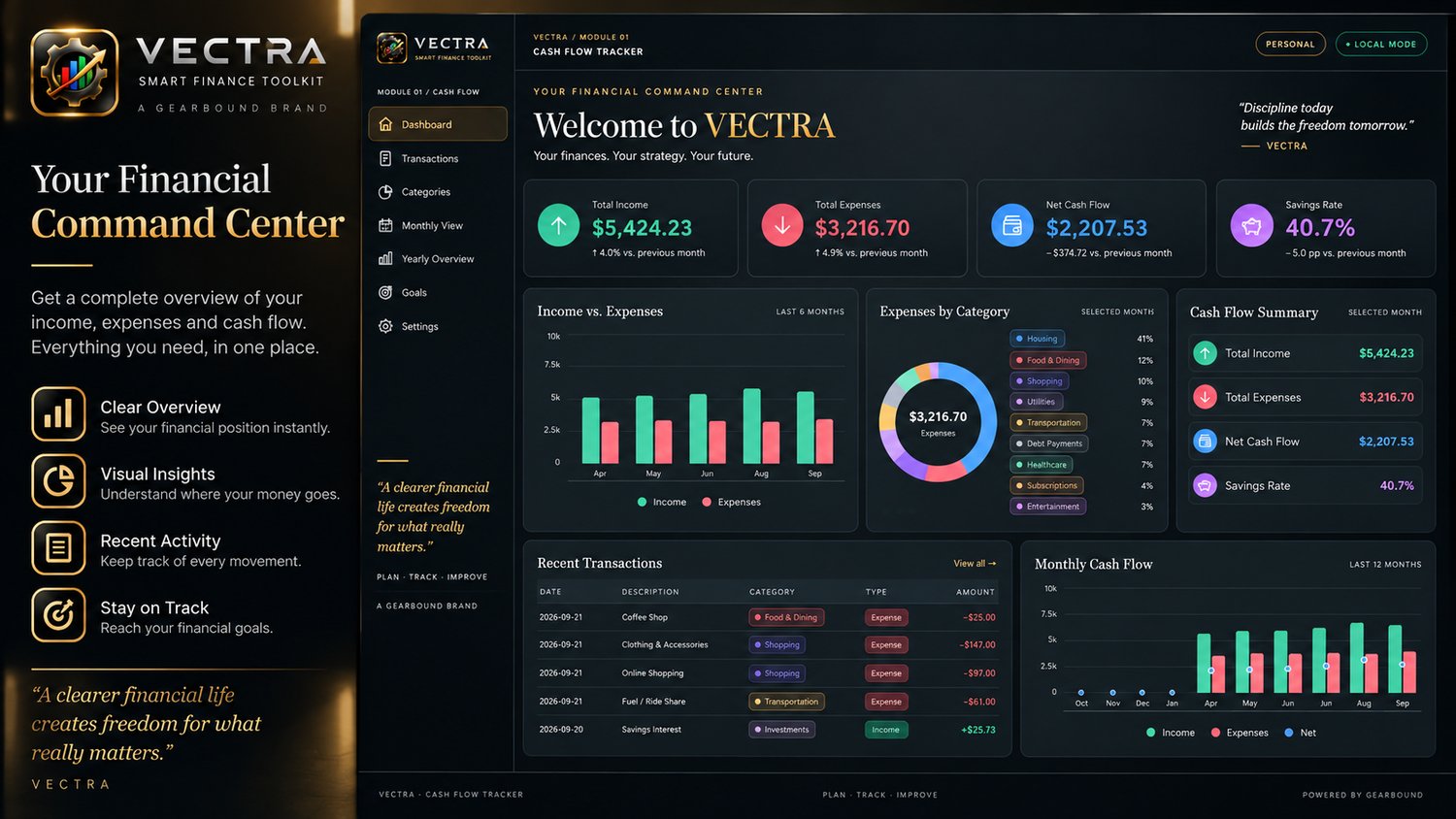
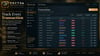
- Financial Dashboard: View your income, expenses, net cash flow, savings rate, and financial summaries in one place.
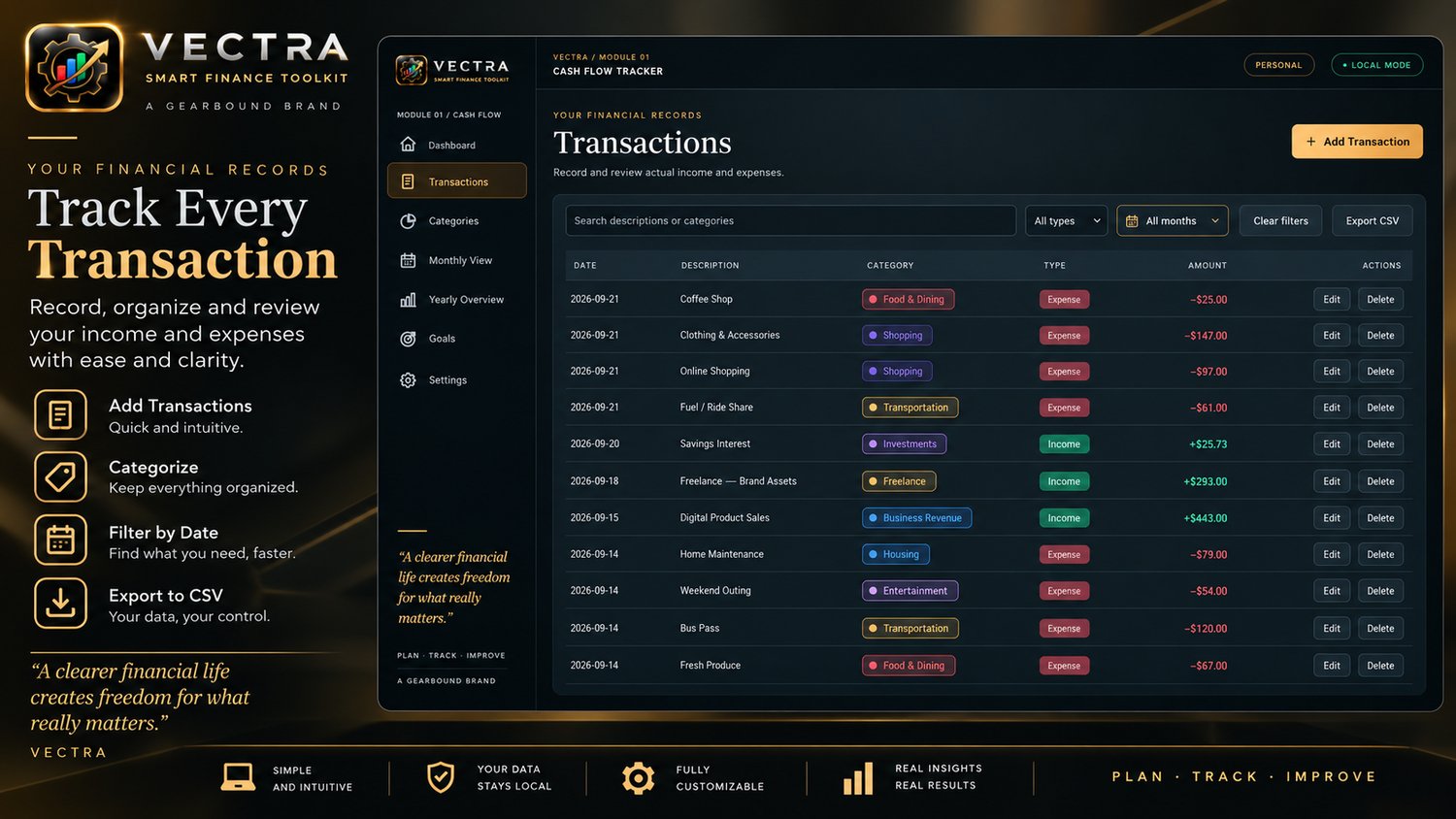
- Transaction Management: Record, search, filter, edit, and organize your income and expenses.
- Custom Categories: Create and manage categories, with customizable colors to keep your financial records organized.
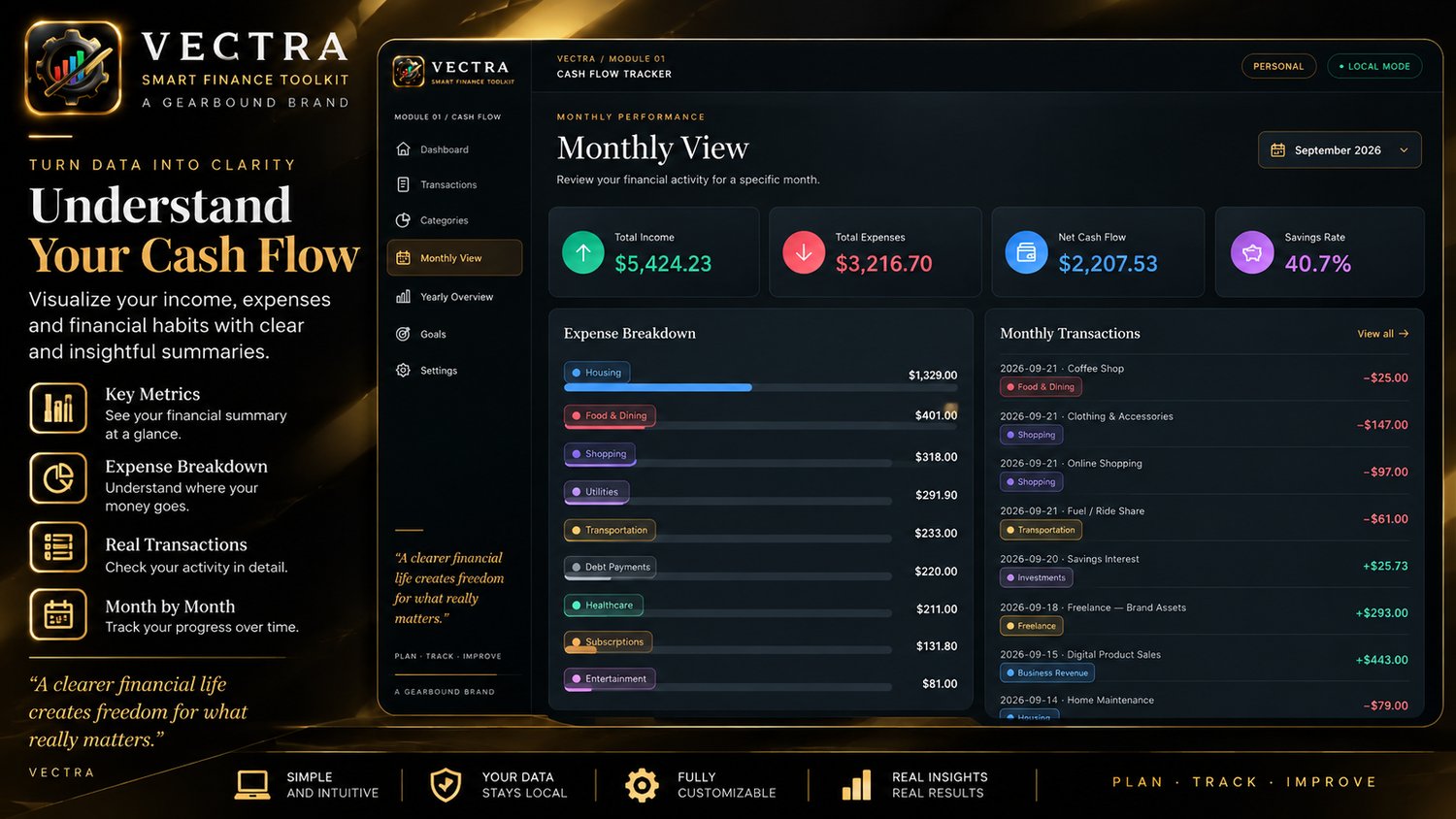
- Monthly View: Review your financial activity, spending breakdown, and transactions for a selected month.
- Yearly Overview: Compare your income, expenses, and net cash flow throughout the year.
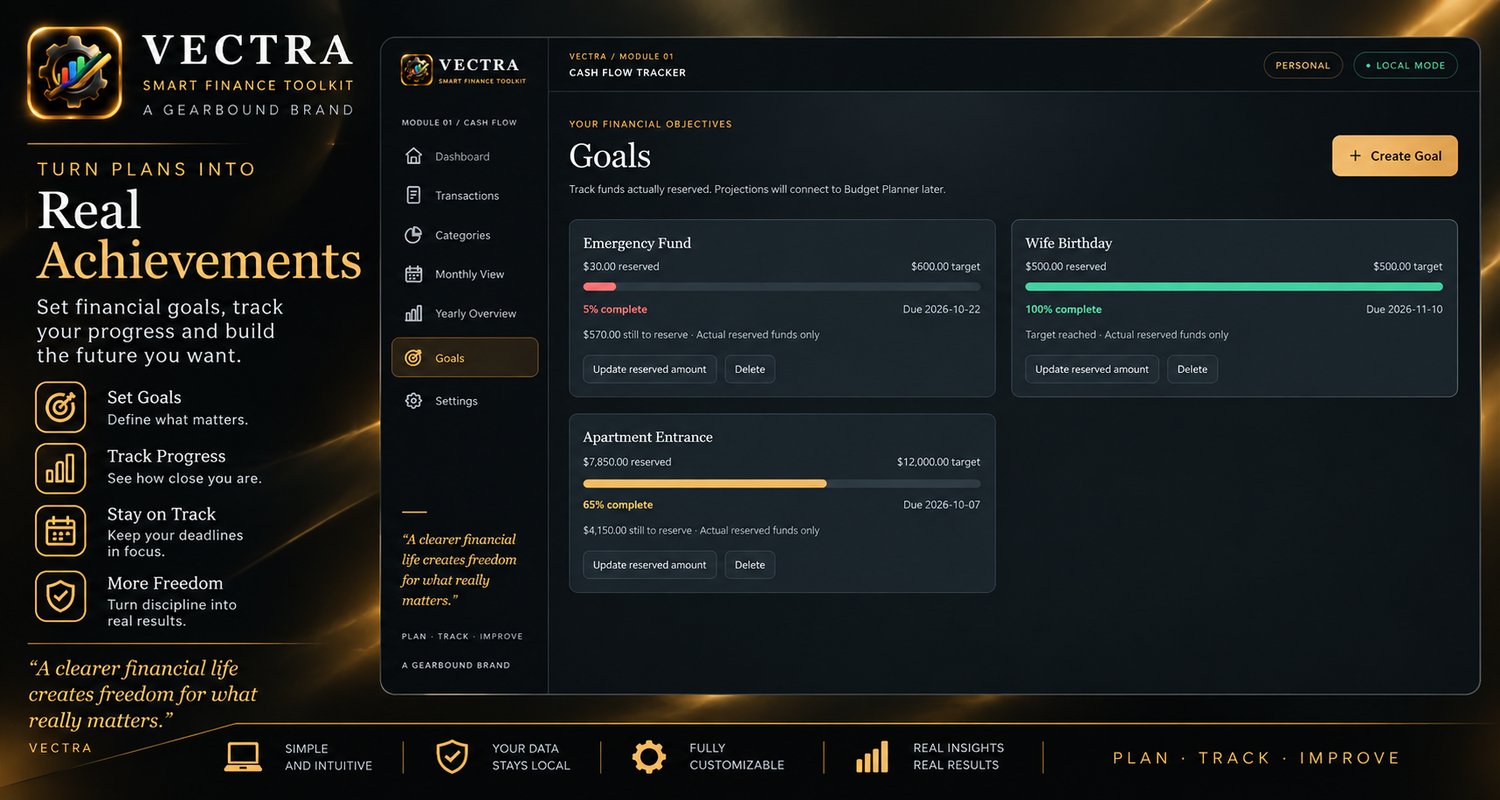
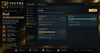
- Financial Goals: Set savings targets, record amounts you've actually reserved, and follow your progress.
- Visual Reports and Insights: Understand your cash flow through charts, category breakdowns, and observations based on your recorded data.
- CSV Export: Export transaction records for use outside the application.
Designed with an elegant dark interface and a straightforward workflow, VECTRA helps turn financial tracking into a habit you can maintain.
Built for everyday life and work
For individuals and households: Keep bills, purchases, income, and savings goals organized.
For freelancers and independent professionals: Track payments received and work-related expenses.
For small businesses: Record incoming and outgoing money and review cash flow over time.
VECTRA Essential is a financial organization tool, not accounting, tax-filing, payroll, or banking software.
Your finances. Your computer.
Works offline after activation
An internet connection is required for the initial license activation. Once activated, VECTRA Essential can be used offline.
Your financial records stay local
Your financial information is stored locally on your computer rather than being uploaded to a VECTRA cloud account. You remain responsible for backing up your computer and financial data.
One-time purchase
Pay once for VECTRA Essential. No recurring subscription is required to use the purchased version.
Important: Essential Edition vs. Business Edition
This purchase includes Module 01 — Cash Flow Tracker only.
The following modules are not included in VECTRA Essential:
- Module 02 — Budget Planner
- Module 03 — Financial Insights
These modules are planned for the future VECTRA Business Edition. Purchasing Essential does not grant access to them or include an automatic upgrade to Business.
You are purchasing the Essential Edition and its Cash Flow Tracker functionality as described on this page.
What you'll receive
After purchase, you'll receive:
- A downloadable ZIP file containing the VECTRA Essential Windows installer.
- A license key delivered to your purchase email address.
- The ability to activate your copy and use it offline afterward.
Platform: Windows desktop
Edition: VECTRA Essential
Included module: Cash Flow Tracker
License: One-time purchase
Installation & activation guide
Step 1 — Download
After completing your purchase, download the ZIP file from your Payhip purchase page.
Step 2 — Extract the ZIP
Locate the downloaded ZIP file in your Downloads folder.
Right-click it and select Extract All…. Choose a destination and click Extract.
Open the extracted folder. You should find the VECTRA Essential installer inside.
Important: Extract the ZIP before running the installer. Do not try to install the application directly from inside the compressed ZIP file.
Step 3 — Install VECTRA
Double-click the installer (.exe) and follow the on-screen installation instructions.
Once installation is complete, open VECTRA Essential.
Step 4 — Find your license key
Check the email address you used during checkout. You'll receive a separate email containing your VECTRA Essential license key.
Important: Your license email may be automatically filtered into your Spam or Junk folder by your email provider. If the license email does not appear in your inbox, please check your Spam or Junk folder before contacting support.
Step 5 — Activate your copy
Connect your computer to the internet.
Open VECTRA, select Open Module, and enter:
- The same email address used for your purchase.
- The license key received by email.
Submit the activation form.
Step 6 — Start managing your finances
Once activation succeeds, you can launch Cash Flow Tracker and use the application offline. You do not need to remain connected to the internet for everyday use.
Keep your license email somewhere safe in case you need to activate VECTRA again.
Ready to take control?
Stop relying on scattered notes and disconnected records. Give your income, expenses, and financial goals a place of their own.
VECTRA Essential — Plan. Track. Improve.
A Gearbound brand.