
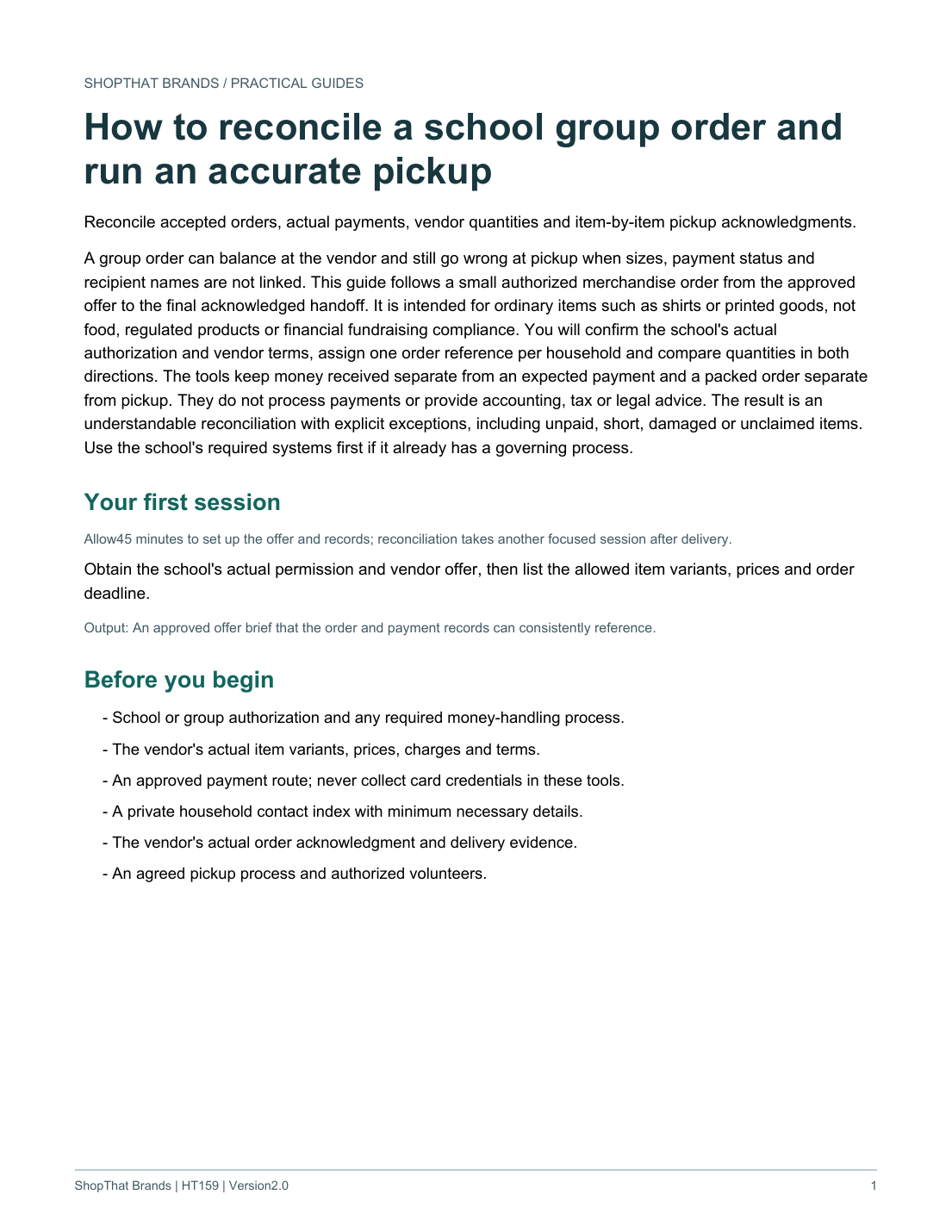
How to reconcile a school group order and run an accurate pickup
The right number of boxes does not prove that every household received the right variant or paid the full amount. This guide helps an authorized school-group volunteer follow a small ordinary-merchandise order from one approved offer to an explicit final reconciliation.
Eight steps cover authorization, accepted orders, actual payments, vendor aggregation, delivery checks, bundles, pickup evidence and separate money/stock closeout. The fictional example follows twenty shirts, a missing large size, a partial payment and an unclaimed bundle without mixing those exceptions.
Four tools include the approved offer/order register, payment/exception ledger, vendor/delivery reconciliation and pickup/closeout acknowledgment. Each provides field help and a coherent completed example. The PDF explains the workflow; offline HTML and editable TXT records hold your own authorized entries. Calculations are manual, and the forms do not process payments or determine receiver identity.
Troubleshooting addresses similar names, short payments, wrong variants, unclaimed bundles and monetary differences after collection. The school's required systems and money-handling process take priority, and vendor terms govern corrections. This product is not accounting, tax, legal or product-safety advice. Its result is an understandable record showing actual quantities and receipts, with owned actions for any unresolved difference.
Included files: PDF guide, offline HTML guide, 4 distinct editable tools in HTML and TXT. Extract the ZIP before use. No paid software is required to read this guide or edit its supplied tools. Third-party services discussed may have their own costs. No XLSX, Canva, Notion or video files are included.
Text and template wording were generated with AI and reviewed for clarity and consistency.
License: Personal or internal business use only. You may edit the templates for that use; do not redistribute or resell the supplied files or templates.
HTML tools do not autosave. Use Save filled copy before closing to download and keep your completed entries.