
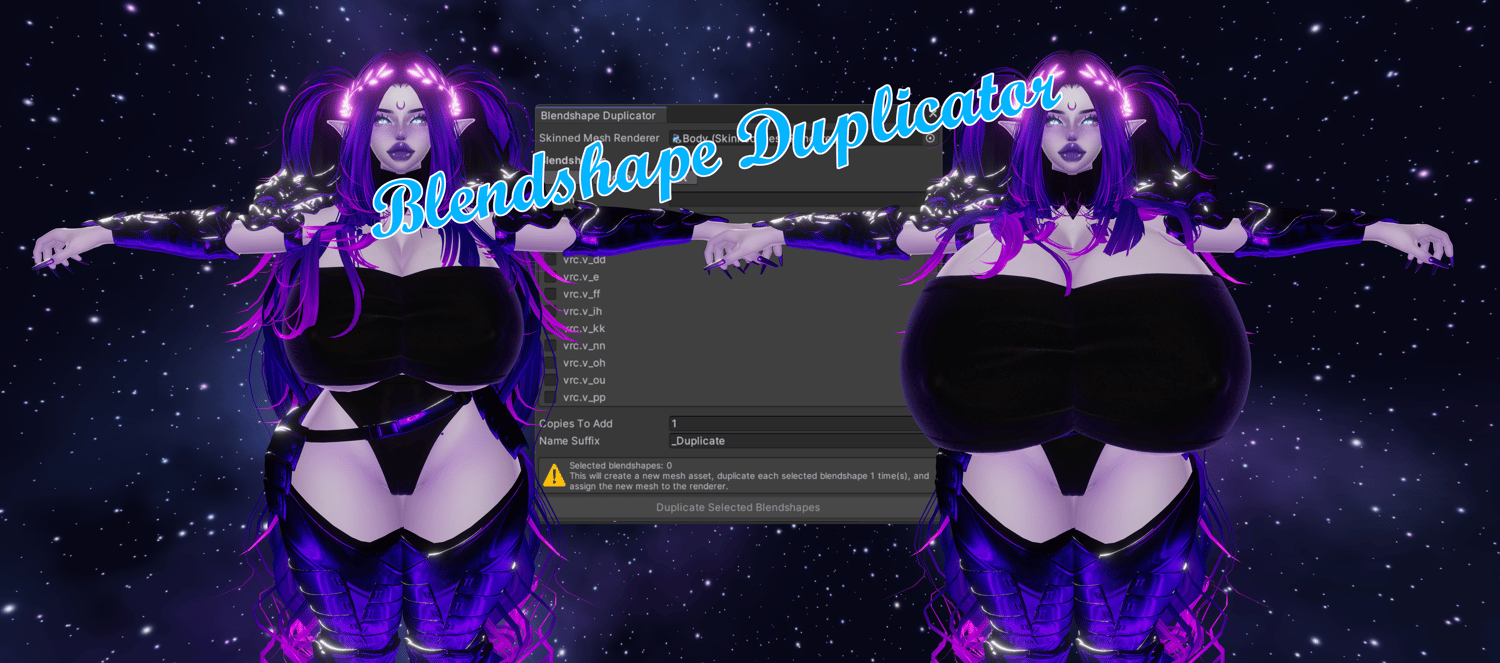

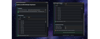
✨ Unity Blendshape Duplicator
On Sale
€3.00
Pay what you want:
(minimum €3.00)
€
Quickly duplicate one or multiple blendshapes on any Skinned Mesh Renderer in Unity.
Perfect for prototyping stronger facial expressions, stacked shape effects, avatar edits, or VRChat workflow experiments without manually rebuilding your mesh.
🛠️ How to use:
- Import the package into your Unity project, keep it inside an Editor folder.
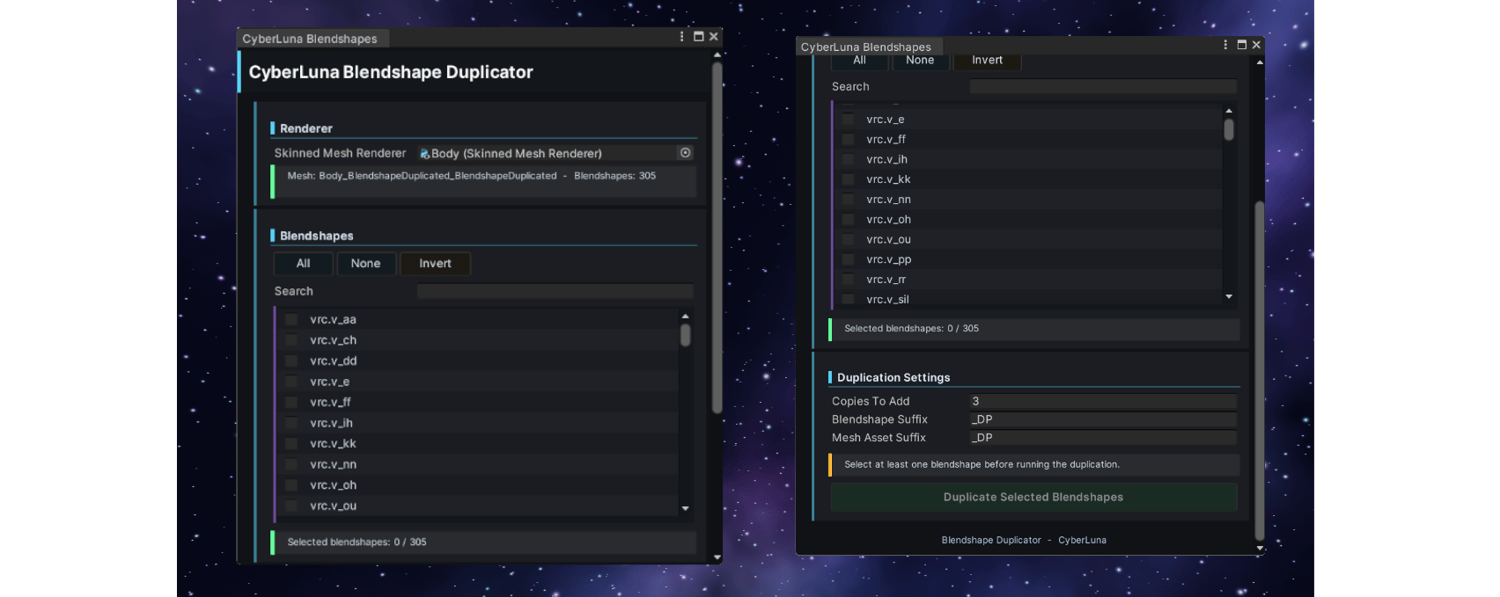
- Open the tool from the Unity top menu:
- CyberLuna > Blendshape Duplicator
- Drag your avatar’s Skinned Mesh Renderer into the tool.
- Select one or more blendshapes from the list. You can also use search, All, None, or Invert.
- Set how many copies you want to add and choose a name suffix.
- Click Duplicate Selected Blendshapes.
- The tool creates a new mesh asset and automatically assigns it to your Skinned Mesh Renderer. ✨
Requirements: Unity 2022
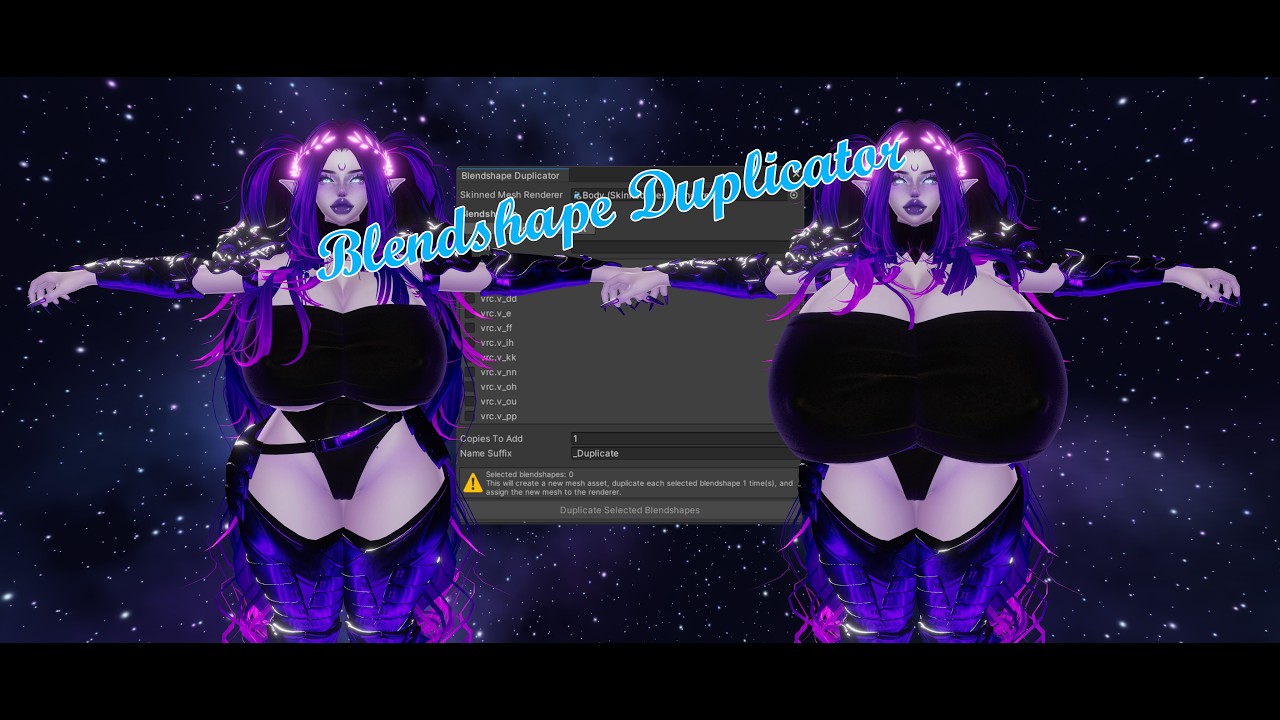
Tutorial video on this page as always ^.^
Personal use only, distribution of the tool is not allowed.