









Kairo Table: QR Menu, Kitchen Display and POS for Restaurants (Next.js 16)
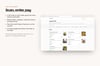
Kairo Table is a complete ordering system for a restaurant, built with Next.js 16, React 19, Tailwind CSS 4 and shadcn/ui. It is not a UI kit: authentication, database, Stripe payments, PDF receipts, QR codes, emails and a daily job are wired together and covered by an end-to-end test.
Live demo
https://kairo-table-demo.vercel.app
Create an account (any e-mail, no confirmation) and click "Load sample data" to open Juniper & Ash, a bistro with 30 dishes, 10 tables and a week of orders. The guest menu is open without an account: https://kairo-table-demo.vercel.app/r/juniper-and-ash
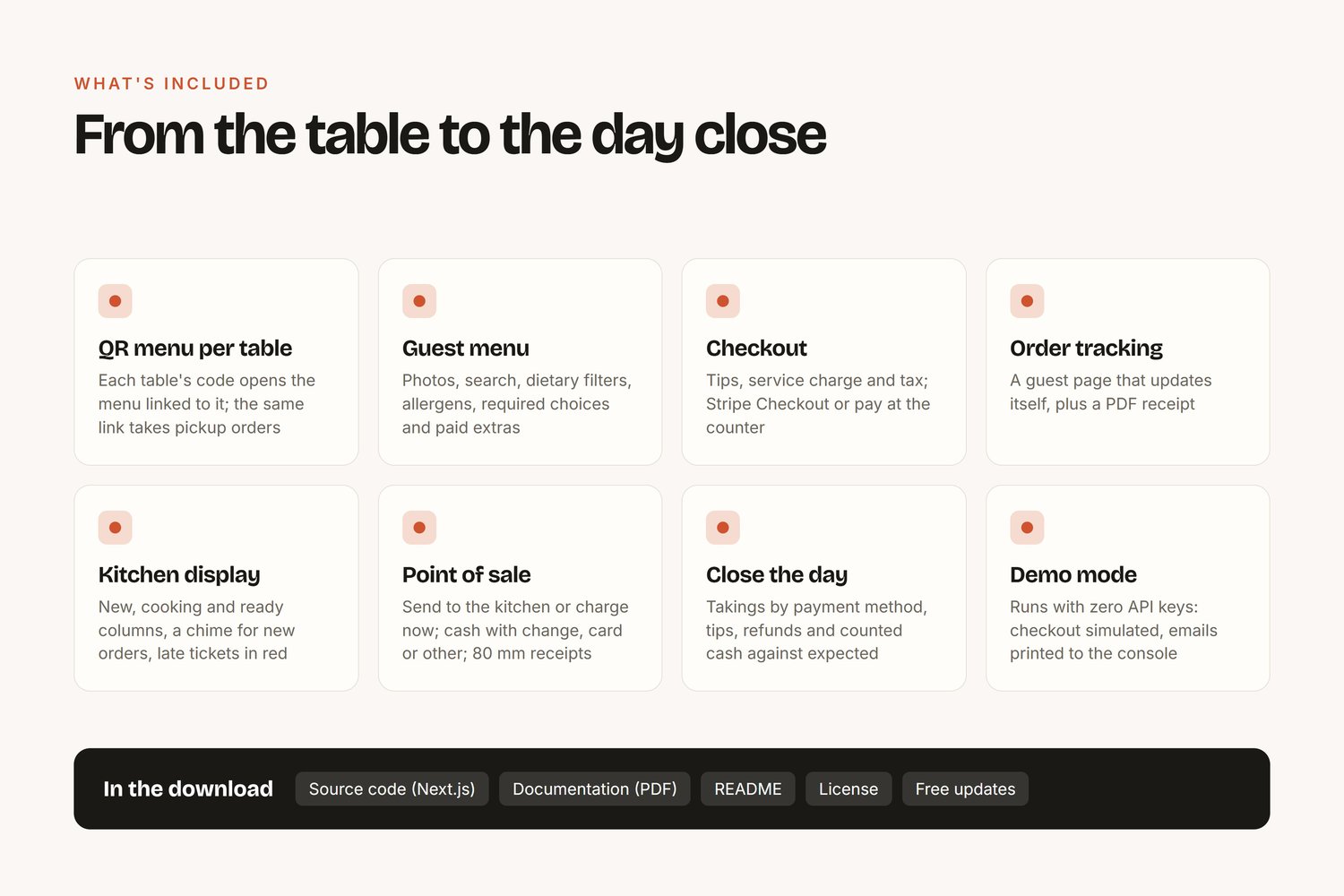
For the guest
- A QR code on every table opens the menu already linked to that table; the same link without a table takes pickup orders with a time slot
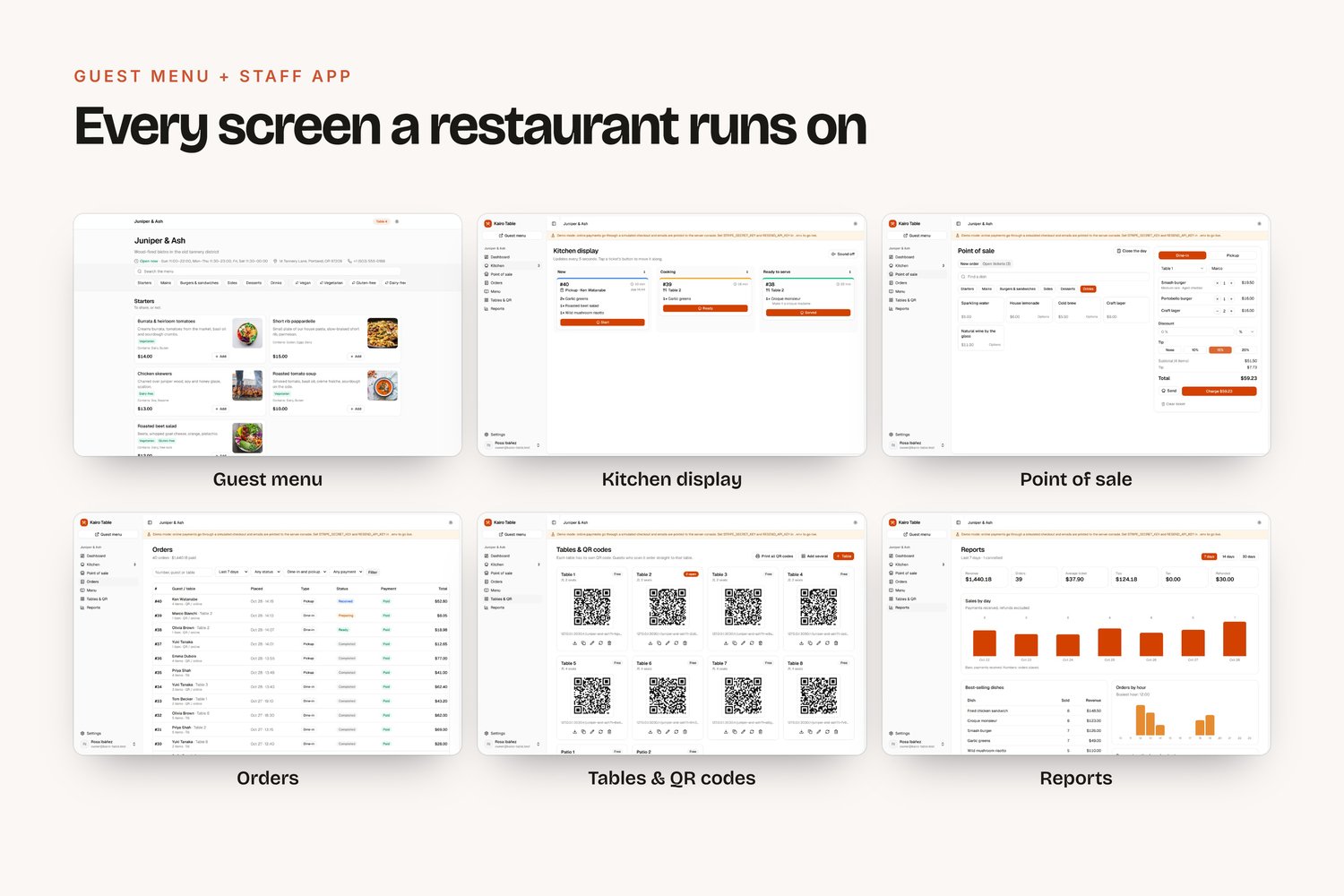
- Menu by category with photos, search, dietary filters (vegan, gluten-free, spicy…) and allergens
- Modifiers: required choices ("How would you like it cooked?") and paid extras ("Smoked bacon +$2.50"); sold-out dishes stay visible but can't be ordered
- Checkout with tip suggestions, service charge and tax; pay online with Stripe Checkout or pay at the counter
- Order tracking page that updates on its own (received, preparing, ready, completed) and a PDF receipt
- Opening hours with lunch and dinner periods; orders are refused when the restaurant is closed
For the staff
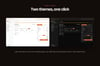
- Kitchen display: new, cooking and ready columns, refreshed every 5 seconds, one tap per step, a chime for new orders, late tickets in red
- Point of sale: tap dishes, choose a table or pickup, discount, tip, then send to the kitchen or charge right away; cash with quick amounts and change, card or other; 80 mm PDF receipts
- Close the day: takings by payment method, tips, refunds, counted cash against expected, history of closes
- Orders: search and filters, detail page with status changes, discount, cancel and refund record
- Menu manager: categories and dishes in your order, photos by URL, tags, allergens, modifier groups, one-click sold out
- Tables: QR code per table as PNG, a printable sheet with every code, regenerate a leaked code
- Reports: sales by day, best sellers, orders by hour, payment methods, dine-in vs pickup
- Emails: order confirmation for the guest, yesterday's summary for the owner every morning
Tech stack
Next.js 16 (App Router), React 19, TypeScript, Tailwind CSS 4, shadcn/ui, Better Auth (email + password, Google, GitHub), Drizzle ORM with SQLite locally and Turso in production, Stripe Checkout + webhooks, @react-pdf/renderer, node-qrcode, React Email + Resend, Vercel Cron.
Developer experience
- Demo mode: runs right after npm install with no keys. Online payment goes through a simulated checkout and emails print to the console
- Sample data loader: a full bistro in one click
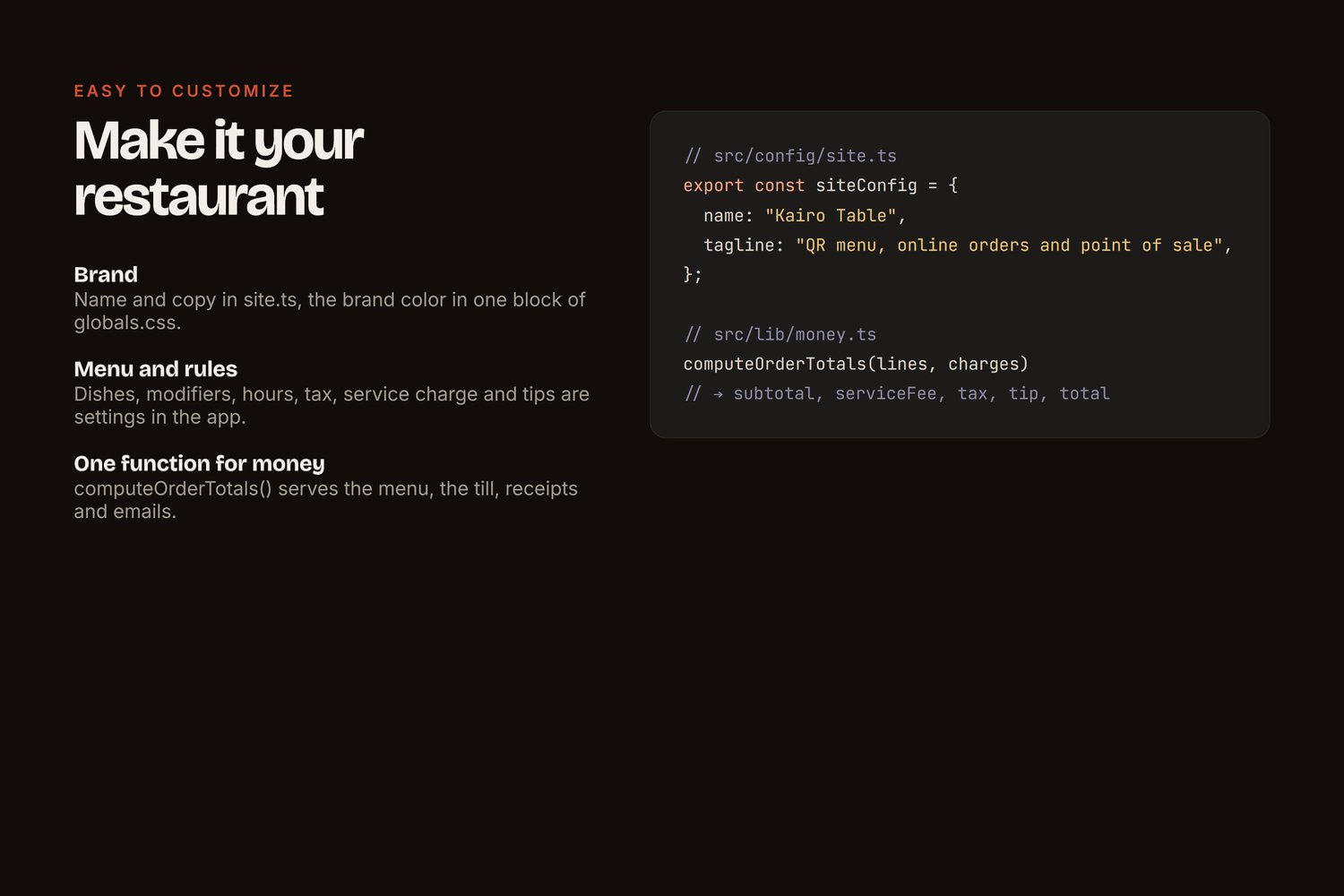
- Prices are always reloaded on the server; one function computes discount, service charge, tax and tip for the menu, the till, the receipt and the emails
- Amounts stored as integers; order lines keep a snapshot so menu changes never rewrite history
- 100% TypeScript, zero lint errors, an end-to-end smoke test (Playwright) included
- README for buyers: install, every variable, Stripe, email, the daily job, Vercel and VPS deployment, customization
What you get
Full source code (.zip) and an illustrated PDF guide (11 pages) covering setup, menu and tables, the kitchen display, the point of sale and day close, Stripe payments and deployment. Also README, LICENSE.md and CHANGELOG.md. Free updates: download the latest version from your Payhip library.
License
Personal: one end product (personal or commercial). Commercial: unlimited end products. You can't resell or redistribute the source code itself.
FAQ
Do I need Stripe to try it?
No. Without keys the app runs in demo mode with a simulated checkout. Add your keys when you're ready.
Does it need a receipt printer?
No. Receipts are PDFs sized for 80 mm paper; any receipt printer with a system driver prints them, and a normal printer works too.
Can one installation serve several restaurants?
Yes. Each account is one restaurant with its own menu link, tables and orders. Payments go to the Stripe account in the environment; Stripe Connect is the path for separate payouts (explained in the README).
Where can I host it?
Vercel with Turso, or any Node host or VPS with SQLite on a persistent disk. Both are covered step by step.
Is it real-time?
The kitchen display and the guest page poll every few seconds. That works on any host, including serverless, with no extra service.
Support
Questions or a bug? Reply to your purchase email with your order number.
Refund & support
Made and supported by Jefferson Valandro (GitHub, portfolio). If the product doesn't work as described and I can't fix the problem for you, reply to your purchase email within 14 days for a full refund.