
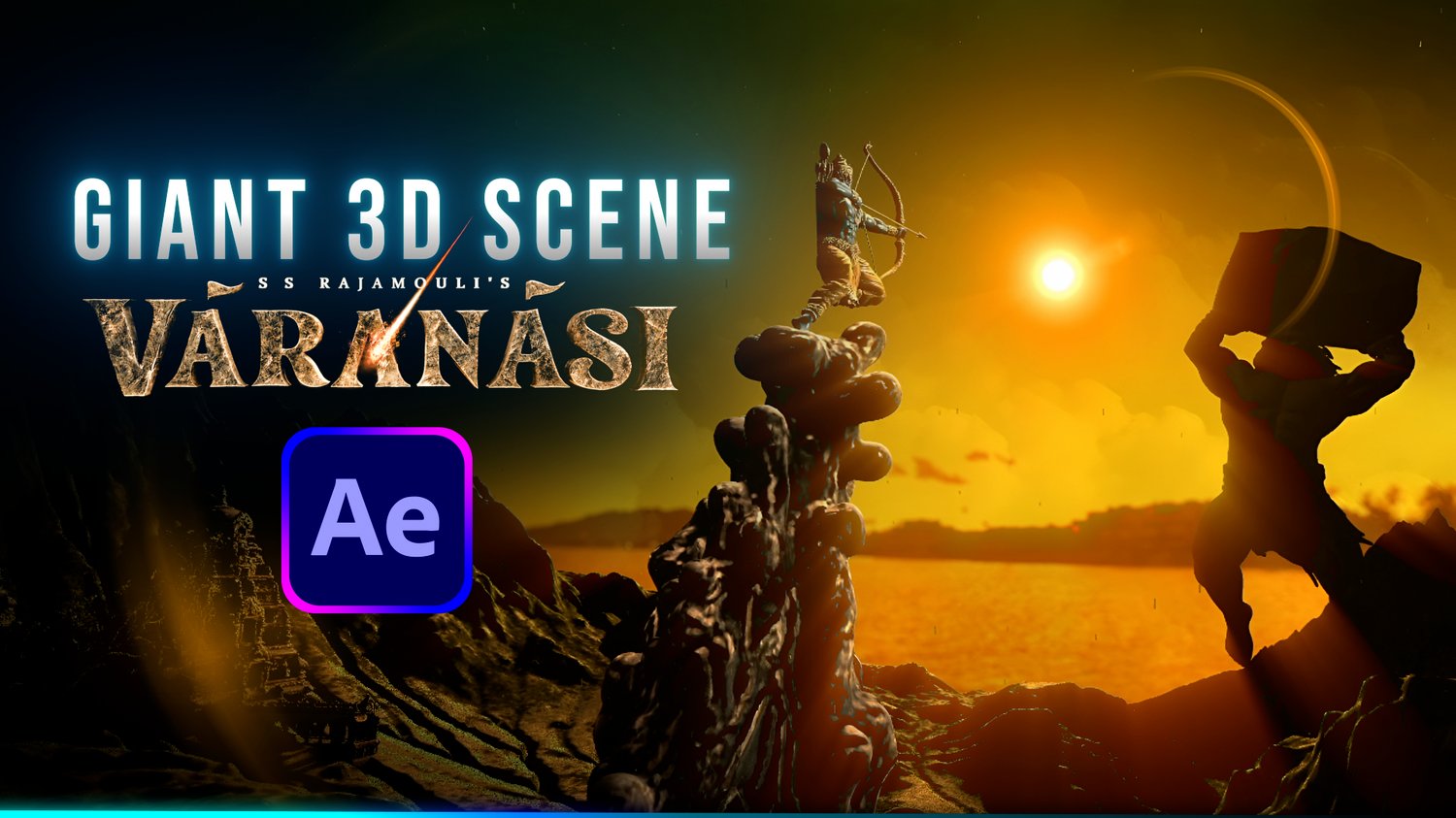

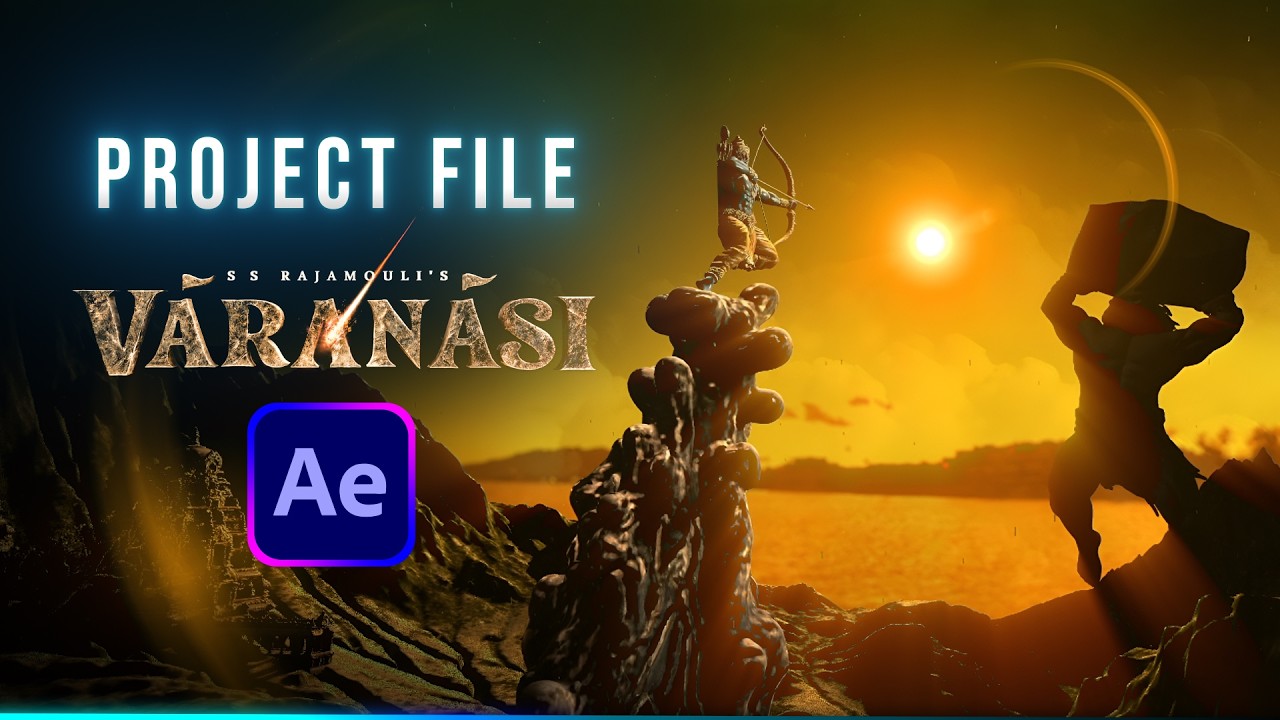
Varanasi Movie Teaser (Lanka) Scene Recreation - After Effects Project File / Template
Recreate the epic, Hollywood-scale Varanasi teaser scene right inside After Effects!
This fully customizable project file gives you access to the complete 3D camera setup, lighting passes, atmosphere design, and asset breakdown used to build this massive character scene. Whether you want to study the compositing techniques or swap in your own models and characters, this template is built to be clean, organized, and easy to tweak.
🔥 What’s Included:
• Full .aep Project File (Clean, color-coded, and organized comp hierarchy)
• All Assets included in the folder
• Complete 3D Camera, Lighting & Atmosphere setups
• Custom Particle & Optical Effects settings
⚙️ Software & Plugin Requirements:
• Adobe After Effects 2026 or newer
• Video Copilot Optical Flares
• ProductionCrate EASY GODRAYS (Free Plugin)
⚡ How to Use:
(Its Heavy File it will take time to show preview)
1. Download and extract the .zip file.
2. Open the .aep file in After Effects 2026+.
3. Relink assets if prompted (all files are pre-organized in the Assets folder).
4. Tweak camera moves, lighting, and particles to customize the shot for your own projects!
***
Note: This is a digital download. Due to the nature of digital files, all sales are final. If you run into any issues opening or relinking the project, feel free to reach out for support!