

Book Content OS Pro — ARC, Review & Short-Form Content Tracker
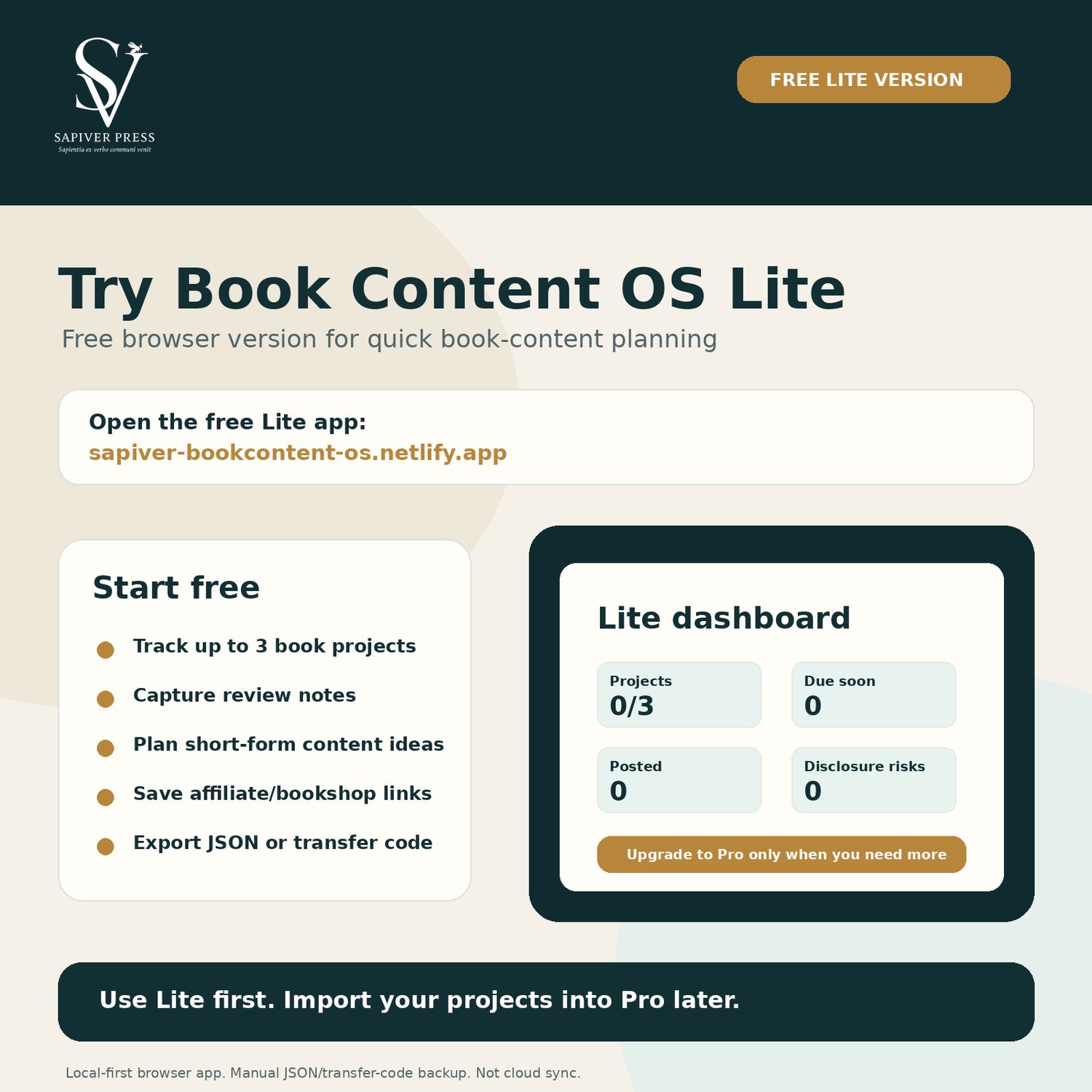
Try the free Lite version first:
https://sapiver-bookcontent-os.netlify.app/
Lite lets you test the workflow with up to 3 book projects. If you upgrade to Pro, export your JSON backup or transfer code from Lite and import it into the Pro downl
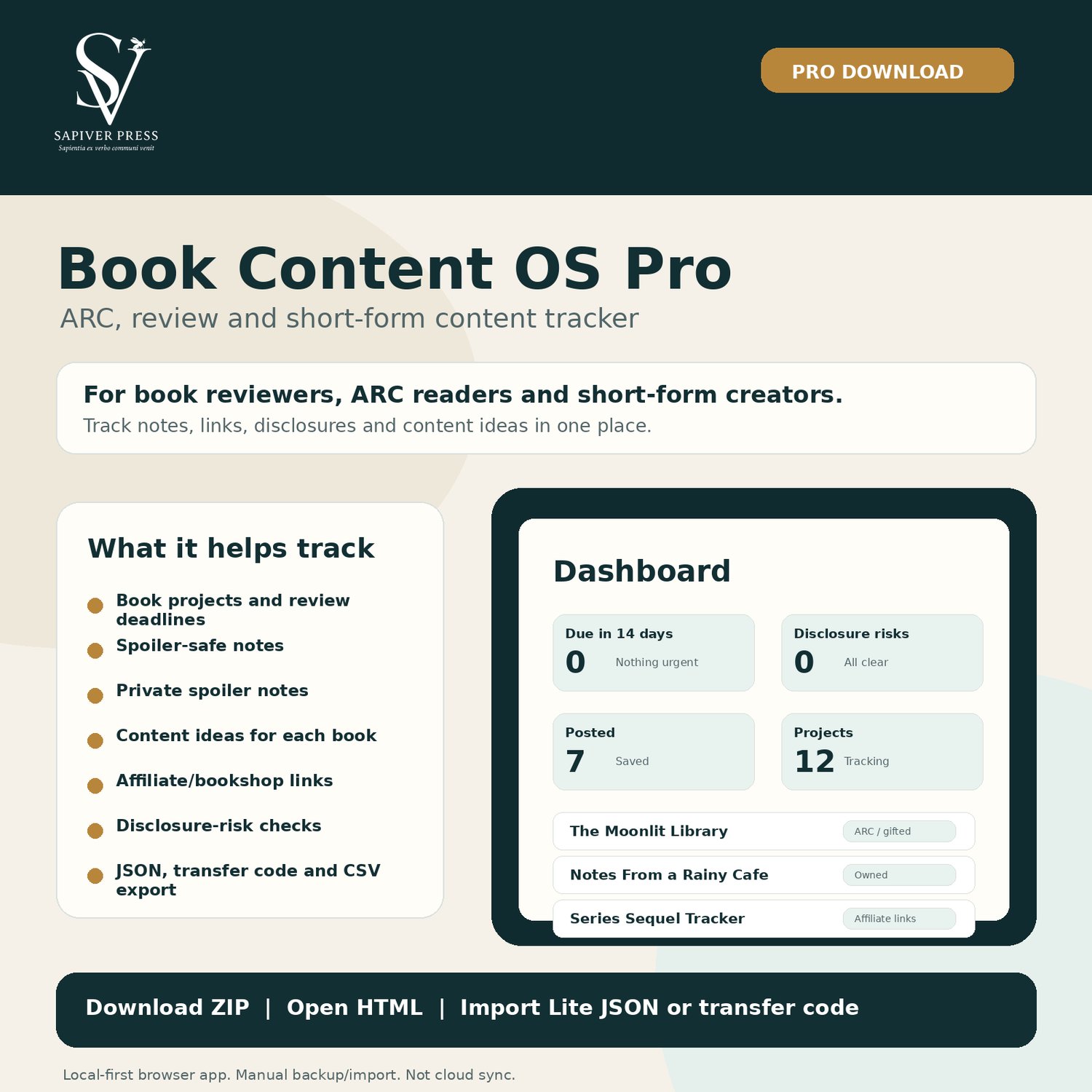
oad.Book Content OS Pro is a downloadable, local-first browser app for book creators, ARC readers, reviewers and short-form content planners.
Use it to organise each book project from first notes to final post, without needing a login, subscription or cloud account.
It helps you track:
- book projects;
- ARC and review deadlines;
- spoiler-safe public notes;
- private spoiler notes;
- content ideas per book;
- affiliate/bookshop links per book;
- disclosure-risk checks;
- posted URLs;
- archived books;
- JSON backups, transfer codes and CSV exports.
What you get:
- Book Content OS Pro HTML app;
- unlimited local book projects;
- phone/laptop view toggle;
- dashboard with useful status cards;
- duplicate project, search highlighting and undo delete;
- JSON import/export;
- transfer code import/export;
- CSV export;
- printable planning pages;
- quick-start and backup guides;
- personal-use licence.
How it works:
1. Download the ZIP.
2. Unzip the folder.
3. Open 00_START_HERE.html.
4. Click OPEN BOOK CONTENT OS PRO.
5. Add your book projects.
6. Export JSON backups regularly.
Important:
This is a local-first browser app. Your data is stored in your browser on your device. It is not cloud sync. Export JSON backups regularly, especially before clearing browser data or changing devices.
This product provides organisation tools only. It does not provide legal, tax, financial, publishing, advertising or platform advice.
This product is not affiliated with TikTok, Instagram, Amazon, Goodreads, publishers, retailers or ARC platforms.