
Teen Money Planner Spreadsheet (Google Sheets and Excel)
An easy-to-edit Teen Money Planner for Google Sheets and Excel — built for a first job, a first debit card and the first big things worth saving for. Type your hourly pay and hours, and the sheet works out take-home pay per paycheck and splits it into Save, Spend and Give; plan each paycheck, log every purchase, and see how many paychecks until the concert tickets, the first phone or the first car.
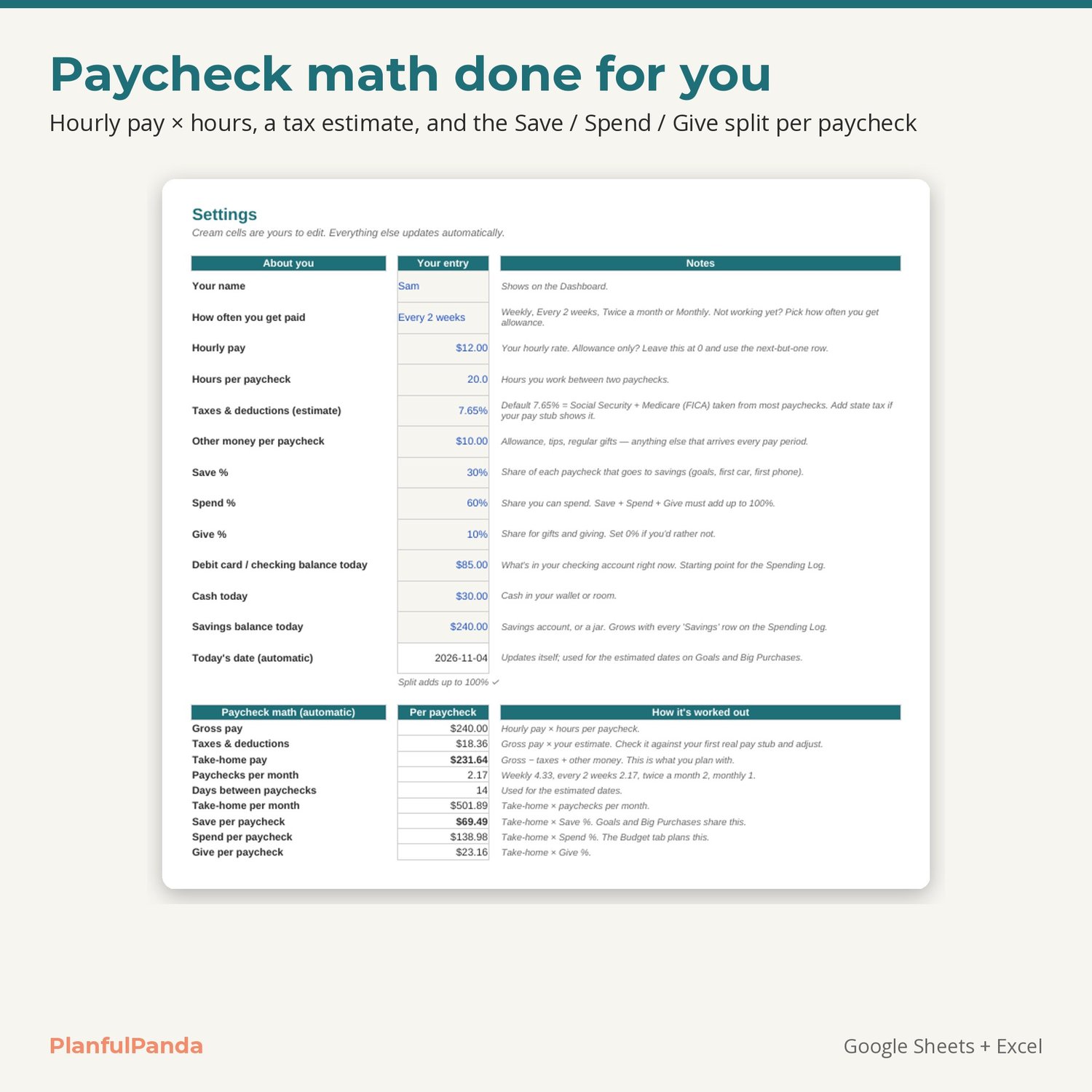
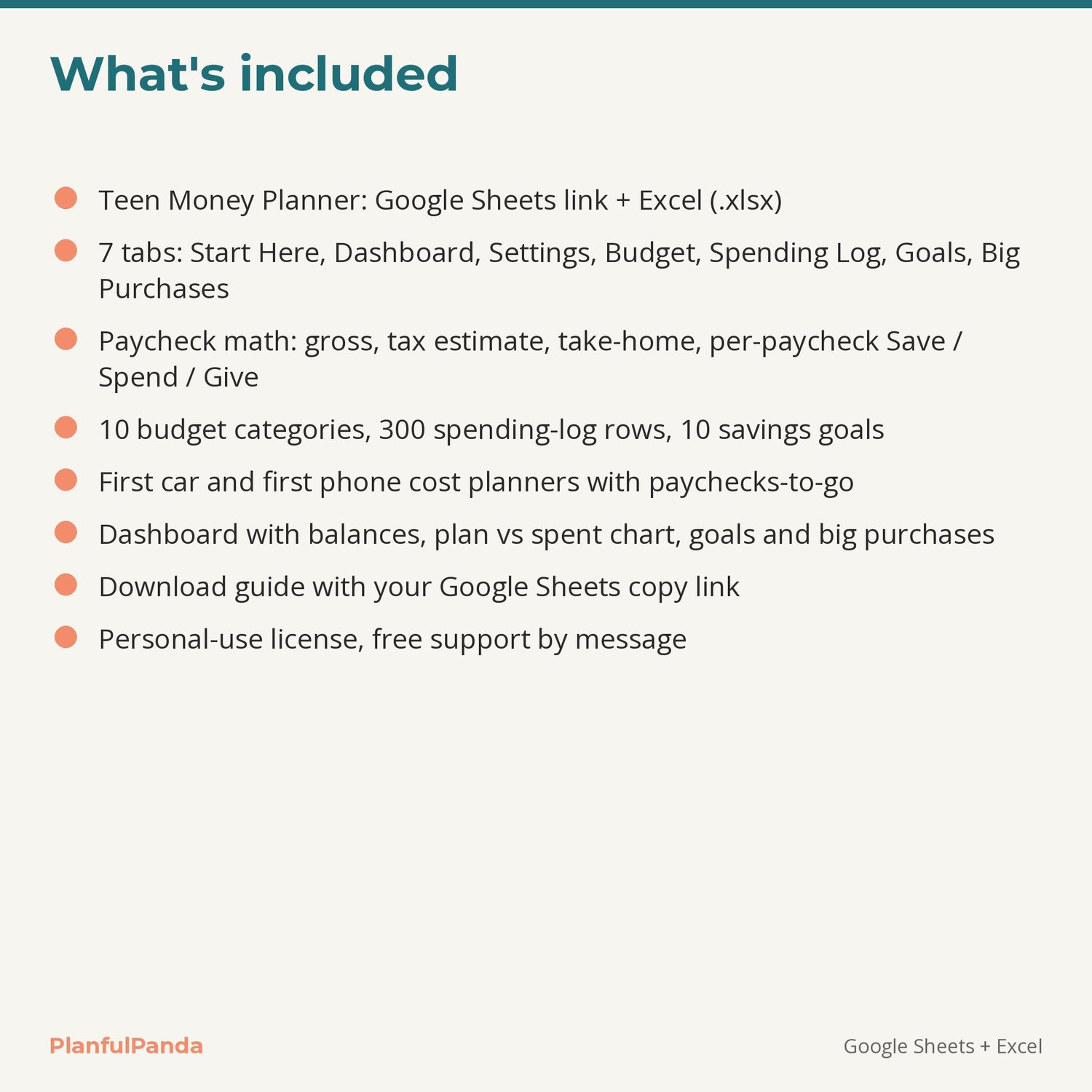
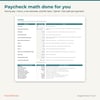
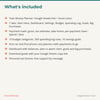
• Settings: name, pay frequency (weekly, every 2 weeks, twice a month, monthly), hourly pay and hours per paycheck (or just allowance), a tax estimate (7.65% default), other money per paycheck, the Save / Spend / Give split (checked to add up to 100%) and today's debit-card, cash and savings balances. Paycheck math fills in below: gross, taxes, take-home, paychecks per month, Save / Spend / Give per paycheck.
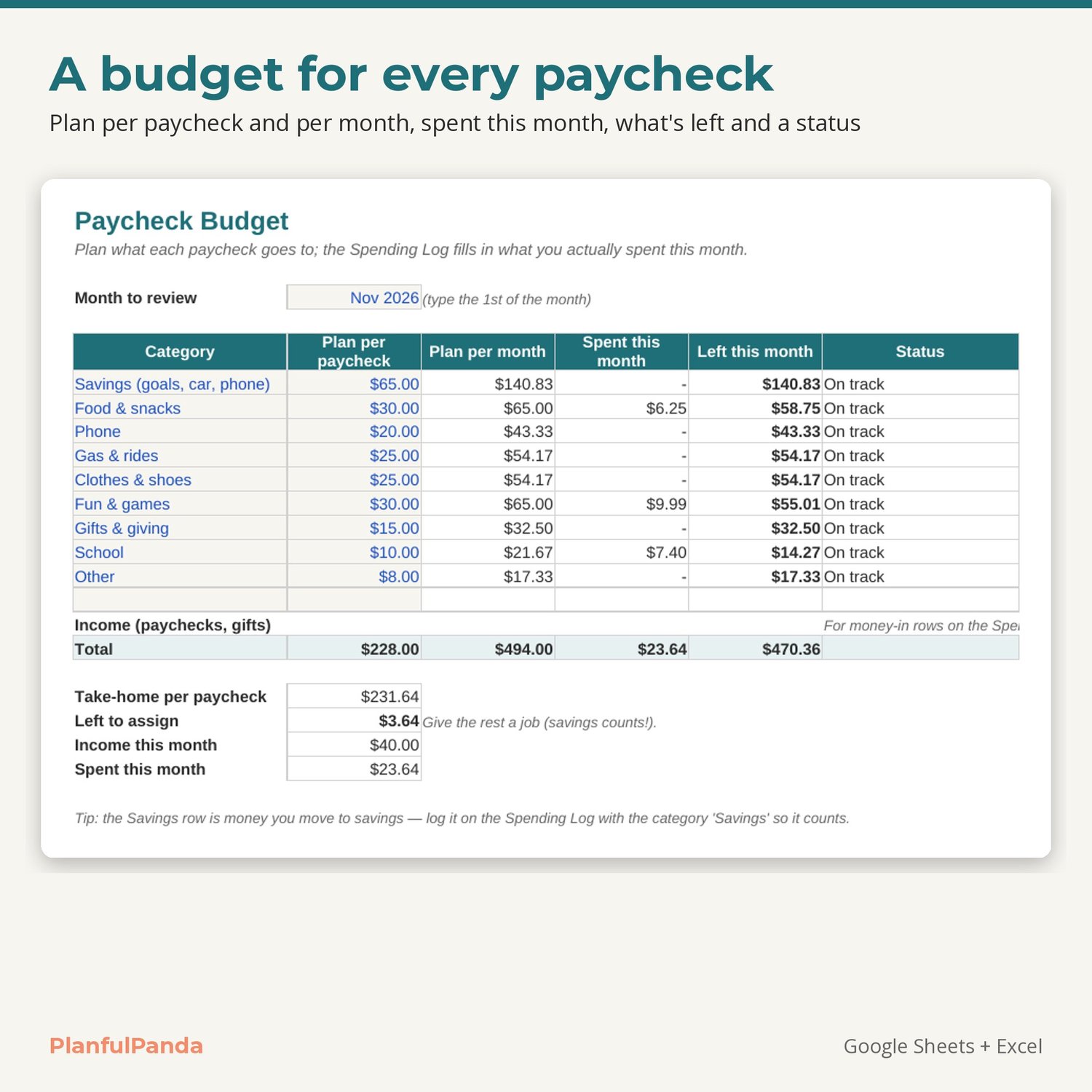
• Budget: 10 categories with a plan per paycheck and per month, spent this month (from the log), what's left and a status; 'Left to assign' shows when every dollar has a job.
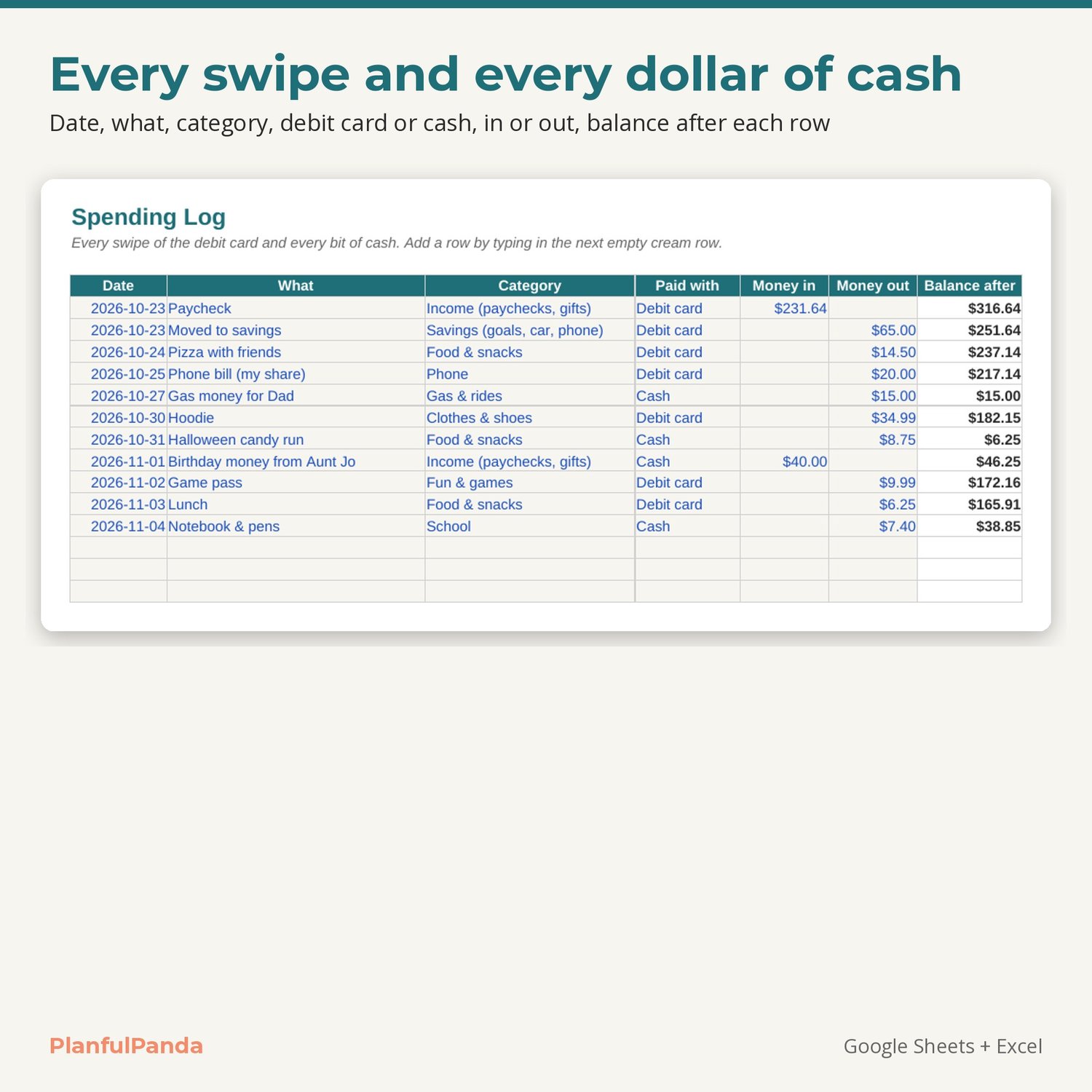
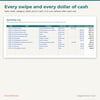
• Spending Log: 300 rows — date, what, category, debit card or cash, money in or out — with the balance after every row. Moving money to savings is just a row with the Savings category picked from the dropdown.
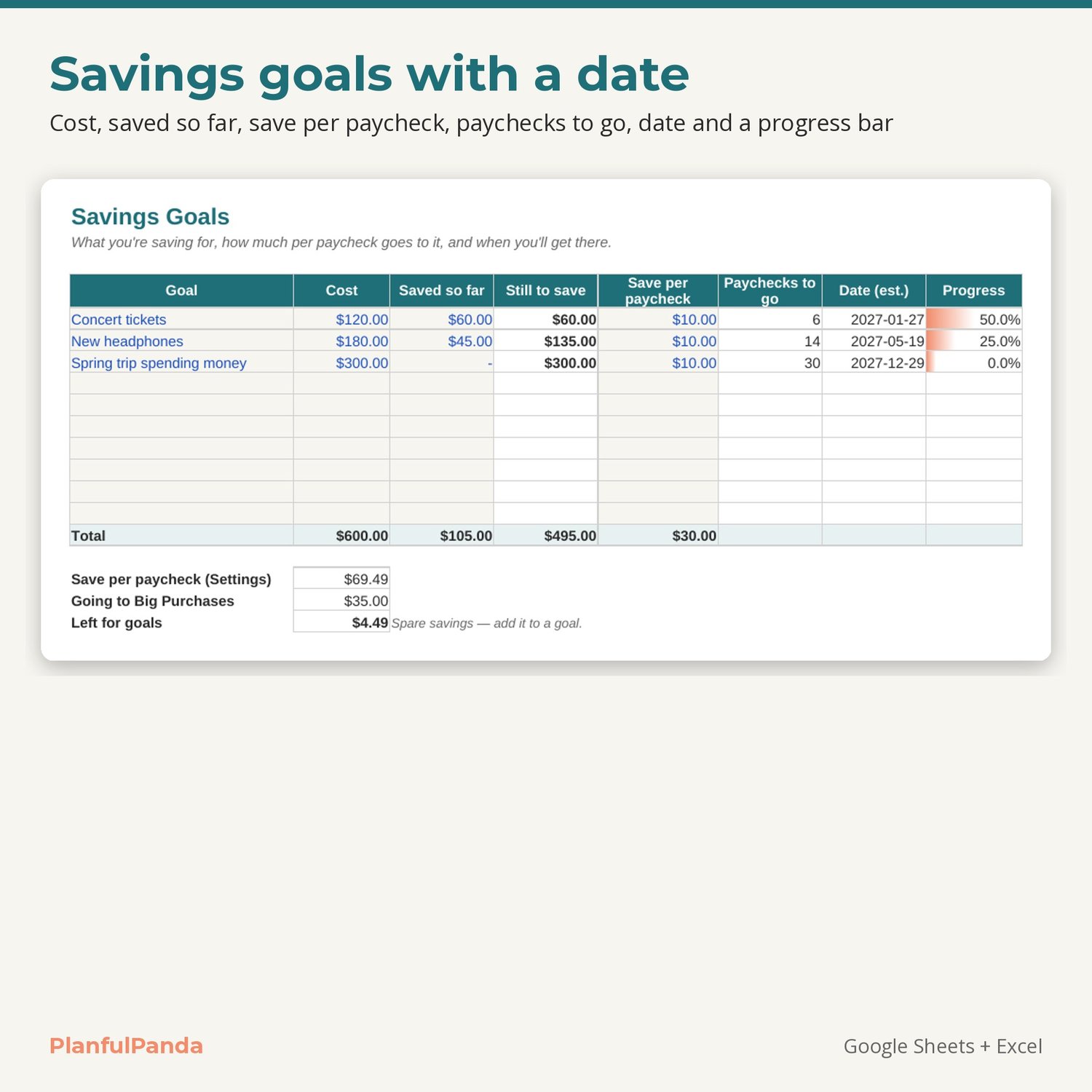
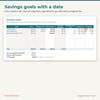
• Goals: 10 goals with cost, saved so far, save per paycheck, still to save, paychecks to go, an estimated date and a progress bar — plus a check that goals and big purchases fit inside what you save.
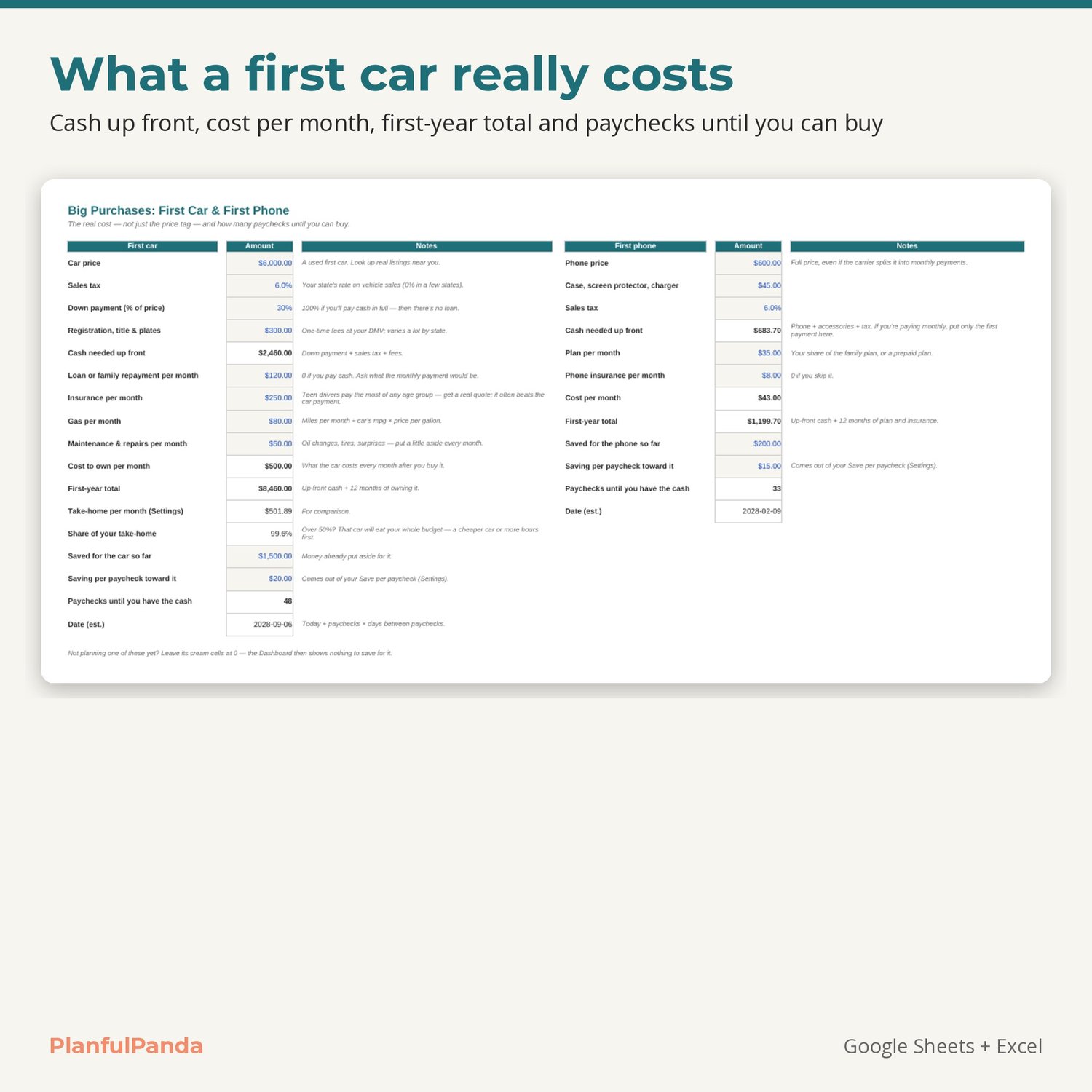
• Big Purchases: the real cost of a first car (price, sales tax, down payment, fees, loan or family repayment, insurance, gas, maintenance → cash up front, cost to own per month, first-year total, share of your take-home) and a first phone (phone, accessories, tax, plan, insurance), each with paychecks until you have the cash and a date.
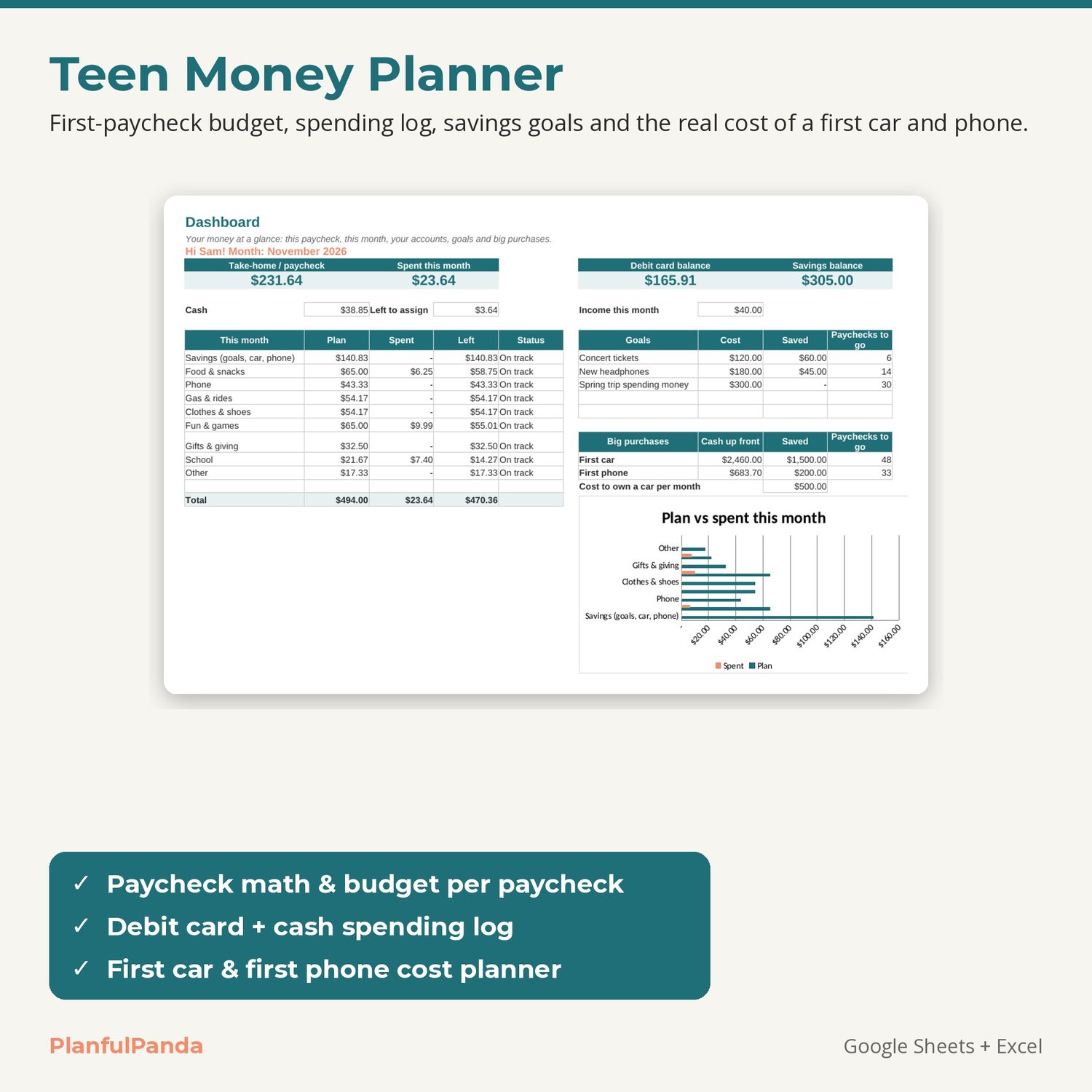
• Dashboard: take-home per paycheck, spent this month, debit-card, cash and savings balances, plan vs spent per category with a chart, the first five goals and both big purchases.
• Add a row by typing in the next empty cream row; remove one by clearing it. Formula cells are protected (no password).
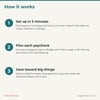
HOW IT WORKS
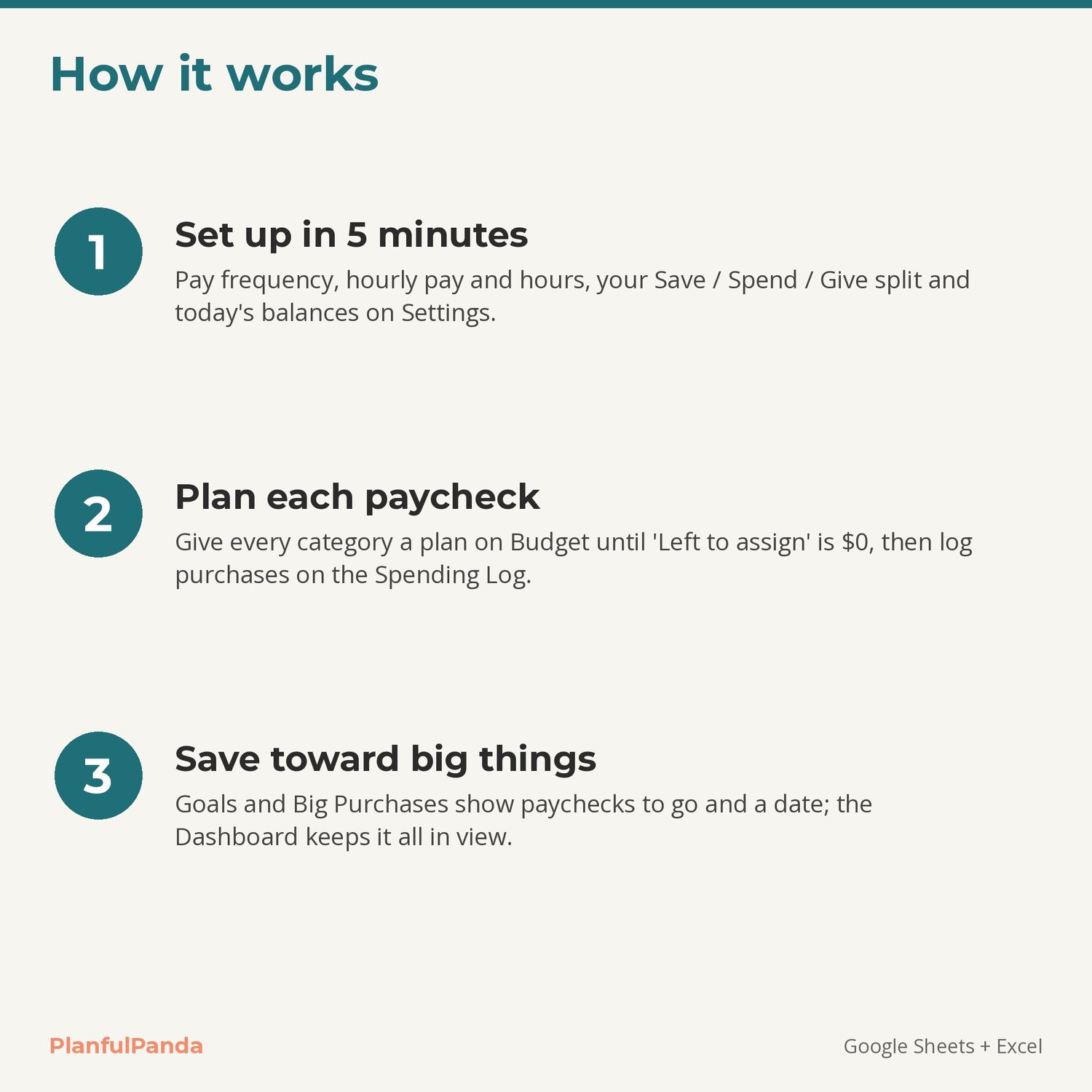
1. Download the files and open the Excel file, or use the one-click "make a copy" link in the download guide for the Google Sheets version.
2. Fill in Settings: pay, hours, split and today's balances.
3. Plan each paycheck on Budget, log purchases on the Spending Log, and check the Dashboard every payday.
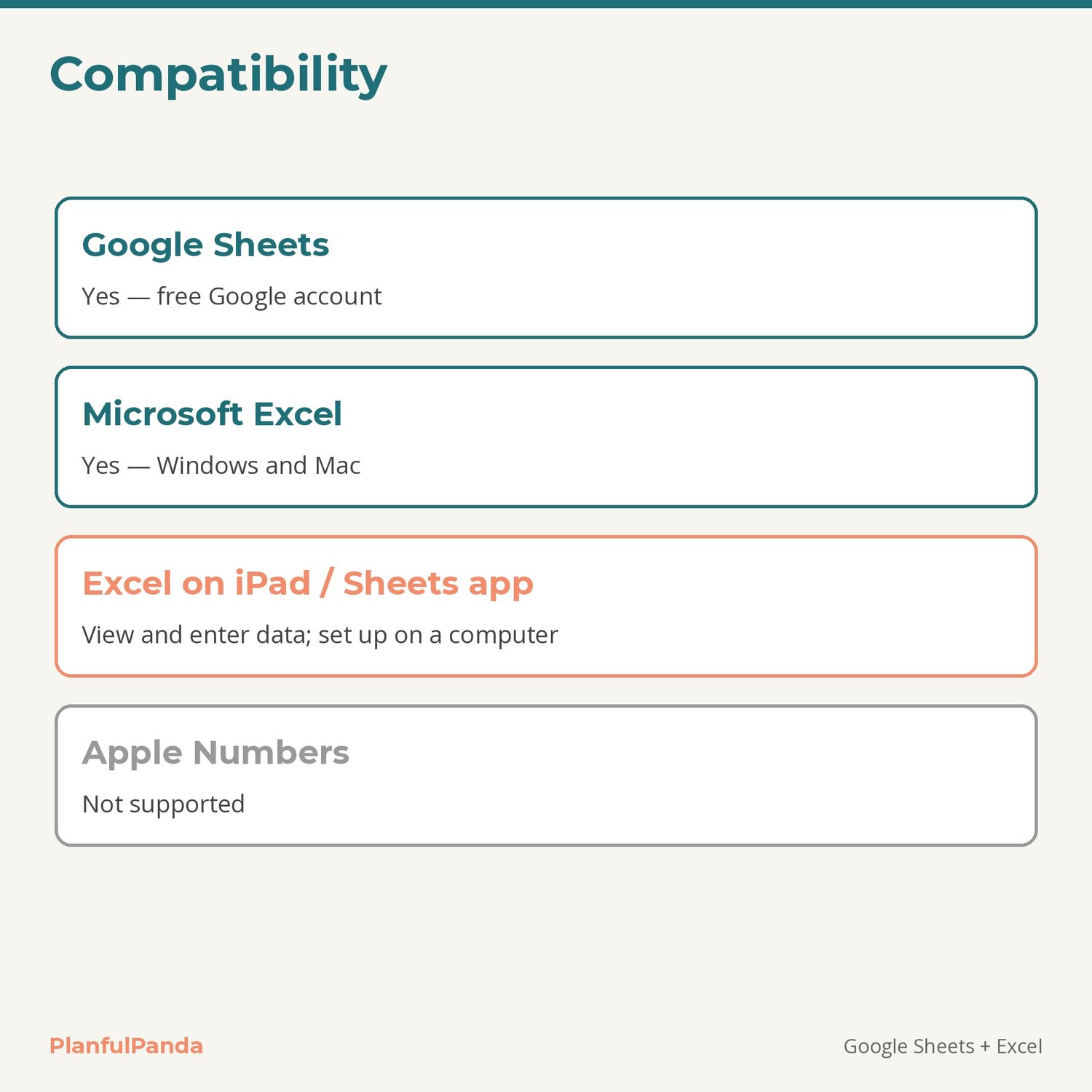
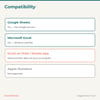
Works in Google Sheets (free account) and Microsoft Excel (Windows and Mac). Not designed for Apple Numbers.
Questions? Message PlanfulPanda through Payhip — replies within one business day.
Personal-use licence: https://www.planfulpanda.com/licence/ · Refund policy: https://www.planfulpanda.com/refunds/
Templates are budgeting tools, not financial advice. Taxes: the 7.65% default is an editable estimate, not tax advice. Not affiliated with or endorsed by Google or Microsoft.
Designed by PlanfulPanda with AI-assisted tools; every formula and layout is checked before listing.