

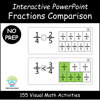

Fractions Comparison Interactive PowerPoint – 155 Visual Math Activities
Make fraction comparisons simple and visual with this interactive PowerPoint activity! Students practice identifying which fraction is greater, smaller, or equal through 155 hands-on exercises that turn abstract concepts into clear, engaging visuals.
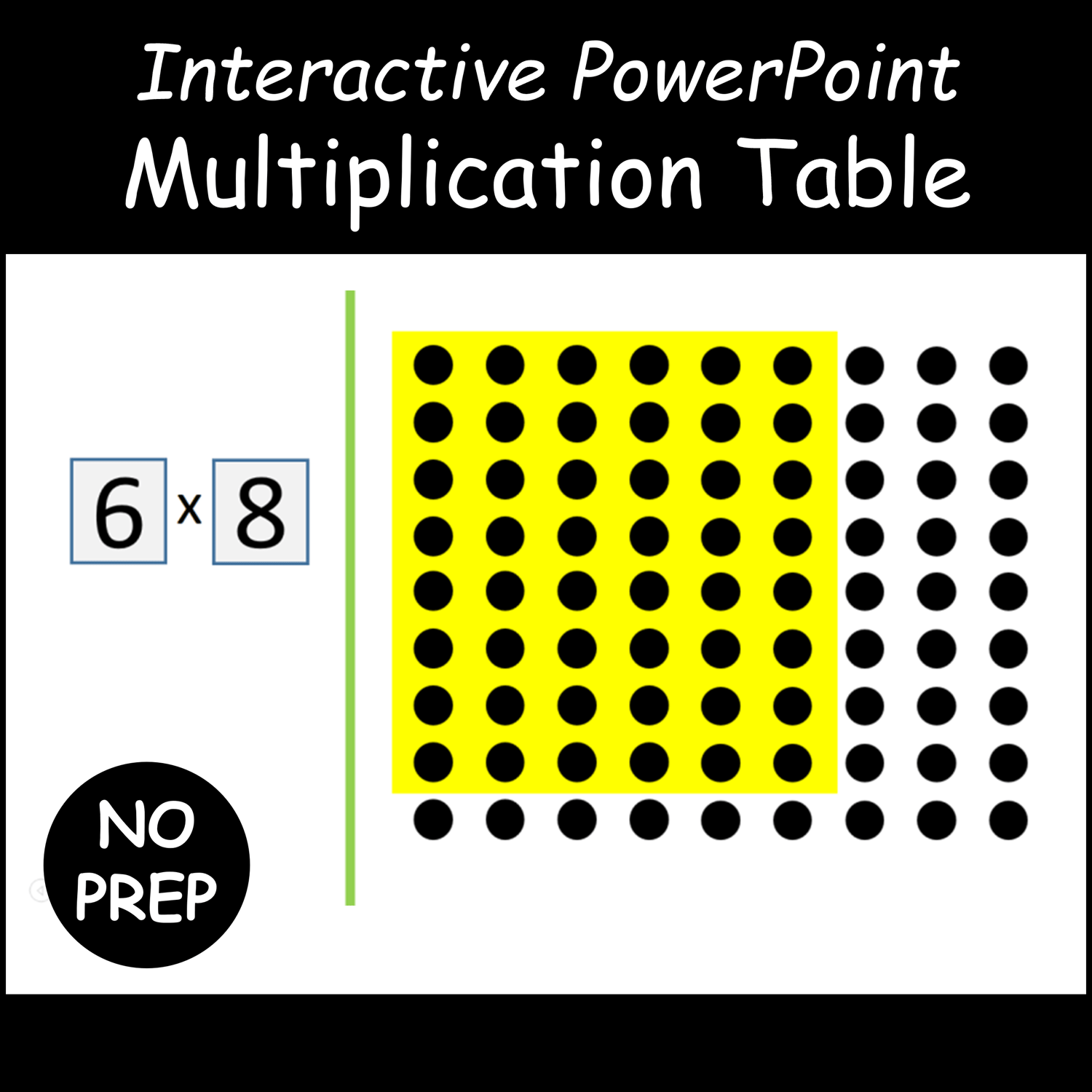
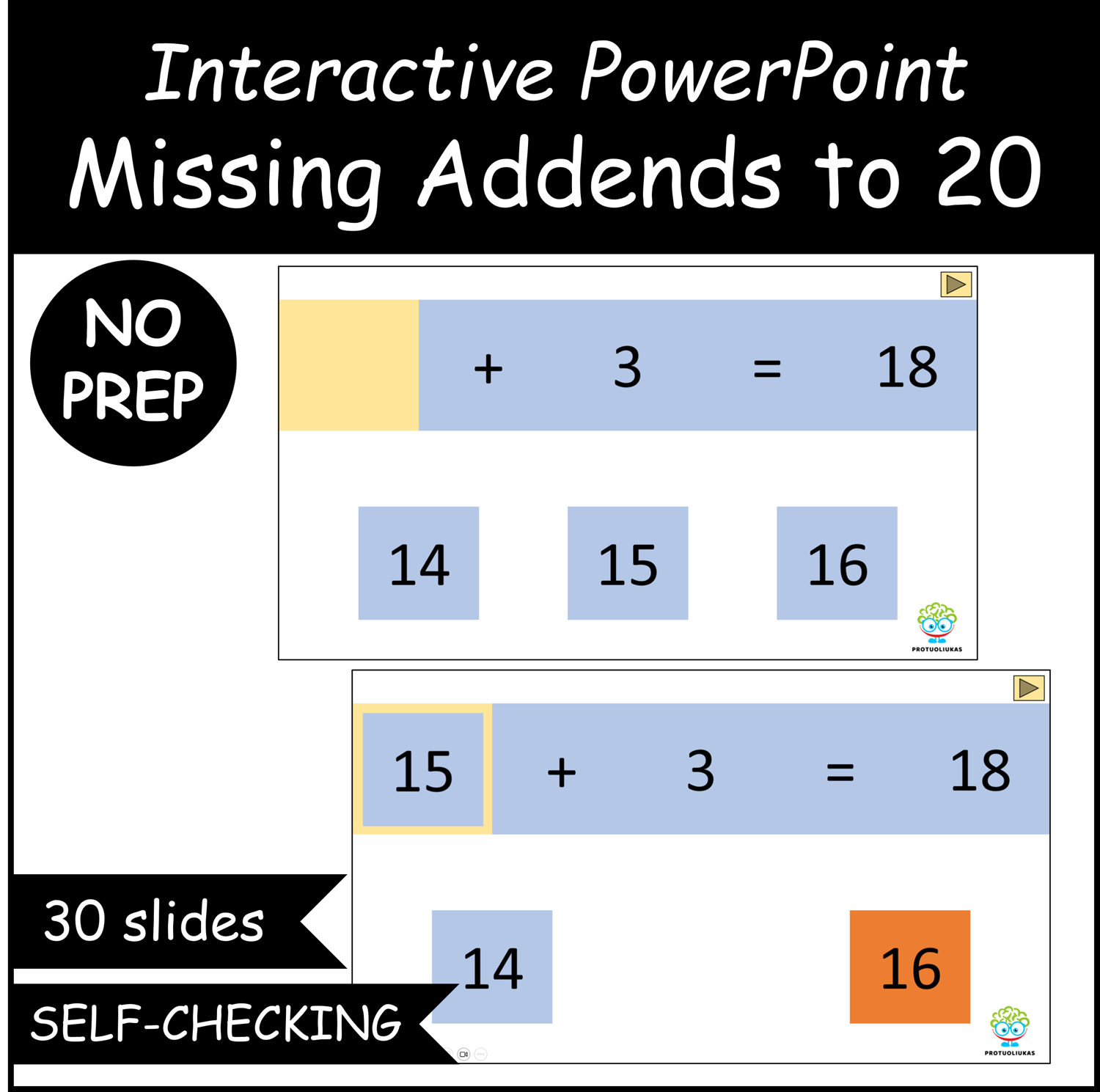
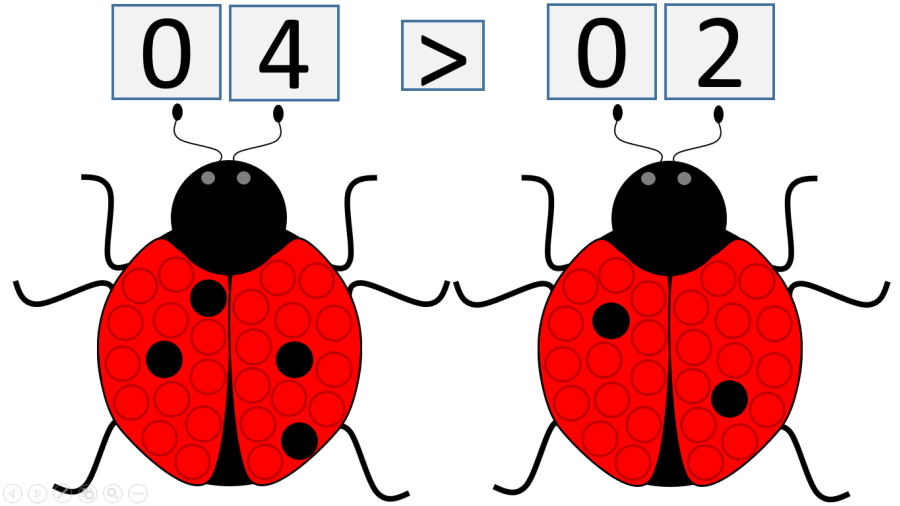
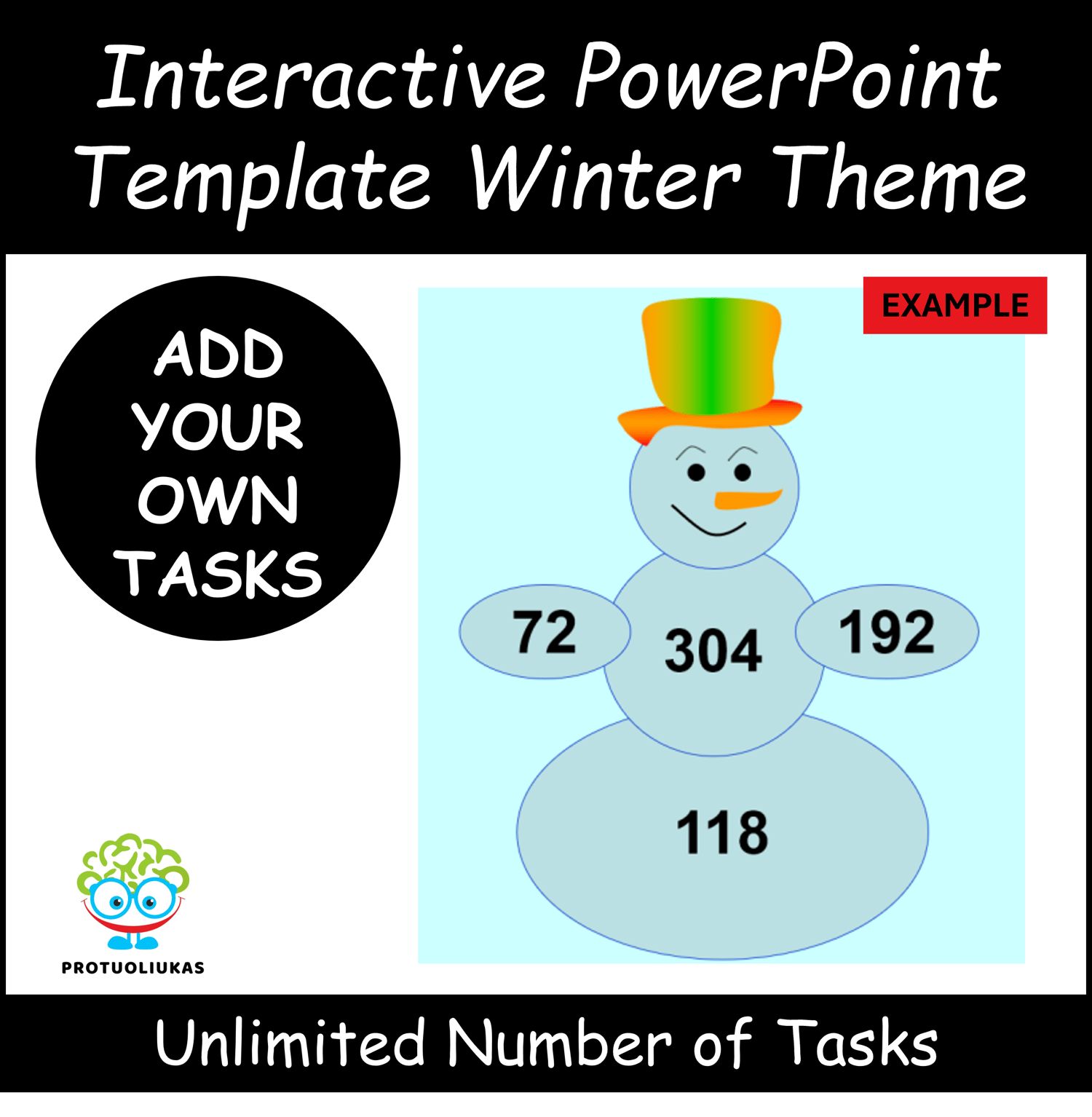
Each slide shows two fractions alongside colorful models. Learners click on the comparison box (“<”, “>”, “=”) until the correct answer appears and can color the fraction models for immediate visual feedback. This activity promotes understanding, confidence, and interactive learning for a variety of classroom settings.
What’s Included:
• PowerPoint file (.pptx)
• 155 interactive slides for fraction comparison practice
• Click-to-change comparison symbols (<, >, =)
• Visual fraction models for every problem
• Universal design – no text, ideal for any language classroom
Skills Students Practice:
• Comparing fractions visually and conceptually
• Understanding fraction relationships
• Strengthening number sense
• Building confidence through interactive exercises
Perfect For:
• Grades 3–5
• Whole-class lessons, small group work, math centers, or independent practice
• Classroom or distance learning
• Special Education and SEL-friendly environments
How to Use:
Open the PowerPoint in presentation mode, let students select the correct comparison symbol, and color the fractions for visual reinforcement. Use as a full-class activity, center task, or review game.
⚠️ For personal and classroom use only. Redistribution, copying, or resale is strictly prohibited.