

Interactive PPT template
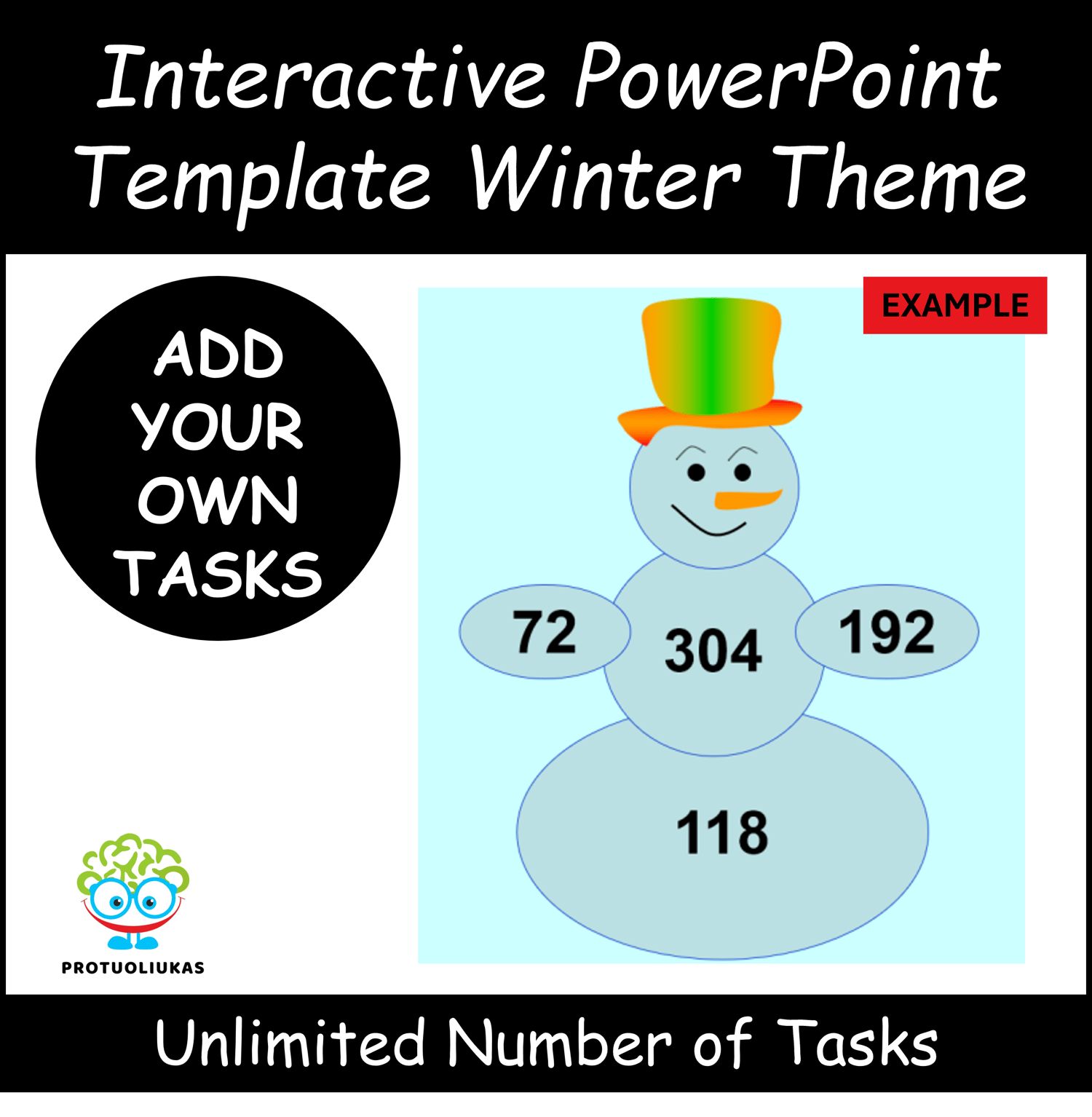
The tool helps to bring the two parts together and understand what is then obtained. Each detail comes one after the other. After the upper parts have arrived, they need to be connected somehow. The answer comes after an additional click as the two above details are related.
In the video, only one of the possible usage options is presented in order to show the way the tool works.
Usage examples:
-compound words (in any language): above - both words, below - compound word;
-emotions: basic and derived emotions;
- derivative colors: top - two colors, bottom - what color is obtained by mixing them;
-parts of speech - words that are certain parts of speech are listed at the top, and what part of speech it is is shown at the bottom;
- tenses of verbs - the verbs of a certain time are presented at the top, the tense is presented at the bottom;
- fractions: the simple fractions are presented at the top, the corresponding decimal at the bottom;
-weight: weight given at the top e.g. in grams, and at the bottom both weights are added together in kilograms;
-even/odd numbers: two numbers are presented at the top, it is named whether they are even or odd, and then the answer appears in the lower part;
-prime/composite numbers: two numbers are presented at the top, it is named whether they are prime or composite, and then the answer appears in the lower part;
-distance: the distance is given at the top e.g. in meters, both distances are listed below in kilometers;
-number, letter,...
-other ways of use you have invented.
Powerpoint is required to use the tool. To activate animations - use slides demonstration.
The use of the tool is unlimited, you enter the words/tasks yourself.