
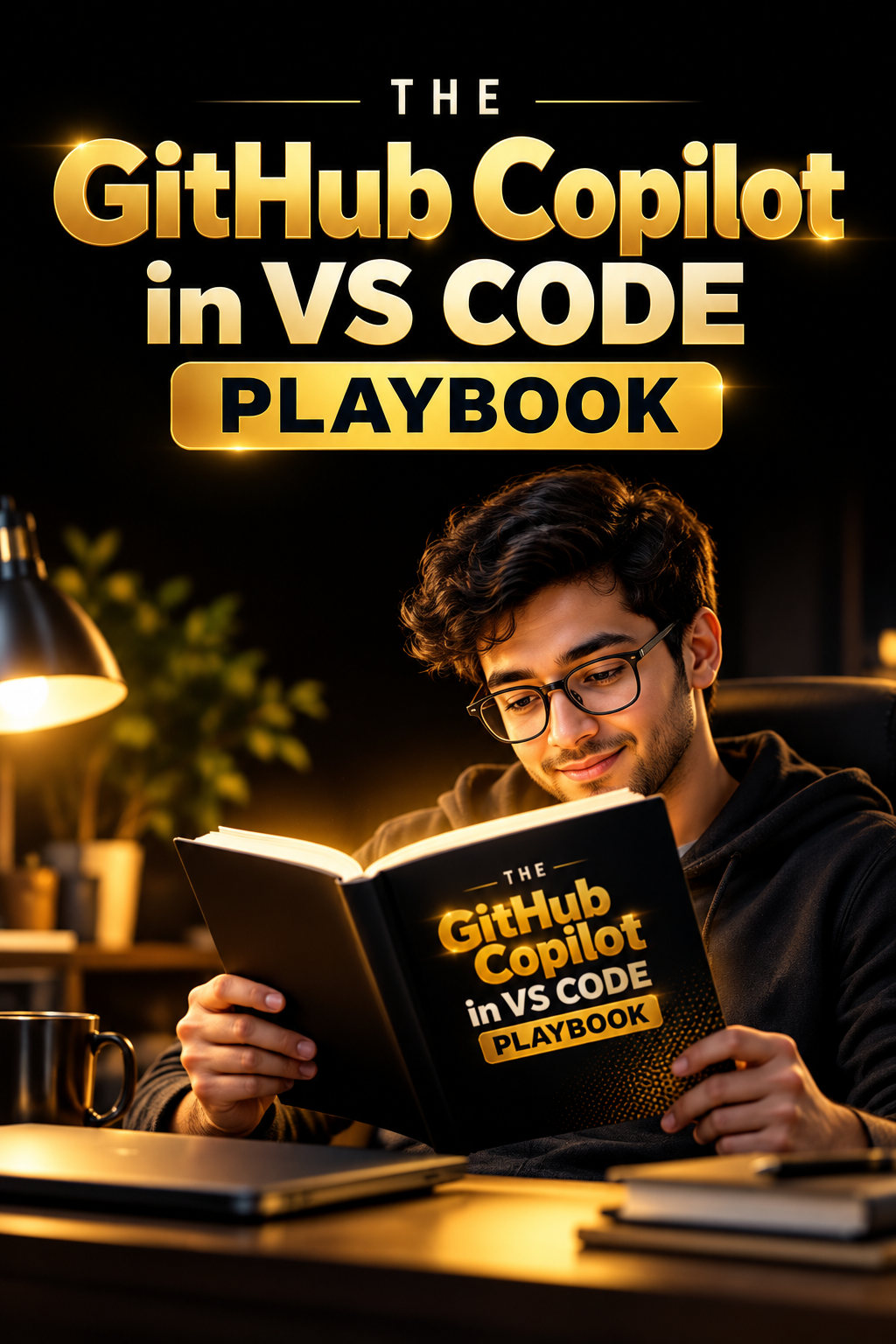
The GitHub Copilot in VS CODE Playbook
Master GitHub Copilot in VS Code: from your first Tab-to-accept to building a complete AI multi-agent QA pipeline.
This practical GitHub Copilot guide walks you through every part of Visual Studio Code where AI pair programming lives: the editor, Copilot Chat, Agent mode, the terminal, Git, testing, debugging, extensions and MCP servers. It’s built for developers, SDETs, QA engineers and tech leads who want to code faster with AI, automate testing, and walk into interviews ready for questions about AI-assisted development.
What’s inside
- 14 illustrated chapters, one for each Copilot area in VS Code:
- inline suggestions and next edit suggestions
- inline chat and smart actions
- Copilot Chat with Ask, Plan and Agent
- agent tools, approvals and checkpoints
- workspace context and #codebase
- custom instructions, prompt files, custom agents and agent skills
- extensions and MCP servers
- the terminal
- source control, pull requests and code review
- testing and debugging
- cloud agents and the Agents window
- settings, privacy and enterprise policies
- 3 step-by-step hands-on POCs you build yourself:
- an Expense Splitter CLI
- a Mini Bug Board team setup
- an end-to-end QA SDET multi-agent system that turns a Jira user story into reviewed test cases, Playwright TypeScript scripts, page objects and a test report, using the Atlassian MCP and Playwright MCP servers
- Ready-to-copy config files: copilot-instructions.md, .instructions.md, .prompt.md, .agent.md, SKILL.md and .vscode/mcp.json
Interview prep built in
- 33 GitHub Copilot interview questions across four levels: Beginner, Intermediate, Advanced and Lead/Architect
- Every answer comes with a short spoken answer, a detailed explanation, a real-world example, likely follow-ups and the common mistake to avoid
- 12 scenario-based questions and 8 interviewer trick questions
- A 12-question rapid-fire round and a 50-question, 5-round mock interview
Quick-revision tools
- A keyboard shortcuts cheat sheet (Windows, Linux and macOS)
- 6 comparison tables, including Ask vs Plan vs Agent, instructions vs prompt files vs custom agents, and local vs worktree vs cloud agent sessions
- A 23-term glossary, the Top 25 must-know facts and a one-page rapid revision sheet
- A 5-day study plan and a clickable “jump to interview questions” button
Who it’s for
- Developers learning GitHub Copilot, Copilot Chat and Agent mode
- QA engineers and SDETs moving into AI test automation with Playwright
- Tech leads rolling out Copilot to a team, with governance, review policy and cost control
- Anyone preparing for GenAI, AI coding assistant or SDET interviews
Why this book is different
- It’s practical, not theoretical: every chapter ends with a “Try It Yourself” task you do inside VS Code.
- Agent safety and good practice run through every chapter: prompt-injection awareness, tool approvals, checking the diff and CI before trusting an agent’s “done”, and never weakening a test to make it pass.
- The friendly Rohan and Meera conversations make complex topics like MCP and multi-agent orchestration easy to follow.
Format: 116 pages, delivered as PDF, Word (.docx) and EPUB, with full-color diagrams and a clickable table of contents.
This is an unofficial guide and is not affiliated with or endorsed by GitHub or Microsoft. GitHub Copilot and Visual Studio Code are trademarks of their respective owners.