
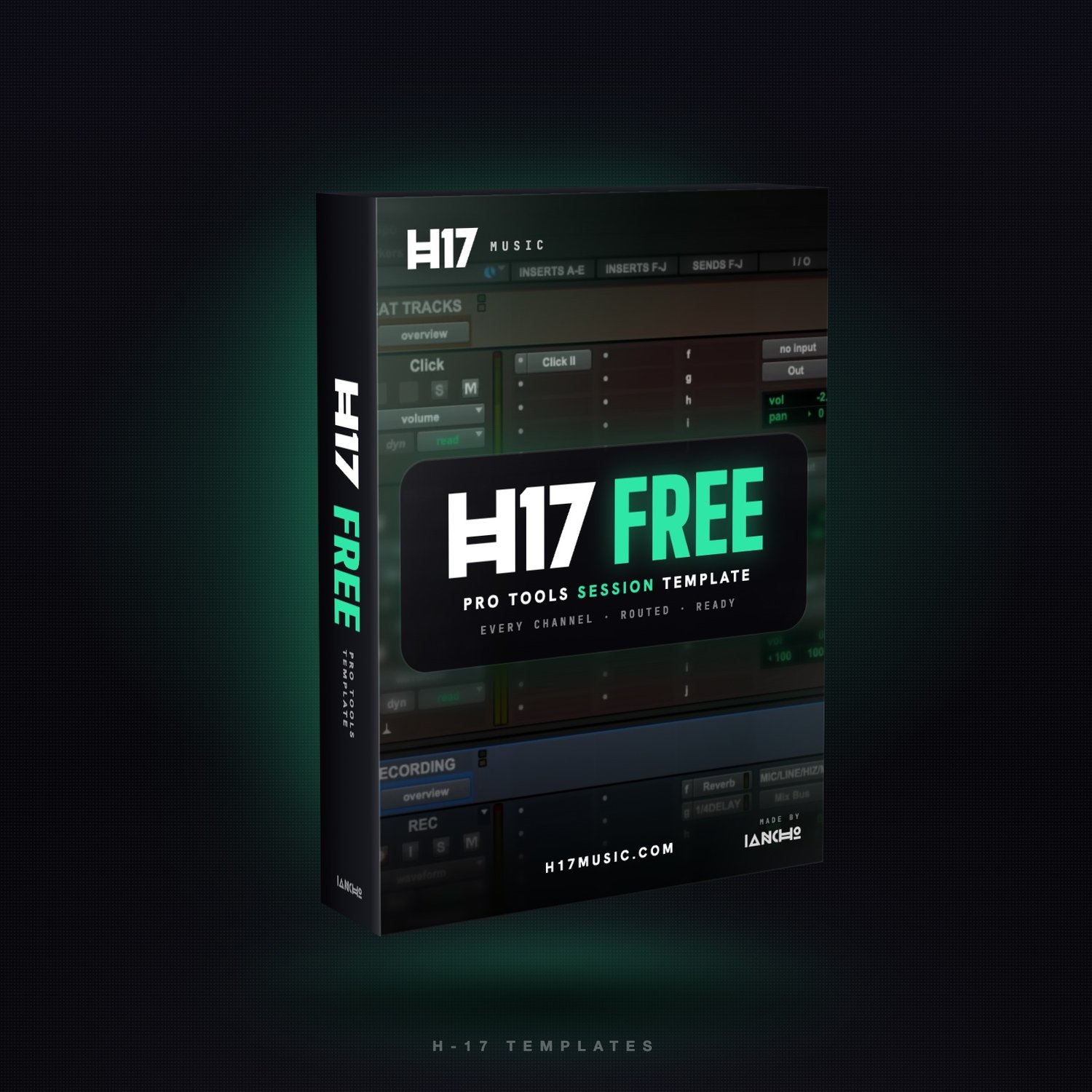


H-17 FREE TEMPLATE - Pro Tools Session Template
On Sale
$0.00
Stop starting every session from zero.
The H-17 FREE TEMPLATE is the session layout I use at H-17 Studio, ready to open in Pro Tools. Every channel is already created, named, colored and routed the best way possible, so you go straight to recording instead of building tracks one by one.
WHAT'S SET UP FOR YOU
- Every channel created and named: a Beat Tracks folder (click, beat, filter), a Recording folder (rec, lead 1, lead 2, verse and more) and a Background folder.
- All the mapping done: inputs, outputs, the Mix Bus, and reverb and 1/4-note delay sends already on every vocal channel.
- Session ready to work: 130 BPM, 4/4, 1/16 grid, 2-bar count-off, Polyphonic Elastic Audio on the vocal tracks.
WHAT YOU ADD
- Your own plugins. This free version has NO plugins on the channels: every insert slot is empty, so you put the plugins you like on each channel. The channels, folders, sends and routing are all done.
- Want my full vocal chains? Get the H-17 WAVES TEMPLATE.
WHAT YOU GET
- H-17 FREE TEMPLATE.ptxt (Pro Tools session template) + How to install.txt, in one ZIP.
REQUIREMENTS
- Pro Tools 2026.4 or newer, Mac or Windows.
HOW TO INSTALL
- Unzip and double-click H-17 FREE TEMPLATE.ptxt. Pro Tools asks where to save your new session.
- Or keep it in your template list: Dashboard › Create › template group menu › Install Template… and pick the file.
All sales are final; digital products can't be returned or refunded. Questions: h17musiconline@gmail.com