

MechApe Desktop — Windows
CLOUD API COSTS ARE SEPARATE
US$29 buys the MechApe desktop app, not AI credits. Optional cloud models require your own provider account/API key; providers bill usage separately at their own rates. Local models run on your hardware and require separate model downloads.
SCREENSHOT DEMO
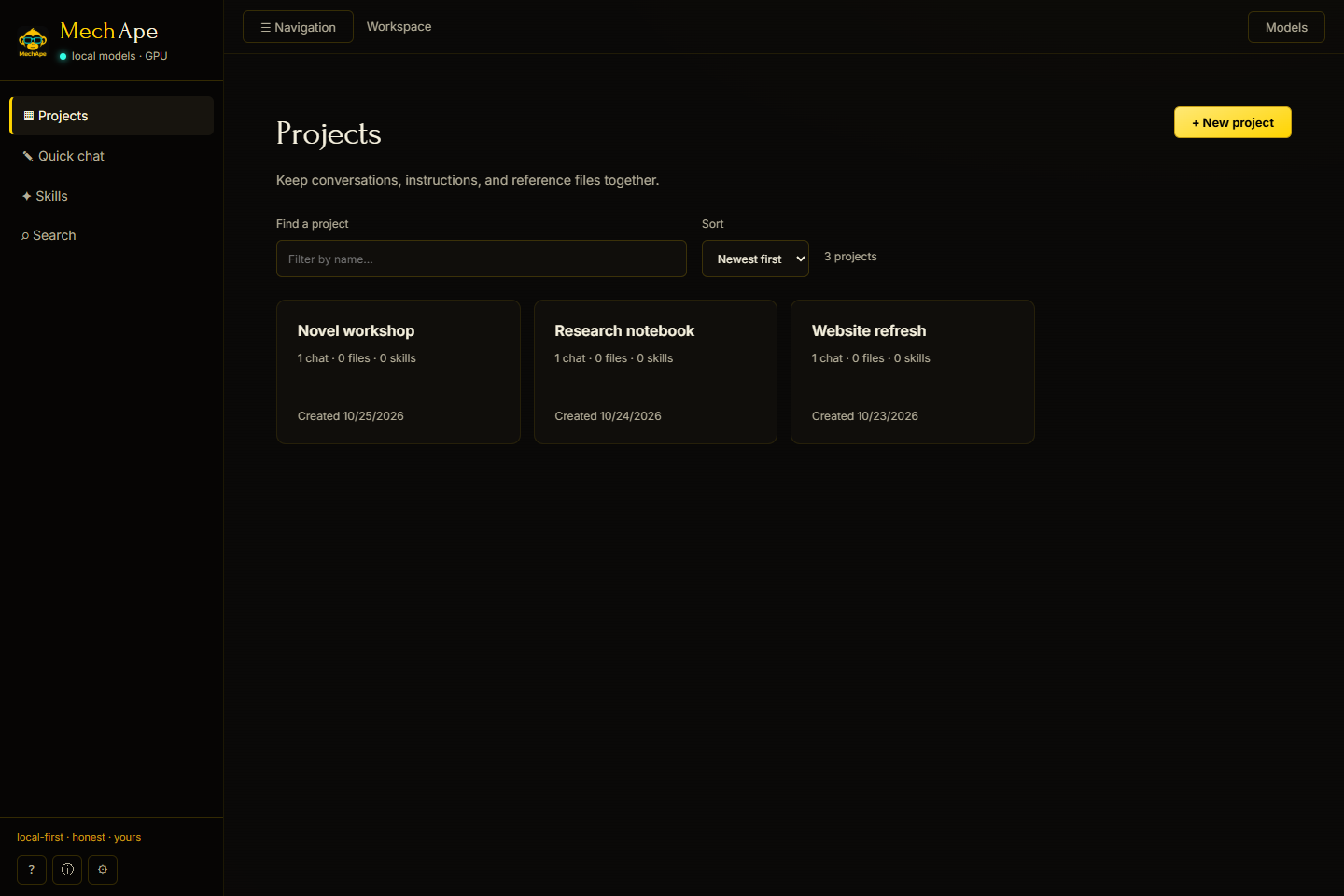
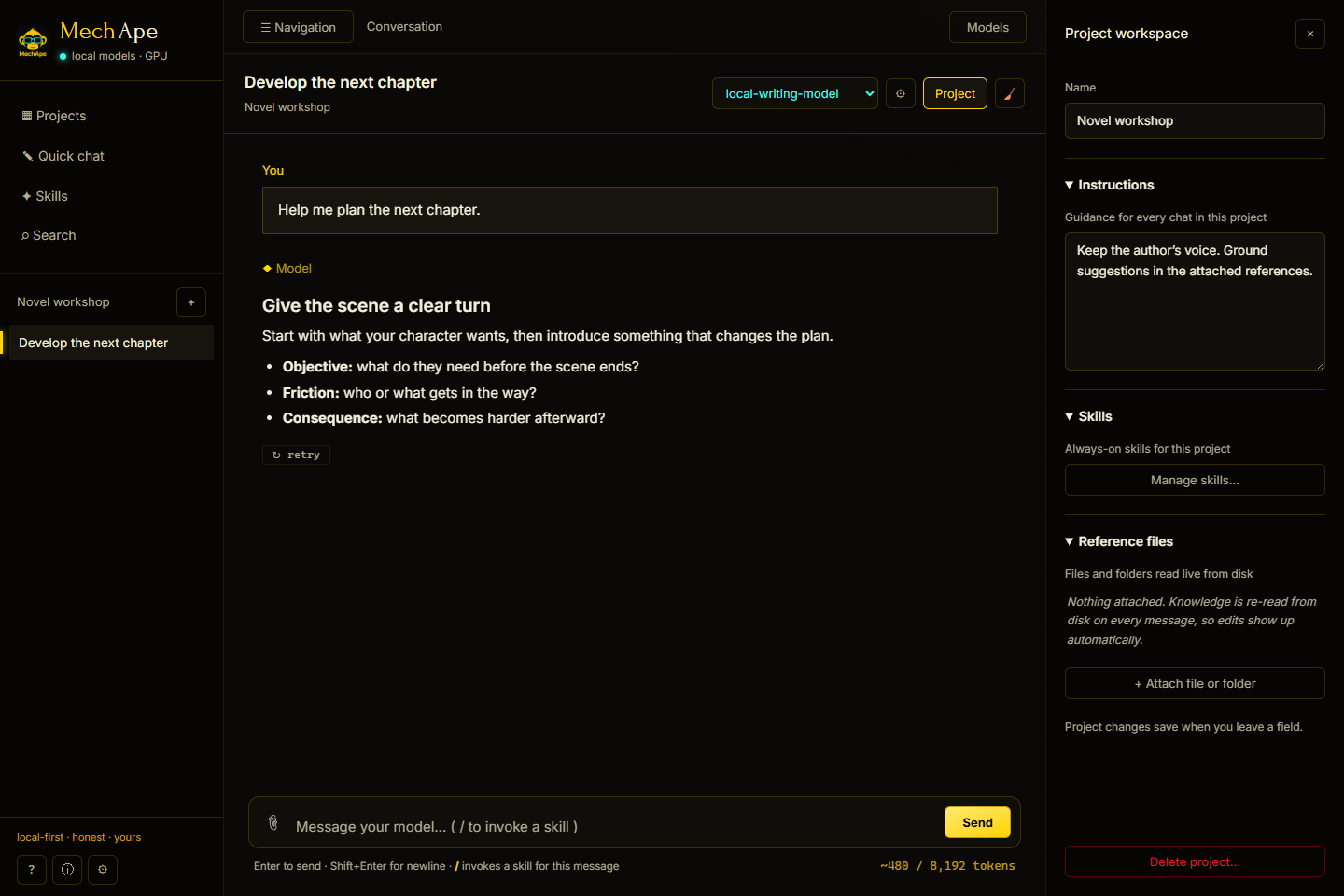
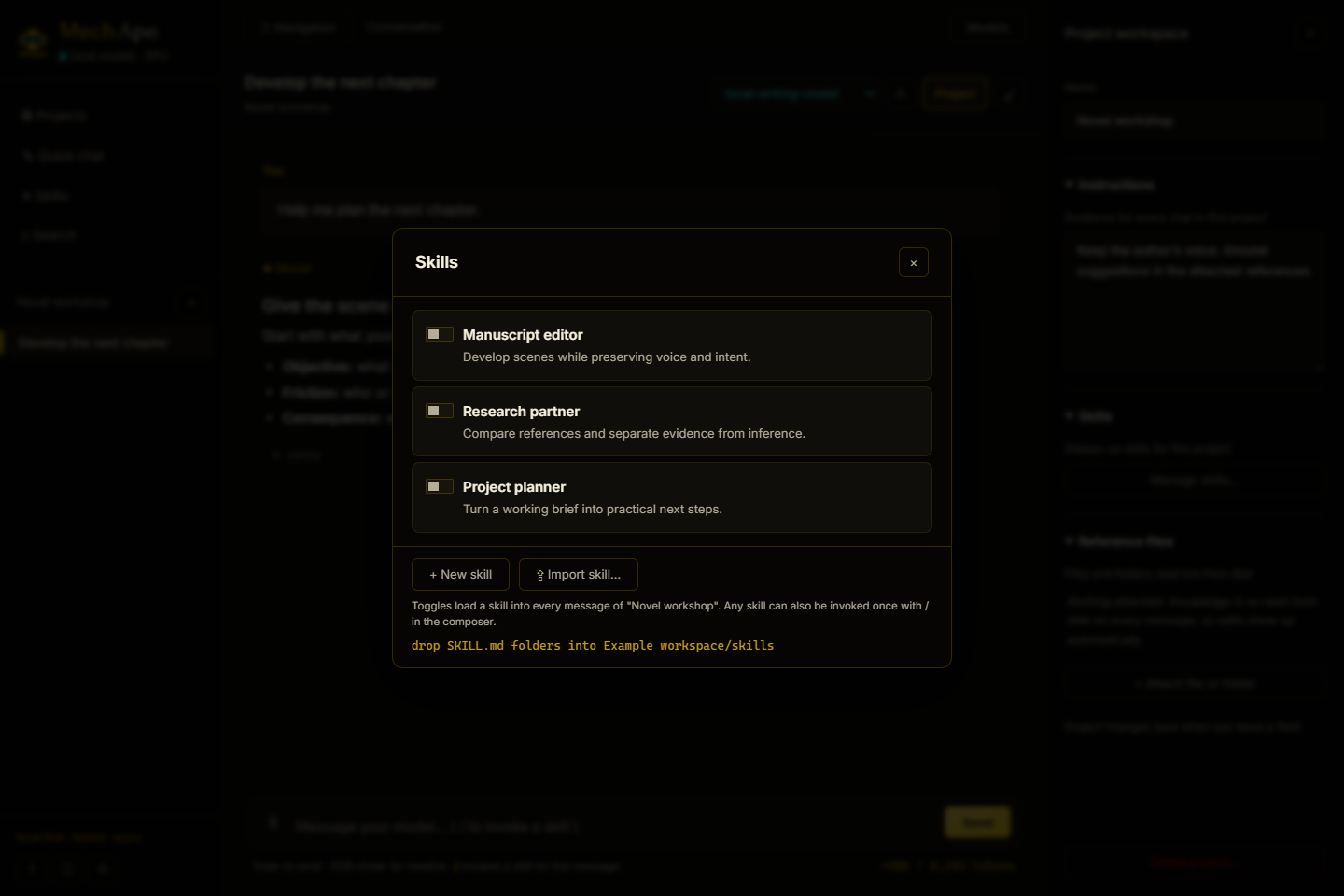
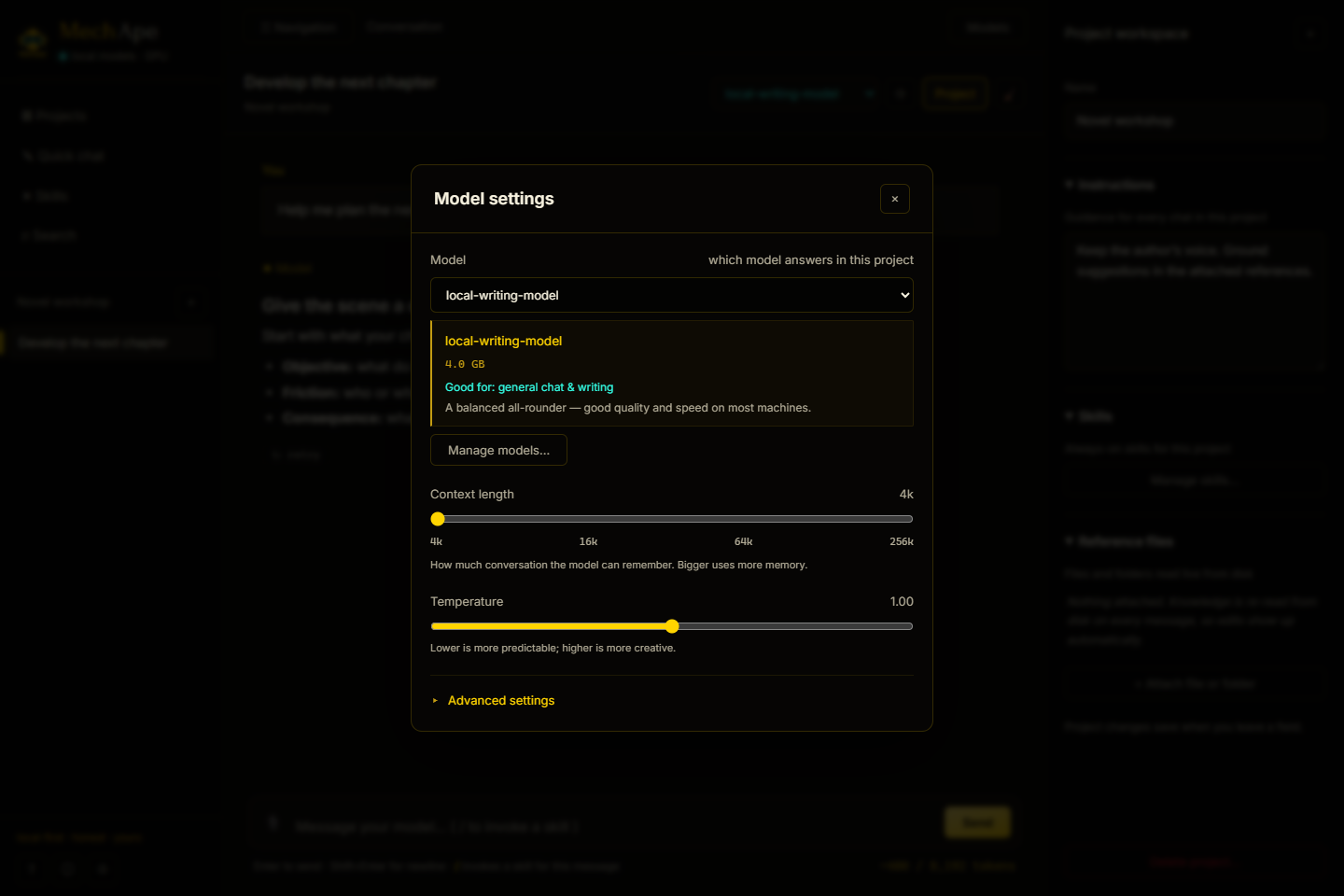
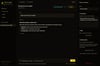
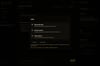
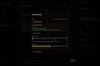
Click a product image to open the screenshot gallery. Explore projects, an example conversation, reusable skills, and model settings. Screenshots show an example workspace; models and results vary.
MechApe Desktop is a standalone creative workspace by Coda Languez Labs. Bring project files, reusable skills, and chosen AI models together to develop ideas and drafts. Obsidian is not required.
WHAT YOU GET
MechApe Desktop 2.0.4 for Windows x64 includes project conversations, context inspection, reusable skills, guided backup and restore, local GGUF models, and optional cloud models using your own provider account. Open the three-dot menu on a message to copy its original Markdown, branch the chat, or save the text. On a reply, you can also review and save a writing brief.
The ZIP contains the signed installer, installation instructions, commercial license, and SHA256 checksum. The app, installer, and uninstaller are digitally signed and timestamped.
PURCHASE TERMS
US$29 once for MechApe 2.x, including updates released within 2.x. No subscription. Future major upgrades may be sold separately. Applicable taxes are shown at checkout.
One active device at a time, for personal or commercial work. No activation key or online activation server is required in this version. To move devices, discontinue use on the previous device and keep backups of your work.
Models are separate downloads, not included. Local models use your hardware; cloud-provider accounts and API charges are separate. Downloads and cloud services require internet. Local inference can work offline after setup.
DOWNLOAD AND INSTALL
Use the download page or the link in your Payhip receipt. Choose MechApe-Desktop-2.0.4-Windows.zip, extract it, and run MechApe.Setup.2.0.4.exe. Follow START-HERE.txt. Earlier downloads from 2.0.0 through 2.0.3 are also available. Back up your projects, referenced files, and settings before upgrading. Windows SmartScreen may display a reputation warning for newly signed software.
REFUNDS AND SUPPORT
Request a refund within 30 days of purchase: email coda@codalanguez.com with your Payhip order number. Following a full refund, discontinue use of the commercially licensed desktop copy. Your own work and independent open-source rights are unaffected. Statutory consumer rights remain unaffected.
RELEASE STATUS
Windows 2.0.4 adds desktop reply notifications, gives explicitly attached files priority in model context, and uses the Windows certificate store for OpenRouter on normal launch. It also tightens file exports, backup filenames, desktop navigation and caching of local API responses. The signed release passed Windows installation, packaged startup, upgrade from 2.0.0, backup and restore, and uninstall checks. CPU and Vulkan runtimes are included. Independent clean-PC and live CPU/Vulkan checks were last performed for 2.0.0.
Desktop 2.0.1 and later backups include projects/chats and custom skills, with optional memories/theme. Guided restore previews the archive and restores copies with external source attachments detached. Back up external source files and settings separately; provider credentials may need re-entry. Older 2.0.0 backups contain projects/chats only.
FREE OBSIDIAN PLUGIN
MechApe for Obsidian is separate and free. It requires Obsidian, with no Desktop purchase or activation. Optional tips do not purchase Desktop.
Full tour: https://codemonkeyarts.com/mechape/