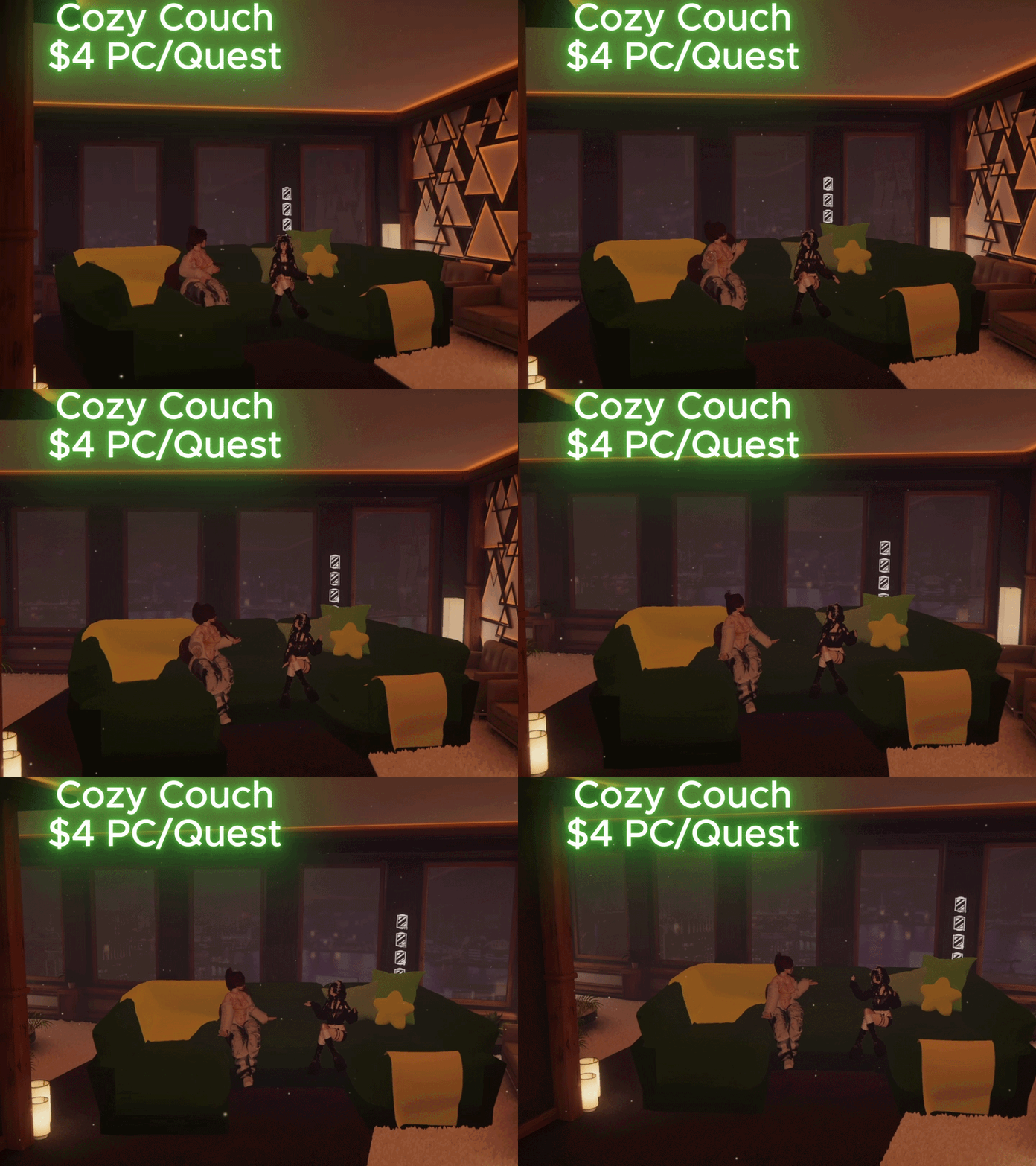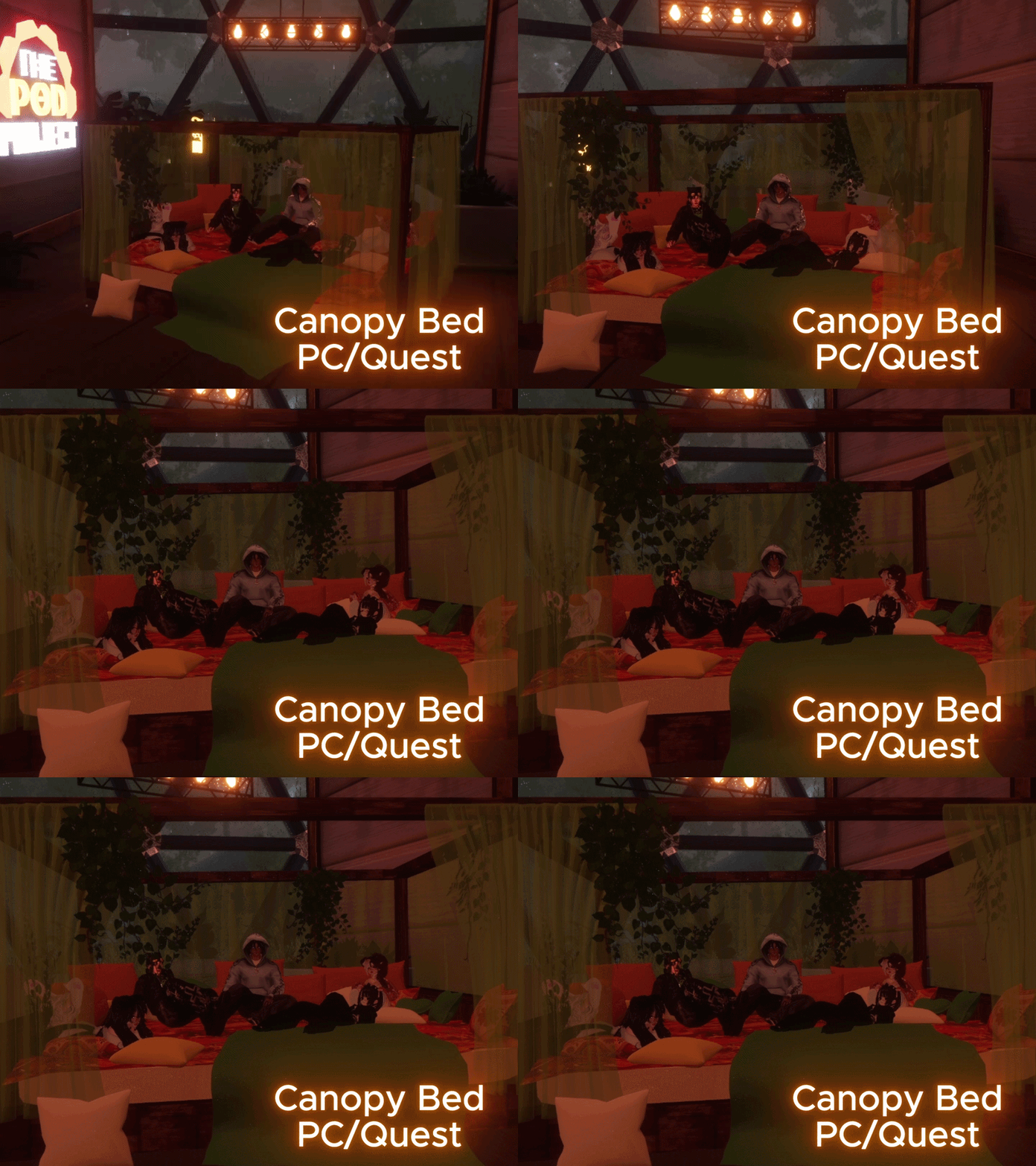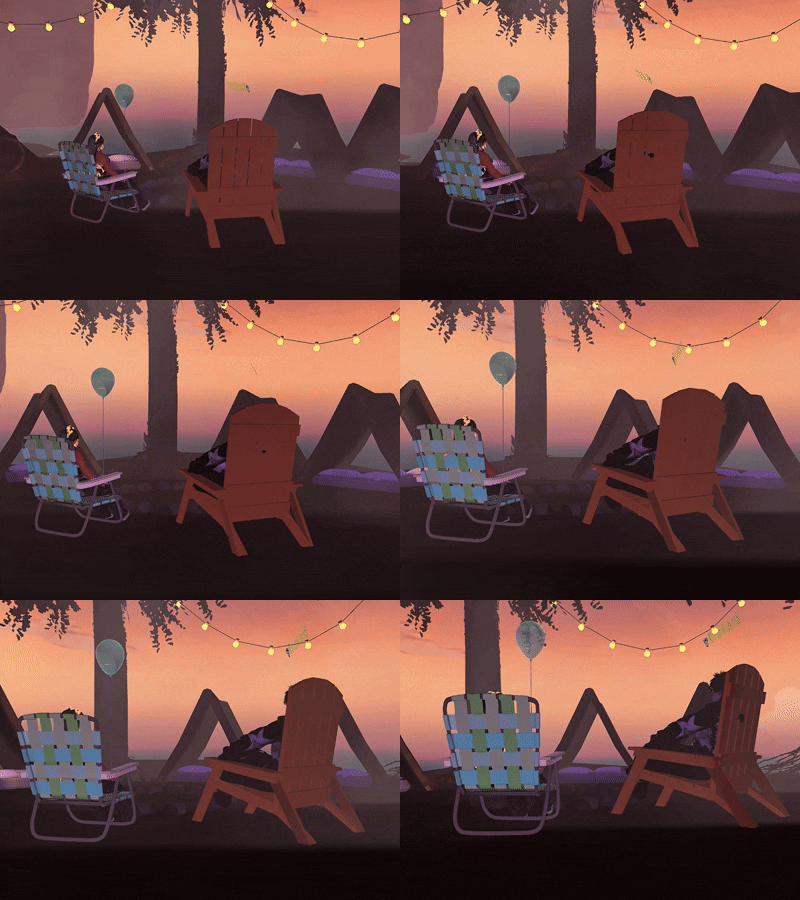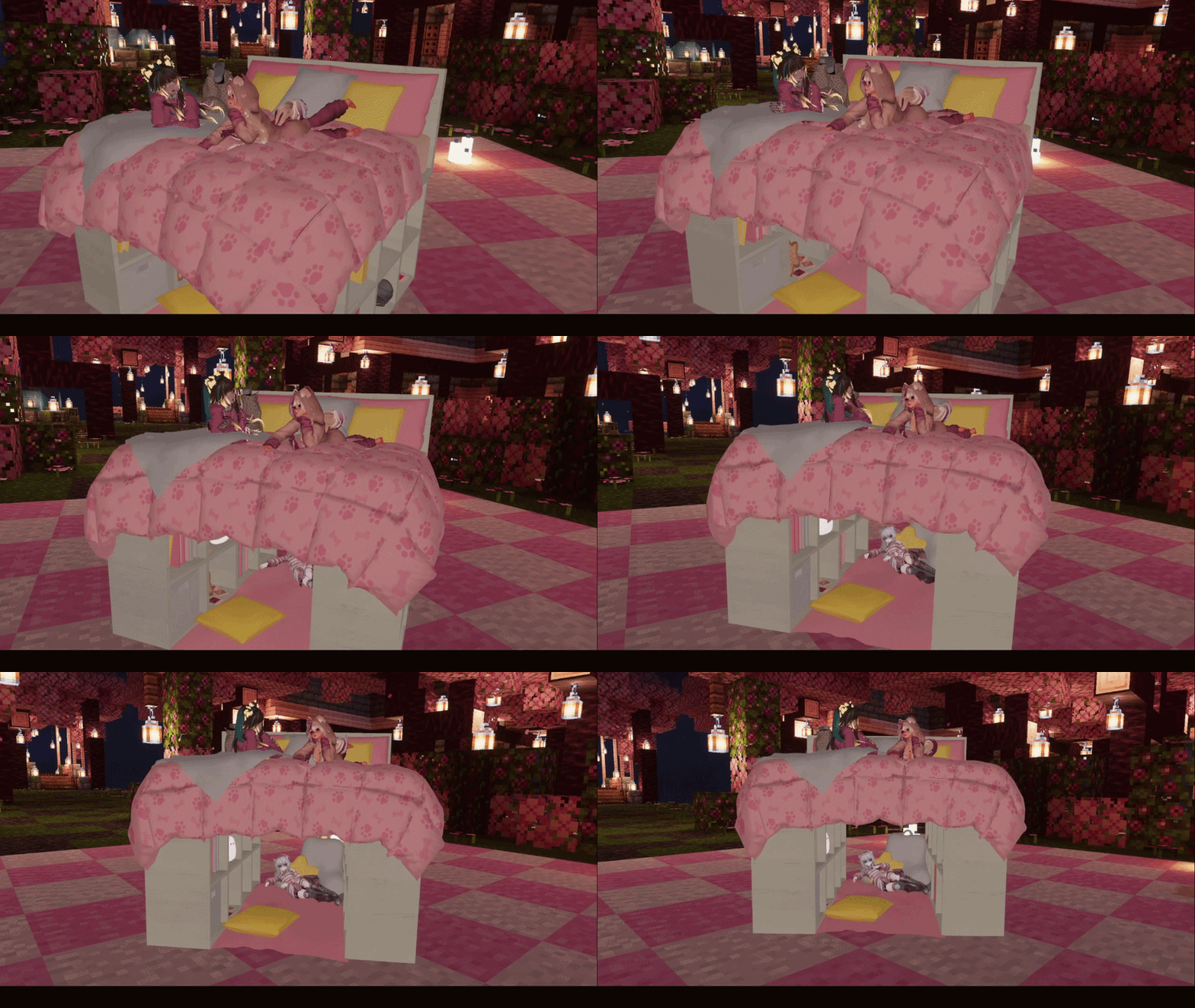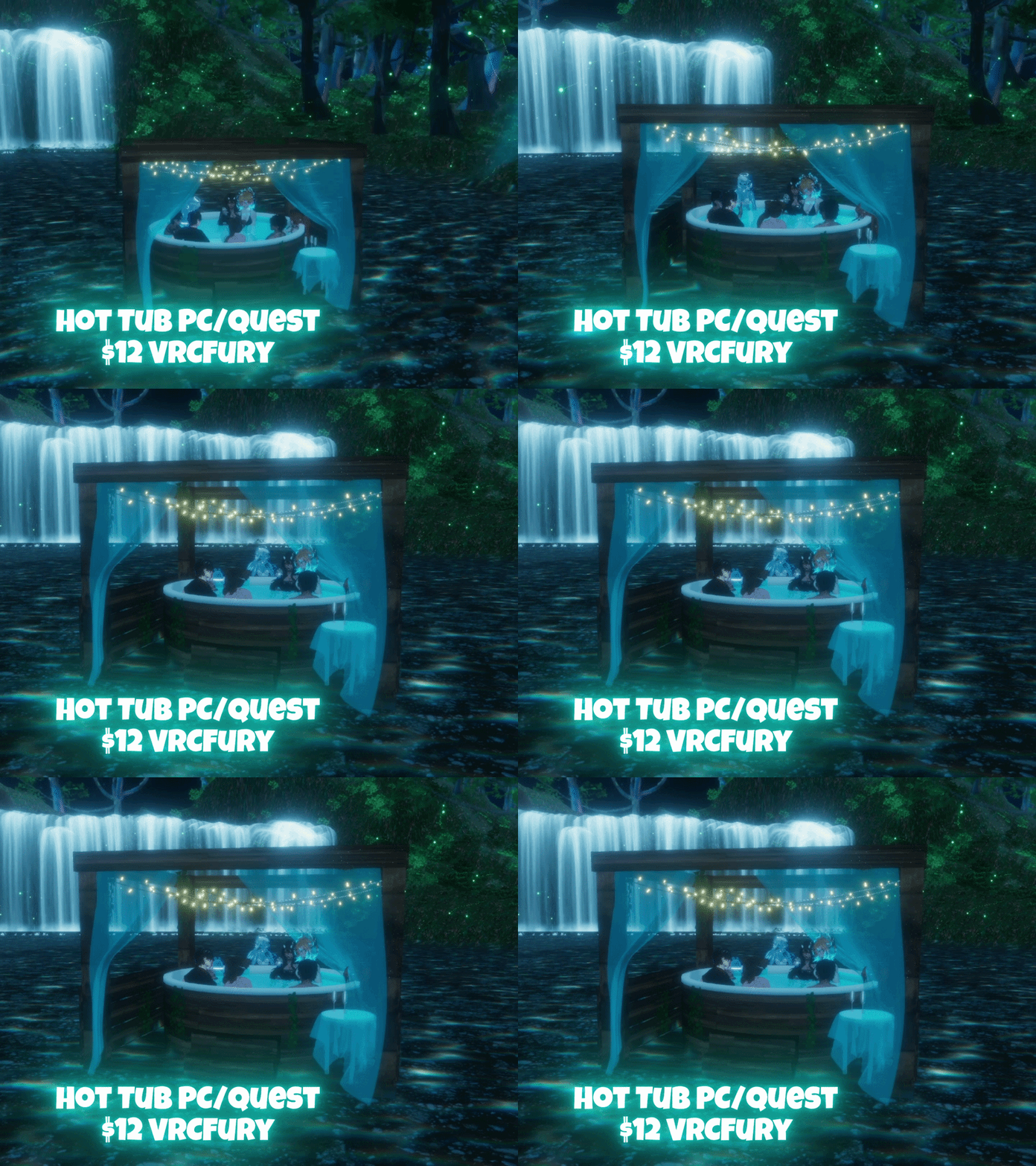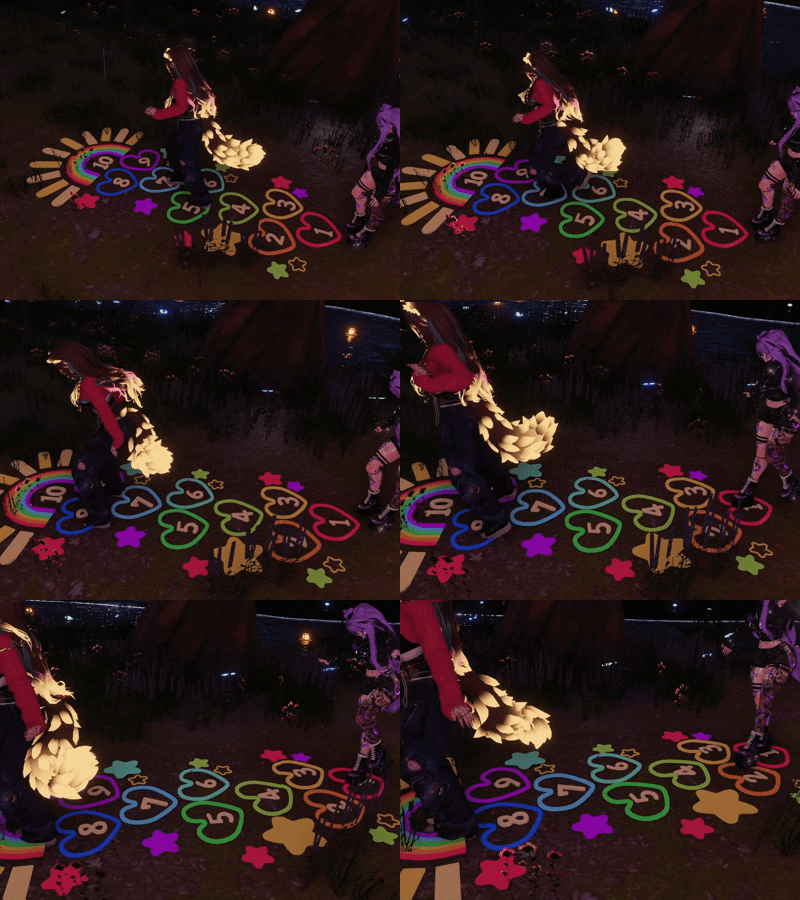

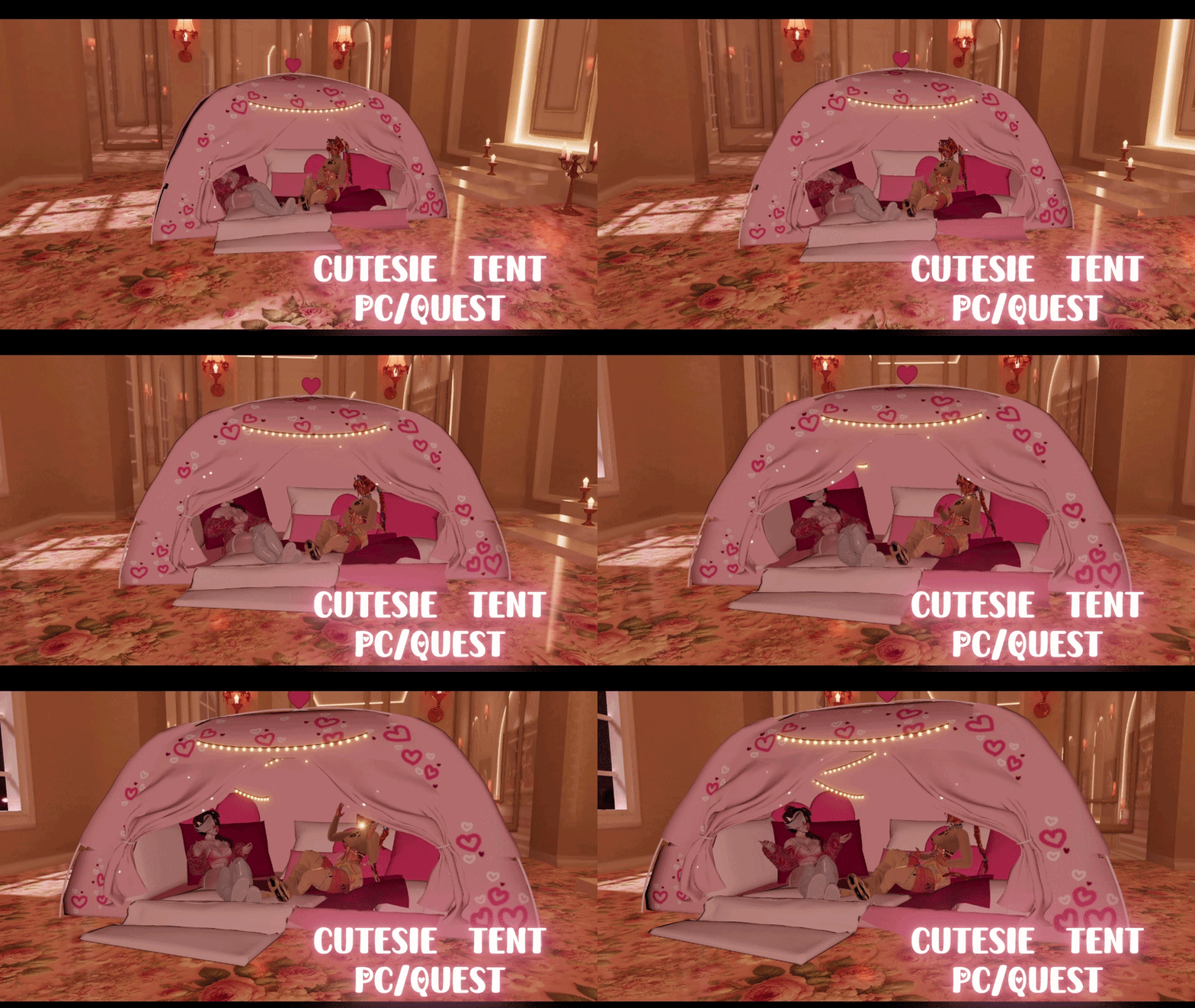

Cutesie Tent World Drop | PC/Quest | VRCFury
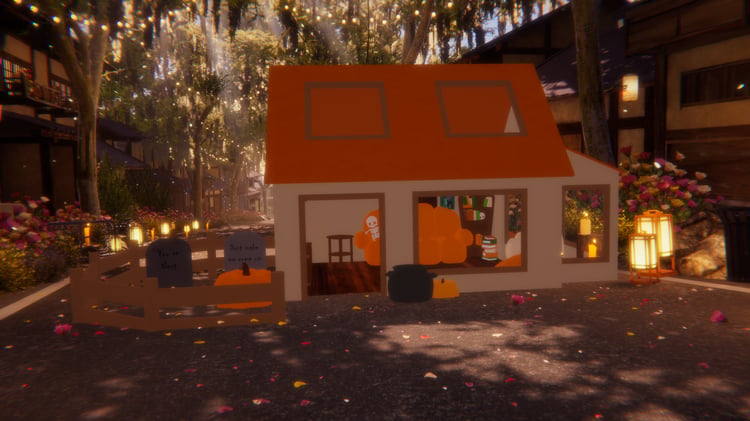
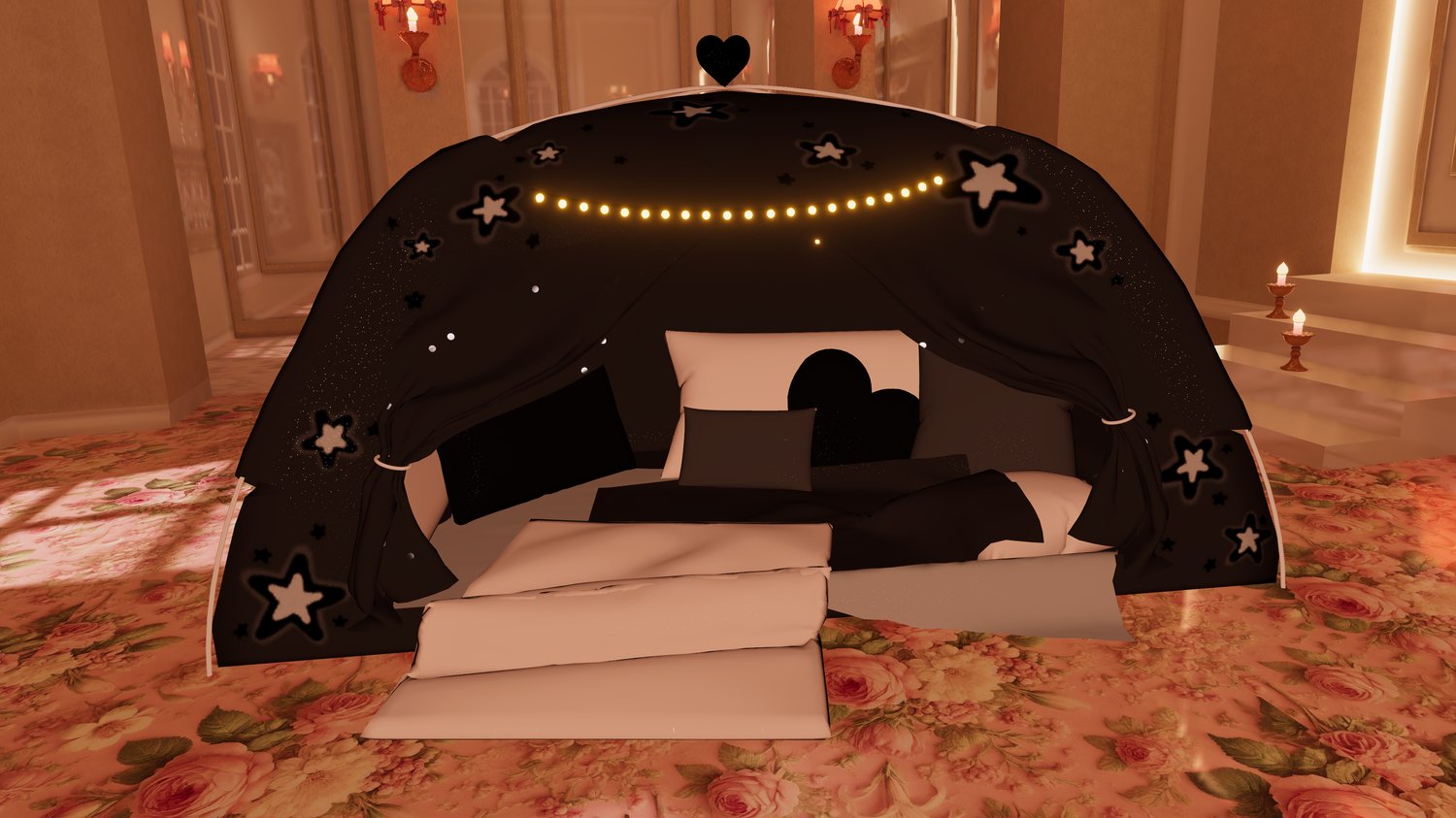
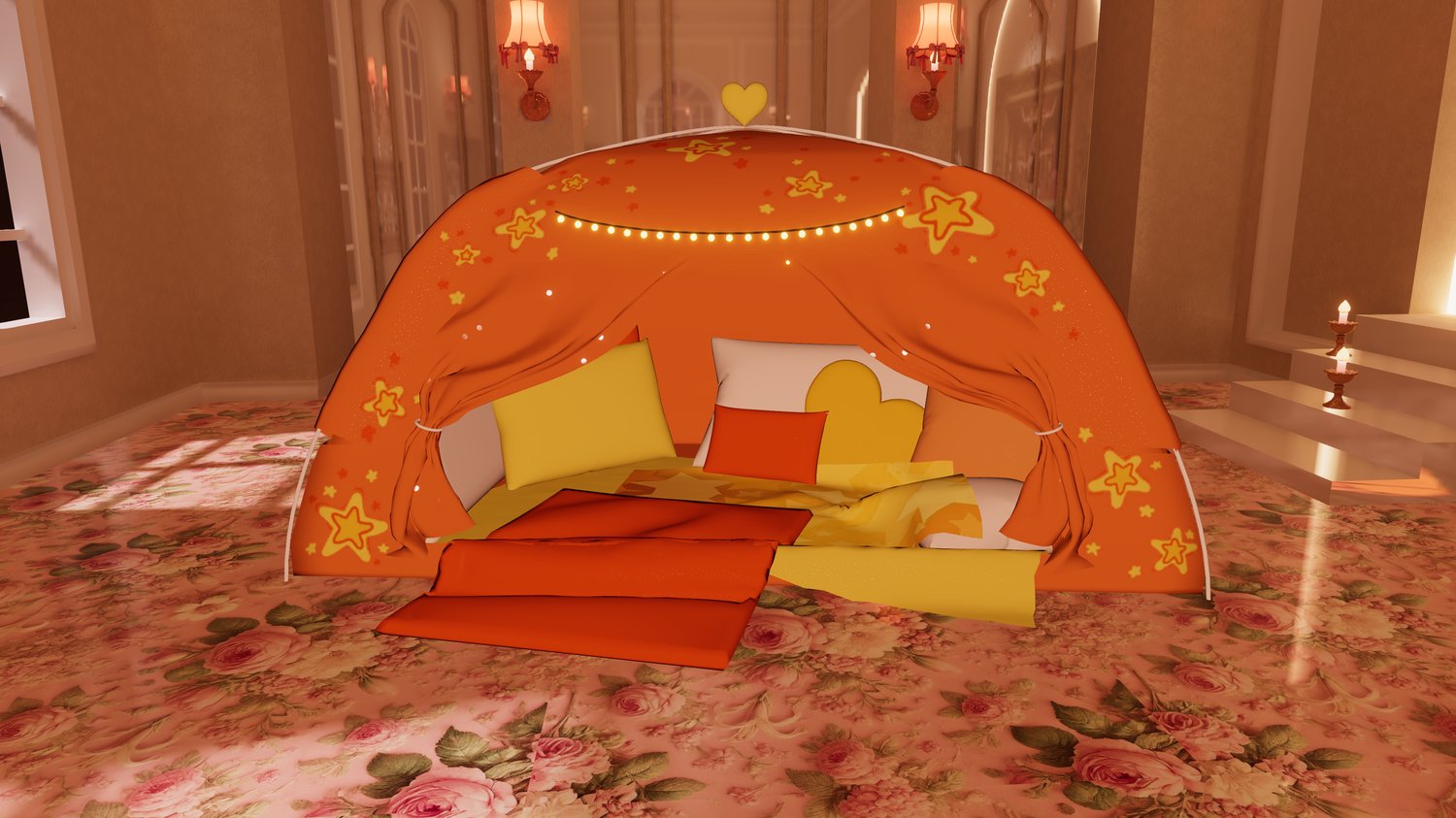
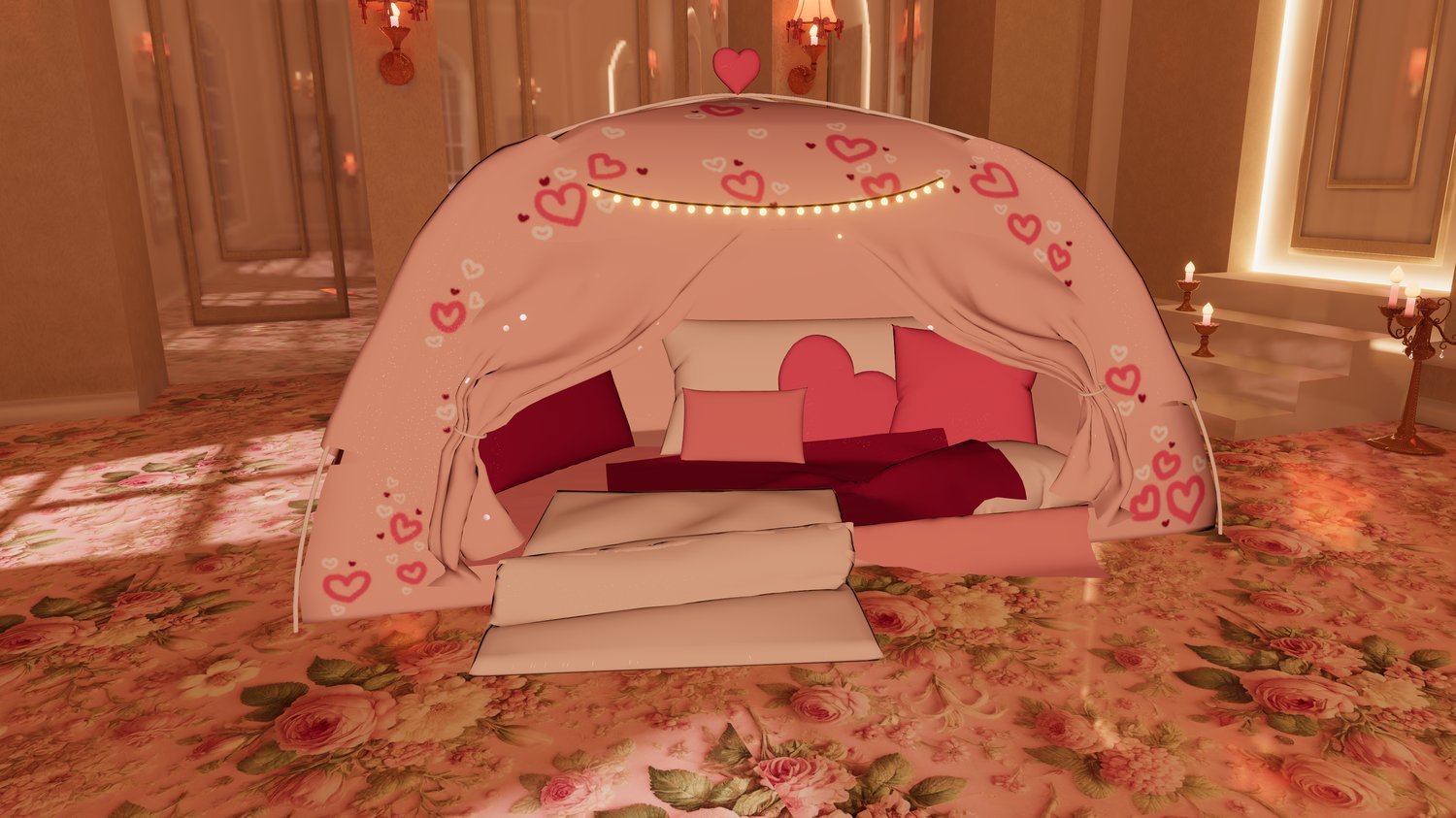
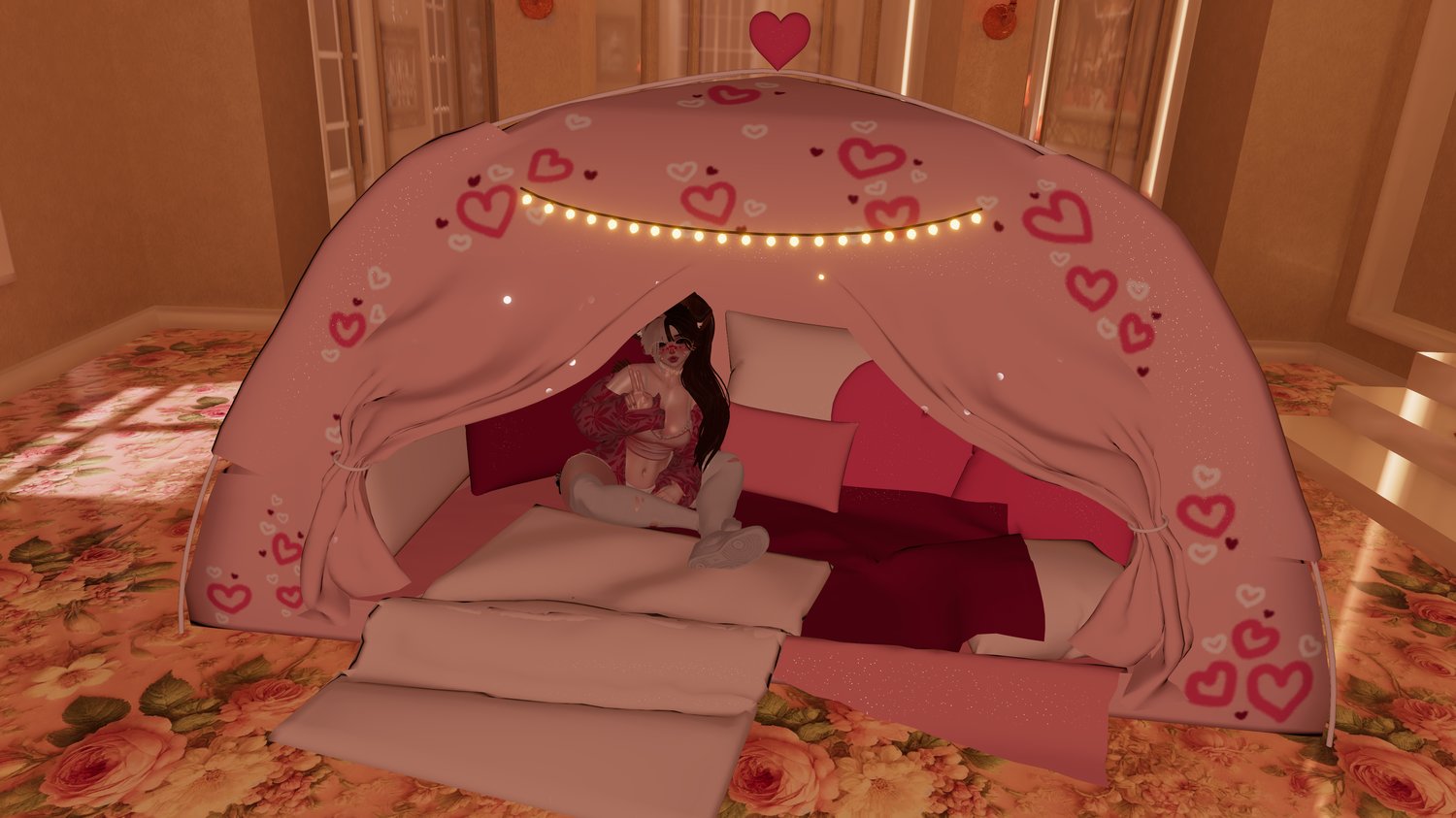
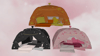
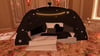
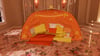
A comfy tent that can fit you and all your friends! (or at least a few)
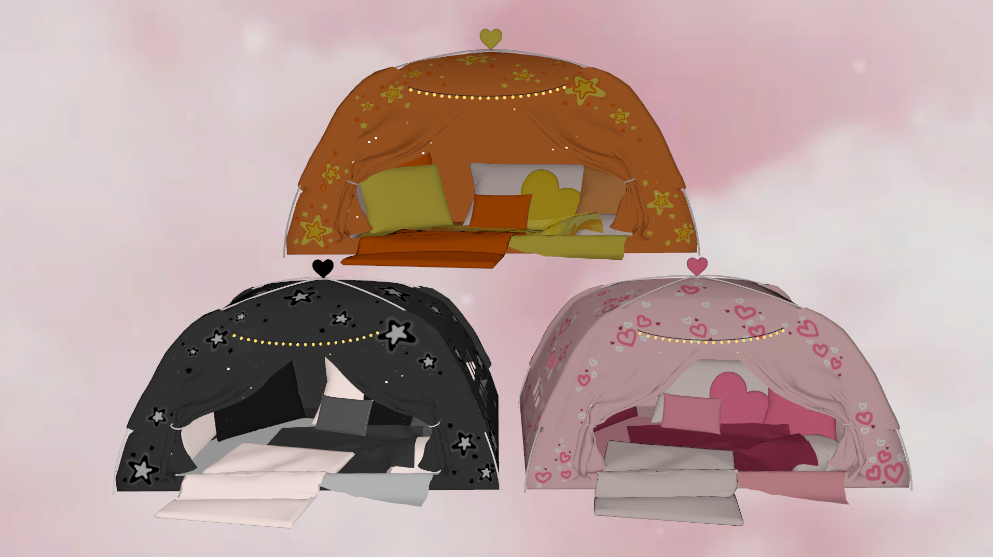
This tent can easily be customized to have any pattern on the tent, pillows
and blankets! Here's an example of a tent my friend Sunny edited! She's the
one who inspired me to create this <3
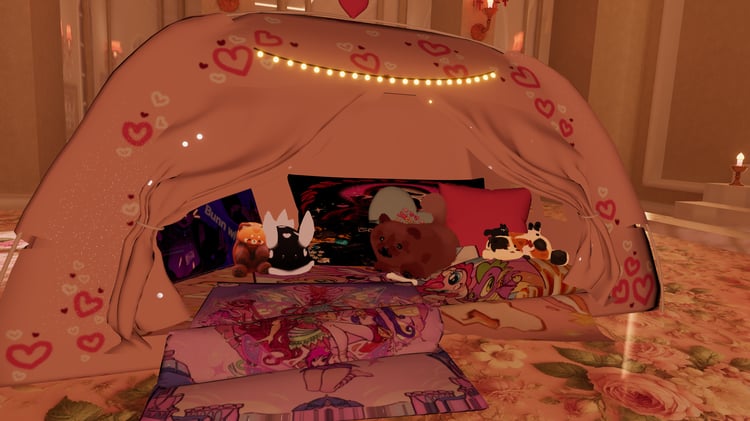
This is her personal edit so her textures are not included, just
an example! You can also easily add your favorite plushies to the
tent and they will automatically toggle on with it and the world drop
will still work!
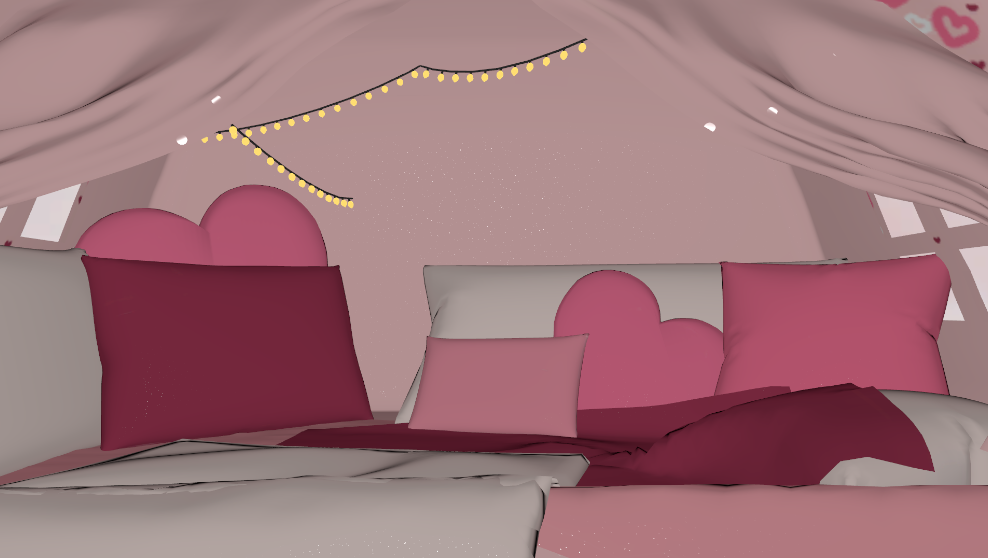
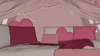
The pillows and blankets are a separate mesh incase you want
to decorate the inside yourself
•───────•°•❀•°•───────•───────•°•❀•°•───────•───────•°•❀•°•───────•
How to install!
First make sure you have vrcfury and poiyomi in your project!
Step 1: Import the unity package
Step 2: Drag the prefab onto your avatar and scale to your liking
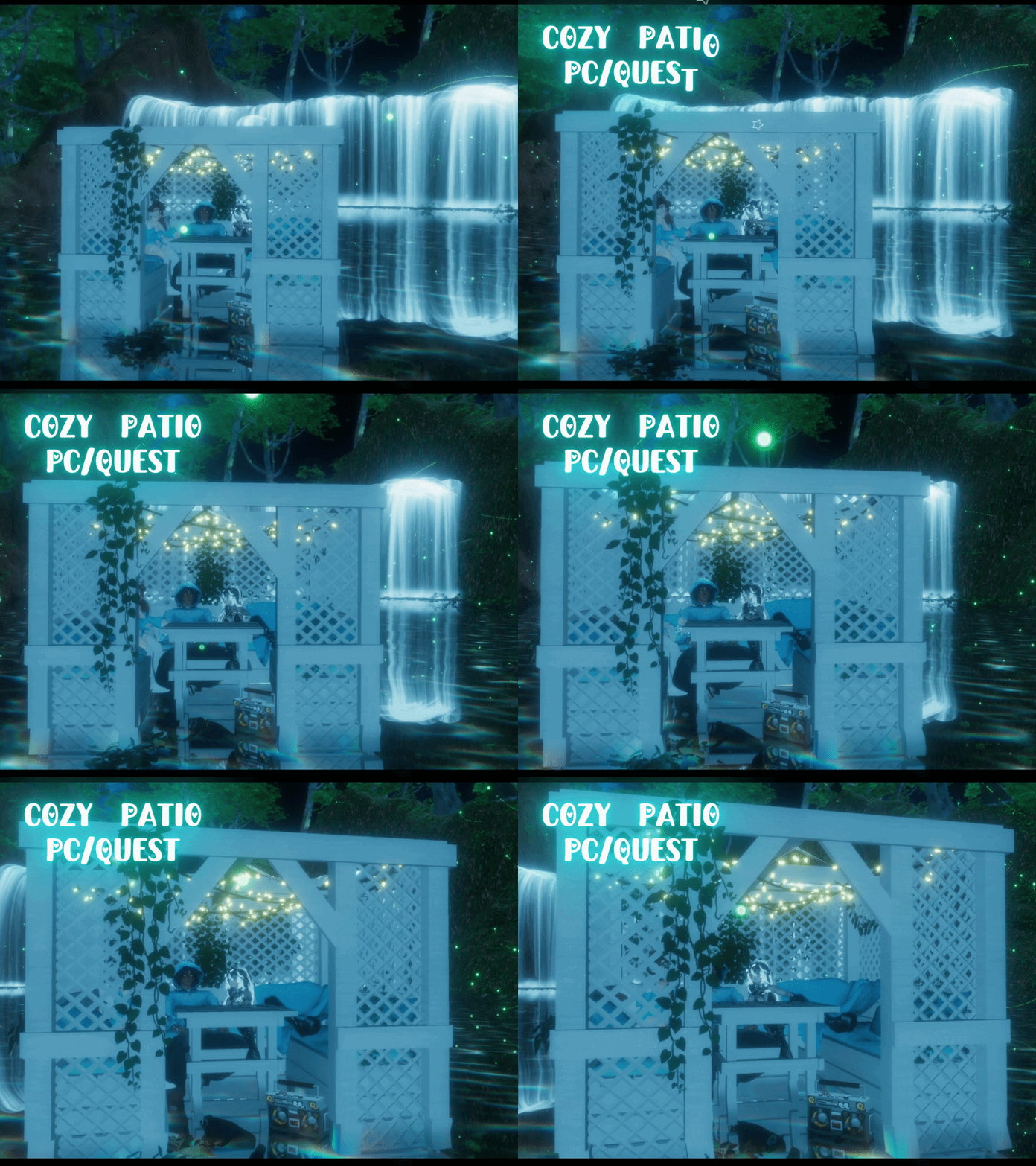
Step 3: Drop down the prefab and hide the "Cozy Patio"
Step 4: Upload!
•───────•°•❀•°•───────•───────•°•❀•°•───────•───────•°•❀•°•───────•
Available for use on free, nitro, personal, public, and commercial avatars!
You can also use it for worlds <3
No sharing the files with anyone, please instead direct them to this page
to purchase it themself :D
•───────•°•❀•°•───────•───────•°•❀•°•───────•───────•°•❀•°•───────•
2 Meshes
4 Materials
70000 Tris
•───────•°•❀•°•───────•───────•°•❀•°•───────•───────•°•❀•°•───────•
Quest Disclaimer!!
Sometimes if an avatar on quest doesn't have the same parameters, it will break other
pre-existing toggles. This is only a risk if you only add the drop to your pc avatar
To avoid this you can add the tent to it but delete the mesh of it. That way it adds the
toggles but not the tent itself. (This is only if you dont plan on including it on your
quest version of the avatar) <3
Sometimes it imports with the quest shaders "missing" and sometimes it doesn't. I'm
very confused by this because its just vrchat shaders but to fix it just select all the
quest materials and change them to the toon standard option <3 ty for your understanding
•───────•°•❀•°•───────•───────•°•❀•°•───────•───────•°•❀•°•───────•
If you have any questions, or would like updates on future products, join the discord!
♡ https://discord.gg/EBDCxKKFMu ♡