

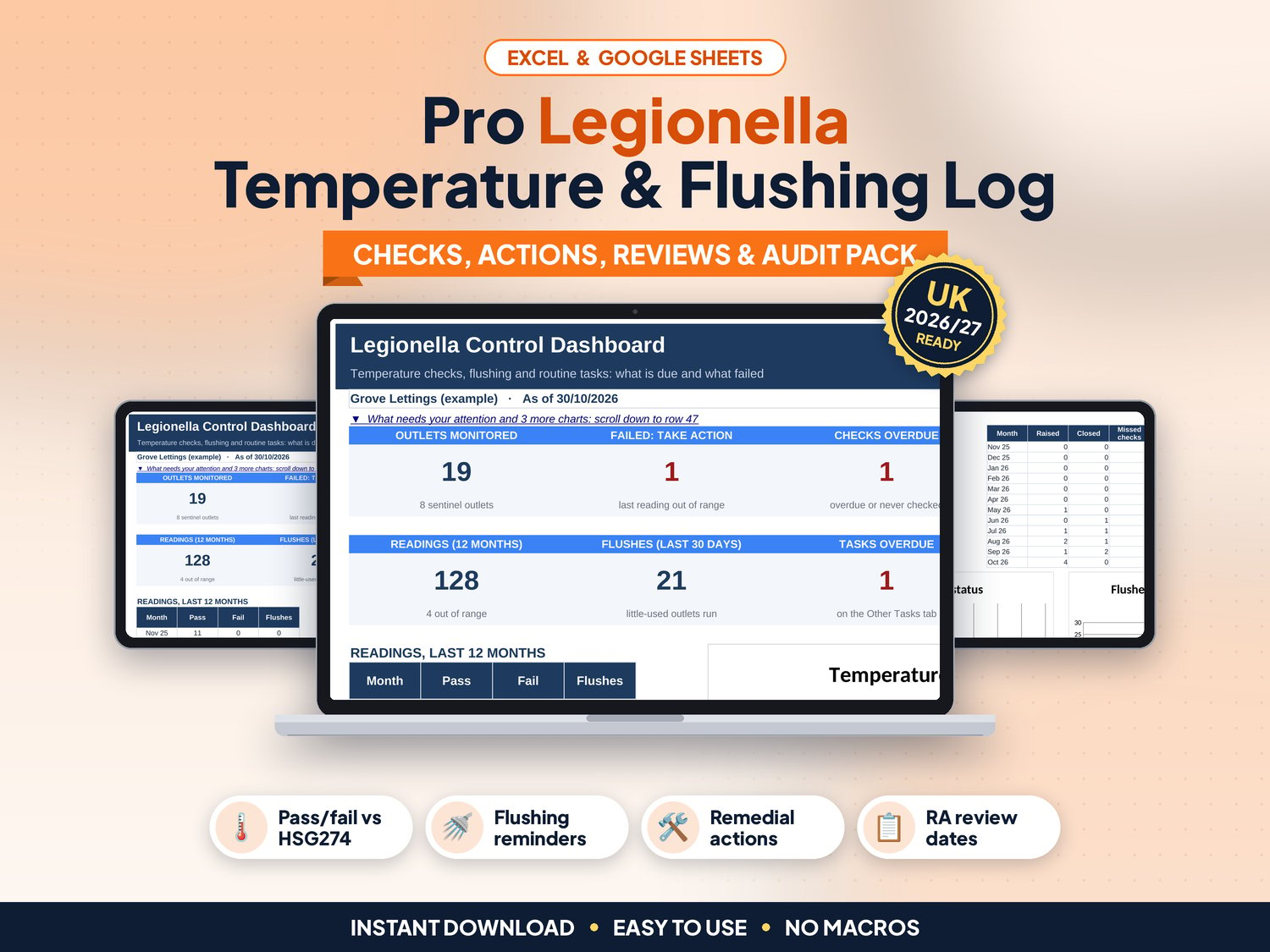
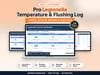


Pro Legionella Temperature & Flushing Log
Readings on a clipboard, a shower in the empty flat nobody has run for a month, and a failed hot tap last summer with no note of what was done. This log keeps it all in one place: which outlets passed, what is due next and which failed readings still need action.
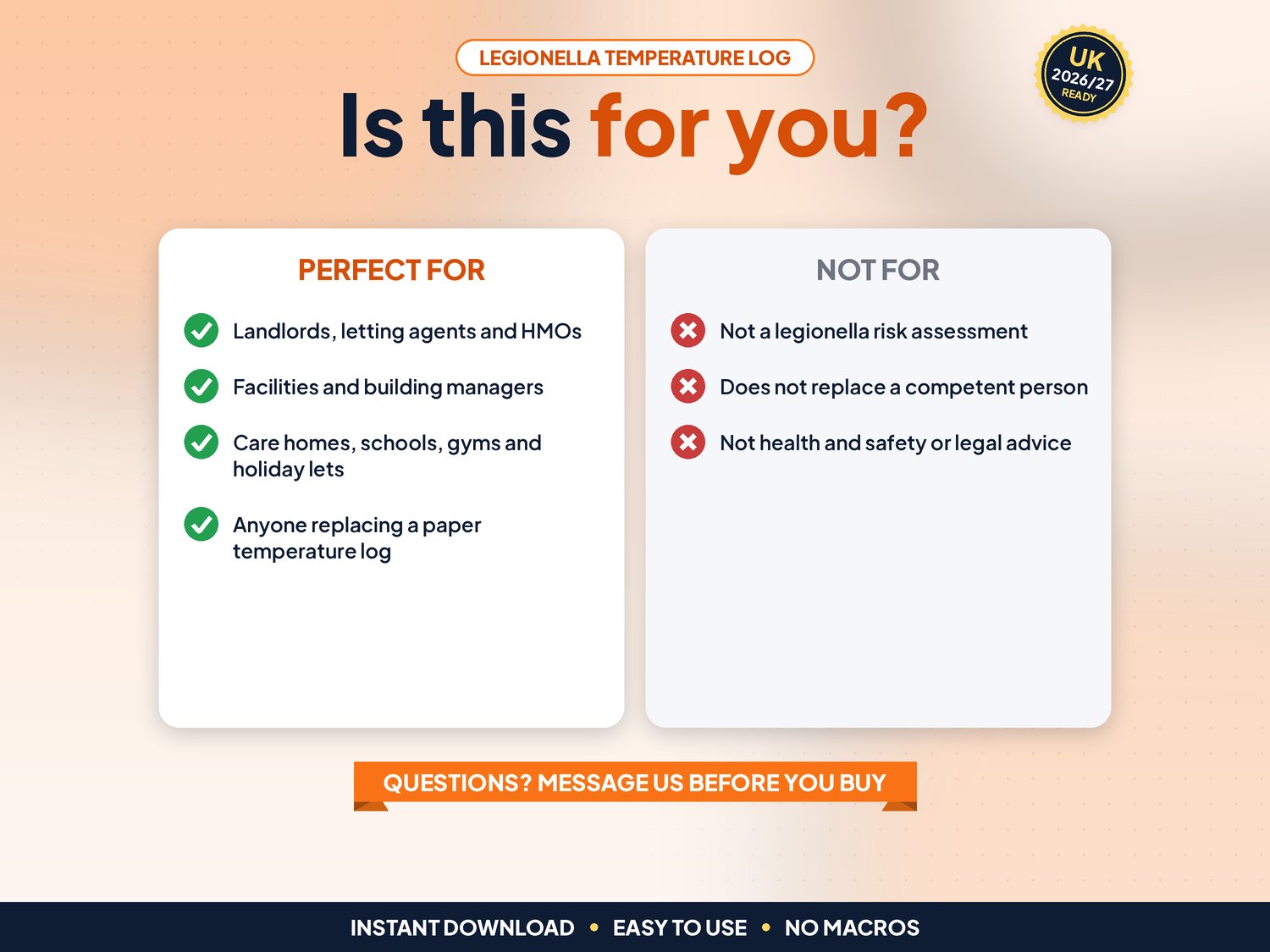
Made for UK landlords, letting agents, HMOs, holiday lets, care homes, schools and facilities managers. List your outlets once, type each reading, and the log works out pass or fail against the HSE HSG274 Part 2 limits, the next due date and what needs your attention.
▶ Easy Start Here guide included – video tutorial coming to our YouTube channel
Works in Microsoft Excel and Google Sheets, with no macros.
What it does for you
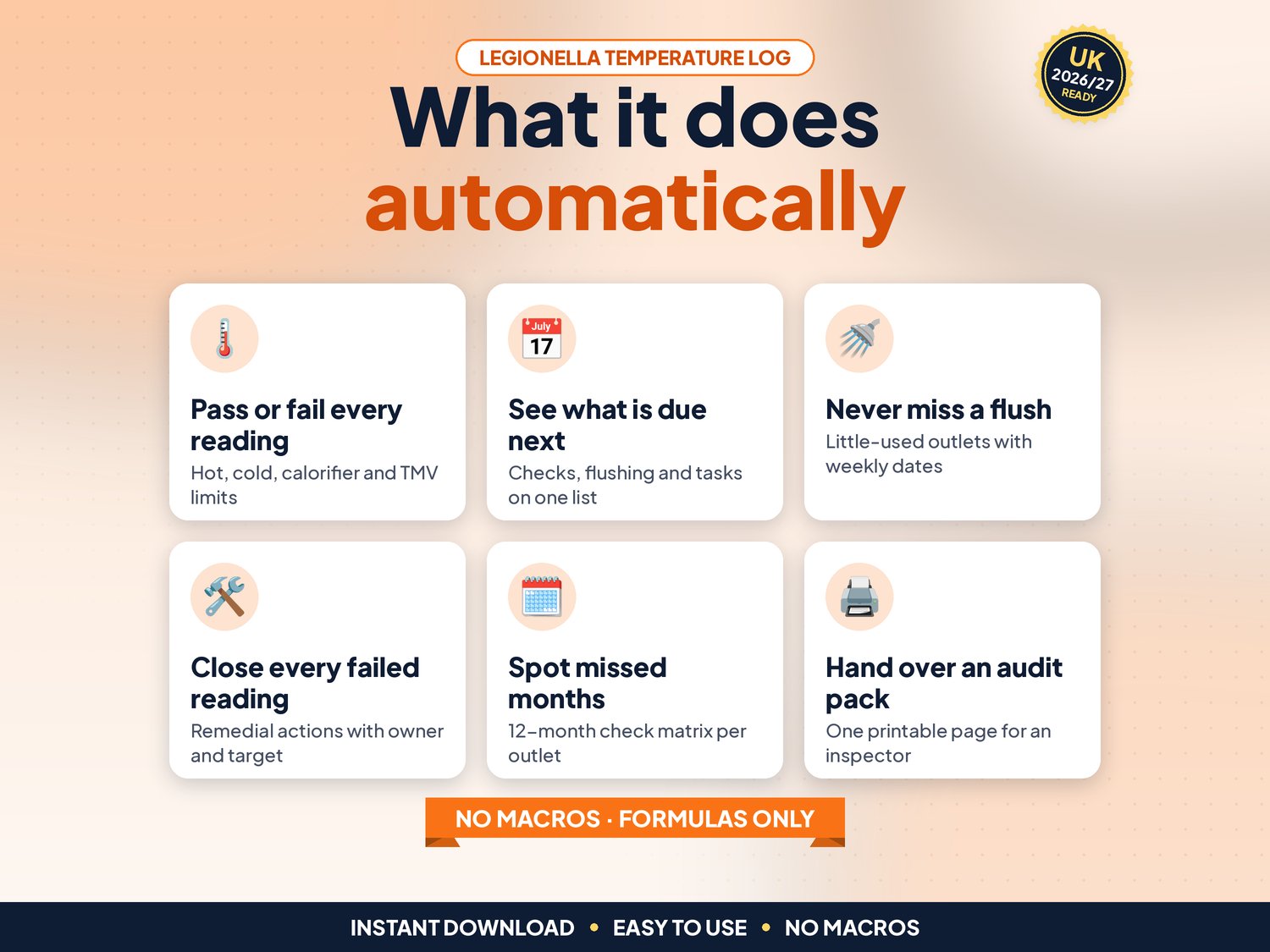
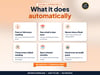
- Pass or fail for every reading: hot, cold, calorifier flow and return, and mixed (TMV) outlets, against limits you can change on Settings
- Next due date for each outlet from its check frequency (sentinel outlets monthly by default)
- Flushing Log for little-used outlets, with a flush-due date and an overdue alert
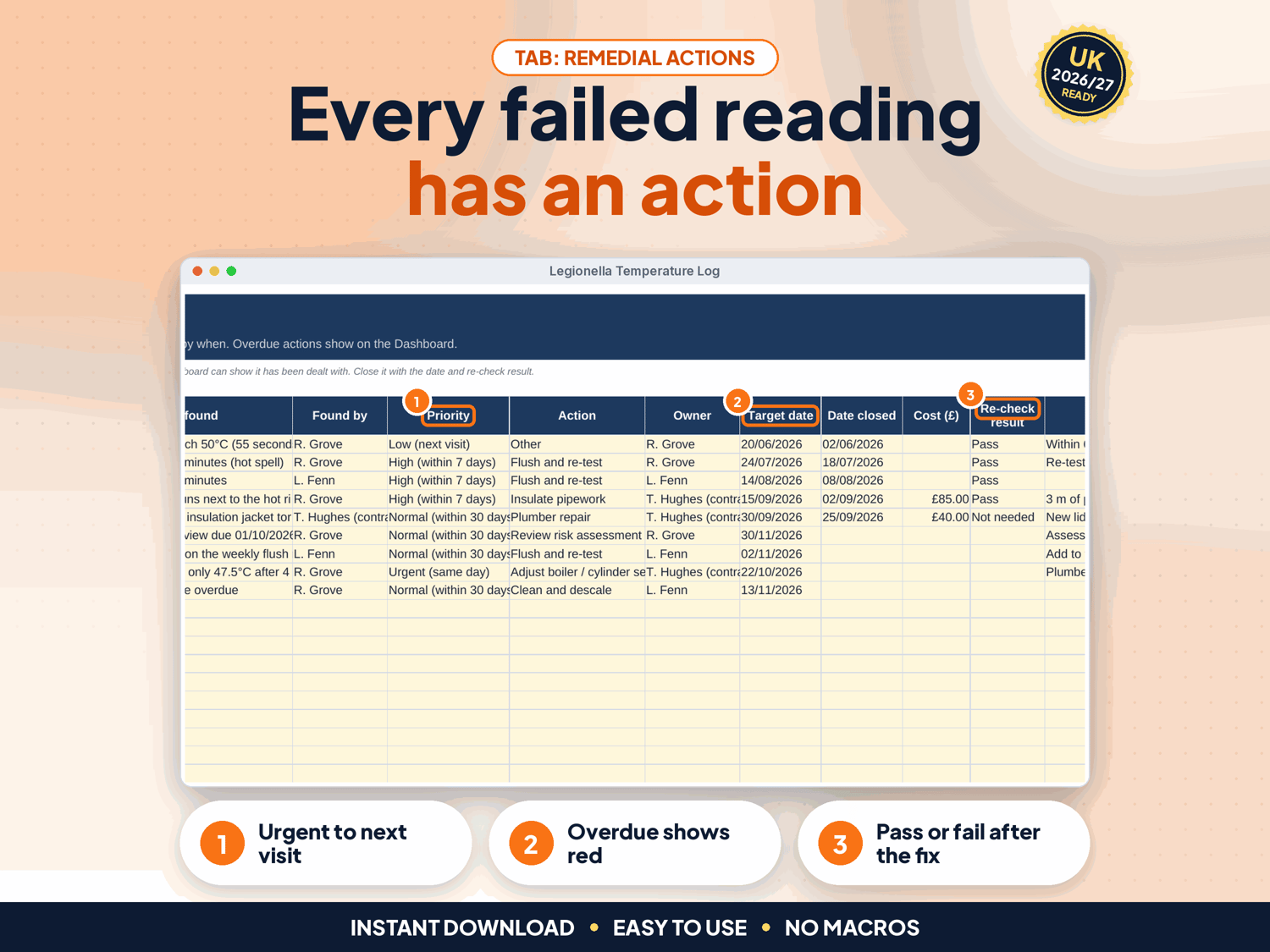
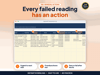
- Remedial Actions: every failed reading gets a priority, an action, an owner, a target date and a re-check result. A failed reading with no action logged is flagged
- Risk Assessments: one row per property with the next review date, written scheme Y/N and risk level
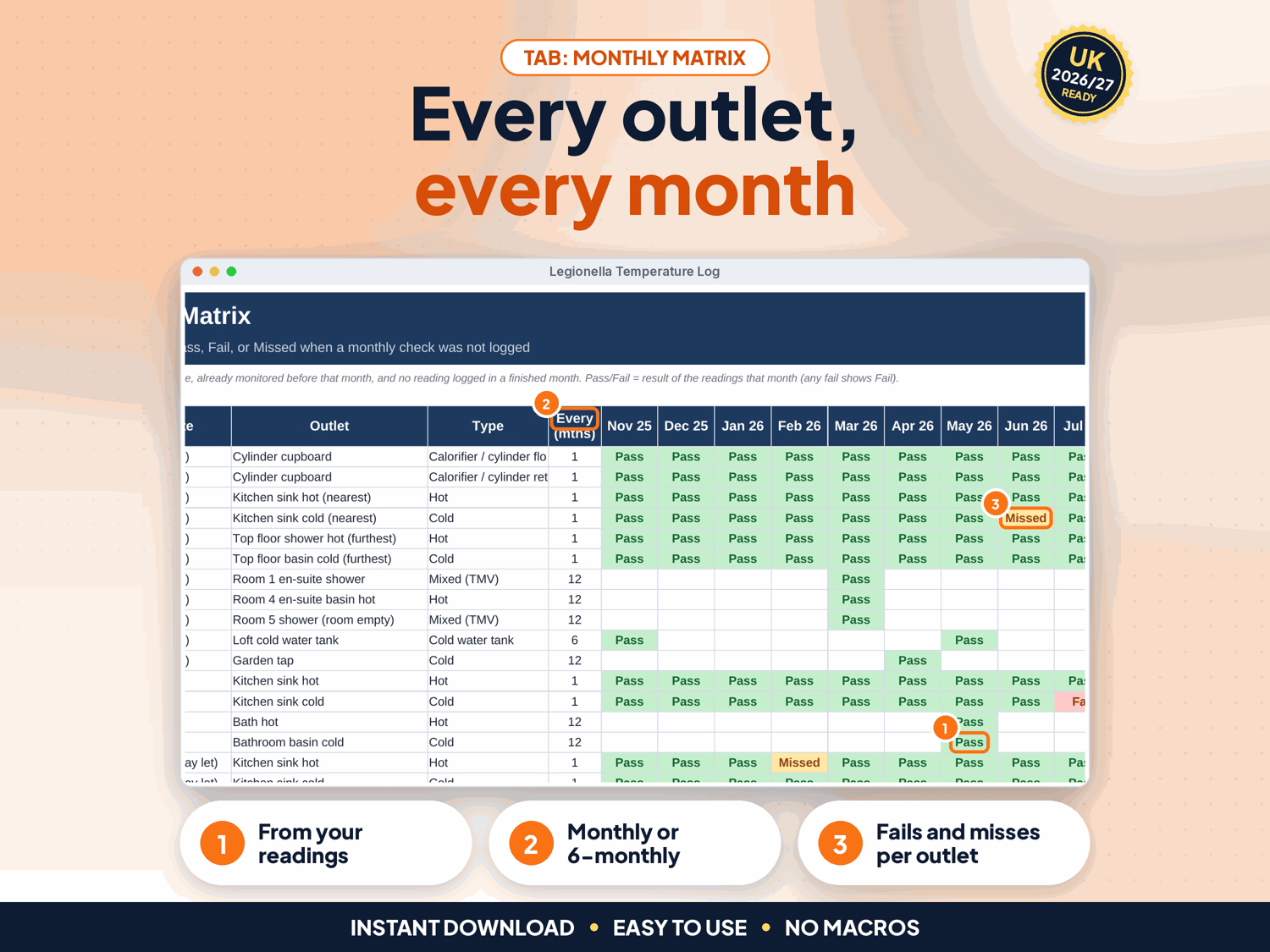
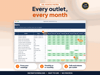
- Monthly Matrix: Pass, Fail or Missed for every outlet in each of the last 12 months
- Due List: overdue checks, the next 30 days, flushing due in 7 days, routine tasks and risk assessment reviews
- Other Tasks: showerhead descaling, tank inspections, TMV checks and anything else on your schedule
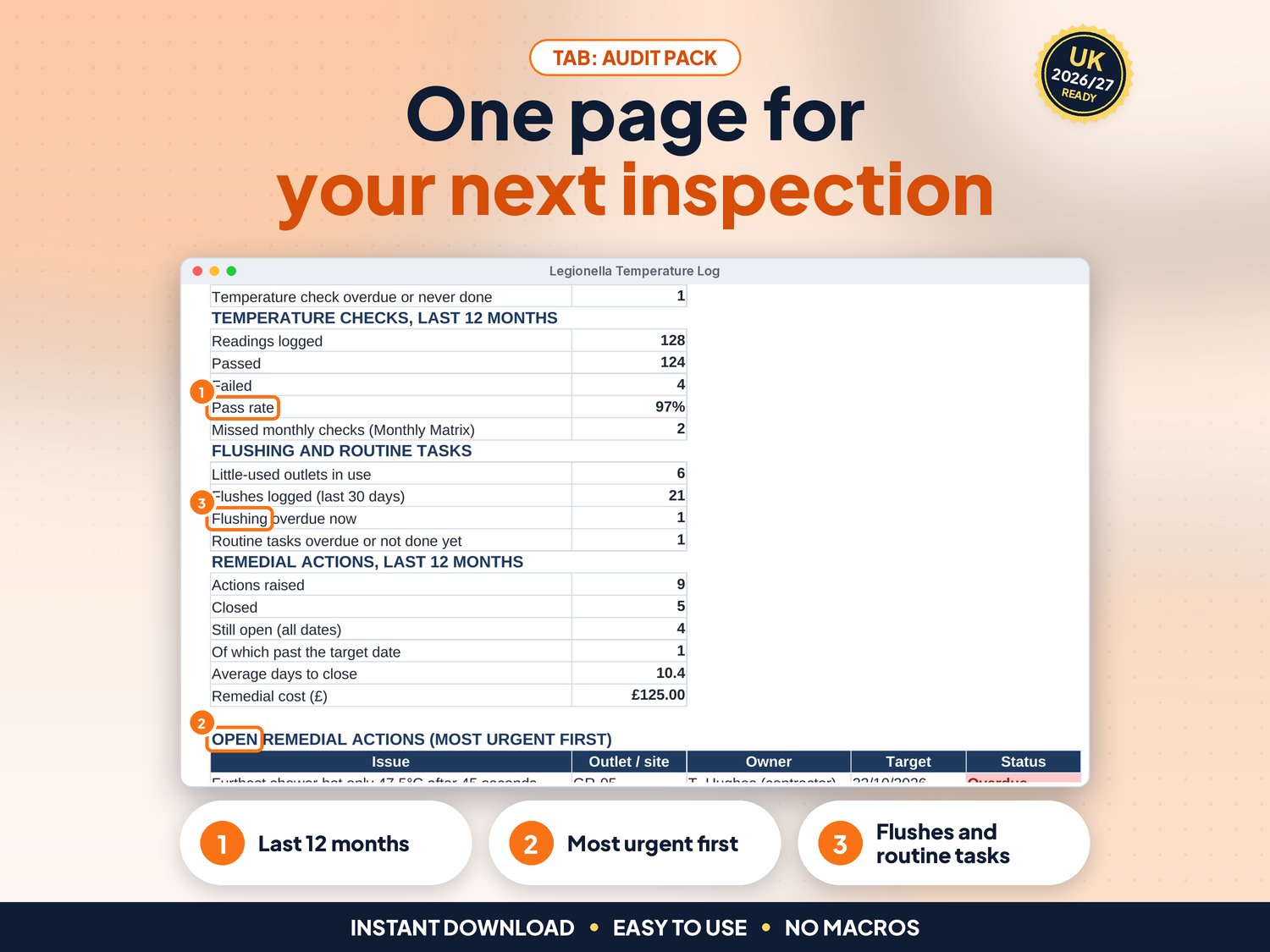
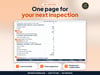
- Audit Pack: one printable page with outlets in date, pass rate, open actions and a sign-off box
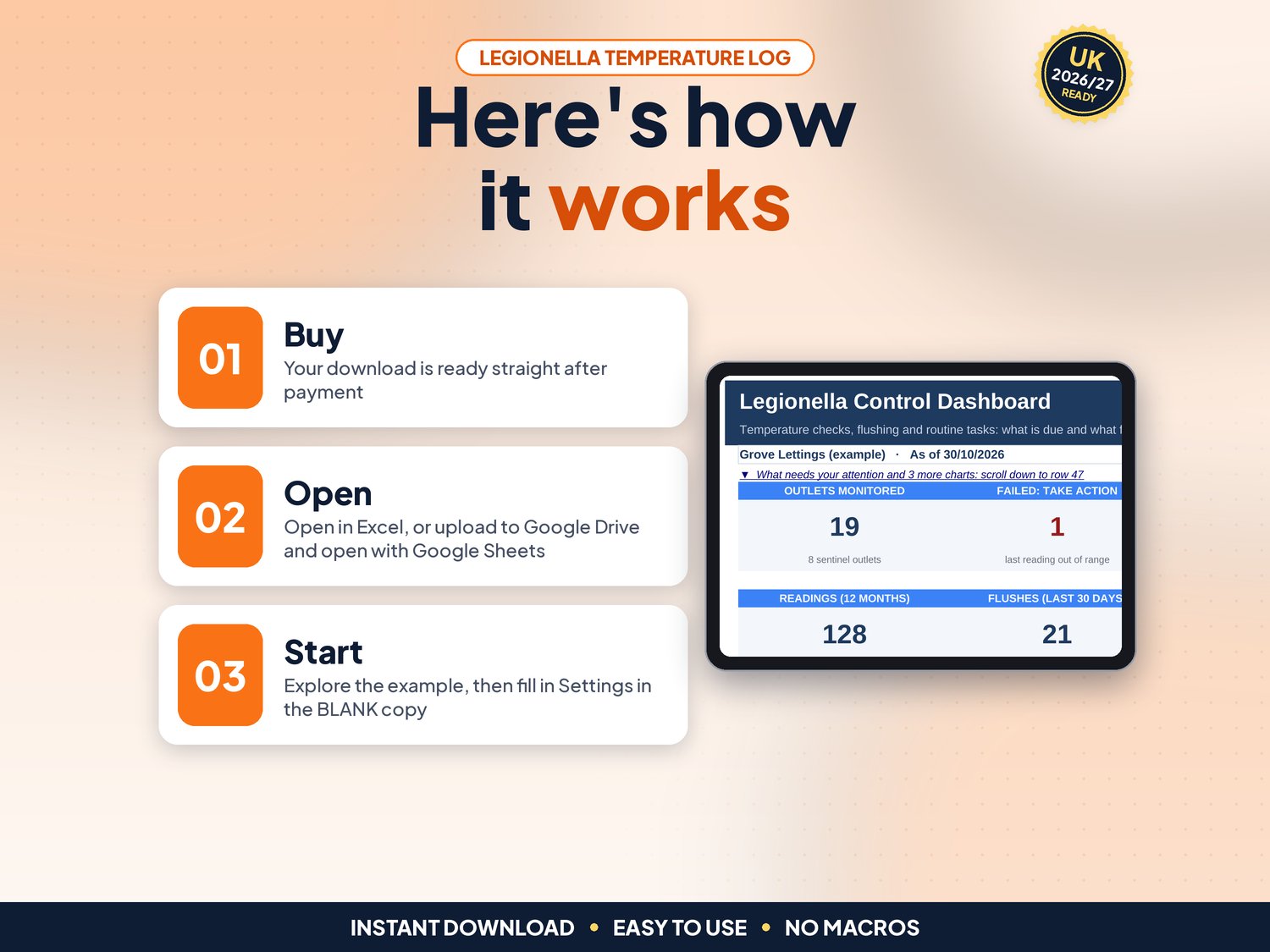
- Dashboard with a "What needs your attention" list and 3 charts
- Up to 300 outlets, 3,000 readings, 3,000 flushes, 500 actions and 100 properties
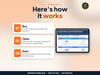
How it works (3 steps)
- Set up once: your limits and frequencies, then one row per outlet and one per property (about 15 minutes)
- Record as you go: each reading, flush and remedial action, a few minutes a week
- Check and act: open the Dashboard and the Due List, close actions, print the Audit Pack when asked
What's included
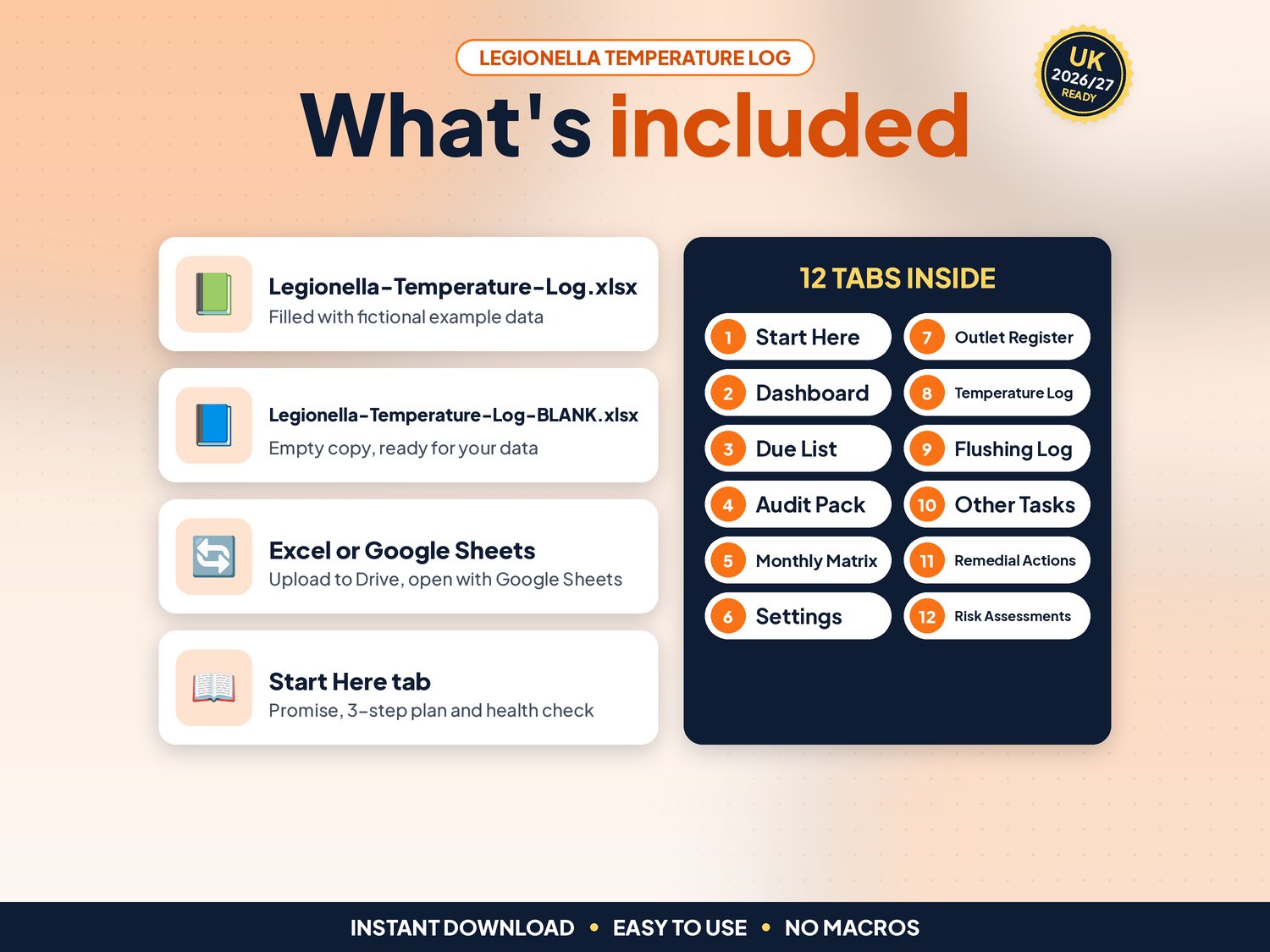
- Legionella-Temperature-Log.xlsx: filled with fictional example data (19 outlets across 3 properties) so you can see how it works
- Legionella-Temperature-Log-BLANK.xlsx: an empty copy, ready for your own outlets
- Works in Google Sheets: upload the .xlsx to Google Drive, right-click > Open with > Google Sheets, then File > Save as Google Sheets (tested: formulas and charts kept)
- Start-here.pdf: one-page quick-start guide, including how to open it in Google Sheets
Compatibility
- Microsoft Excel 2010 or newer (Windows & Mac) and Microsoft 365
- Google Sheets (free Google account). Set File > Settings > Locale to United Kingdom for £ and UK dates
- Not designed for Apple Numbers or mobile-only editing. A computer is recommended
- No macros, add-ons or subscriptions
Instant download
This is a digital product. Nothing physical will be shipped. Your download link appears straight after checkout and is also emailed to you. Stuck or have a question? Email info@phkmedia.co.uk and I'll gladly help you set it up.
Good to know
- Cream (pale yellow) cells are for your input. White and grey cells are worked out for you, and the sheets are protected (no password) so formulas are not overwritten by mistake
- A Health check on the Start Here tab and a Check/Status column on every log flag missing or odd entries
- The limits on Settings are the common HSE HSG274 Part 2 figures: hot water stored at 60°C or more and reaching at least 50°C within one minute at outlets (55°C in healthcare), cold below 20°C. Follow your own risk assessment if it says something different
- HSE ACOP L8 sets no fixed review period for a risk assessment: review it regularly and whenever there is reason to think it is no longer valid. The 24 months on Settings is an example you can change
- Dates show as DD/MM/YYYY
- FAQ: Does it do the risk assessment for me? No. It records your checks and reminds you when the assessment is due for review
- FAQ: Does it work on a phone? You can view it in the Google Sheets app, but entering data is easiest on a computer
- FAQ: Can several people use it? Yes, in Google Sheets you can share it with your team
DISCLAIMER
This log is a record-keeping aid, not health and safety or legal advice, and not a legionella risk assessment. It does not replace a competent person's judgement or your written scheme of control. All names and figures in the example file are fictional.
Licence: Licensed for use within one business. Please do not resell, share or redistribute the files.
AI disclosure: This template and its listing images were designed by PHK MEDIA LTD with the help of AI tools. All formulas were tested and the files were reviewed and finalised by the seller.
© PHK MEDIA LTD
Licence: Licensed for use within one business or household. You may edit and print the files for that business. You may not resell, share or upload them for others.