
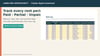
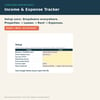
Rental Property Income & Expense Tracker — Landlord Spreadsheet for Excel & Google Sheets
Run a small rental portfolio without property-management software.
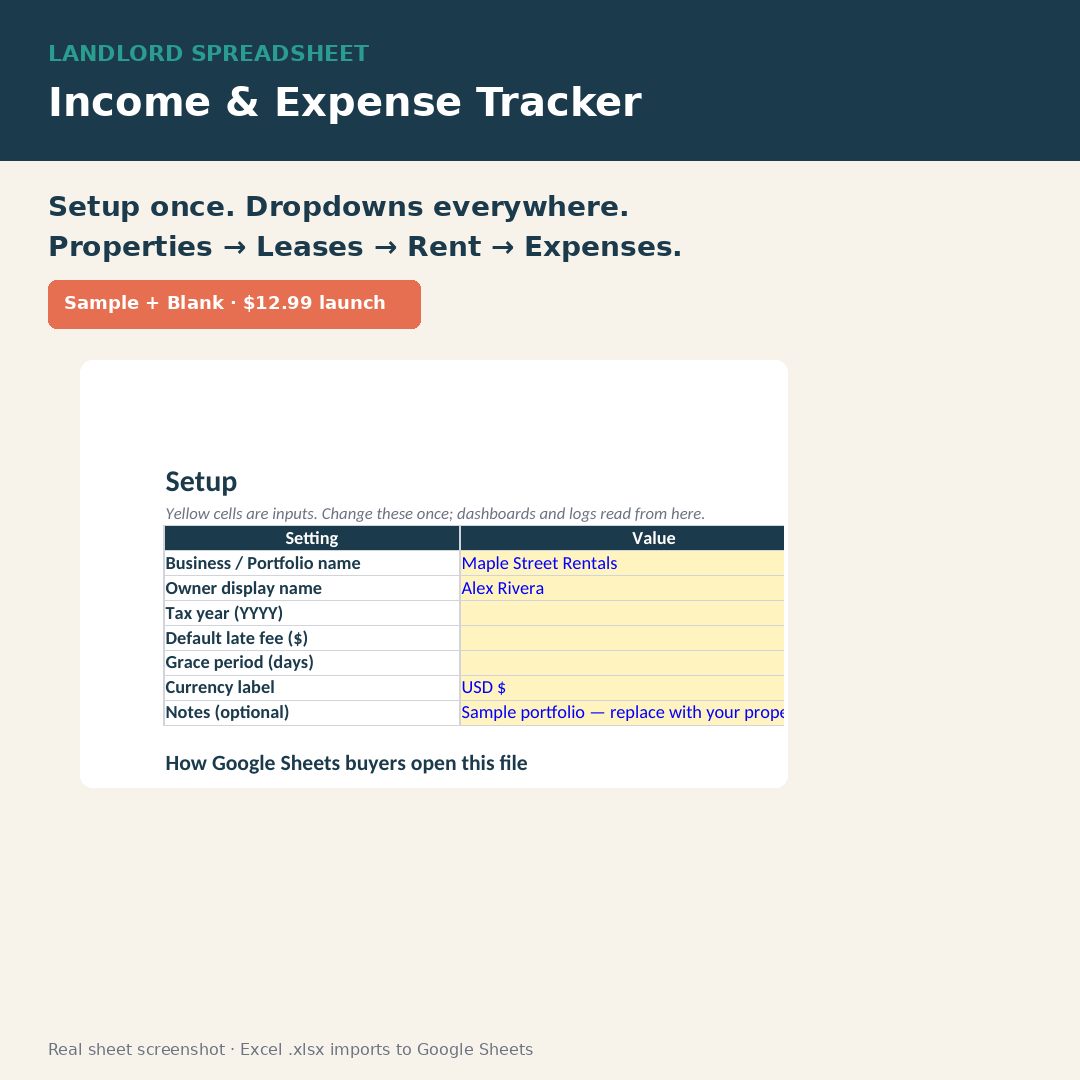
This landlord spreadsheet keeps properties, leases, rent periods, and owner expenses in one Excel workbook that also imports cleanly into Google Sheets. Yellow cells are inputs. The dashboard and aging columns are live formulas.
WHAT'S INCLUDED
• SAMPLE workbook — fictional multi-property portfolio so you can see every formula working before you type real numbers
• BLANK workbook same structure, empty input rows
• Tabs: How_To · Setup · Dashboard · Properties · Leases · Rent_Log · Expenses · Lists
• Dropdowns for property, lease, payment status, payment method, and expense category
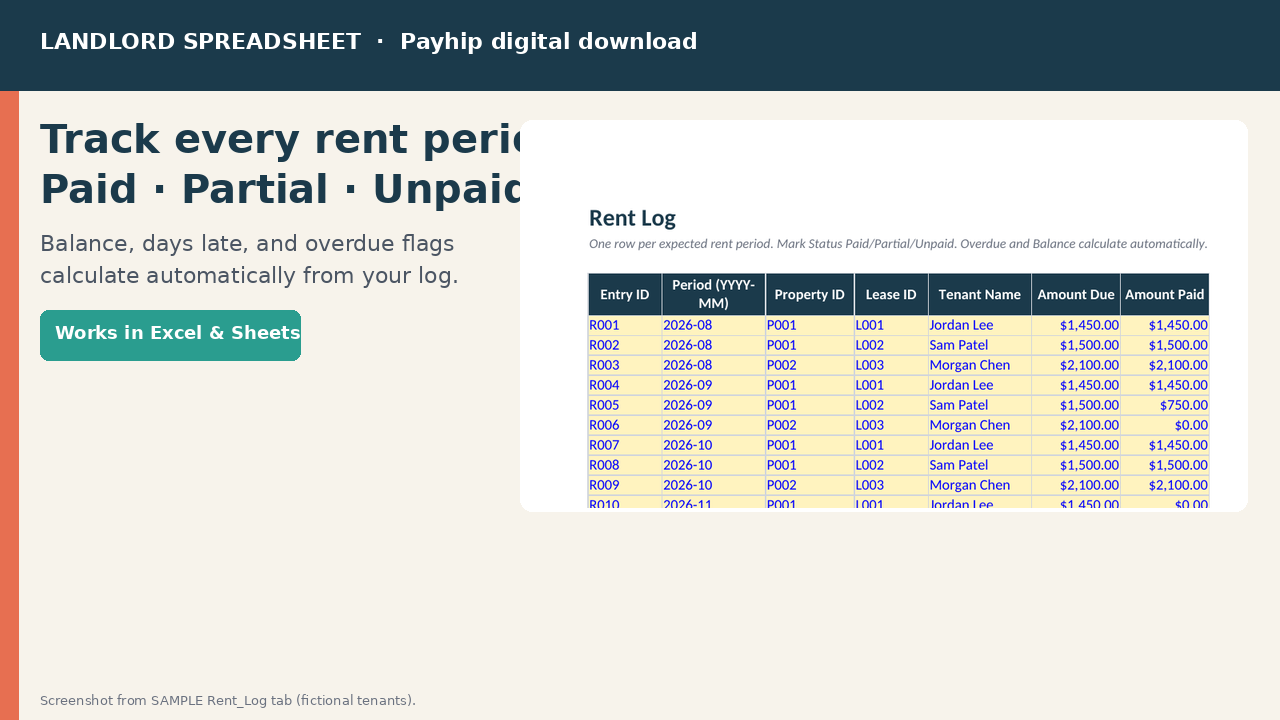
• Automatic balance, days late, and overdue flags on the rent log
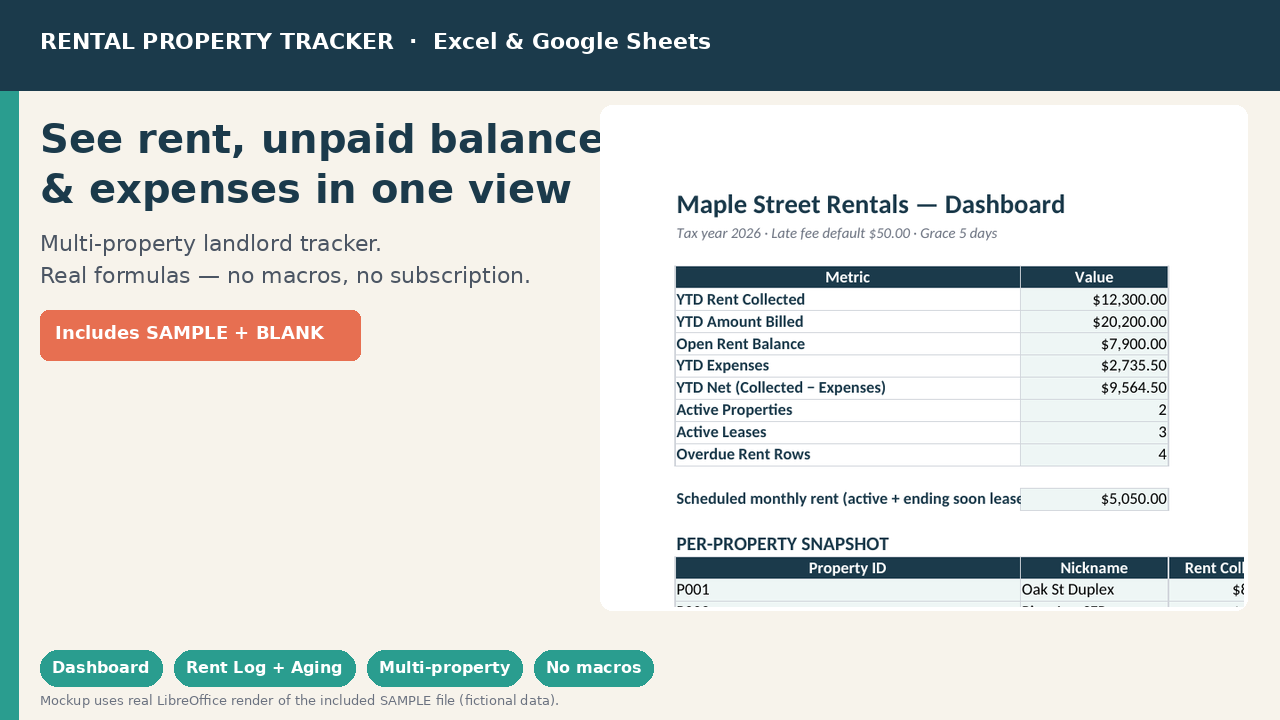
Dashboard KPIs: rent collected, amount billed, open balance, expenses, net, active properties/leases, overdue count, plus a per-property snapshot
WHO IT'S FOR
• Small landlords and accidental landlords (about 1–10 units/properties)
• Long-term residential rentals
• Anyone who wants a clear “did this property make money?” answer without monthly SaaS fees
NOT INCLUDED (ON PURPOSE)
• Tenant screening, e-sign leases, or ACH payments
• Short-term / Airbnb channel calendars
• Tax filing, depreciation schedules, or official form exports
Macros, VBA, or Apps Script
This is a record-keeping template, not tax, legal, or financial advice. Verify figures with a licensed tax professional before filing.
COMPATIBILITY
• Microsoft Excel 2016+ (Windows/Mac) and Excel for the web
• Google Sheets via File Import → Upload (or upload the .xlsx to Drive and open with Sheets)
• LibreOffice Calc
• Formulas use functions shared by Excel and Sheets (no LET / LAMBDA / macros)
A one-click Google Sheets copy link can be added later; until then, Import is the supported path.
HOW TO START
- Open the SAMPLE file and click through Dashboard → Rent_Log.
- 2. Open the BLANK file (or clear yellow input cells in SAMPLE — leave formula columns alone).
- 3. Fill Setup, then Properties → Leases → Rent_Log / Expenses.
FAQ
Does this work in Google Sheets?
Yes. Upload the .xlsx and use File → Import, or open it from Google Drive with Sheets. Recheck dropdowns after import.
Do I need Excel?
No. Sheets works via import. Excel and LibreOffice open the file natively.
Is this tax software?
No. It helps you organize rent and expenses. It does not prepare filings or replace an accountant.
How many properties?
Designed for small portfolios (roughly 1–10). The sheets allow more rows if you need them.