

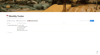
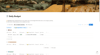
Notion Daily & Monthly Financial Tracker | Simple Budget and Expense Template
Notion Daily & Monthly Financial Tracker
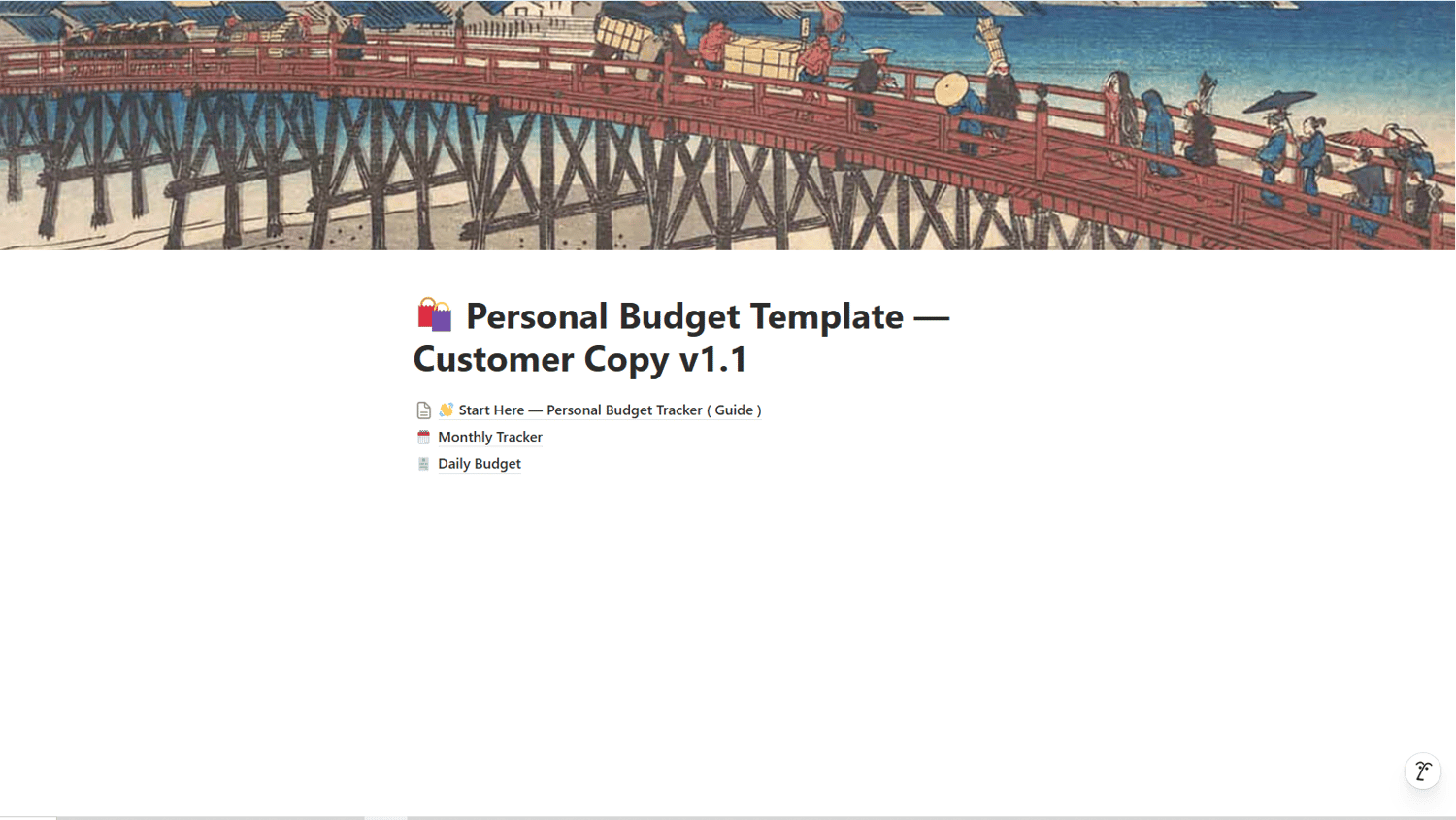
Take control of your spending with a simple Notion budgeting system designed to help you track daily expenses, manage your monthly budget, and understand where your money is going.
This template combines a Daily Financial Tracker with a Monthly Financial Tracker, giving you a clear view of your spending, remaining budget, savings, and investment allocation—all in one place.
What This Template Helps You Do
- Record daily expenses quickly
- Organize spending by category
- Track different payment methods
- Link expenses to the correct monthly budget
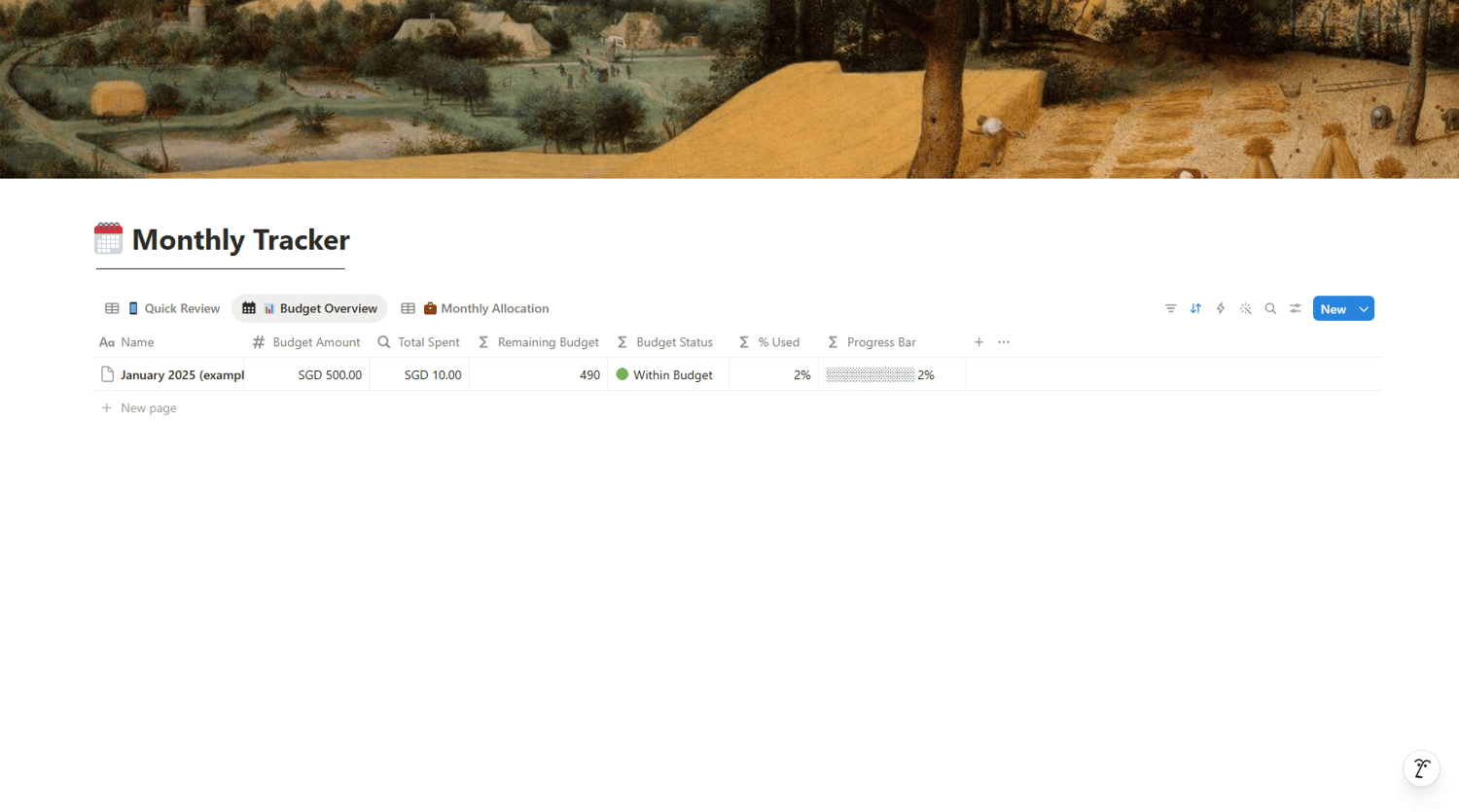
- Automatically calculate total monthly spending
- See how much budget you have remaining
- Monitor the percentage of your budget used
- View your budget status at a glance
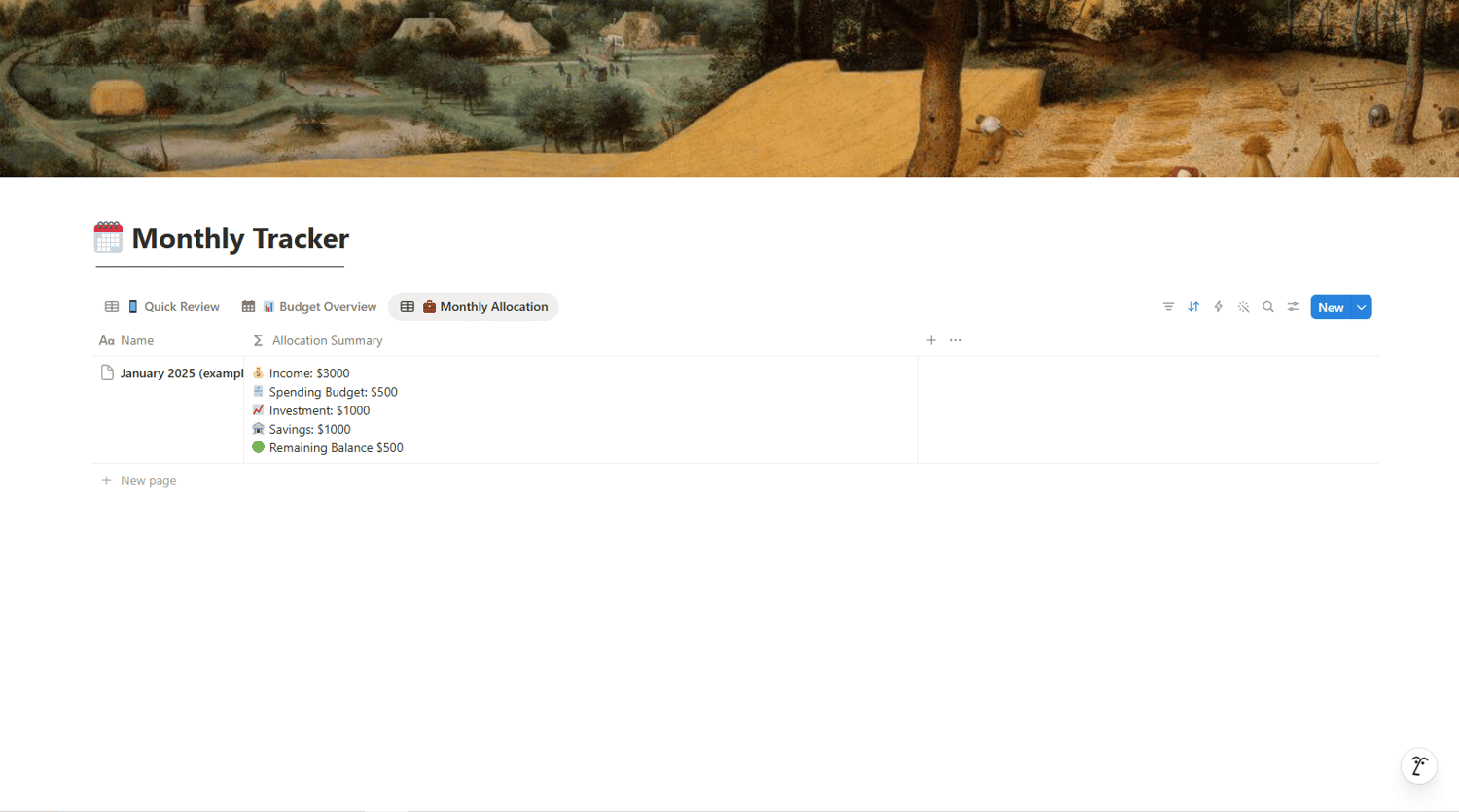
- Track monthly savings and investment allocation
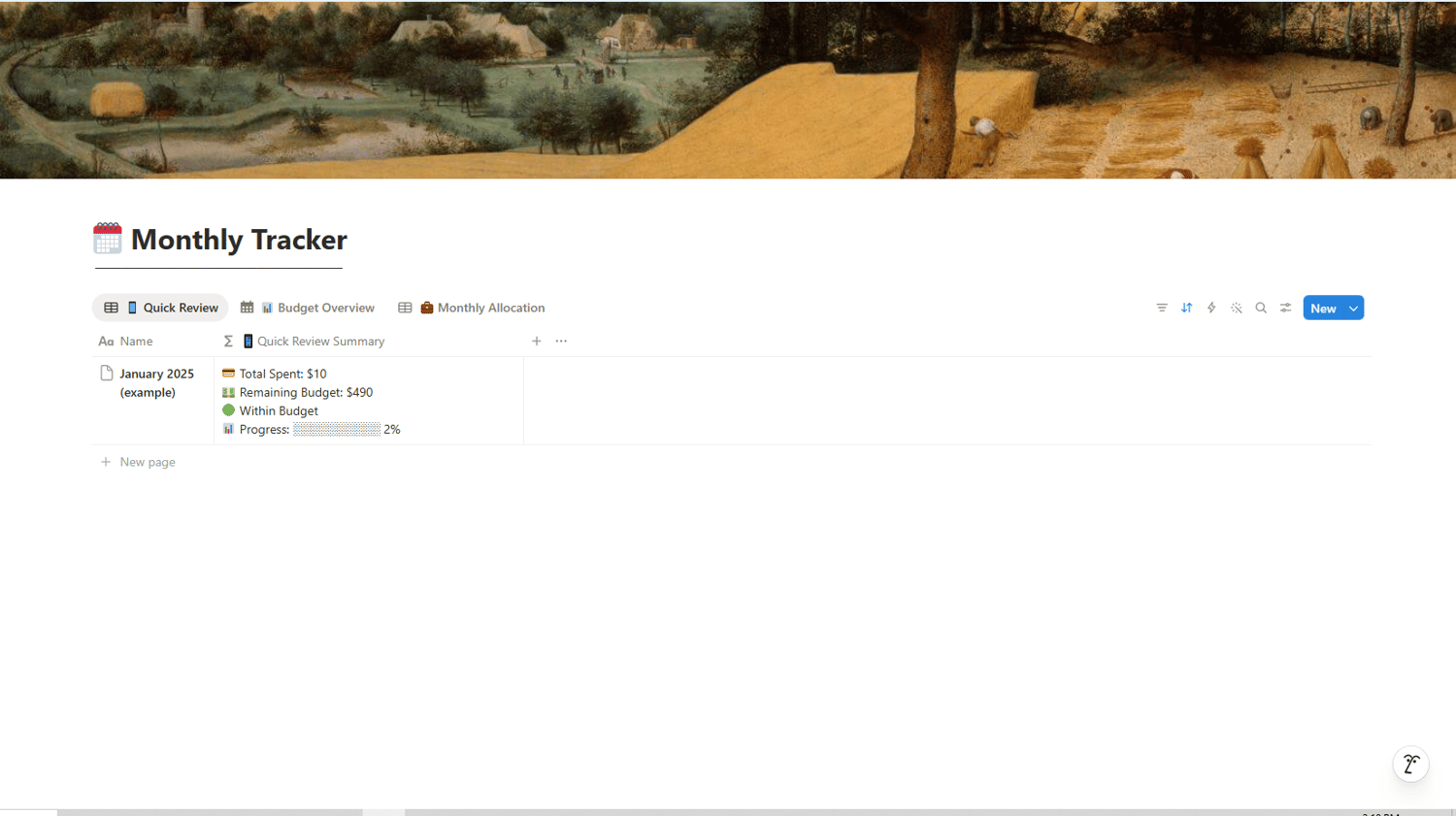
- Review your finances through a simple progress bar and summary
What Is Included:
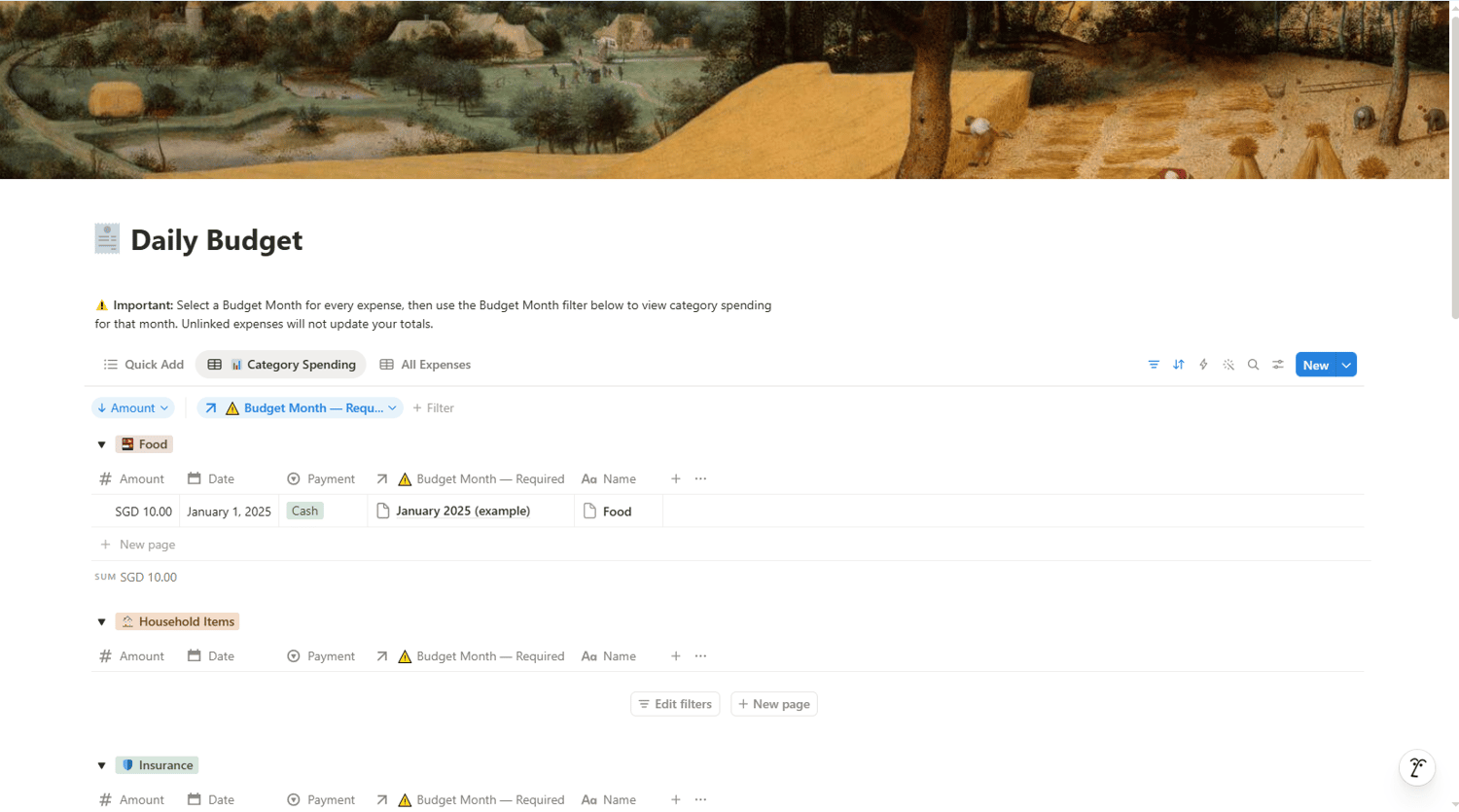
Daily Financial Tracker
Record each expense with:
- Expense name
- Amount
- Date
- Budget category
- Payment method
- Monthly budget relation
Monthly Financial Tracker
Review:
- Total monthly income
- Monthly savings
- Monthly investment
- Spending budget
- Total amount spent
- Remaining budget
- Budget status
- Percentage used
- Budget progress bar
- Quick financial review
PDF Access & Support Guide
After purchase, you will receive a PDF guide containing:
- Your Notion template access link
- Instructions for duplicating the template
- Basic setup guidance
- Troubleshooting tips
- Customer support information
Who This Template Is For
This template is suitable for:
- First-time budgeters
- Working adults
- Students
- Notion beginners
- People who want a simple alternative to spreadsheets
- Anyone who wants to understand their daily and monthly spending
How It Works
- Complete your purchase.
- Download the PDF access guide.
- Open the Notion template link inside the PDF.
- Click Duplicate to add the template to your own Notion workspace.
- Enter your monthly budget information.
- Start recording your daily expenses.
Requirements
- A free or paid Notion account
- Internet access to duplicate the template
- Basic familiarity with Notion is helpful but not required
This template is compatible with the Notion Free Plan and can be used on desktop, tablet, and mobile devices.
Important Information
This is a digital product. No physical item will be shipped.
The template is intended for personal budgeting and organizational purposes only. It does not provide financial, investment, tax, or legal advice.
Due to the digital nature of this product, please review the product details carefully before purchasing.
Usage Licence
This template is for personal use by the original purchaser only.
You may customize the template for your own use, but you may not:
- Resell the template
- Redistribute or share the template
- Publish the duplication link
- Give the template away
- Claim the template as your own product
Start building a clearer picture of your finances—one expense at a time.