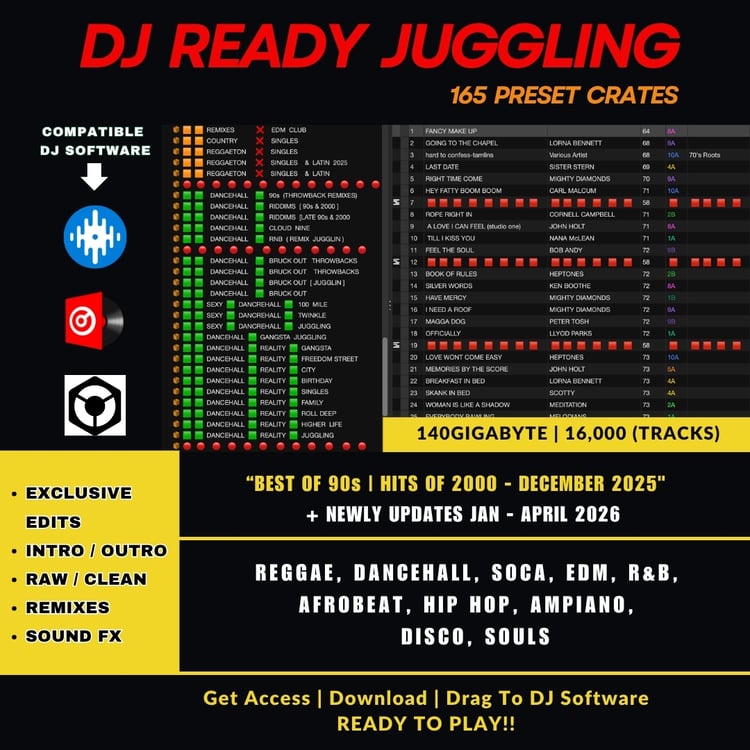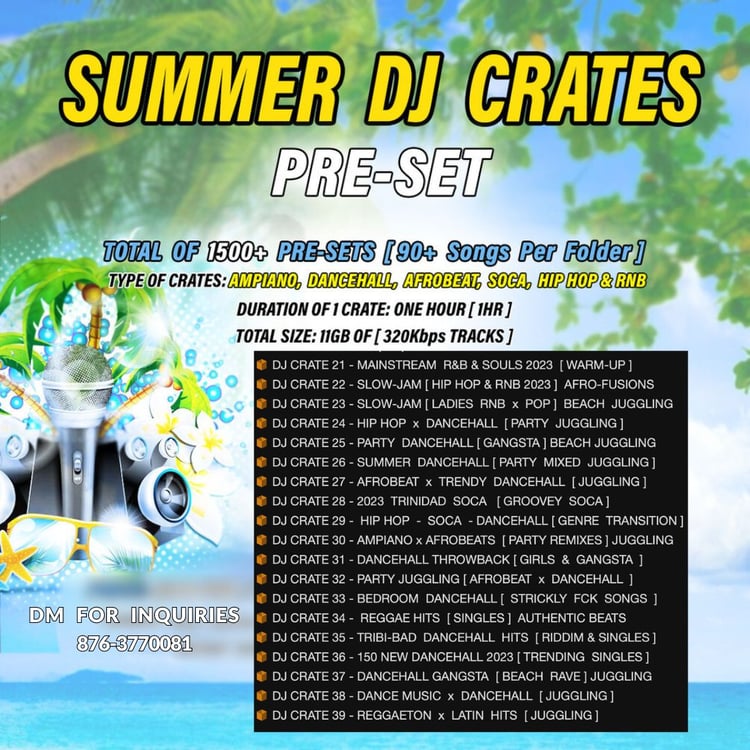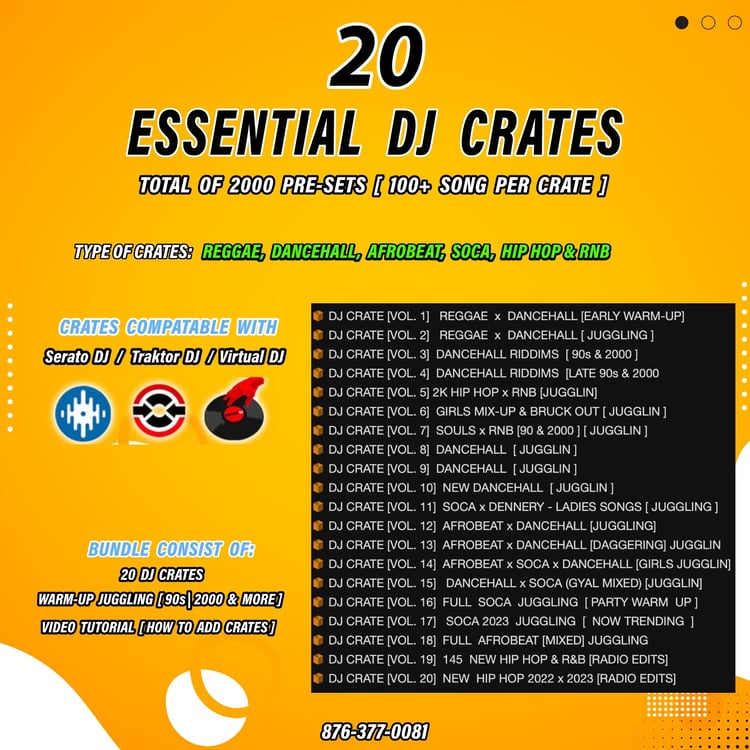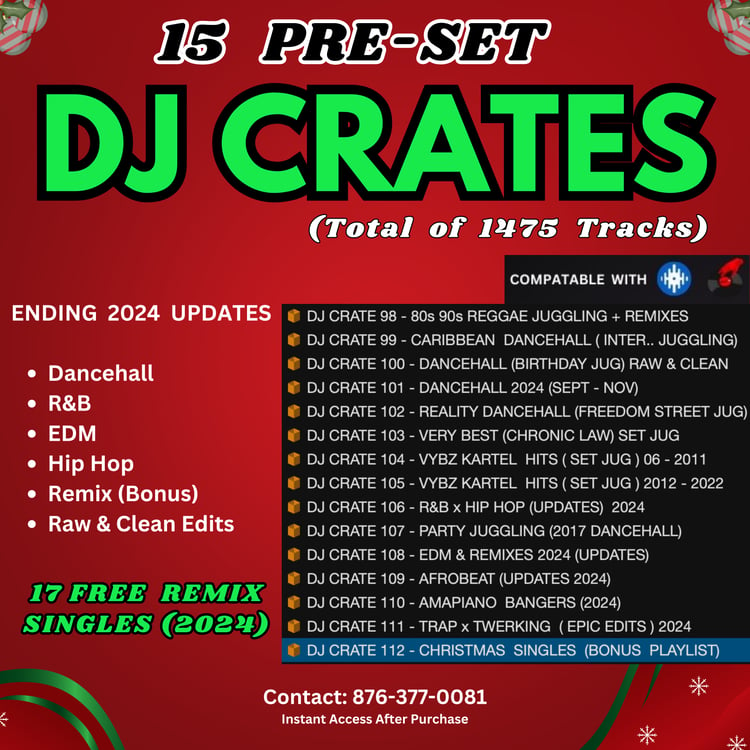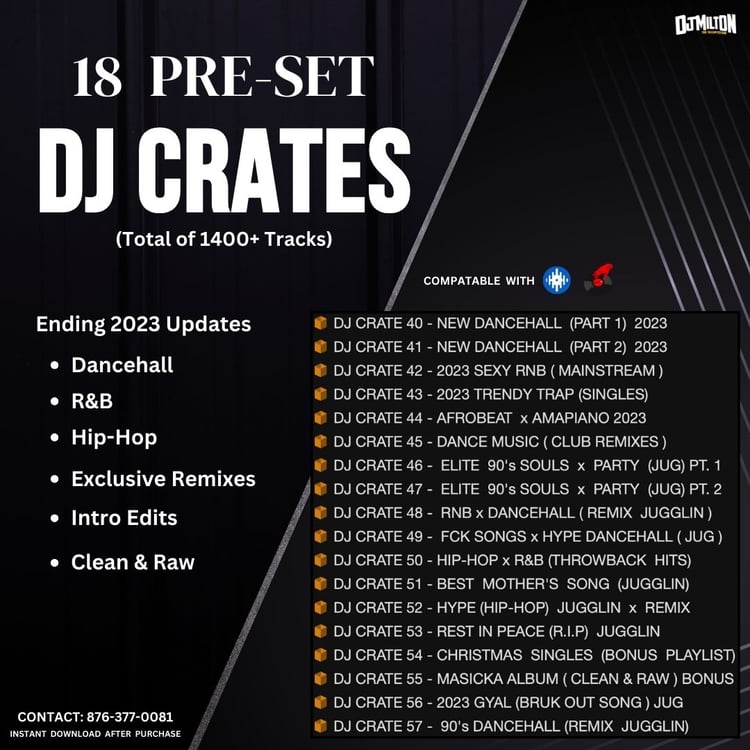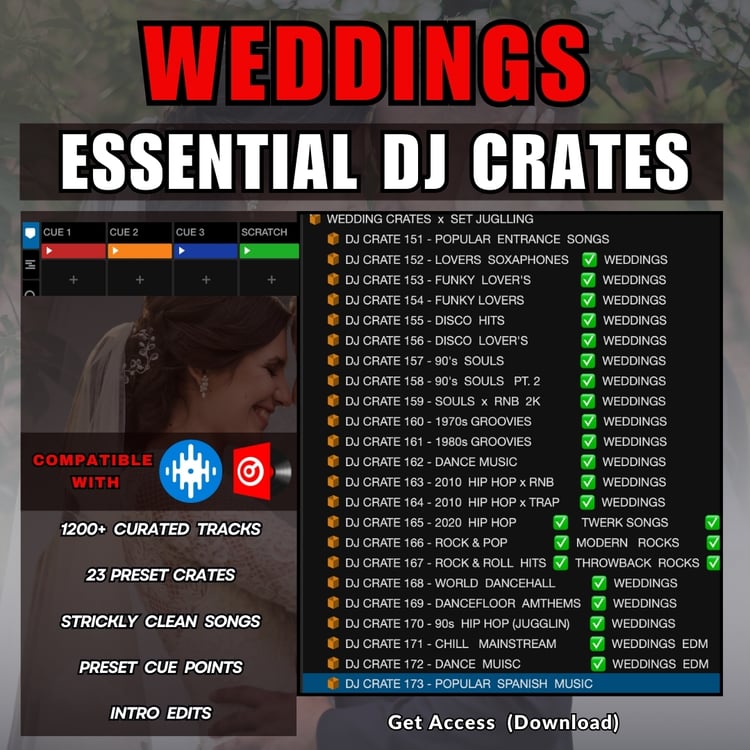

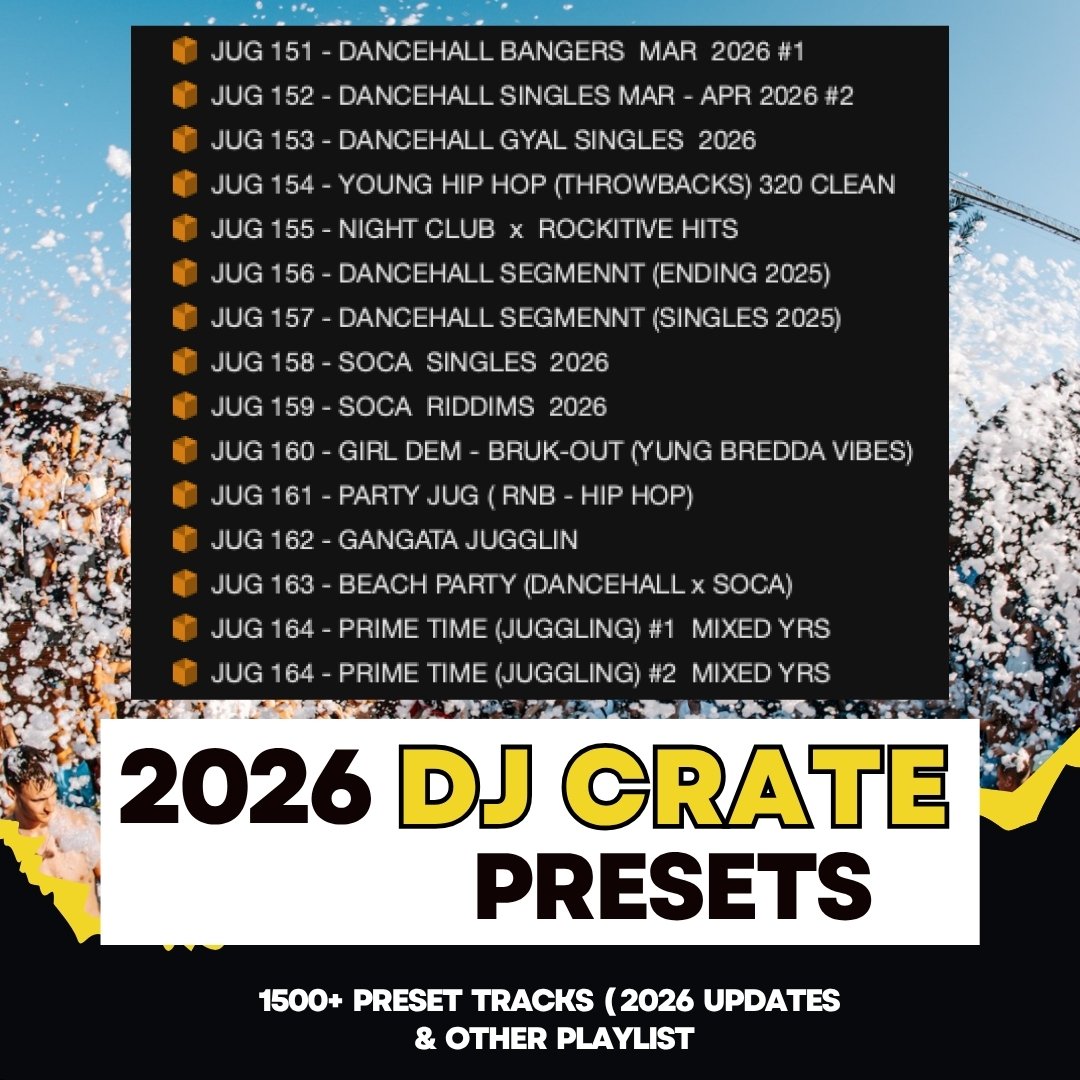
15 - 2026 DJ PRESET CRATE (FEB - APRIL UPDATES)
✅ INSTANT DOWNLOAD ✅
Your files will be available to download once payment is confirmed.
Use the Link sent to your email to download.
PLEASE NOTE:
All crates are fully organized for you.
To import them into Serato, open the folder containing the tracks and locate the .M3U file. Then simply drag and drop the M3U file into your crate section in Serato. Serato 4.0 might refuse M3U. Simply use any version before 4.0 to import, then re-upgrade Serato.
⚠️ Do not drag the folder with the music files directly — this will cause the tracks to appear unorganized.
Always use the M3U file, as it keeps the crate properly arranged.
The M3U file usually has the same name as the folder, making it easy to find. You can quickly identify it by looking for the file icon or the letter associated with it inside the folder.
Each crate is clearly labeled (e.g., JUG 151, JUG 152, etc.), so you can easily locate and import the correct one.
FEATURES:
✅ Crates Easily Added using Step by Step [Video guide]
✅ Compatible with [Serato, Traktor, Virtual Dj]
✅ High-Quality (320kbps) Tracks
All Inquires Here
EMAIL - DJMILTONJA876@GMAIL.COM
WHATSAPP / CONTACT - 876-377-0081