

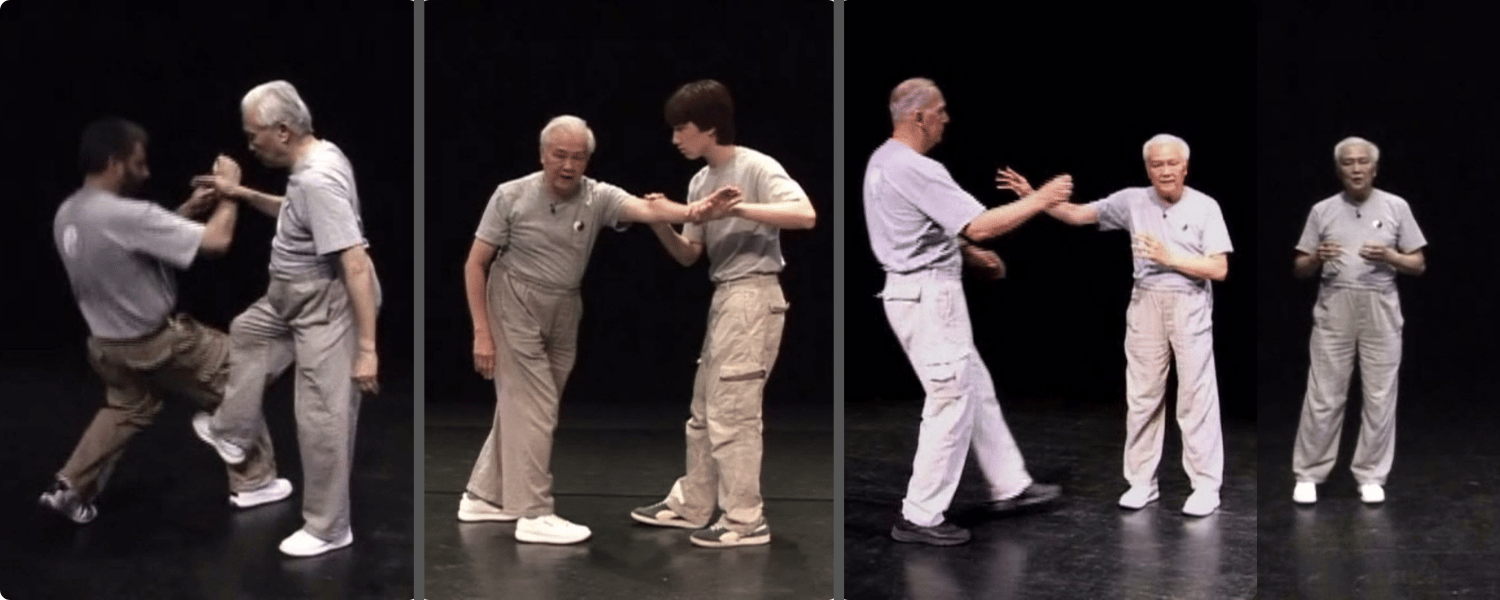
Did you ever wonder…
- What is fajin?
- How do I develop the power for fajin?
- How is internal energy used as a power source in fajin?
- How do the Tai Chi Forms help with my martial arts training?
- How do Push Hands and sparring help with my martial arts training?
- Why is “follow the opponent” important to Tai Chi strategy?
- Why is “stick to the opponent” the most important method in Tai Chi?
In my 40 years of teaching Classical Tai Chi, I have found these to be common questions. Classical Tai Chi allows you to make and use internal energy or power (torso). This is lost in other forms of Tai Chi. People are using external power (arms and legs) as if Tai Chi was like Karate or other external martial arts. Not using the torso’s internal power in your moves means you are weaker and slower. Using fajin with internal energy means you can easily use the power hidden within your body most people can never use.
Every tai chi move should have two purposes: one is the martial art piece; the other is the health benefit. This course talks about the martial art aspect. My earlier course “Health and Strength with Tai Chi” talks about the health aspect. Both depend upon the internal moves, which are talked about in detail in the “Health and Strength with Tai Chi” course.
This course now includes access to the WhatsApp Classical Tai Chi Group when you Enroll. This community will allow you to find others in the course to exchange experience and contact your instructor directly.
Course curriculum
-
1Join Classical Tai Chi's WhatsApp Group
-
2Using a phone or tablet
-
3Introduction
-
4Section I - Martial Arts Moves including the 13 postures moves - Application Examples and Training Methods
-
5Section II - Push Hands
-
6Section III - Group Discussions
FAQs
-
The course starts now and never ends! It is a completely self-paced online course - you decide when you start and when you finish.
-
How does lifetime access sound? After enrolling, you have unlimited access to this course for as long as you like - across any and all devices you own.
-
Yes. The course's video editor lets you slow down or speed up the videos as needed. Click on the gear icon and then "Speed" to change the speed of the video.