

Routine Flow OS — Visual Notion Planner for Routines, Shopping, Budget & Journaling
One manageable next step, with a place for the rest.
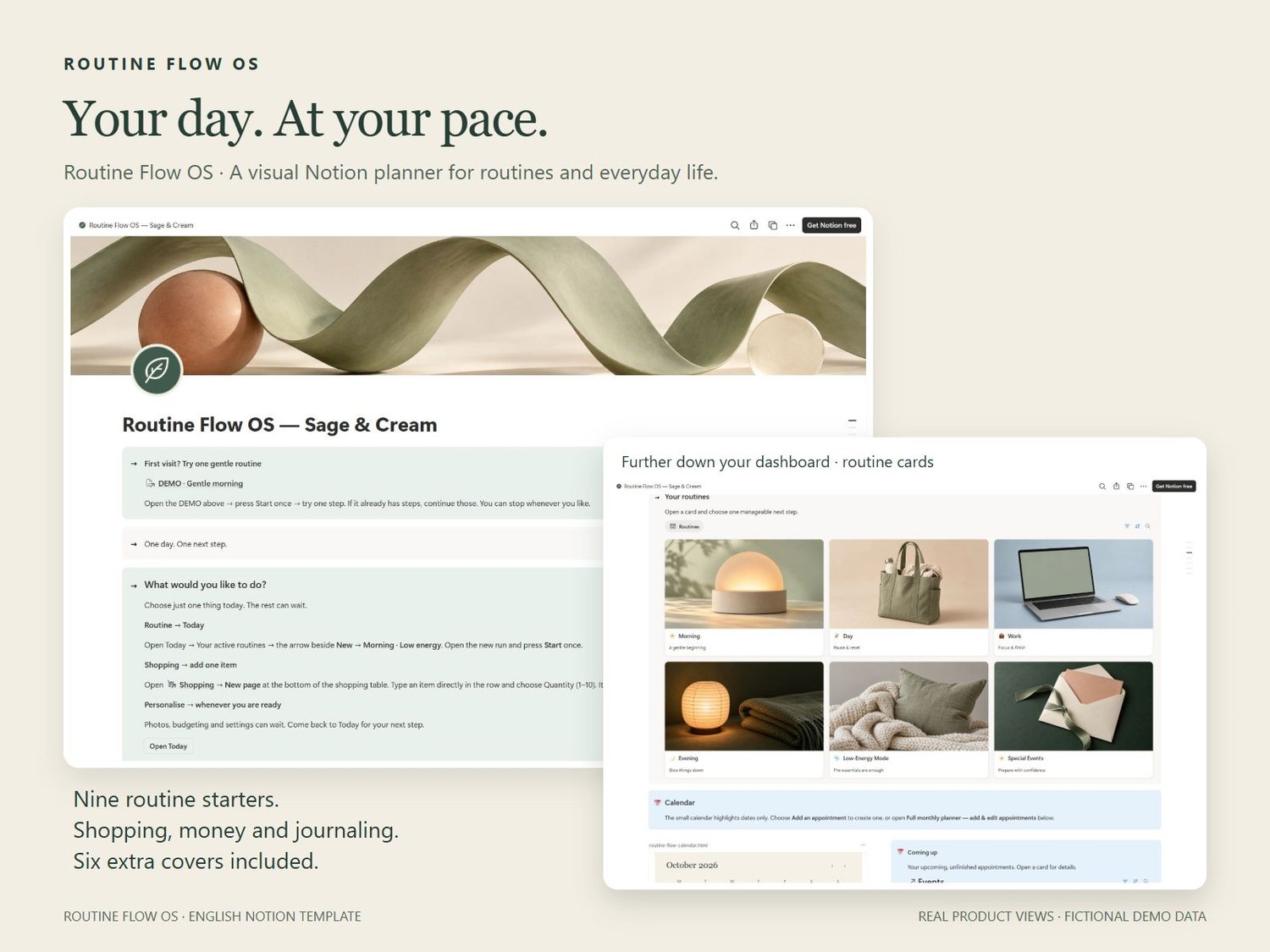
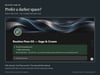
Routine Flow OS is a visual Notion planner for daily routines, shopping, budgeting, appointments and journaling. Designed with neurodivergent adults in mind, it combines photo cards, neatly contained sections and short instructions with practical actions you can use again.
START A ROUTINE WITHOUT REBUILDING ITS CHECKLIST
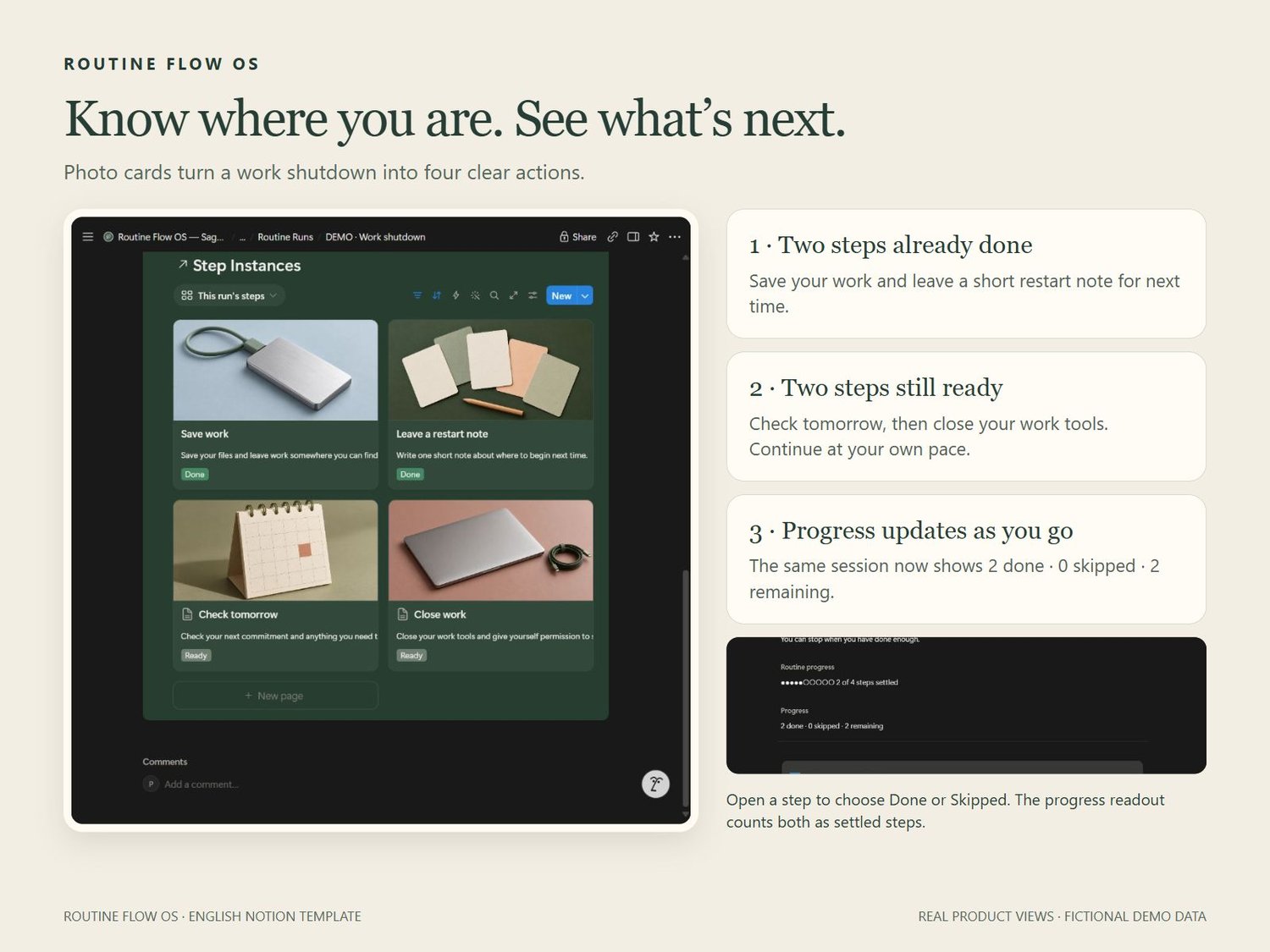
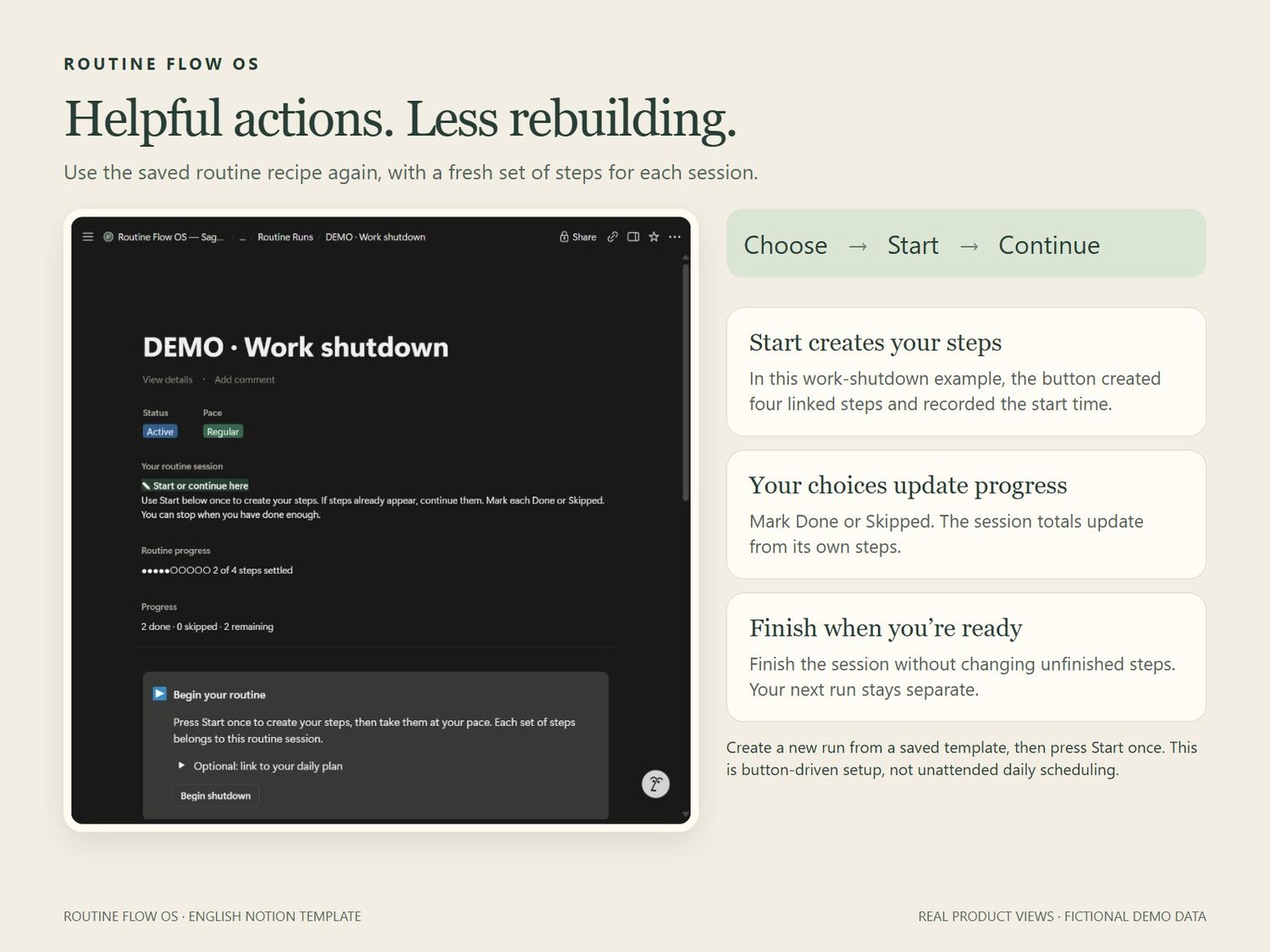
Choose a saved routine, create a new session and press Start once. Fresh steps are created for that session. Choose Done or Skipped and see your progress update. Nine starters include morning, evening wind-down, work start and shutdown, home reset and a three-step low-energy morning.
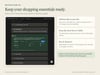
REUSE YOUR SHOPPING ESSENTIALS
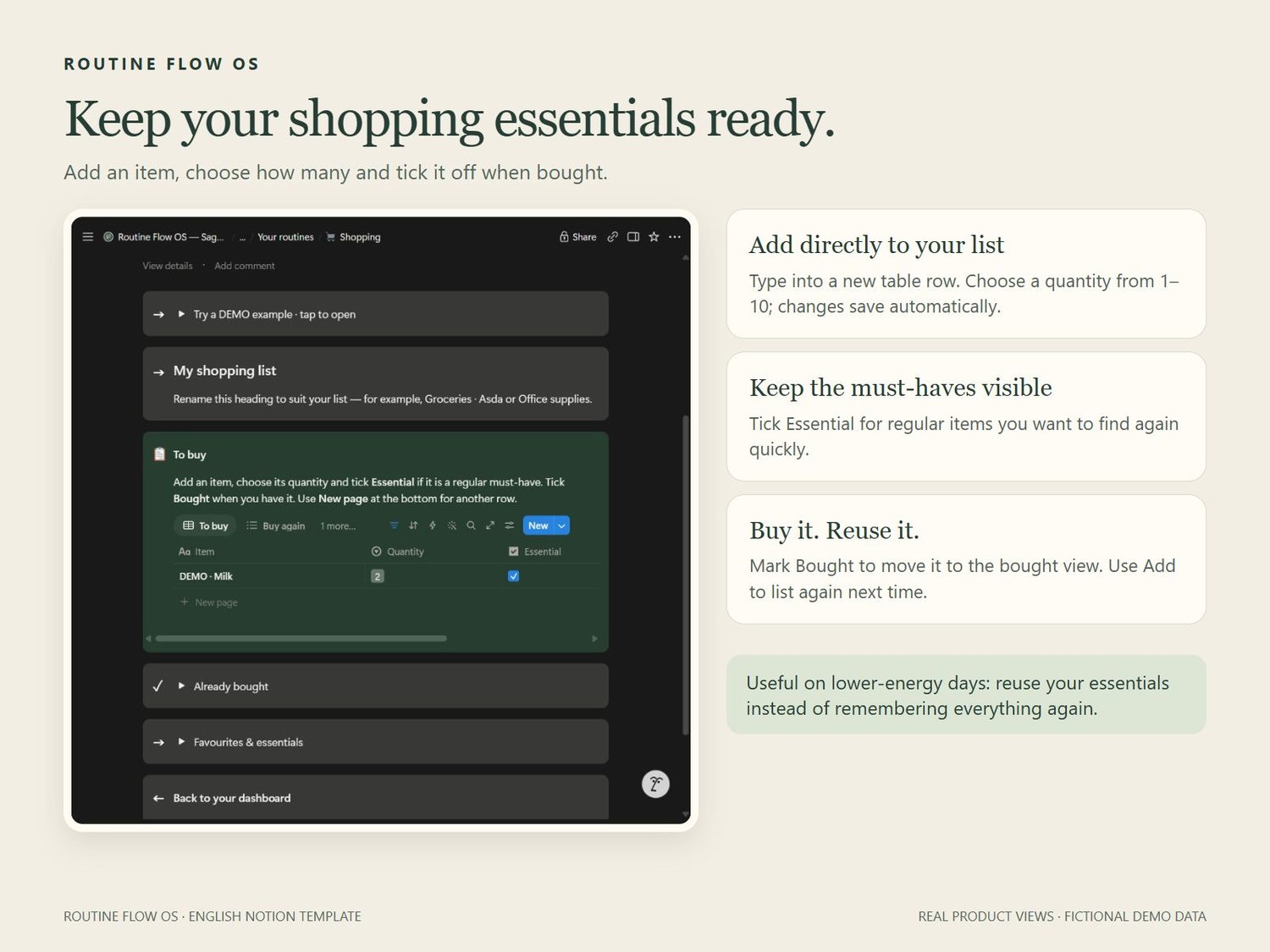
Type items into the shopping table, choose quantities from 1–10 and mark your essentials. Tick Bought when purchased, then use Add to list again when needed.
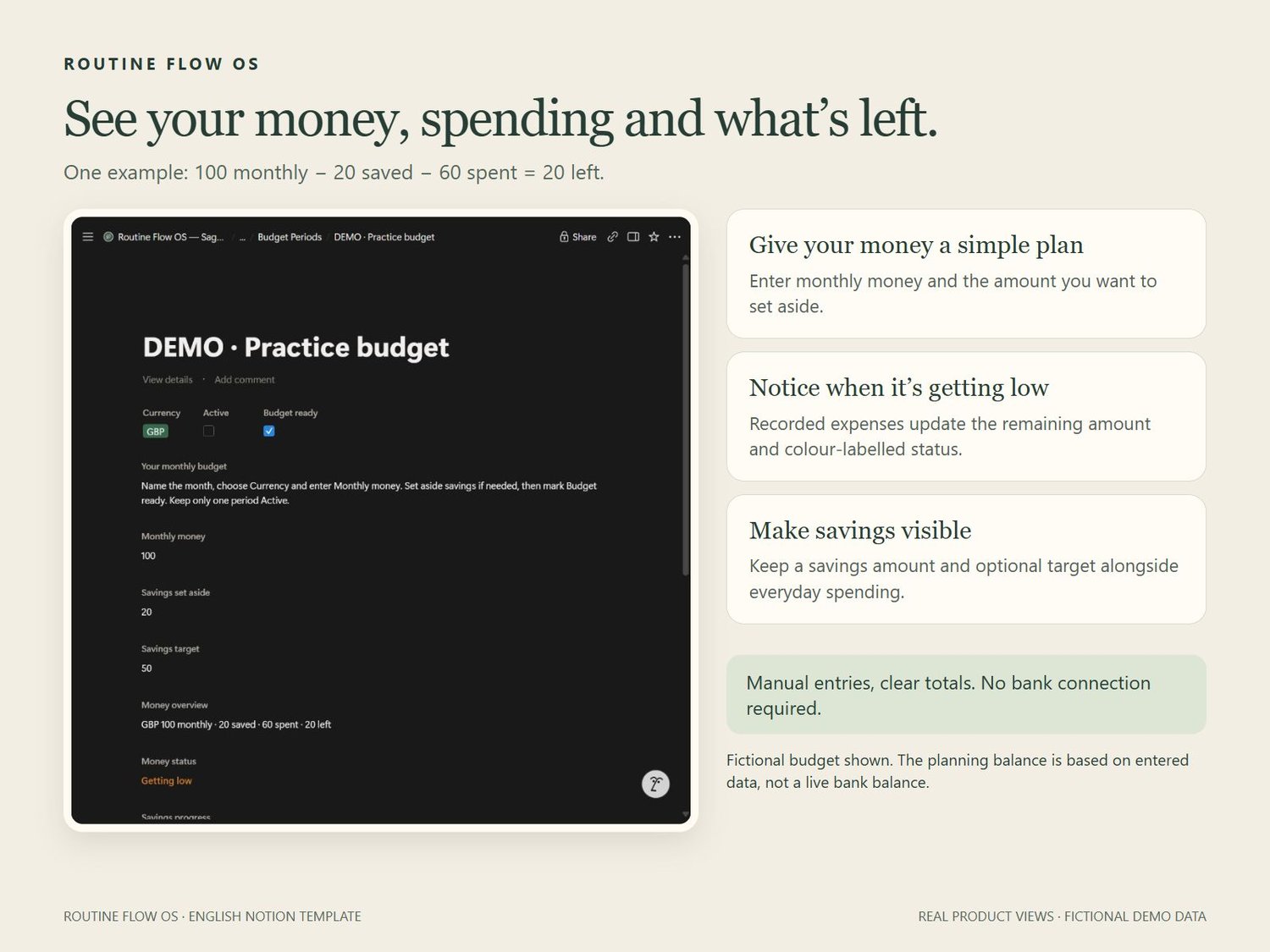
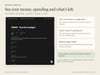
SEE WHAT IS LEFT IN YOUR BUDGET
Enter monthly money, record spending by category and set aside savings. See what remains with a colour-labelled status and an optional savings target. Based on your entries; no bank connection.
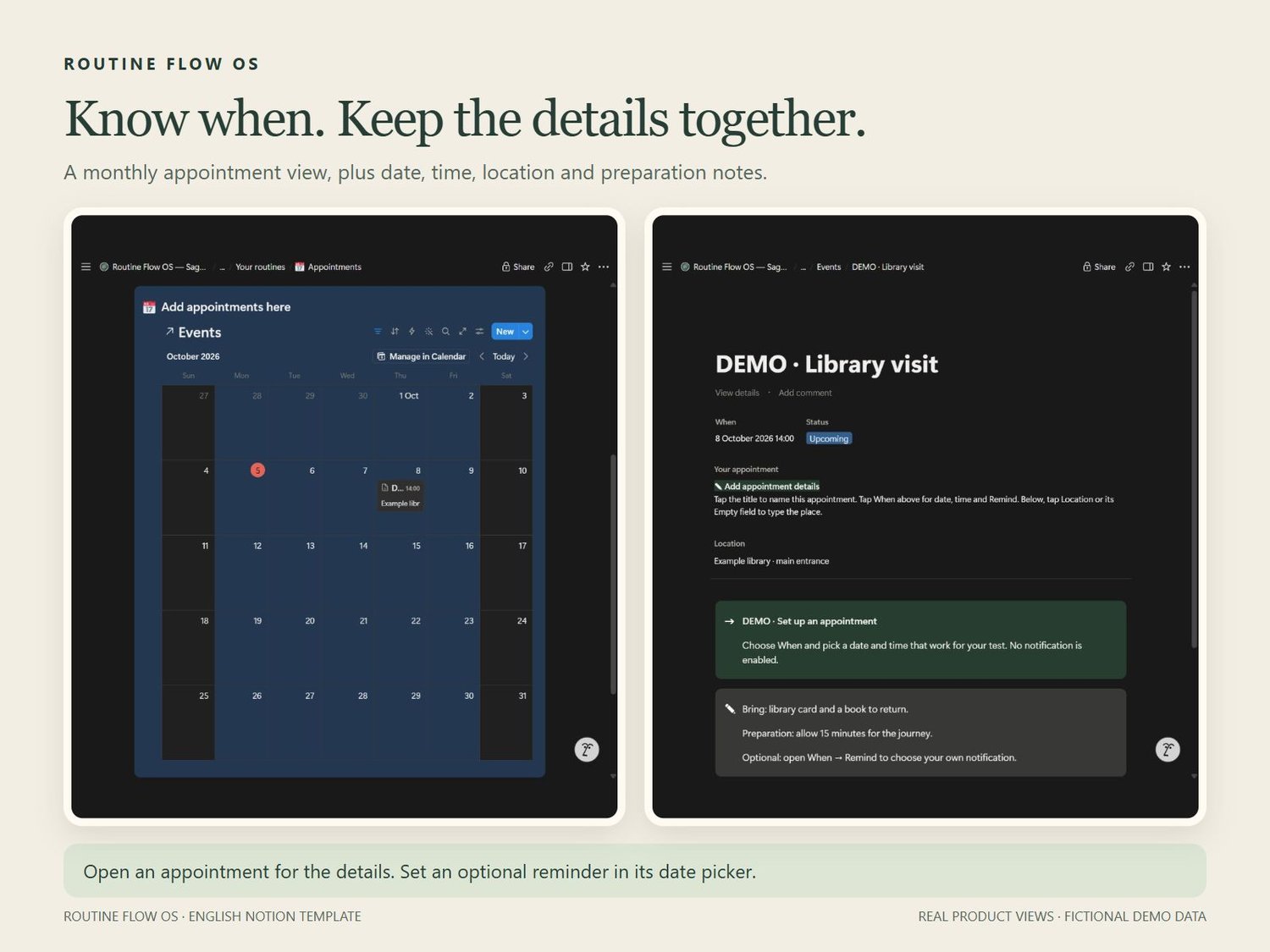
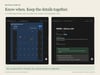
KEEP APPOINTMENTS AND PREPARATION TOGETHER
Use the monthly appointment view for dates, times, locations and preparation notes. Set reminders individually when you want a nudge.
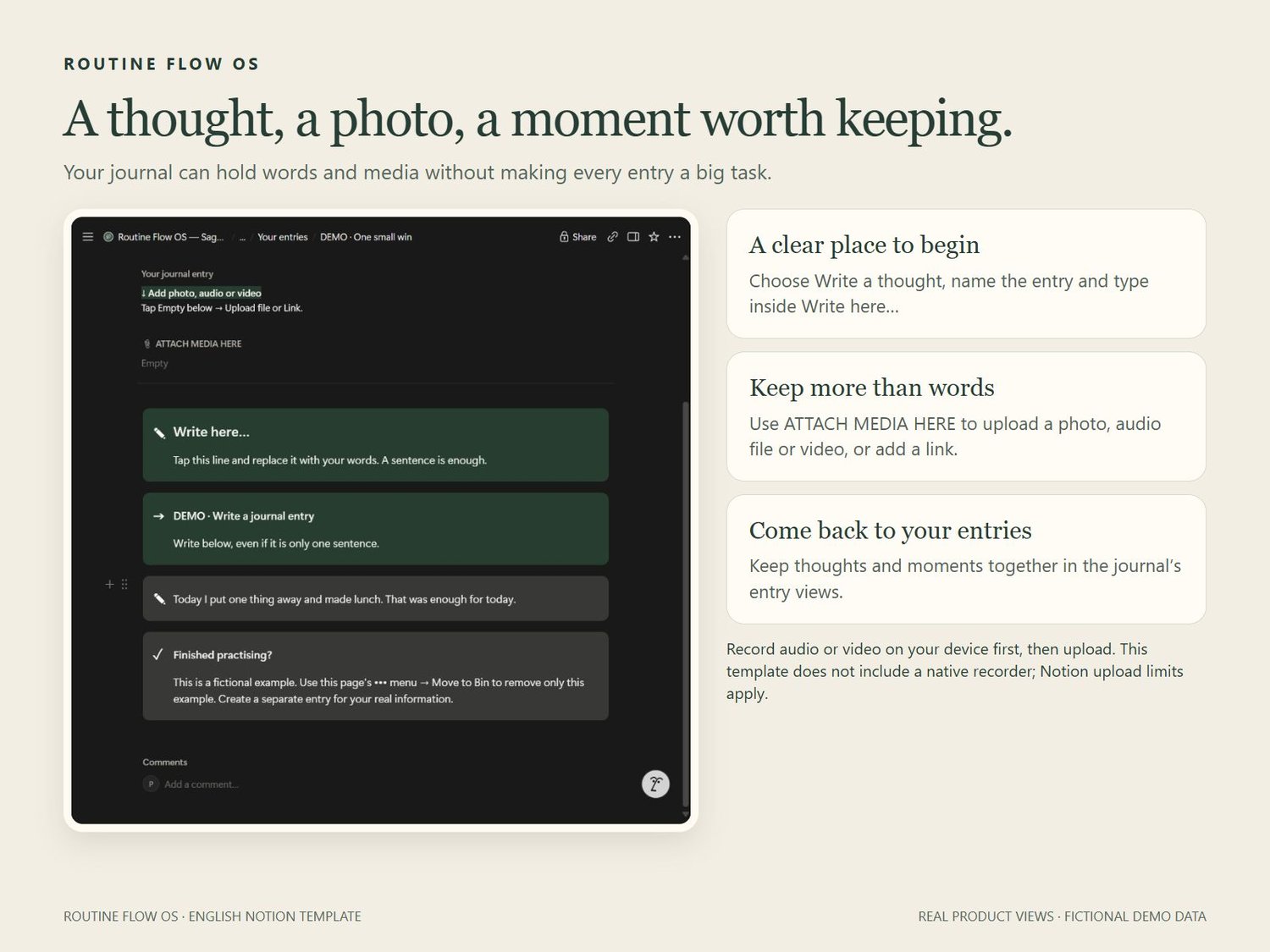
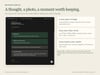
MAKE SPACE FOR YOUR JOURNAL
A clearly labelled Write here box helps you begin. Attach photos, voice recordings or videos from your device alongside thoughts, memories and small wins.
GUIDANCE TO GET YOU STARTED
Start Here, Help & Recovery and labelled fictional DEMO entries show how the planner works. Also included: tasks, meal planning, home organisation, weekly reset and Pause & Reset resources.
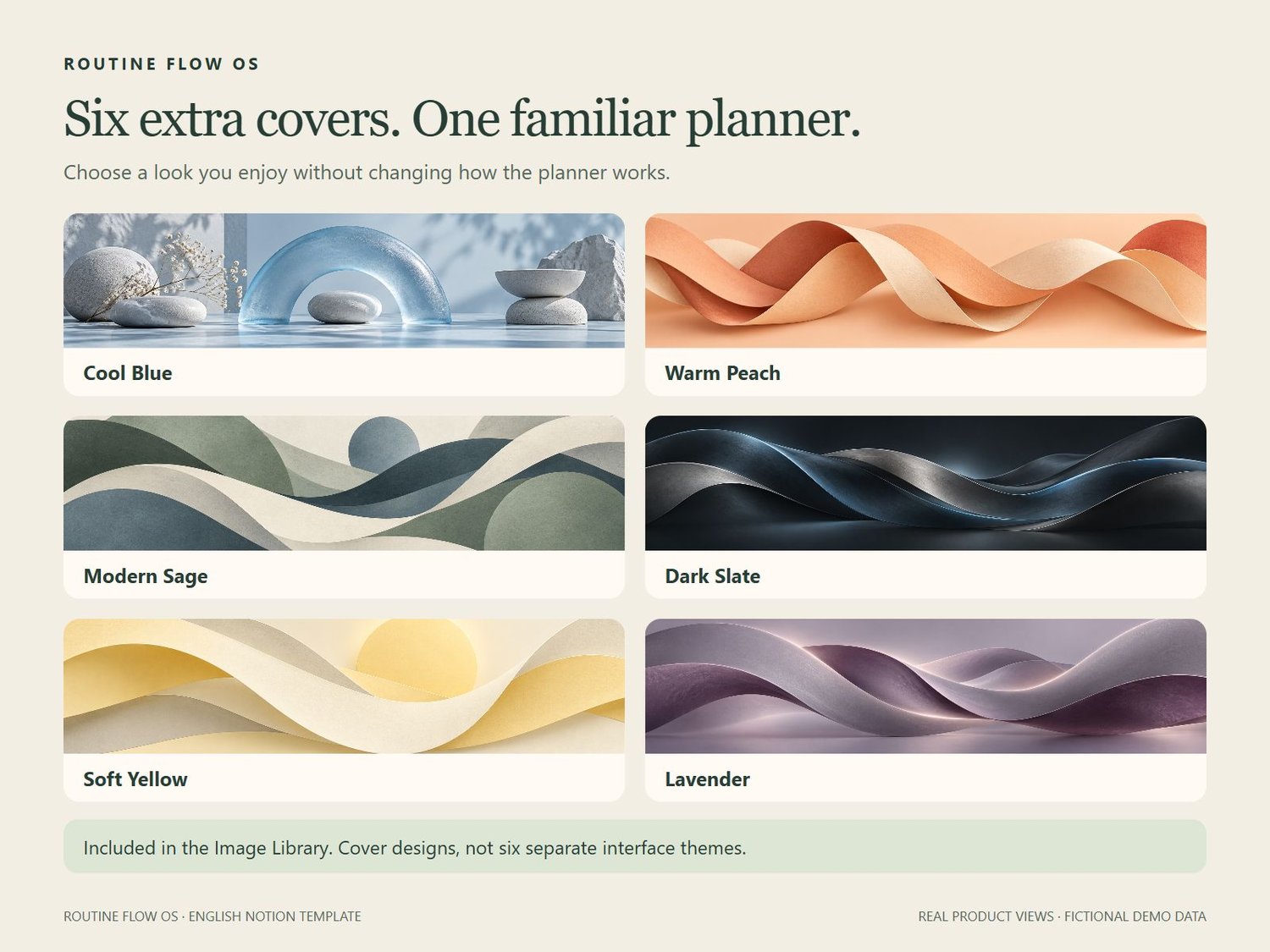
SIX EXTRA COVER DESIGNS INCLUDED
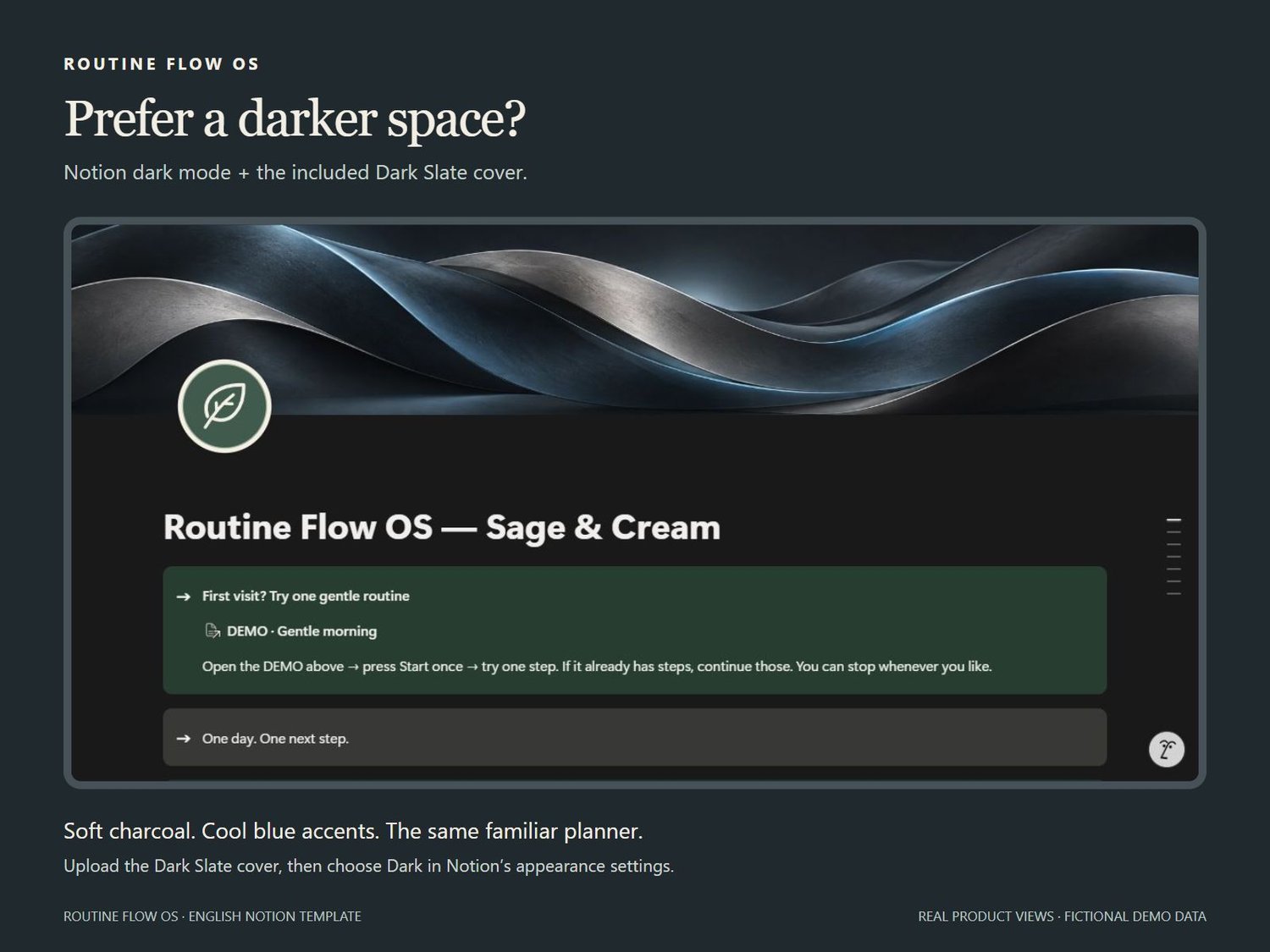
Cool Blue, Warm Peach, Modern Sage, Dark Slate, Soft Yellow and Lavender. Choose a cover that feels like you.
YOUR PURCHASE
US$38 total, one payment. Applicable sales tax/VAT is included in the displayed price. English digital Notion template, duplication instructions and six optional banner images. No physical item or standalone app.
BEFORE YOU BUY
• You need your own Notion account. Duplicate the complete planner and its supporting databases. Desktop and mobile controls differ.
• Routine setup is button-driven; reminders are set separately. This is not an alarm service.
• The small dashboard calendar is a date reference. Add appointments inside the planner; external calendar sync is not included.
• Record audio/video on your device, then upload. There is no built-in recorder. Notion upload and chart limits depend on your plan; category totals are available without a chart.
• Budget entries are manual. Shopping reuse does not calculate most-bought rankings.
• DEMO entries are removed manually. Six covers are included, not six complete interface themes.
• Your duplicate does not automatically receive future seller changes.
Choose your first routine, open one step and begin there.