
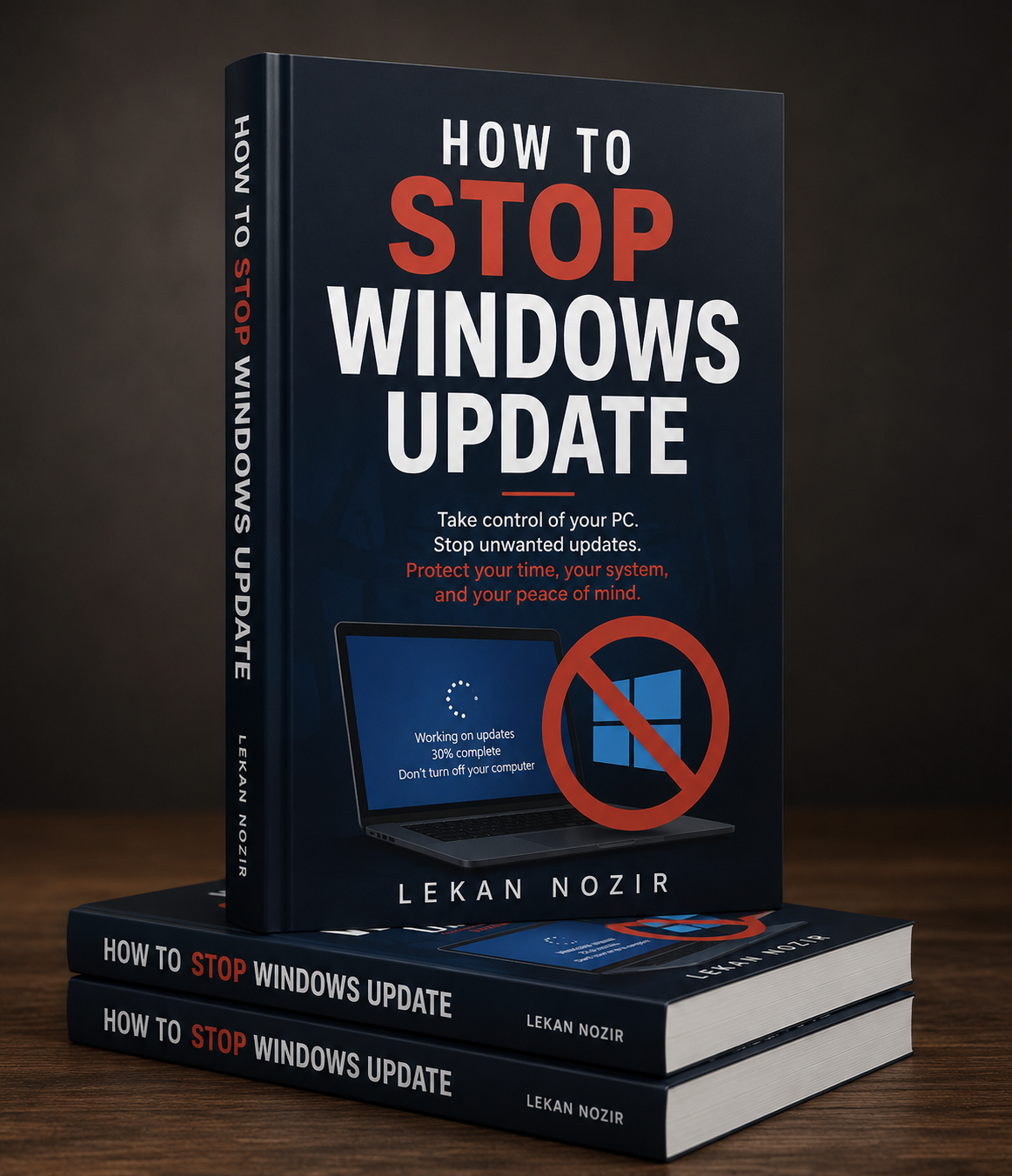
How to stop windows update
How to Stop Windows Update
By Lekan Nozir
Tired of Windows updating at the worst possible time?
Whether you're in the middle of an important project, playing games, editing videos, or simply don't want unexpected restarts, this practical guide will show you exactly how to take control of Windows Update.
How to Stop Windows Update provides clear, beginner-friendly instructions for temporarily or permanently managing Windows updates safely and effectively. No technical background is required.
Inside this guide, you'll learn how to:
- Disable automatic Windows updates.
- Pause updates for days or weeks.
- Prevent unwanted restarts.
- Control updates using Windows Settings.
- Use Group Policy (Windows Pro & Enterprise).
- Disable updates through the Windows Registry.
- Stop the Windows Update service.
- Decide when and how updates are installed.
- Re-enable Windows Update whenever you need it.
- Understand the risks and best practices before disabling updates.
Each step is explained with easy-to-follow instructions and practical tips, making it simple for anyone to regain control of their Windows PC.
Whether you're a home user, gamer, freelancer, student, or IT professional, this guide will save you time, prevent interruptions, and help you use your computer on your own terms.
Take back control of your PC today—and never let unexpected Windows updates interrupt your work again.