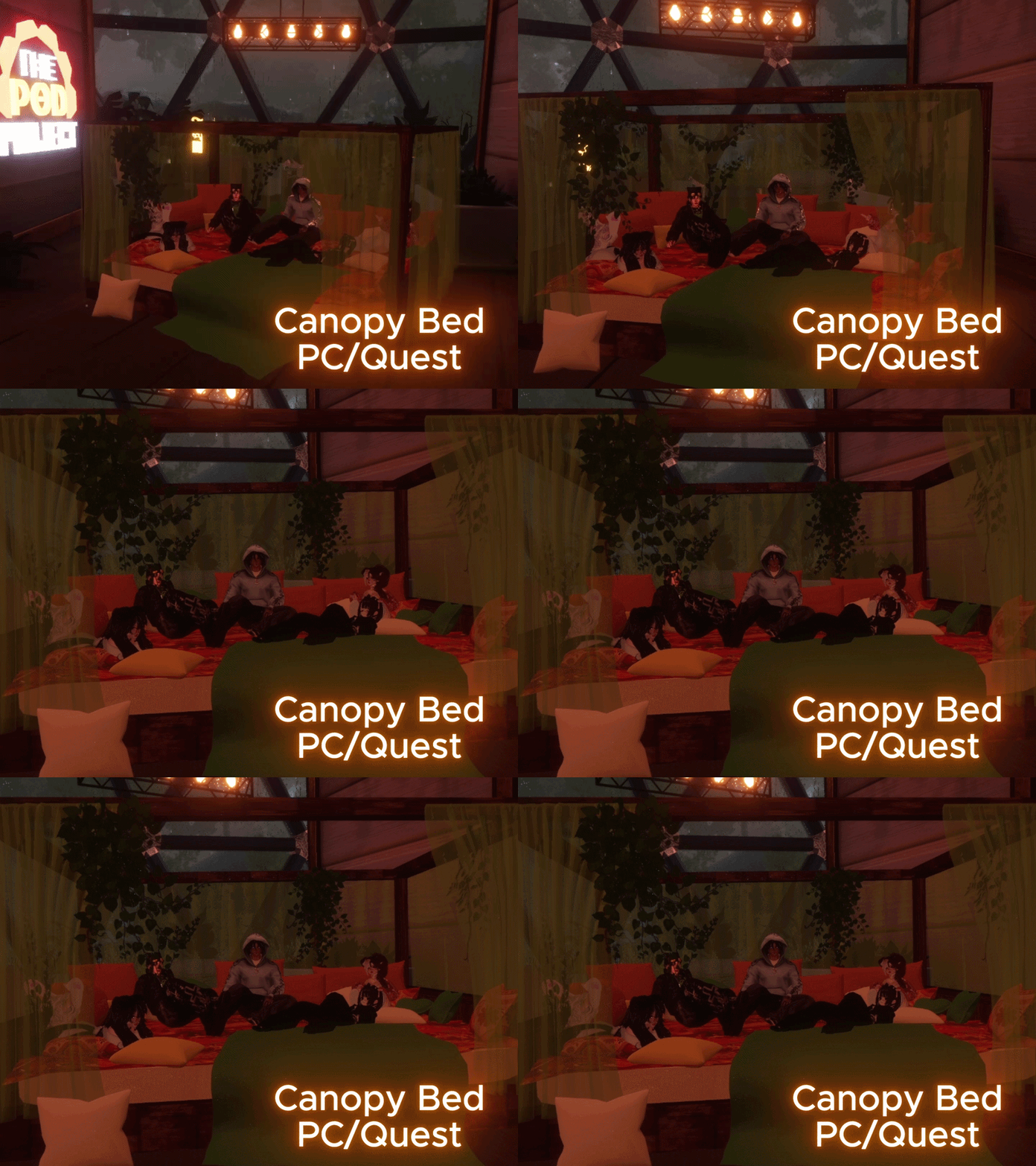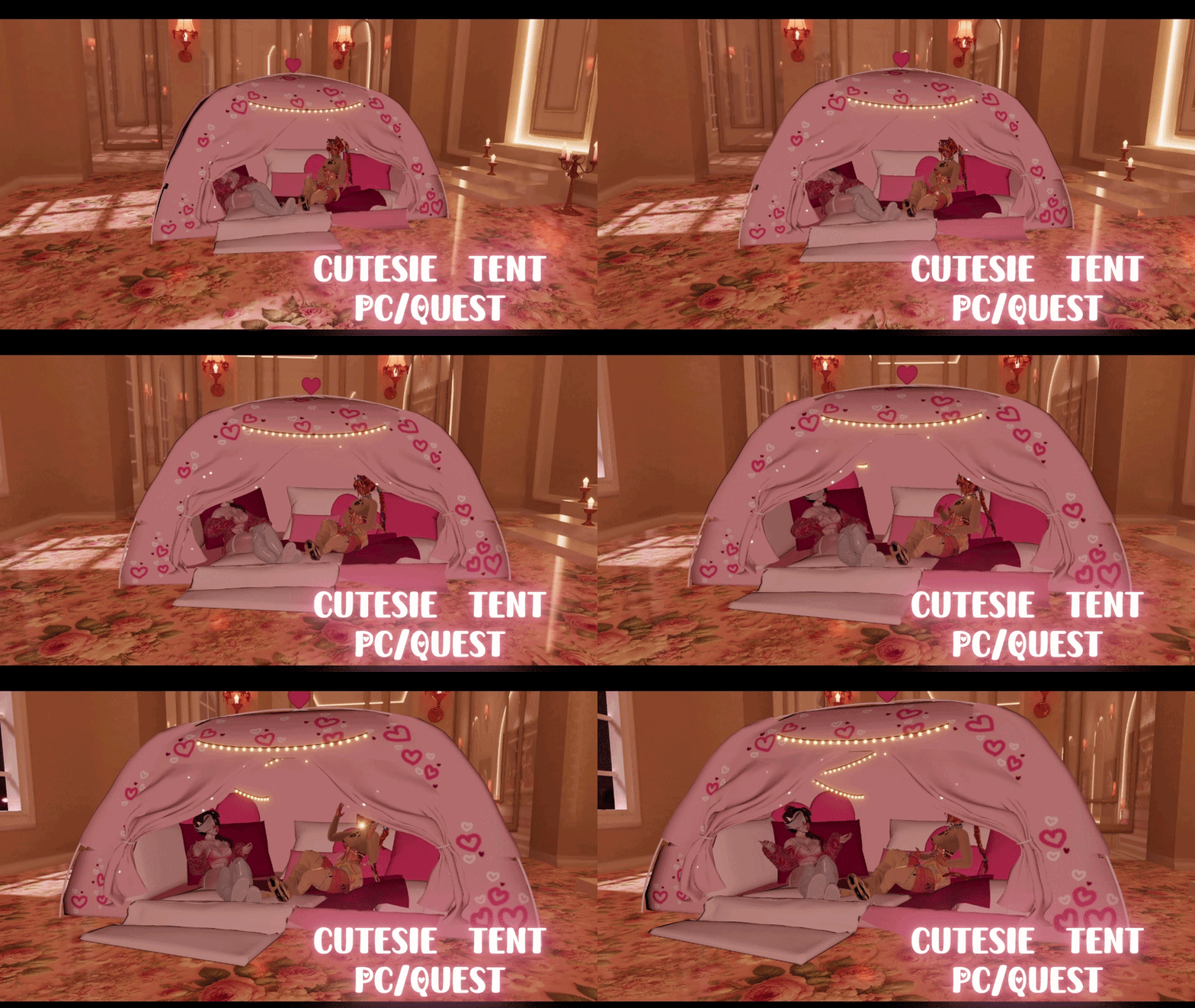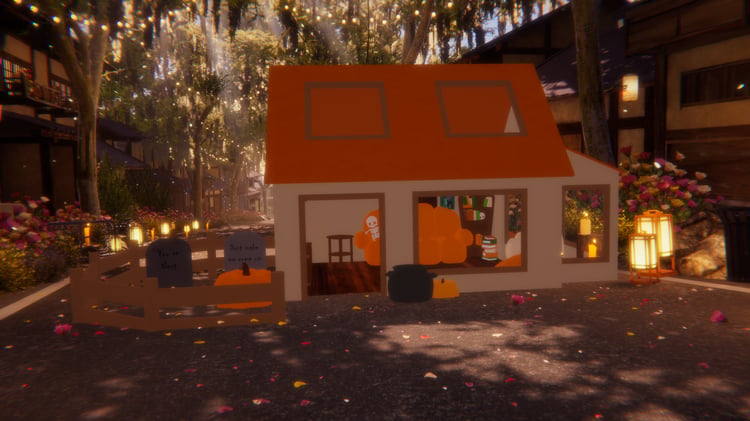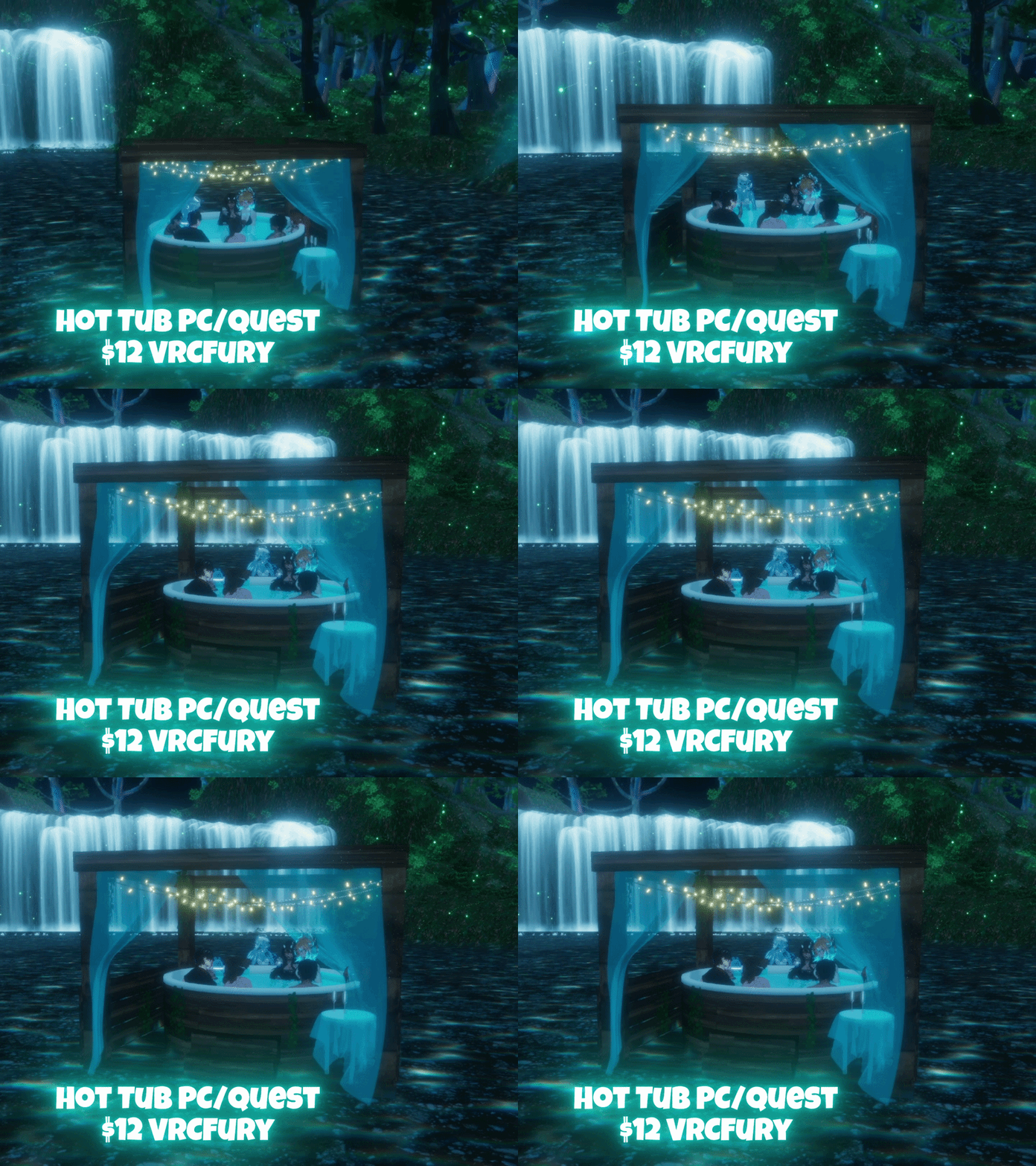



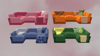
Cloud Couch World Drop | PC/Quest | VRCFury
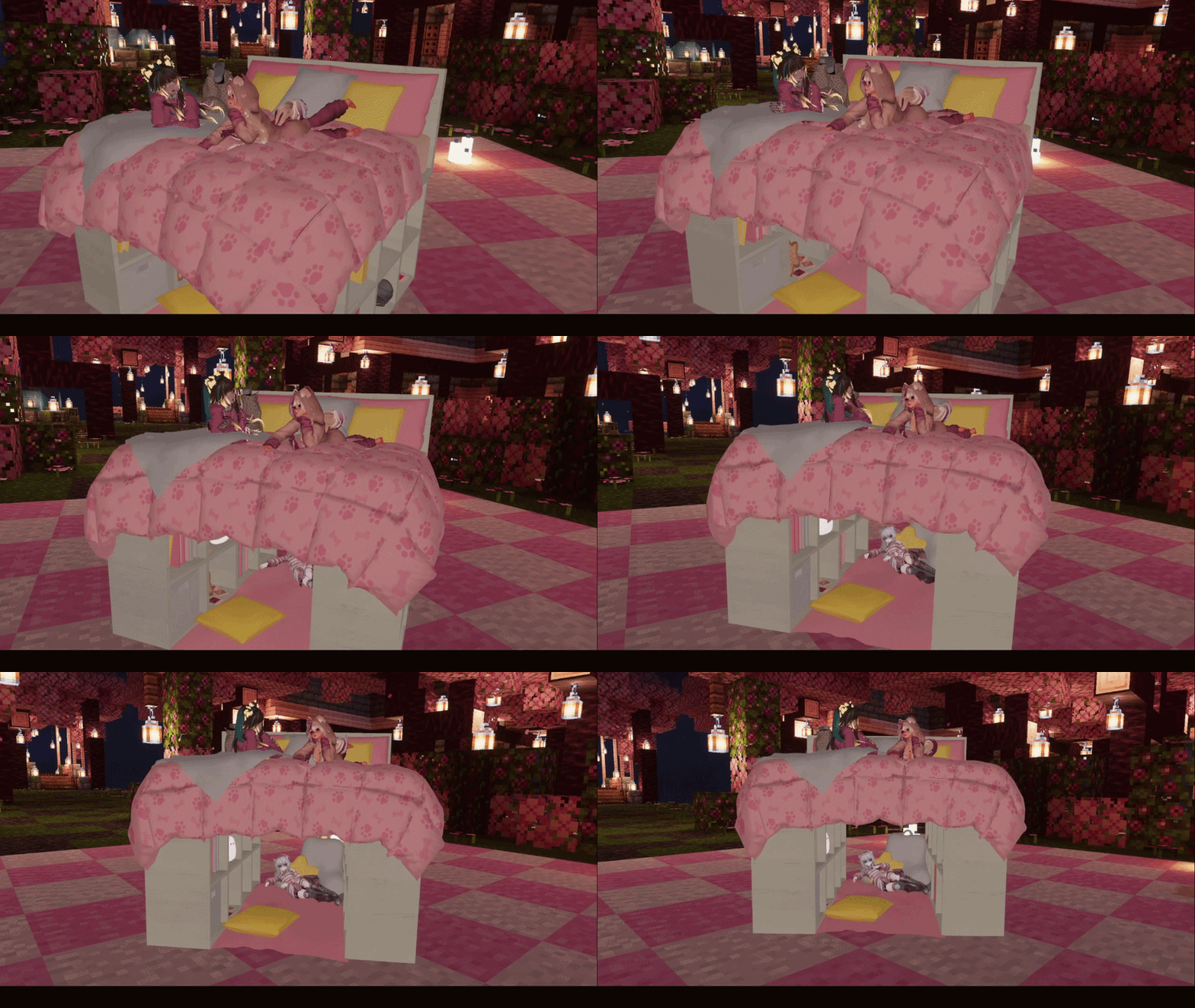
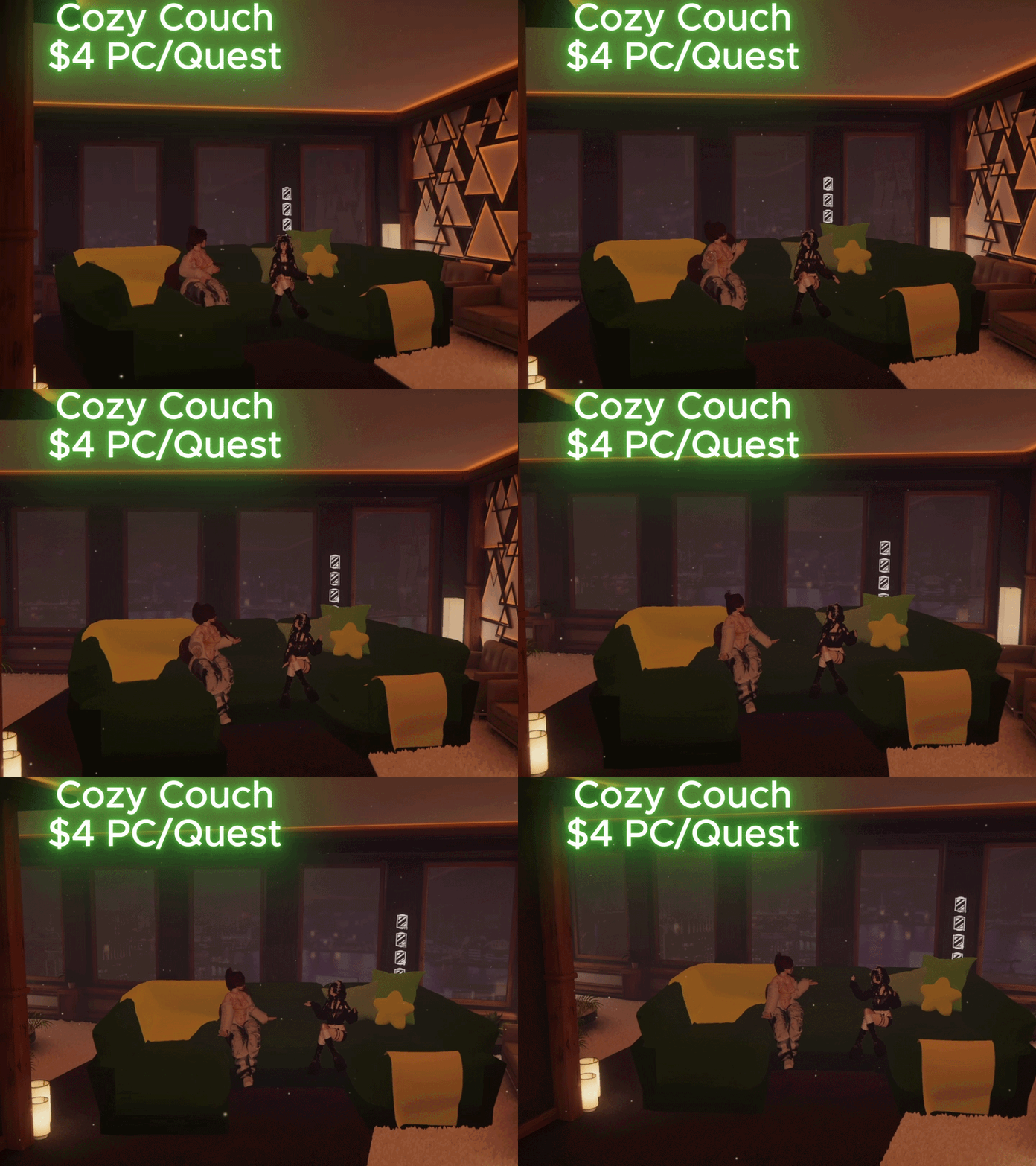
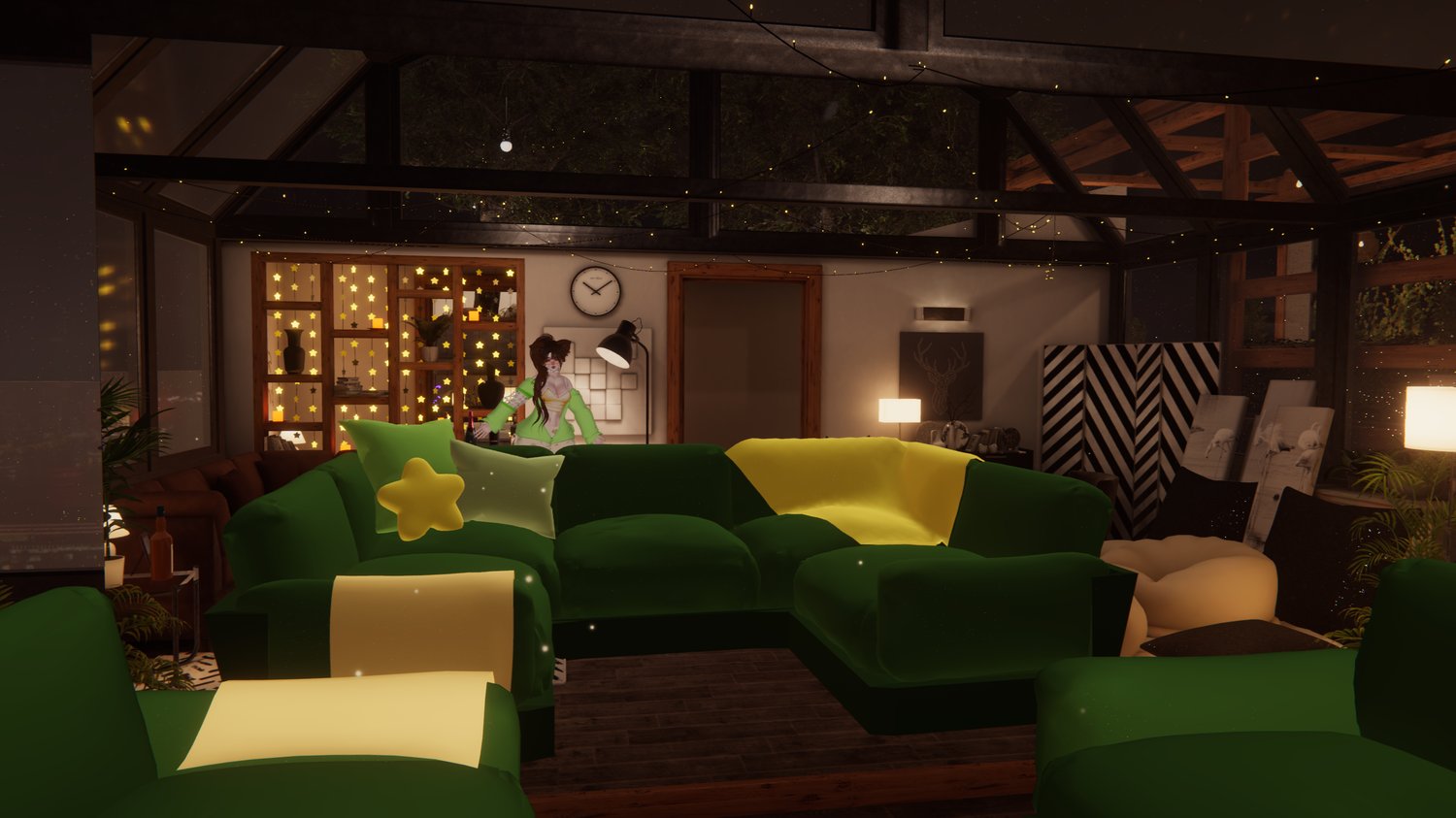
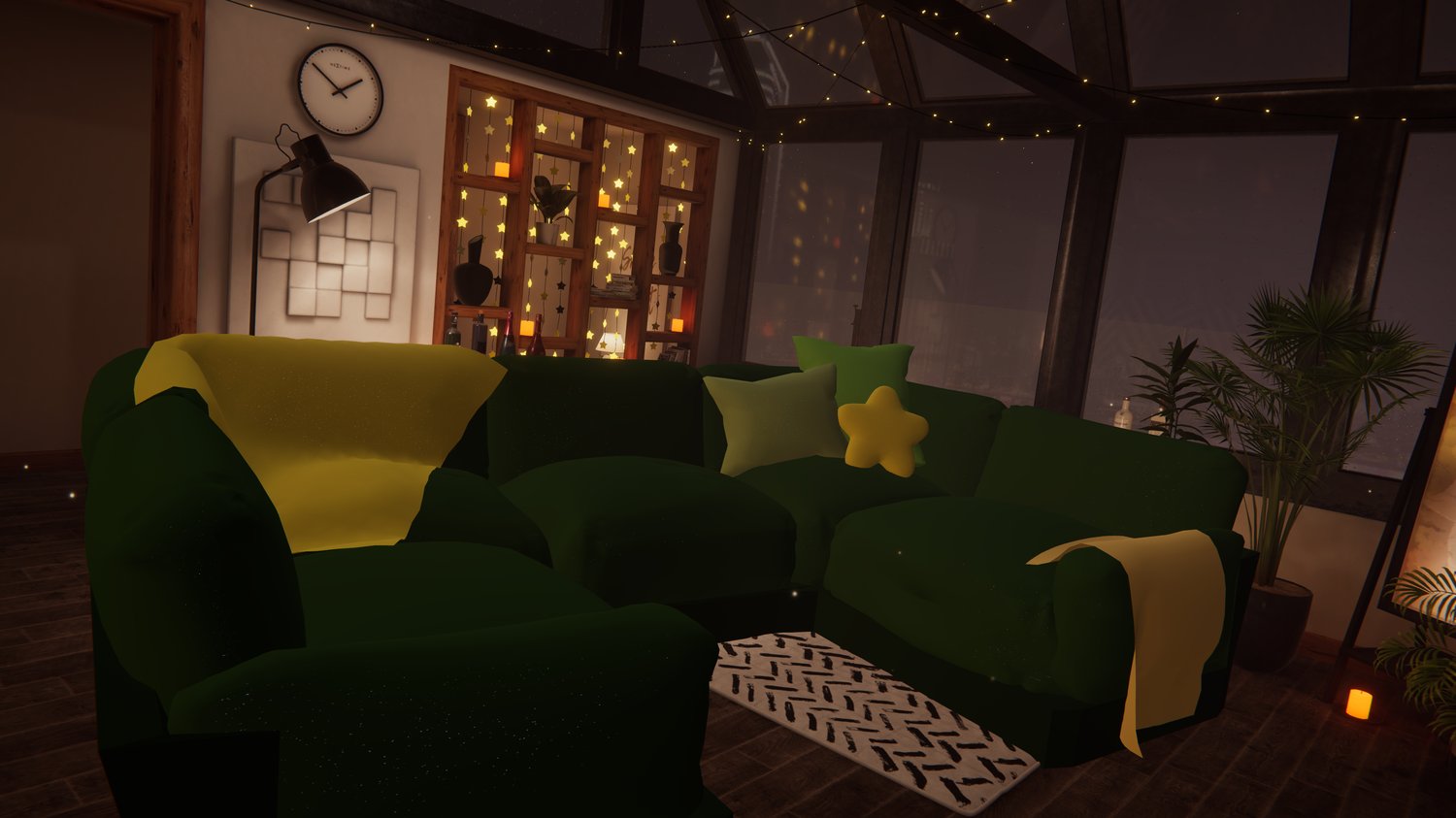
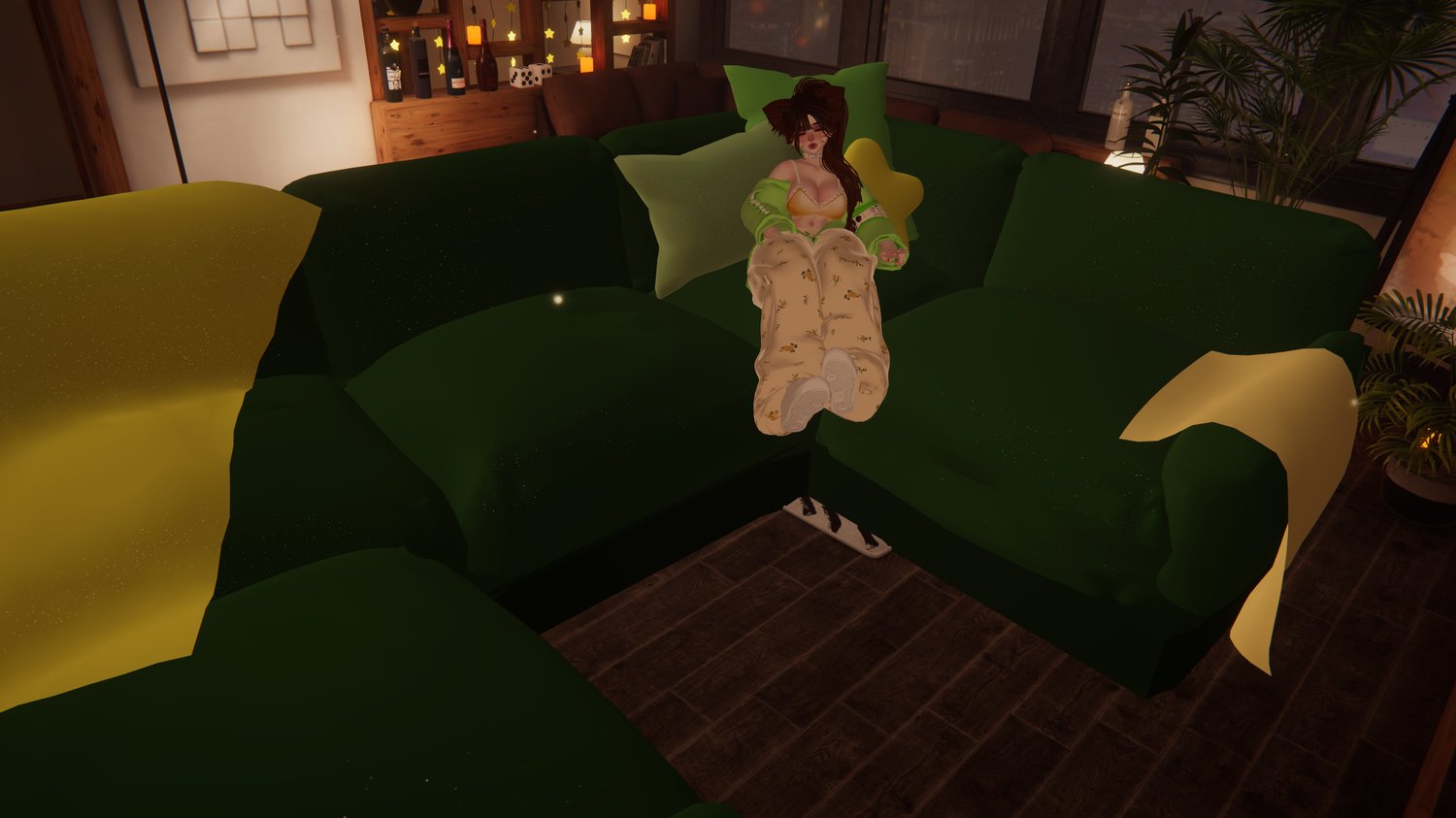
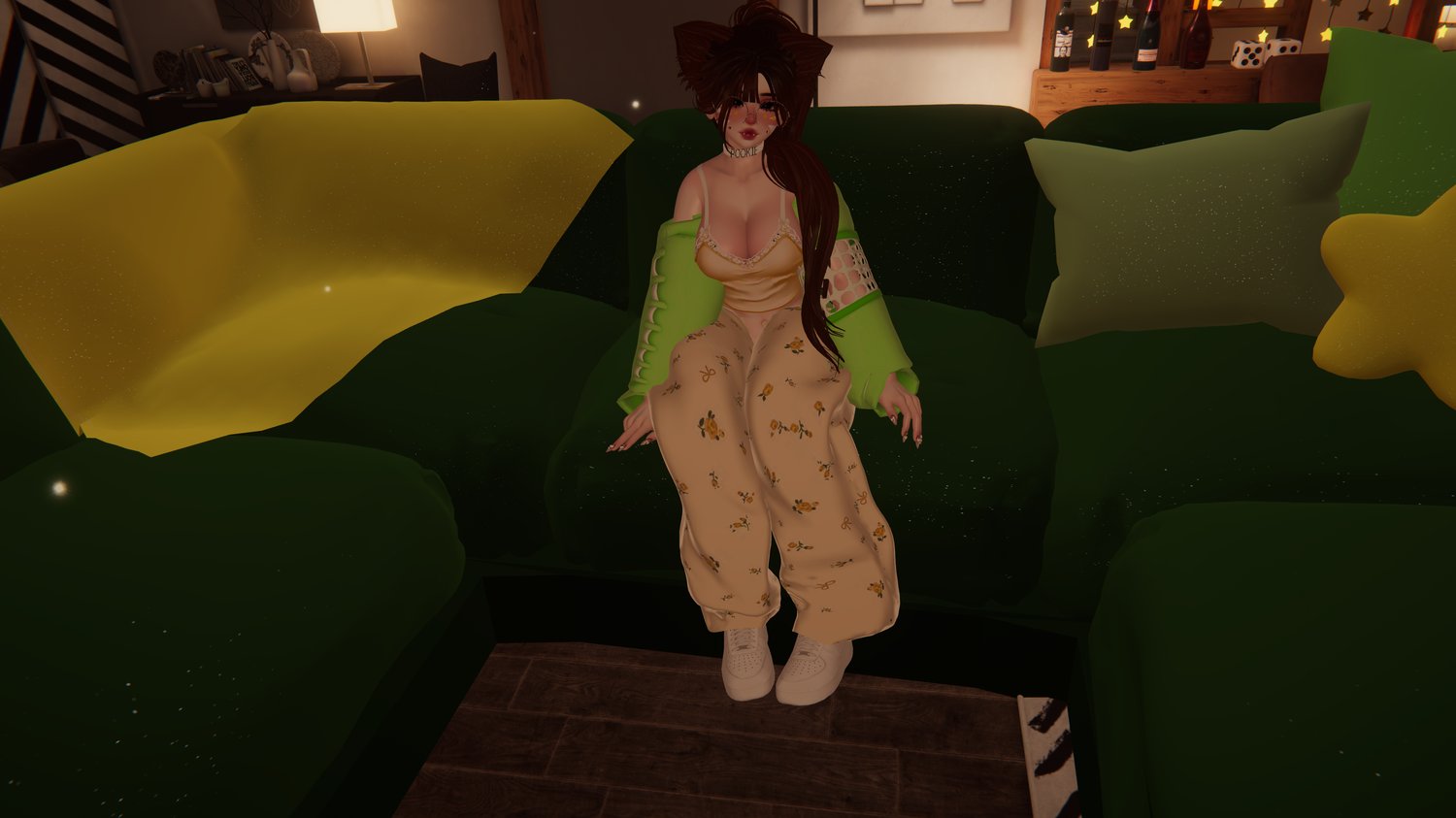
This is the coziest, comfiest couch I've ever seen. Its a simple drag and drop install, and is
huge with plenty of space for you and all your friends. Whether you're relaxing in a blackcat
or looking for somewhere to sit in the Murder 4, this could be the perfect world drop for you!!
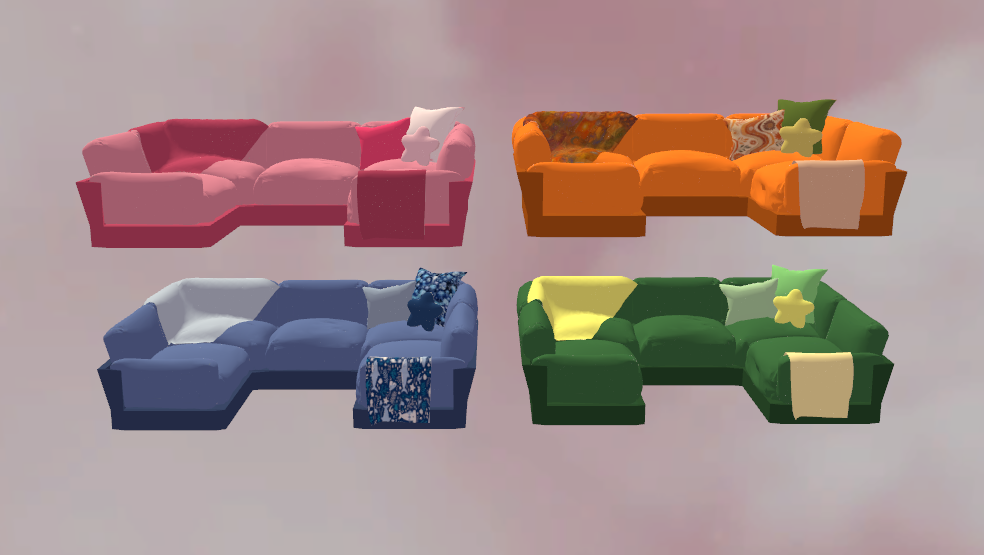
Comes in 4 colors and is easily customizable to have any colors or patterns you'd like. You
can also drag and drop any plushies, pillows, or other decorations onto the bed! Then they'll
toggle on and off with it and you can decorate the bed to your liking!
•───────•°•❀•°•───────•───────•°•❀•°•───────•───────•°•❀•°•───────•
How to install!
First make sure you have vrcfury and poiyomi in your project!
Step 1: Import the unity package
Step 2: Drag one of the prefabs onto your avatar and scale to your liking
Step 3: Turn off the couch and upload! (this way it wont appear on
your imposter)
•───────•°•❀•°•───────•───────•°•❀•°•───────•───────•°•❀•°•───────•
Available for use on free, nitro, personal, public, and commercial avatars!
You can also use it for worlds <3
No sharing the files with anyone, please instead direct them to this page
to purchase it themself :D
•───────•°•❀•°•───────•───────•°•❀•°•───────•───────•°•❀•°•───────•
28,885 Tris
2 mats
2 meshes
•───────•°•❀•°•───────•───────•°•❀•°•───────•───────•°•❀•°•───────•
While the item IS quest compatible, you might need to delete some things off your avatar
in order to make it fit.
Sometimes if an avatar on quest doesn't have the same parameters, it will break other
pre-existing toggles. This is only a risk if you only add the drop to your pc avatar
To avoid this you can add the item to it but delete the mesh of it. That way it adds the
toggles but not the item itself. (This is only if you dont plan on including it on your
quest version of the avatar) <3
•───────•°•❀•°•───────•───────•°•❀•°•───────•───────•°•❀•°•───────•
Star pillow made by Pastel Aesthetics
•───────•°•❀•°•───────•───────•°•❀•°•───────•───────•°•❀•°•───────•
If you have any questions, or would like updates on future products, join the discord!
♡ https://discord.gg/EBDCxKKFMu ♡