

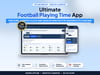




Football Playing Time App
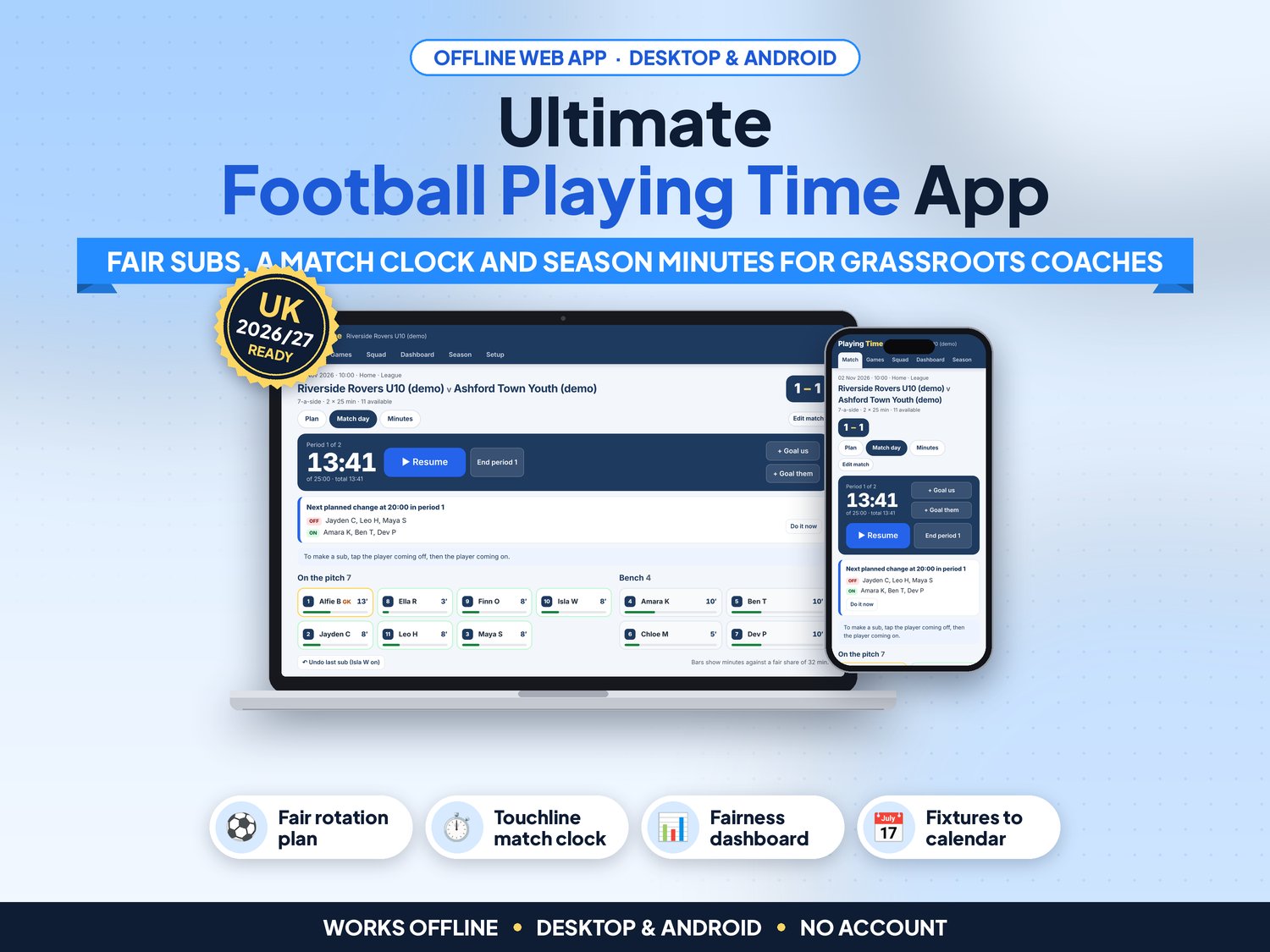
Every parent wants their child to get a fair go, and doing the sums on the back of a team sheet in the rain never works. Football Playing Time builds a fair substitution plan in seconds, runs the subs from a match clock on the touchline, and shows on a dashboard whether minutes really were shared fairly across the season.
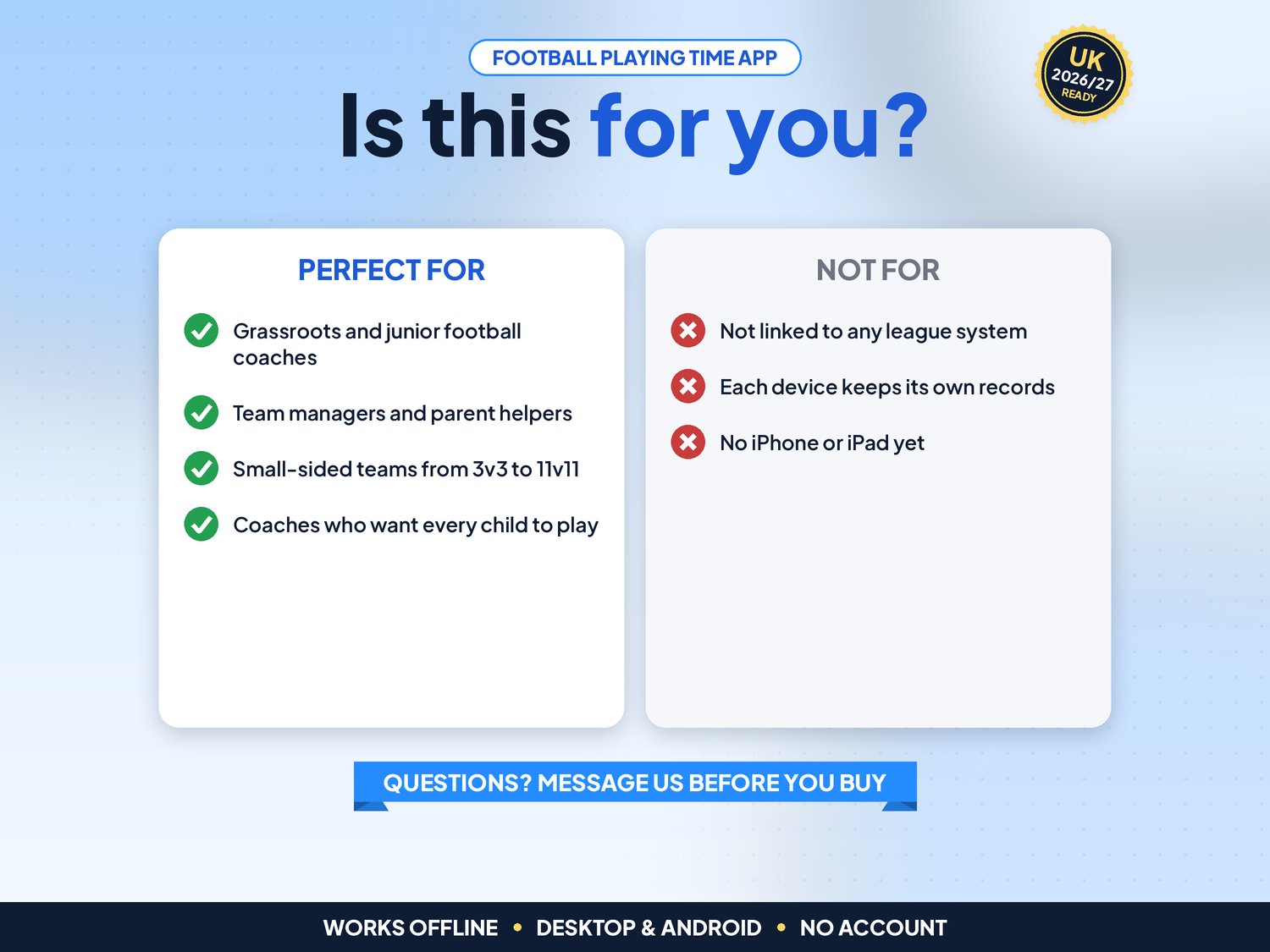
For volunteer coaches and team managers of grassroots junior and small-sided teams (3 to 11 a side). Not for you if you need the plan shared live with assistants or parents, a league registration system, or an app on iPhone or iPad.
▶ Easy Start Here guide included – video tutorial coming to our YouTube channel
Works offline in any desktop browser (Windows, Mac, Chromebook) and on Android. iPhone and iPad are not supported yet.
What it does for you
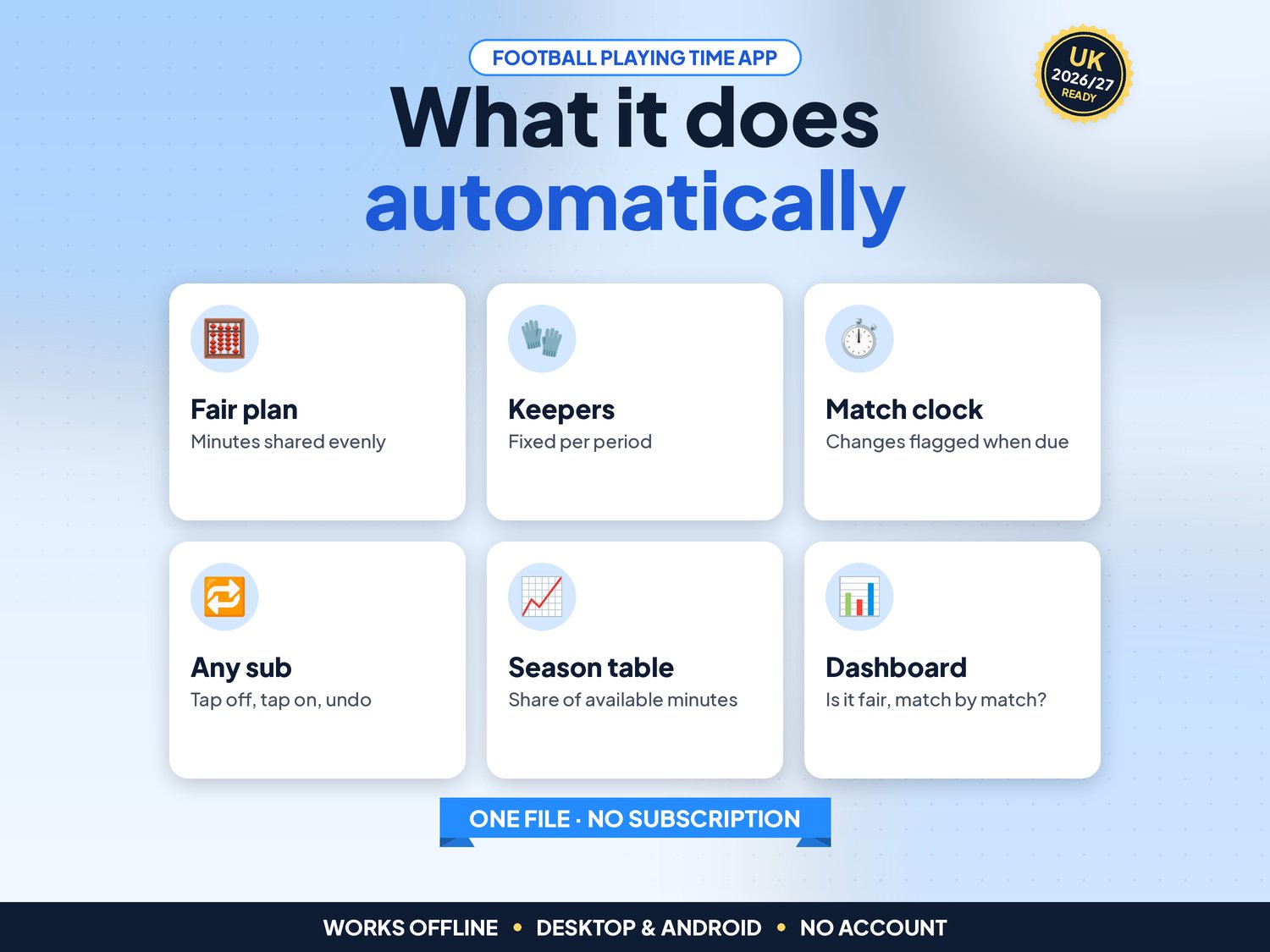
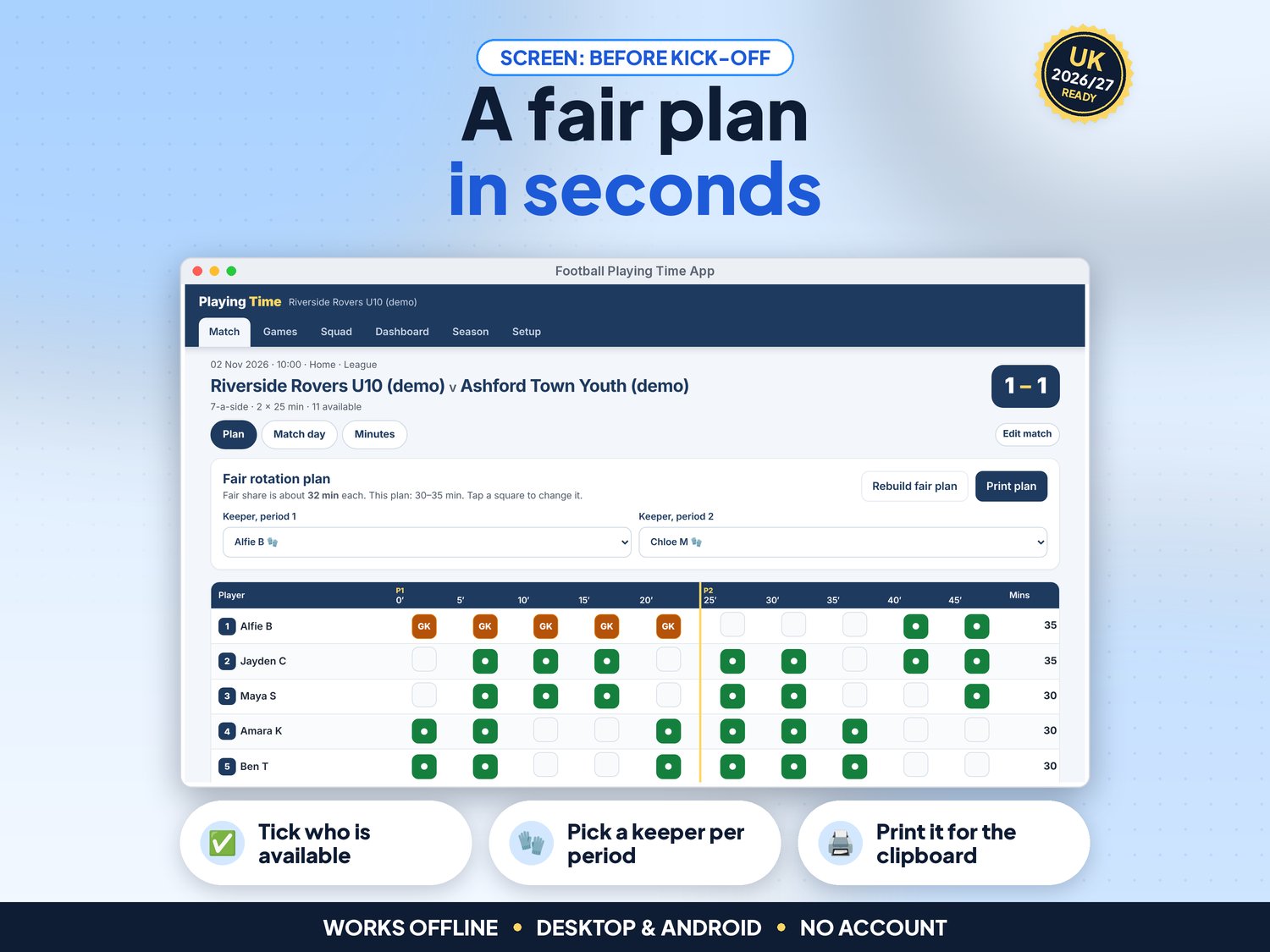
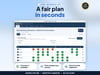
- Fair rotation plan: tick who is available and the app shares the minutes as evenly as possible. Tap any square to change it, then print it for the clipboard
- Any format: 3 to 11 players on the pitch, 1 to 4 periods, your own period length and how often you change (for example every 5 minutes)
- Keepers: pick a keeper for each period, or leave it open; players who can go in goal are marked with a glove
- Match-day clock that keeps the right time if the screen locks or the page reloads. Planned changes are shown with exactly who goes off and who comes on, with Do it now
- Any other sub in two taps: tap the player coming off, then the player coming on. Undo for mis-taps
- Live minutes for every player with a bar against their fair share, plus goals for and against
- Minutes view to correct anything afterwards, or save the plan as played if you did not use the clock
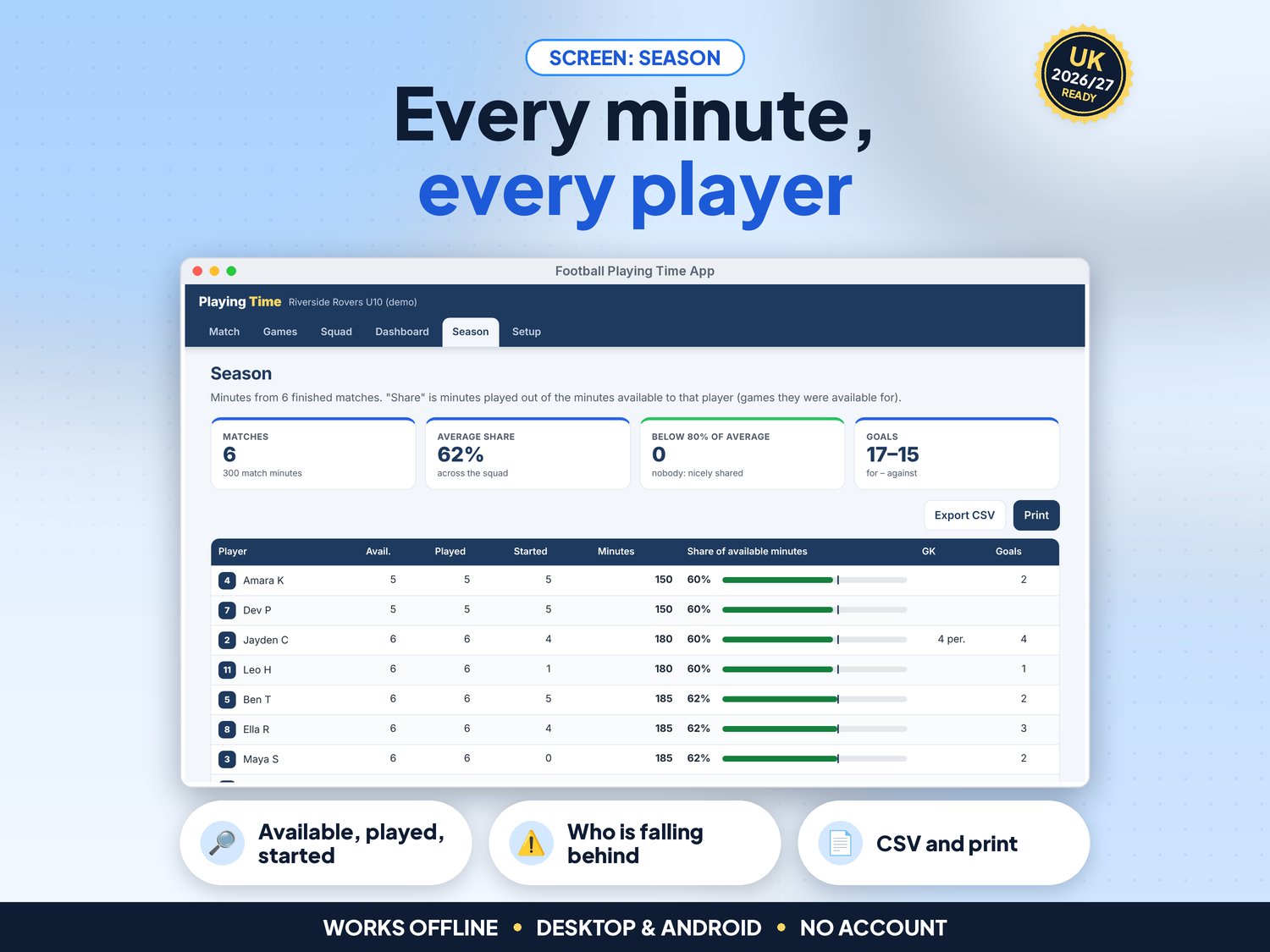
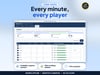
- Season table: matches available, played and started, minutes, and each player's share of the minutes they were available for. Players below 80% of the squad average are highlighted (you can change the 80%)
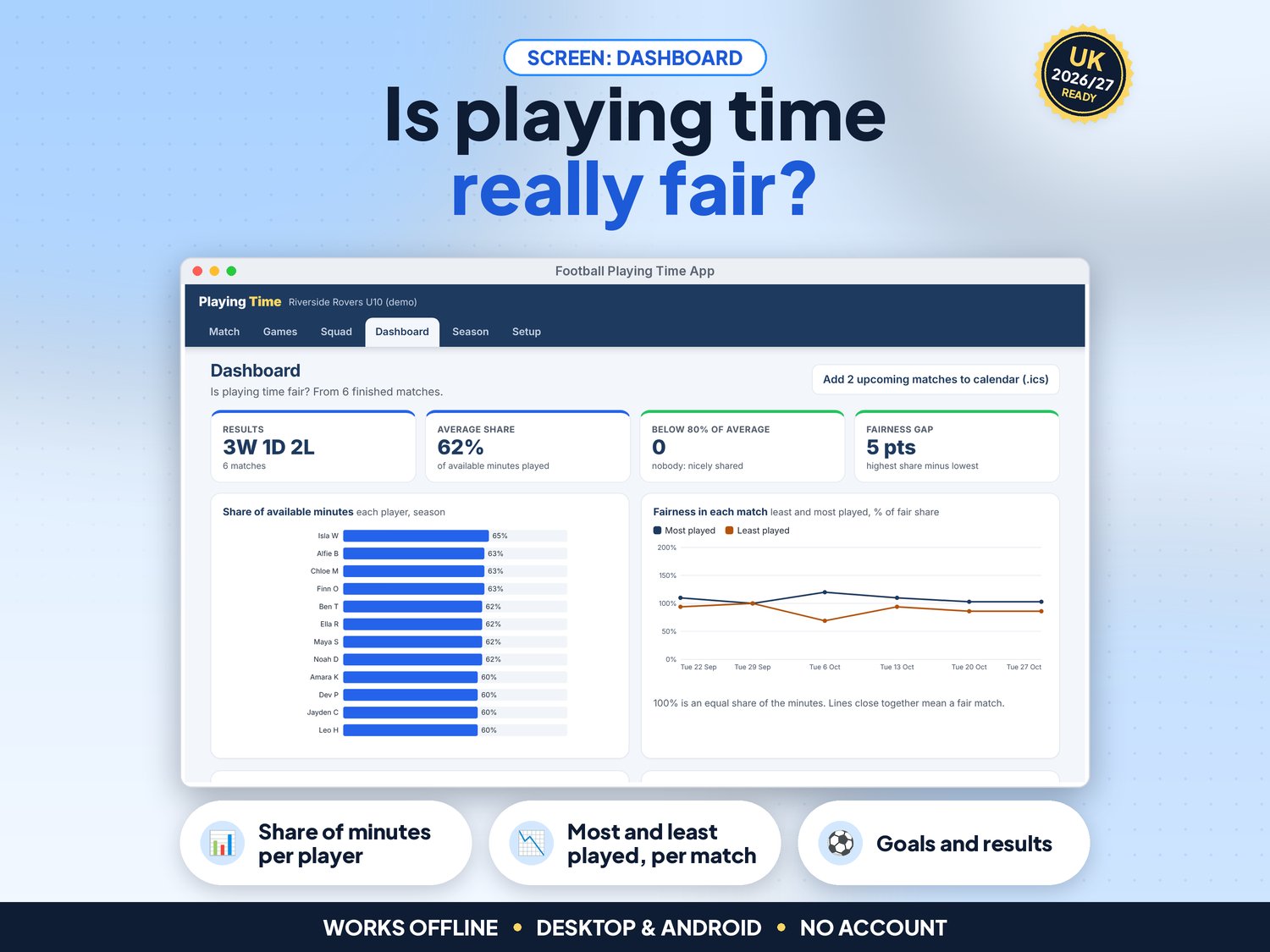
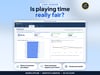
- NEW in v5: Dashboard with results, average share, players below the line and the fairness gap, plus charts of each player's share, most and least played per match, goals per match and results. Every chart has a text version for screen readers
- NEW in v5: Calendar file (.ics) of your upcoming fixtures with kick-off times, for Google Calendar, Outlook or Apple Calendar
- NEW in v5: Full keyboard use, screen-reader labels, a skip link and high-contrast colours (tested against WCAG 2.2 AA with axe)
- CSV export for Excel or Google Sheets, printable plan and season summary, JSON backup and restore
- Demo data (an under-10s team with six matches played and two coming up) to try it first
How it works (3 steps)
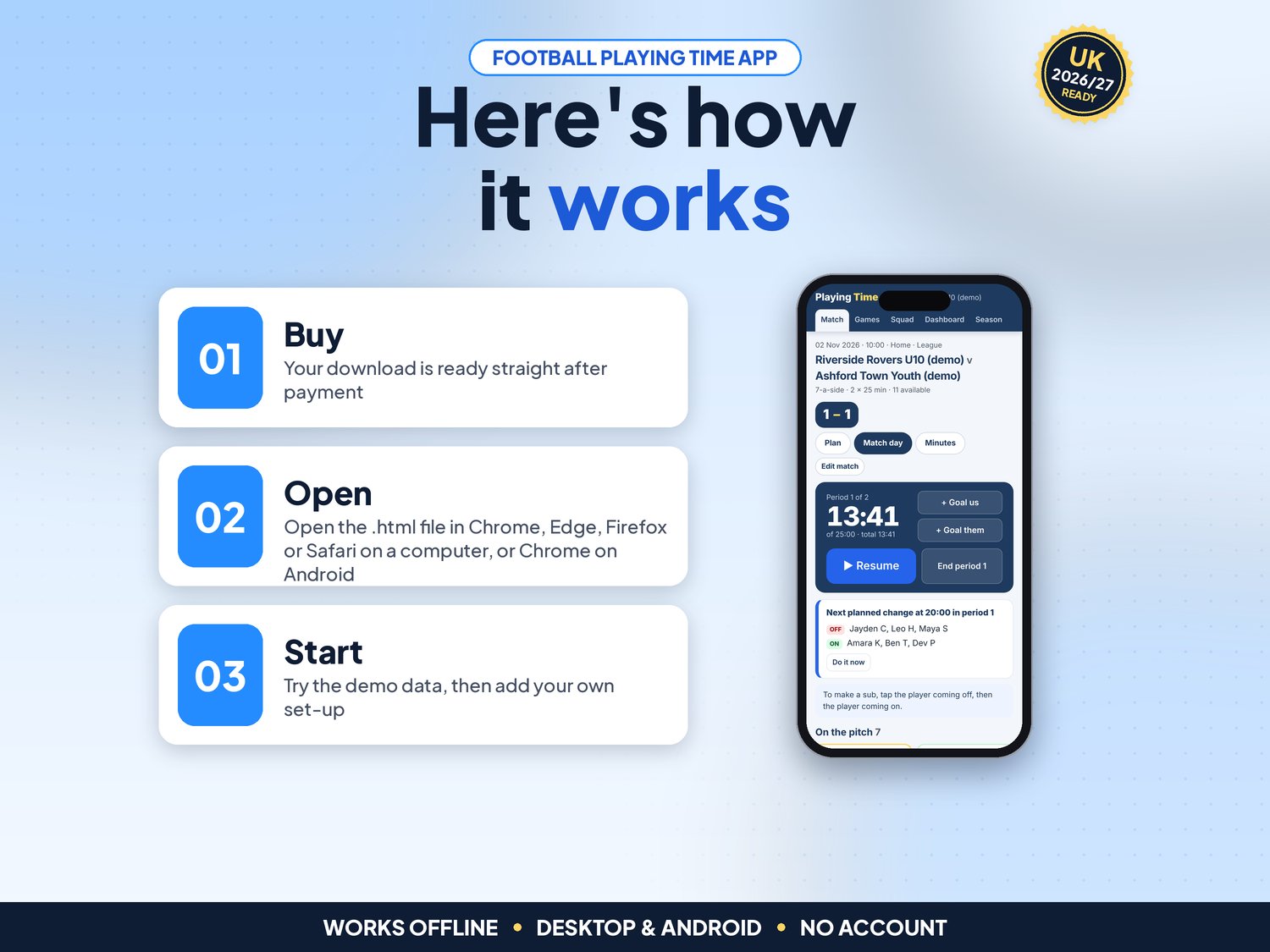
- Open the app, try the demo, then press Use my data. In Setup enter your team name and usual format; in Squad add your players (Add several takes a list, one per line)
- Before each match press New match, tick who is available and press Create match & fair plan. Adjust it, pick keepers and print it
- On match day press Kick off. Make the changes when they are flagged, add goals, and press End period. Afterwards check the Dashboard and Season table
What's included
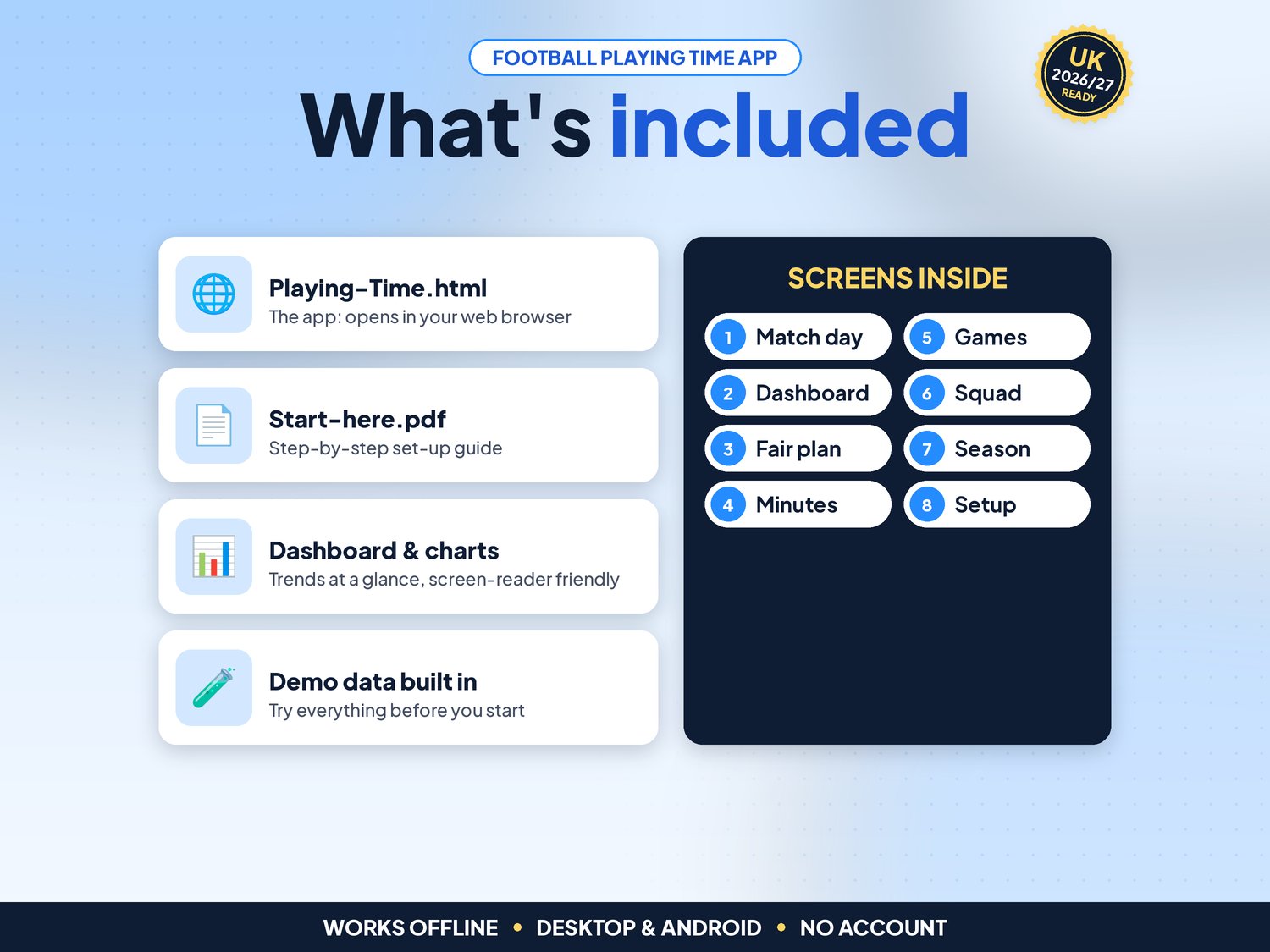
- Playing-Time.html: the app. One file, opens in your web browser, works offline
- Start-here.pdf: quick-start guide with the 3-step plan and backup tips
- Demo data built in (twelve players, six matches played, two fixtures coming up), so you can try everything first
Compatibility
- Tested in Google Chrome on a desktop (1440 px wide) and on Android phone sizes (390 px and 360 px wide)
- Also runs in current Edge and Firefox, and Safari on Mac
- Not iPhone or iPad yet: Safari on iOS cannot keep the app data from a downloaded file reliably, so we do not support it
- One self-contained file: no installation, no account, no subscription, nothing is sent over the internet, so no signal is needed at the pitch
Instant download
This is a digital product. Nothing physical will be shipped. Your download link appears straight after checkout and is also emailed to you. Stuck or have a question? Email info@phkmedia.co.uk and I'll gladly help you set it up.
Good to know
- Your squad and matches are saved in the browser on the device you use. They do not sync between devices: use the backup file to move them, for example to an assistant coach
- Clearing browser data deletes them, so download a backup (JSON) every week or two
- Keep personal details to a minimum (first name and initial is enough) and follow your club's safeguarding and data guidance
- Licence: for one coach or team; you may share a backup with your own assistant coaches
- FAQ: Does it decide who plays? No. It suggests a fair plan; you stay in charge of every decision on the day, including player welfare.
- FAQ: Can parents see the minutes? Not live. You can print the season summary or export a CSV to share.
- FAQ: What if someone arrives late or gets injured? Make the sub by tapping the player coming off, then the player coming on. The minutes follow what really happened, and you can correct them afterwards in Minutes.
DISCLAIMER
Football Playing Time is a planning and record-keeping aid. The plan is a suggestion; check your league's rules for format, match length and substitutions. It is not affiliated with The FA or any league. All teams and players in the demo data are fictional.
Licence: Licensed for use within one business. Please do not resell, share or redistribute the files.
AI disclosure: This app and its listing images and video were designed by PHK MEDIA LTD with the help of AI tools. The video voiceover is synthetic. Everything was tested, reviewed and finalised by the seller.
© PHK MEDIA LTD
Licence: Licensed for use within one business or household. You may edit and print the files for that business. You may not resell, share or upload them for others.