
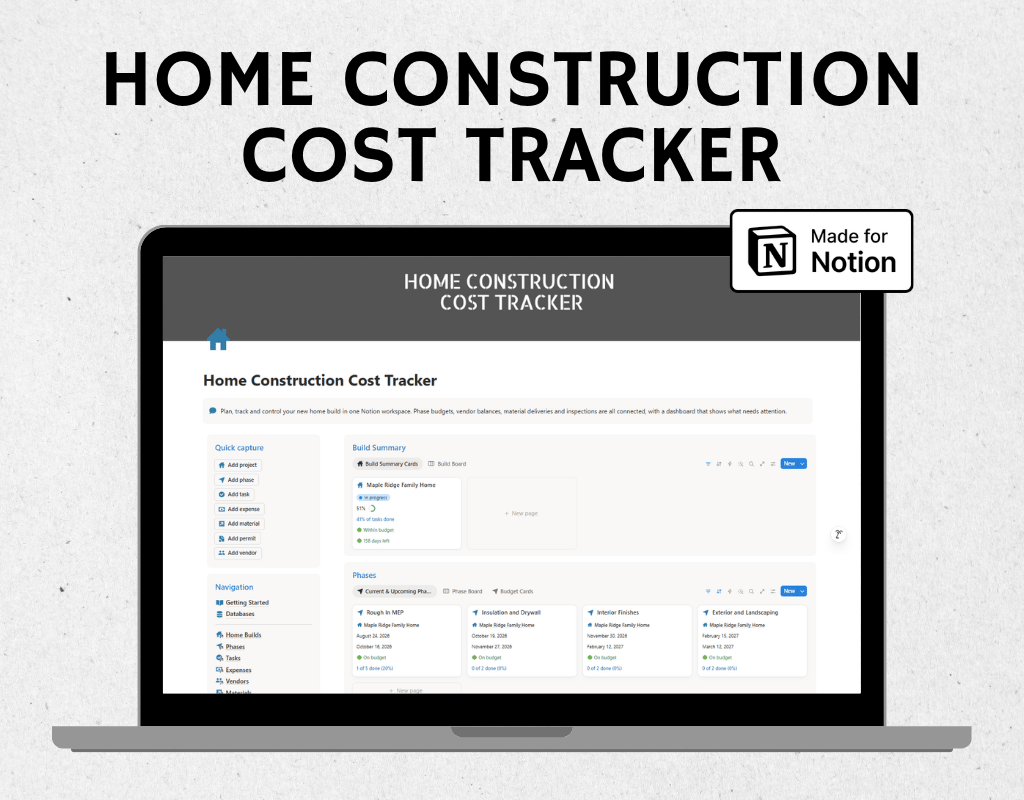
Home construction cost tracker - Notion template
Building a home means hundreds of invoices, a dozen contractors, constant deliveries and a budget that never stays still. This Notion template puts all of it in one connected system, so you always know what you have spent, what you owe and what is left.
You enter your budgets, invoices and tasks. The template calculates everything else.
WHAT YOU GET
- A Notion template with 7 connected databases
- A step by step Getting Started guide with a relationship map
THE 7 DATABASES
- Home Builds: your master record with total budget, contingency, total spent, remaining budget, cost per square foot and days to completion
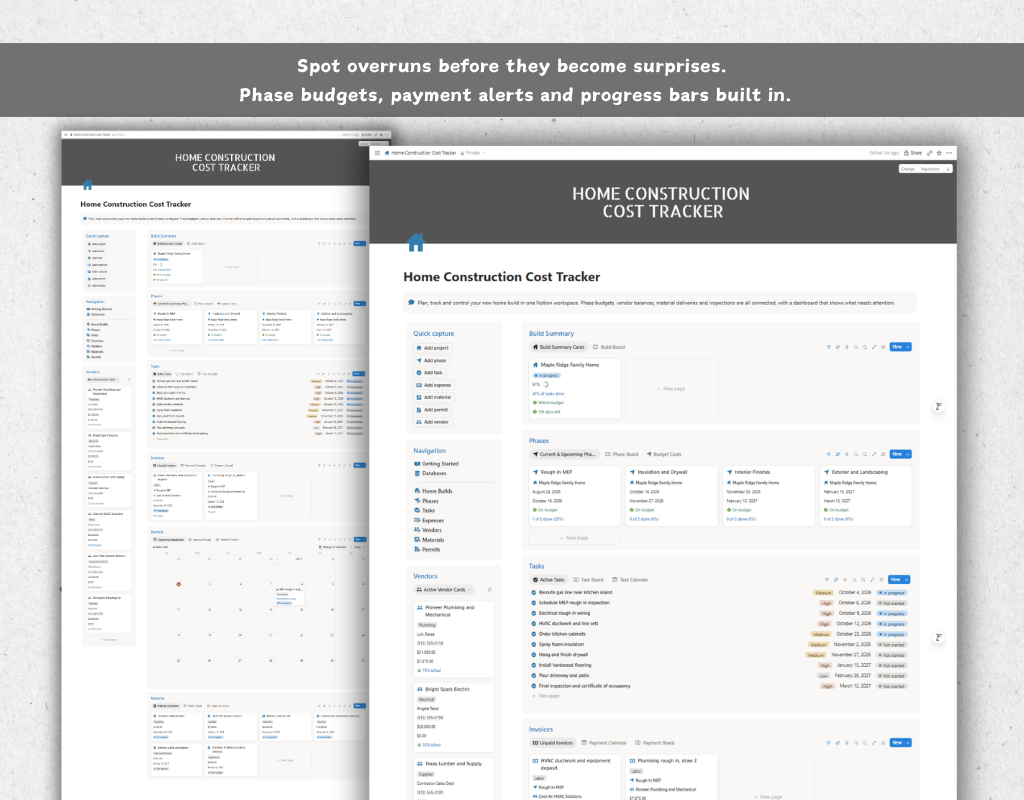
- Phases: site prep through landscaping, each with its own budget, spending, remaining balance, progress bar and health warning
- Tasks: work items with priorities, due dates, assigned vendors and an automatic Overdue, Due soon or On track label
- Expenses: your invoice ledger with amount, amount paid, balance due, payment progress and overdue flags
- Vendors: contractors and suppliers with contract value, total billed, total paid and outstanding balance
- Materials: quantities, unit costs, automatic total cost, order dates and late delivery warnings
- Permits: permits and inspections with fees, results and a countdown to the next inspection
DATA DRIVEN FROM END TO END
Every database is linked with two-way relations. Log an invoice once and it updates the phase, the vendor and the whole build. Rollups and formulas handle the math, so there are no totals to type and no spreadsheets to reconcile.
- See budget used per phase at a glance with built in progress bars
- Catch phases that are near their limit or over budget before it hurts
- Know exactly how much you still owe each contractor
- Spot overdue payments, overdue tasks and late material deliveries automatically
- Track how much of your contingency reserve you are using
WHO IT IS FOR
- Homeowners acting as their own general contractor
- Owner builders and first time home builders
- Families managing a custom build or major addition
- Small builders and project managers who want a simple cost tracker
HOW IT WORKS
- Add your build and set your contingency reserve.
- Create phases and enter a budget for each.
- Add vendors, tasks, materials and permits.
- Log each invoice with its phase and vendor.
- Check the dashboard weekly.
GOOD TO KNOW
- Works with a free Notion account
- Delivered as a Notion link you duplicate into your own workspace
- Includes a beginner friendly guide, no Notion experience needed
- Sample data can be deleted in minutes when you are ready to add your own
- Currency is shown in US dollars
- This template is a planning and tracking tool. It is not financial, legal or construction advice.
AFTER PURCHASE
You will receive a link to the template. Open it, click Duplicate in the top right corner, and it will be copied into your Notion workspace. Please note that this is a digital product, so refunds are not available once the link has been delivered.