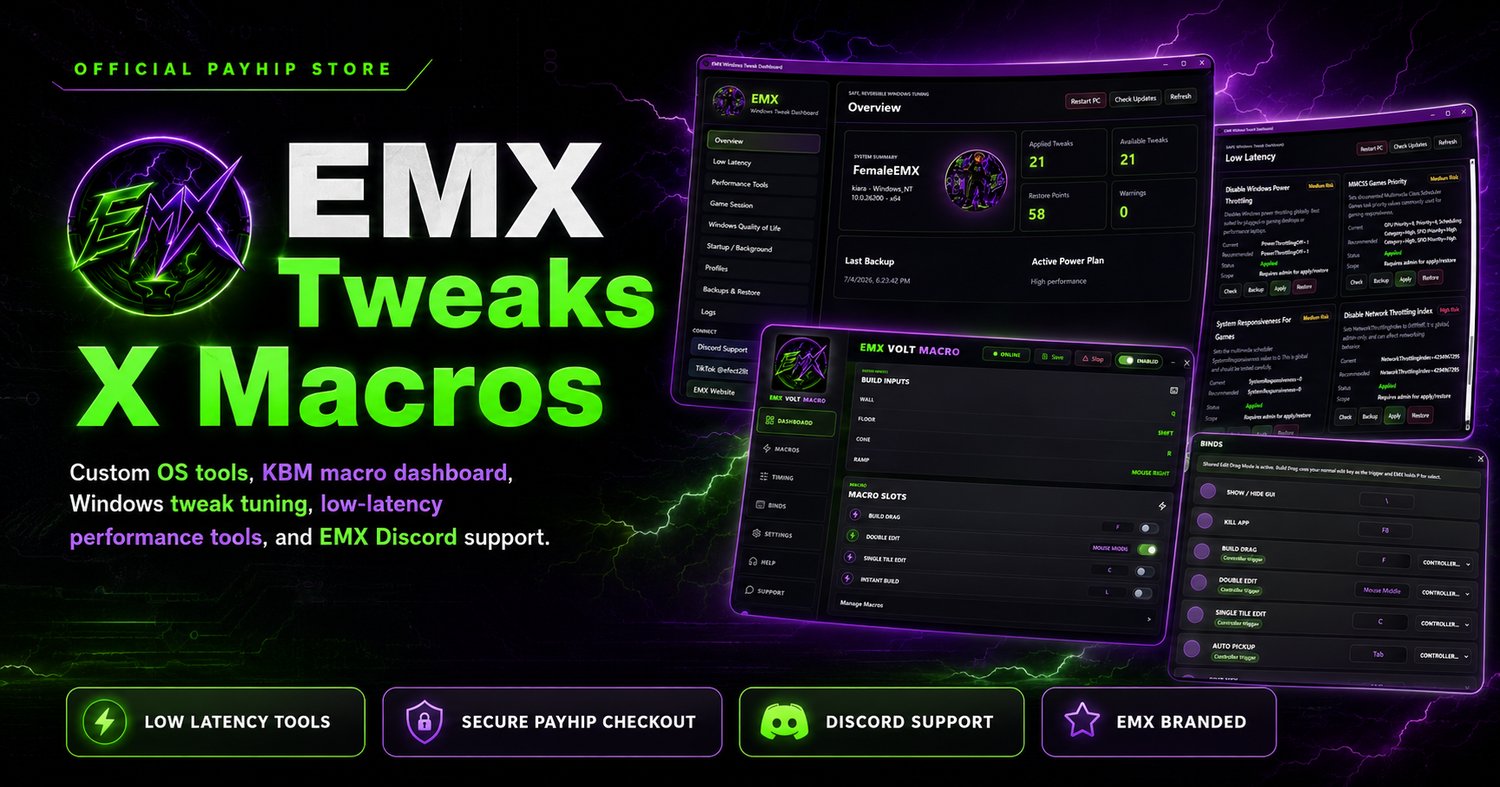

EMX VEX KBM MACRO
EMX VEX — Precision Input Engine
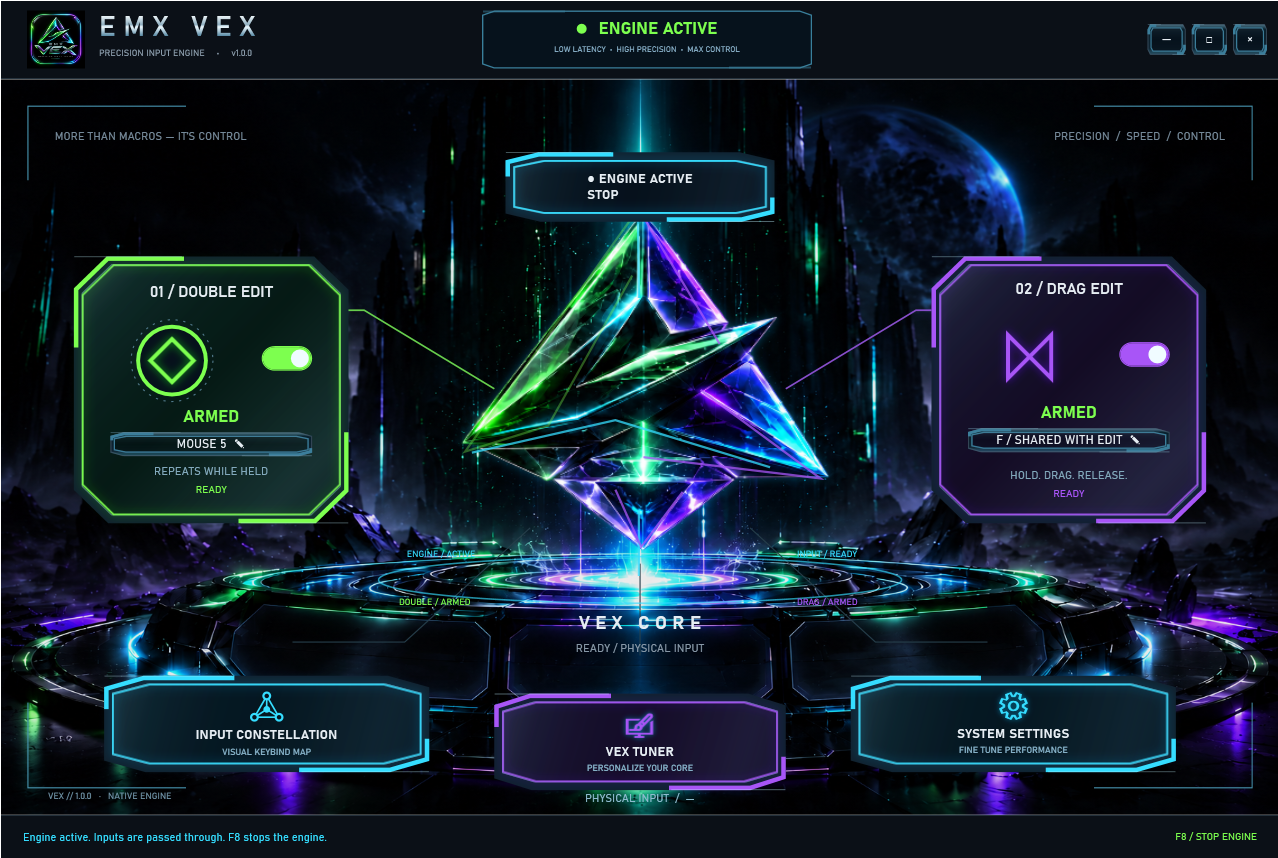
Take control of your editing workflow with EMX VEX, a Windows desktop app featuring configurable Double Edit and Drag Edit modules, a visual keybinding interface, and a customizable VEX Core.
Built around a native input engine, VEX lets you configure your keyboard and mouse bindings, arm each module independently, and adjust Double Edit speed to suit your setup.
Features
- Double Edit: Configurable activation input with repeat-while-held behavior.
- Drag Edit: Hold, drag, and release controls with customizable bindings.
- Input Constellation: A visual interface for configuring keyboard and supported mouse inputs.
- Adjustable Double Edit speed: Tune from 5–100%, with a reset to the original timing.
- VEX Tuner: Customize colors, brightness, scale, glow, and motion.
- Application controls: Start minimized, close to tray, remember window position, and optionally start with Windows.
- Emergency stop: Press F8 to stop the engine.
- In-app updates: Check for newer releases and download verified update packages.
- Saved preferences: Keep your bindings and appearance settings between sessions.
Included with your purchase
A Windows x64 setup EXE and a VEX license key for one PC. First activation requires an internet connection. Saved activation is encrypted for your Windows account, with up to 72 hours of offline access following successful verification.
Requirements: Windows 10 or Windows 11, 64-bit. The required .NET runtime is included. Configure VEX bindings to match your game’s controls before use. VEX does not guarantee performance gains or compatibility with every game.