
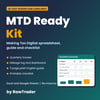
MTD Ready Kit | Making Tax Digital Spreadsheet UK for Sole Traders and Landlords
Launch offer: use code LAUNCH12 for £12 until 30 November 2026.
Making Tax Digital for Income Tax is here. If you are a UK sole trader or landlord, GOV.UK says you need to use it from 6 April 2026 if your qualifying income was over £50,000 on your 2024 to 2025 tax return, from 6 April 2027 if it was over £30,000 on your 2025 to 2026 return, and from 6 April 2028 if it was over £20,000 on your 2026 to 2027 return.
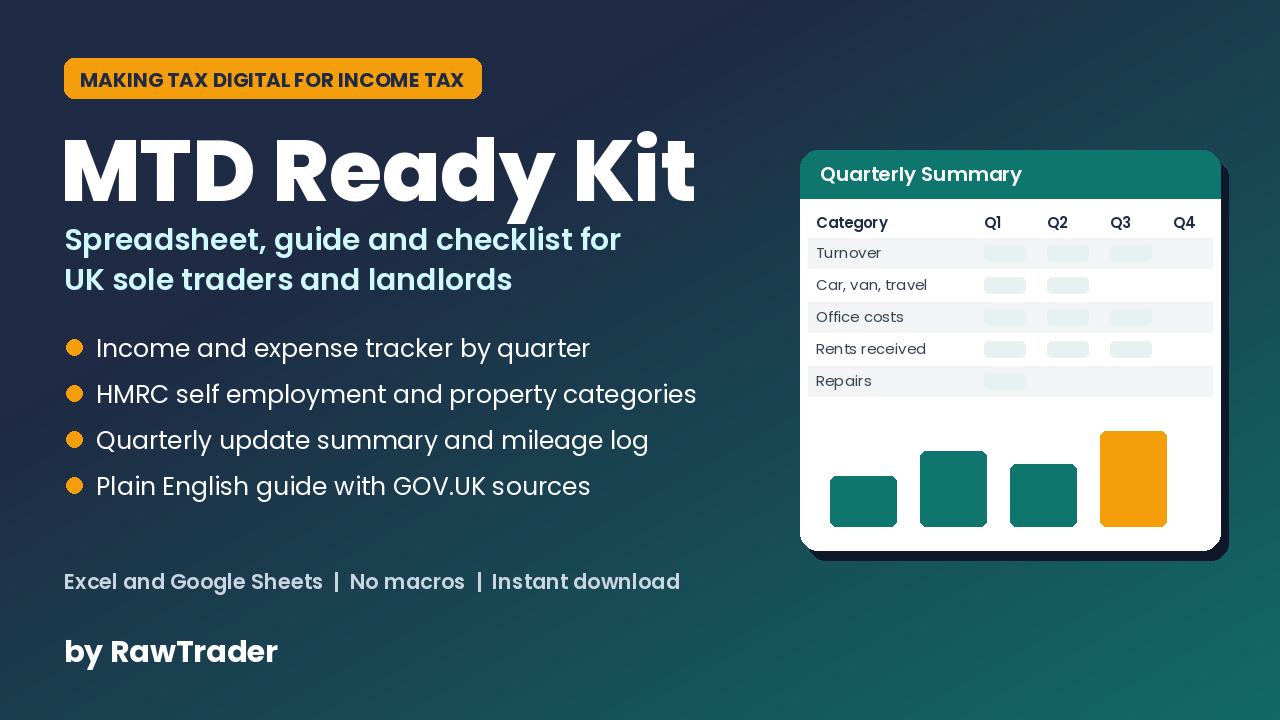
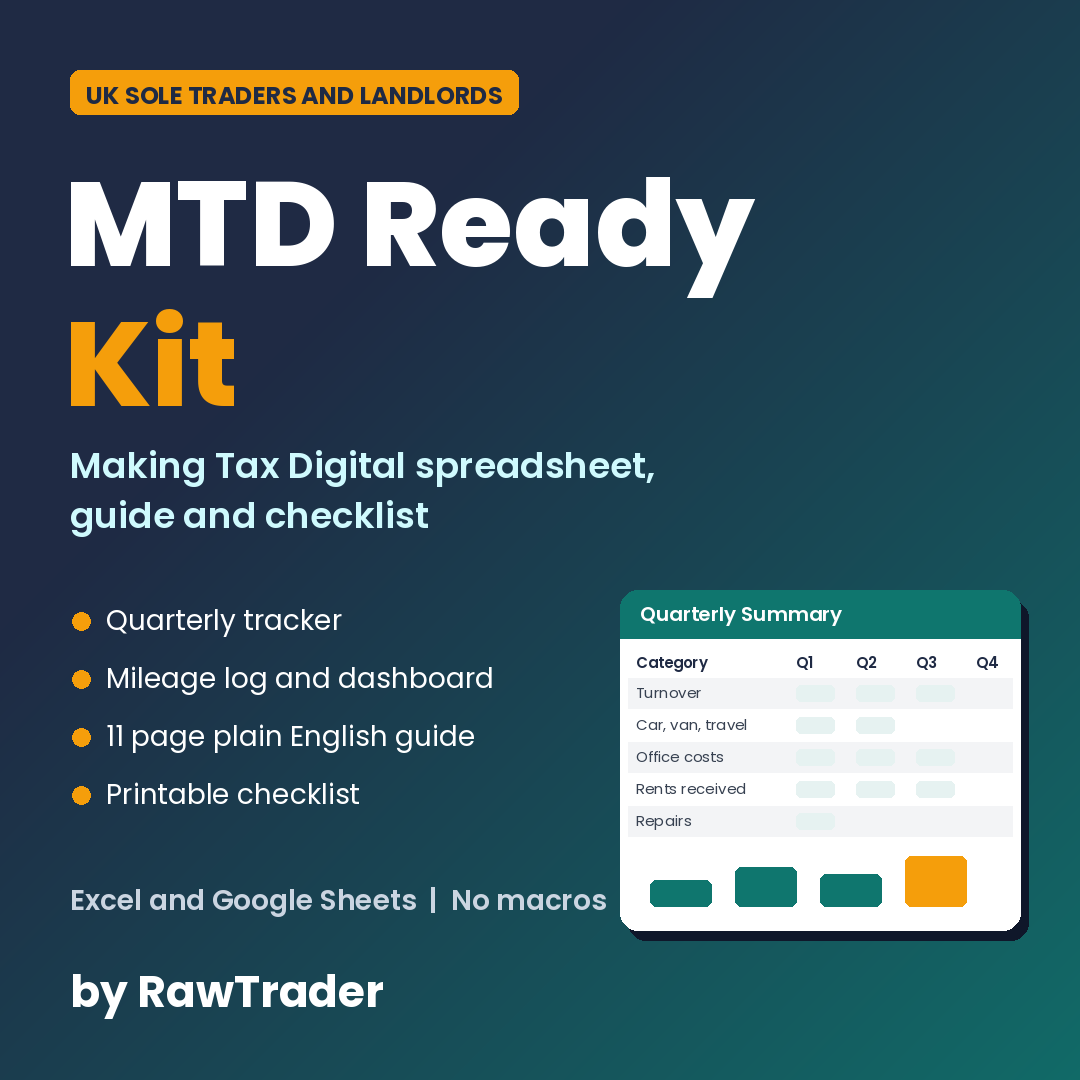
The MTD Ready Kit helps you get organised before your start date and stay organised every quarter. It is a simple, clean Making Tax Digital spreadsheet for the UK, built around the same income and expense categories HMRC uses for Self Assessment, plus a plain English guide that explains what you actually need to do, with GOV.UK sources for every key fact.
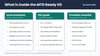
What you get
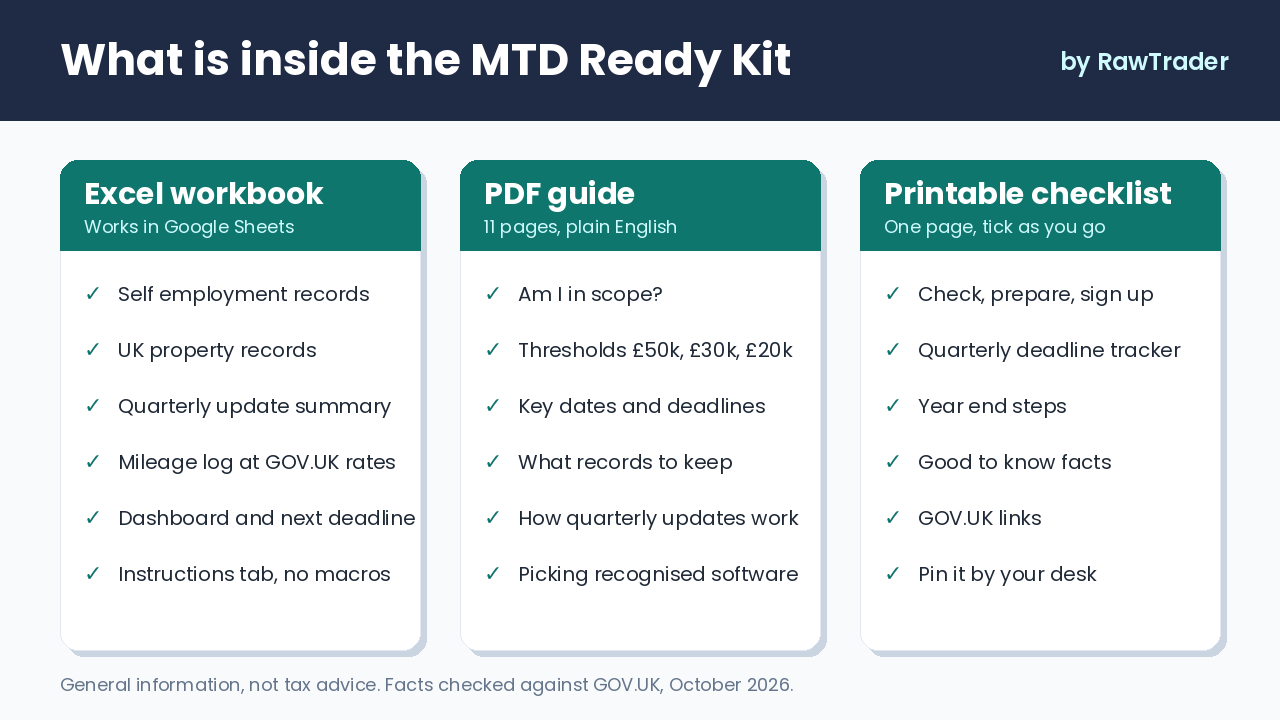
1. MTD tracker workbook (Excel .xlsx, also works in Google Sheets)
- Self employment records tab: a sole trader expense tracker and income log with dropdown categories that follow the SA103F headings
- UK property records tab: a landlord income and expense tracker with SA105 categories, including a separate line for residential finance costs
- Quarterly Summary: category totals for Q1 to Q4 plus the cumulative year to date figures each quarterly update covers
- Mileage log: works out simplified mileage using the GOV.UK flat rates (editable if rates change)
- Dashboard: income, expenses, profit before adjustments, mileage, next deadline countdown and record checks
- Settings tab: choose your tax year and standard or calendar update periods, and all quarter dates and deadlines update automatically
- Instructions tab. No macros, no add ons.
2. MTD for Income Tax guide (11 page PDF)
- Am I in scope? Thresholds, qualifying income and what does not count
- Key dates and quarterly deadlines for standard and calendar periods
- What records to keep, the HMRC categories and the rules on joint lets, personal use and simpler categorisation
- How quarterly updates work, with a worked example
- How to pick HMRC recognised software using the official GOV.UK software finder (no brand rankings, no affiliate links)
- A five phase step by step readiness checklist and a list of official sources
3. One page printable MTD checklist (PDF)
Pin it by your desk and tick off each step, from checking your income to sending your fourth update.
Who it is for
UK sole traders, self employed tradespeople, freelancers and landlords who file Self Assessment and want a clear, low cost way to prepare for Making Tax Digital for Income Tax, whether you start in 2026, 2027 or 2028.
Please read: what this kit is not
A spreadsheet cannot send anything to HMRC by itself. If you are required to use MTD and want to keep your records in a spreadsheet, GOV.UK says you also need compatible software that links to it (often called bridging software) to send quarterly updates and submit your tax return. The guide explains how to find recognised software on GOV.UK. This kit is general information and a record keeping aid, not tax advice, and it is not affiliated with or endorsed by HMRC.
Why you will like it
- Know if and when MTD for Income Tax applies to you, with the thresholds and dates checked against GOV.UK.
- Record income and expenses in the HMRC Self Assessment categories from day one, so each quarterly update is a quick check rather than a scramble.
- See your quarterly and year to date totals, your profit before adjustments and your next deadline at a glance.
- Log business mileage and see your simplified expenses claim worked out at the current GOV.UK rates.
- Follow a clear step by step checklist to choose recognised software, sign up and stay on track every quarter.
FAQ
Does this spreadsheet submit my quarterly updates to HMRC?
No. No spreadsheet can do that on its own. To meet MTD rules with a spreadsheet you need HMRC recognised bridging software that links to it. The guide shows you how to use the official GOV.UK software finder.
Will it work in Google Sheets?
Yes. Upload the .xlsx file to Google Drive and open it with Google Sheets. Formulas, dropdowns and highlighting carry across. The dashboard chart may look slightly different.
Does it use macros?
No. It is a standard .xlsx workbook with formulas only.
I am a landlord, not a sole trader. Is it still useful?
Yes. There is a dedicated UK property tab with the SA105 categories, including residential property finance costs kept separate as GOV.UK requires. If you have both a trade and property income, use both tabs.
What if my accounts run 1 April to 31 March?
Choose Calendar on the Settings tab. The quarter dates switch to calendar update periods; the deadlines stay the same.
Do I need this if my income is under £20,000?
Based on the current GOV.UK timetable you would not need to use MTD for Income Tax yet, but the tracker still works as a tidy record keeping tool for your Self Assessment return.
Is this tax advice?
No. The kit is general information and a record keeping aid, checked against GOV.UK in October 2026. Rules can change, so always check GOV.UK or speak to a qualified adviser about your own situation.
What format are the files?
One .xlsx workbook and two PDFs, delivered as an instant download.
Can I get a refund?
Because this is an instant digital download, sales are final once the files are downloaded, but if a file is faulty or not as described, contact us through Payhip and we will fix it or refund you.