

PDF Mailroom 1.0 - Linux
PDF Mailroom 1.0 — Linux
CAD $25.00 — one-time purchase
Use the certificate you already designed. Turn your spreadsheet into a folder of finished PDFs.
PDF Mailroom helps schools, clubs, trainers, and community organizations create personalized certificates without saving each one by hand. Import your artwork, connect an Excel or CSV roster, and generate a separate, named PDF for every row—all on your own computer.
WHAT YOU GET
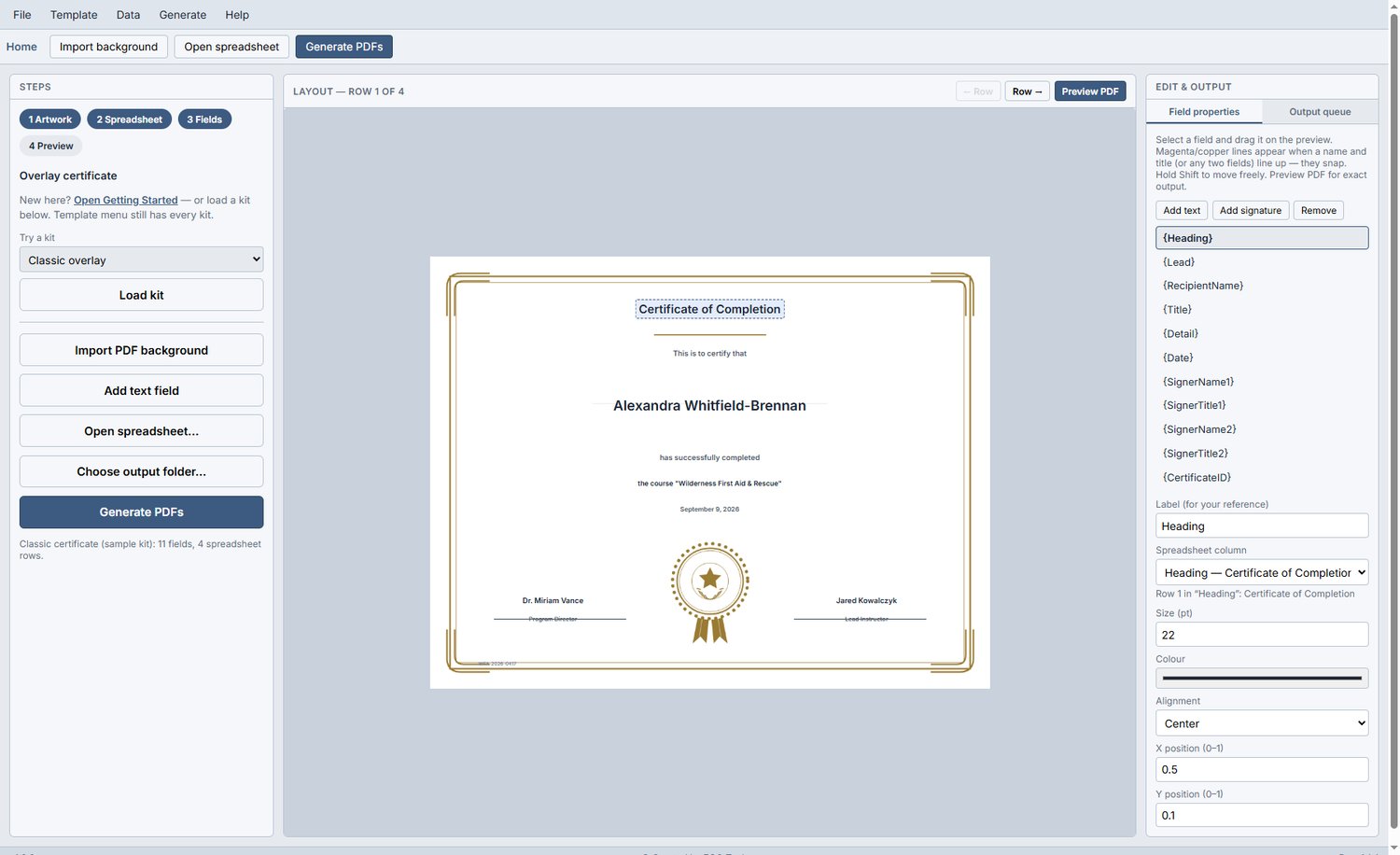
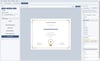
Bring your own design — Export your certificate from Canva, Word, or PowerPoint as a PDF, PNG, or JPG, then import it into Mailroom.
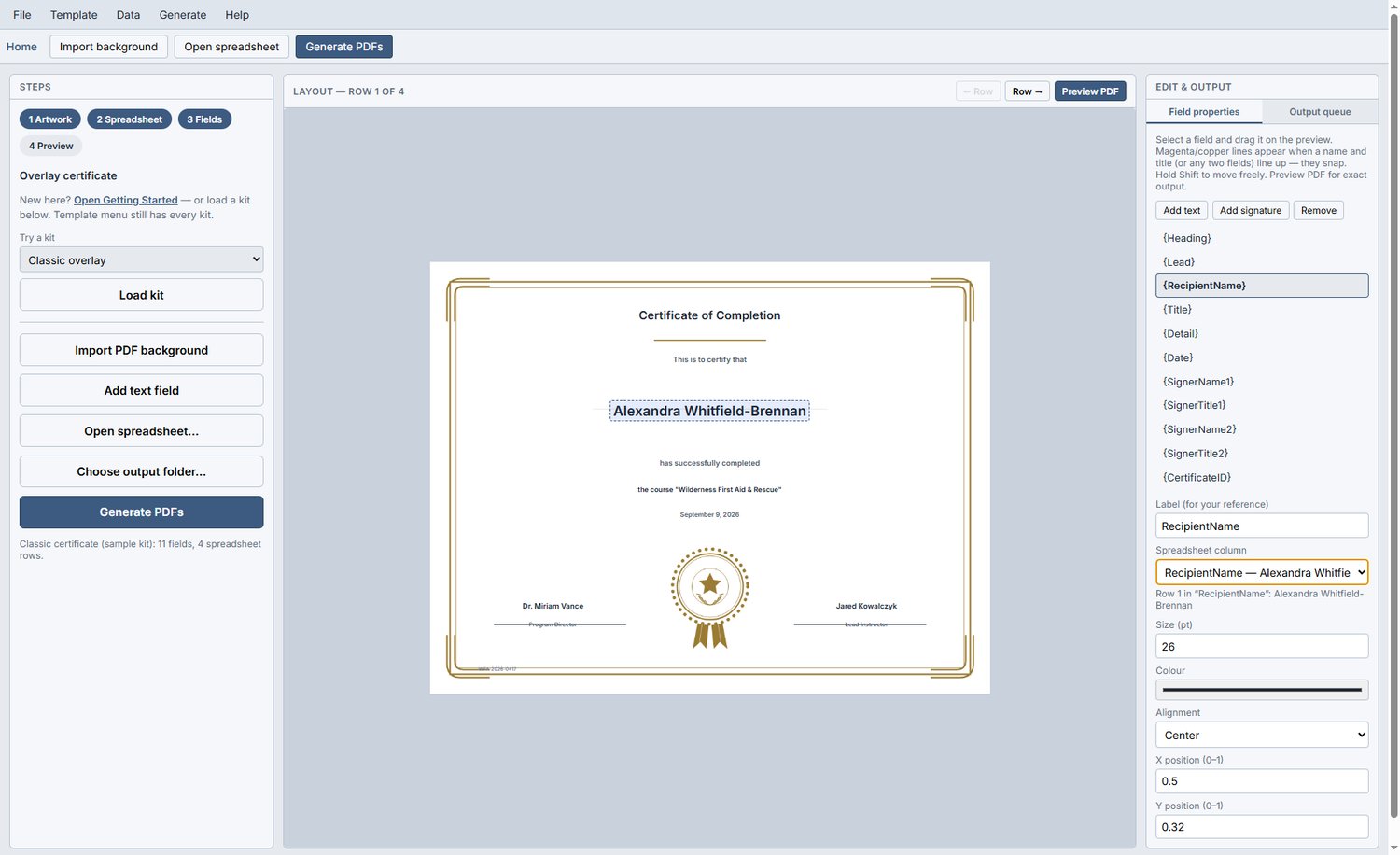
Connect your roster — Open Excel .xlsx or .xlsm workbooks, or CSV files. Choose your worksheet and map columns to names, dates, awards, and other details.
Place text and signatures — Position text fields and signature images on your artwork, then adjust their placement and settings.
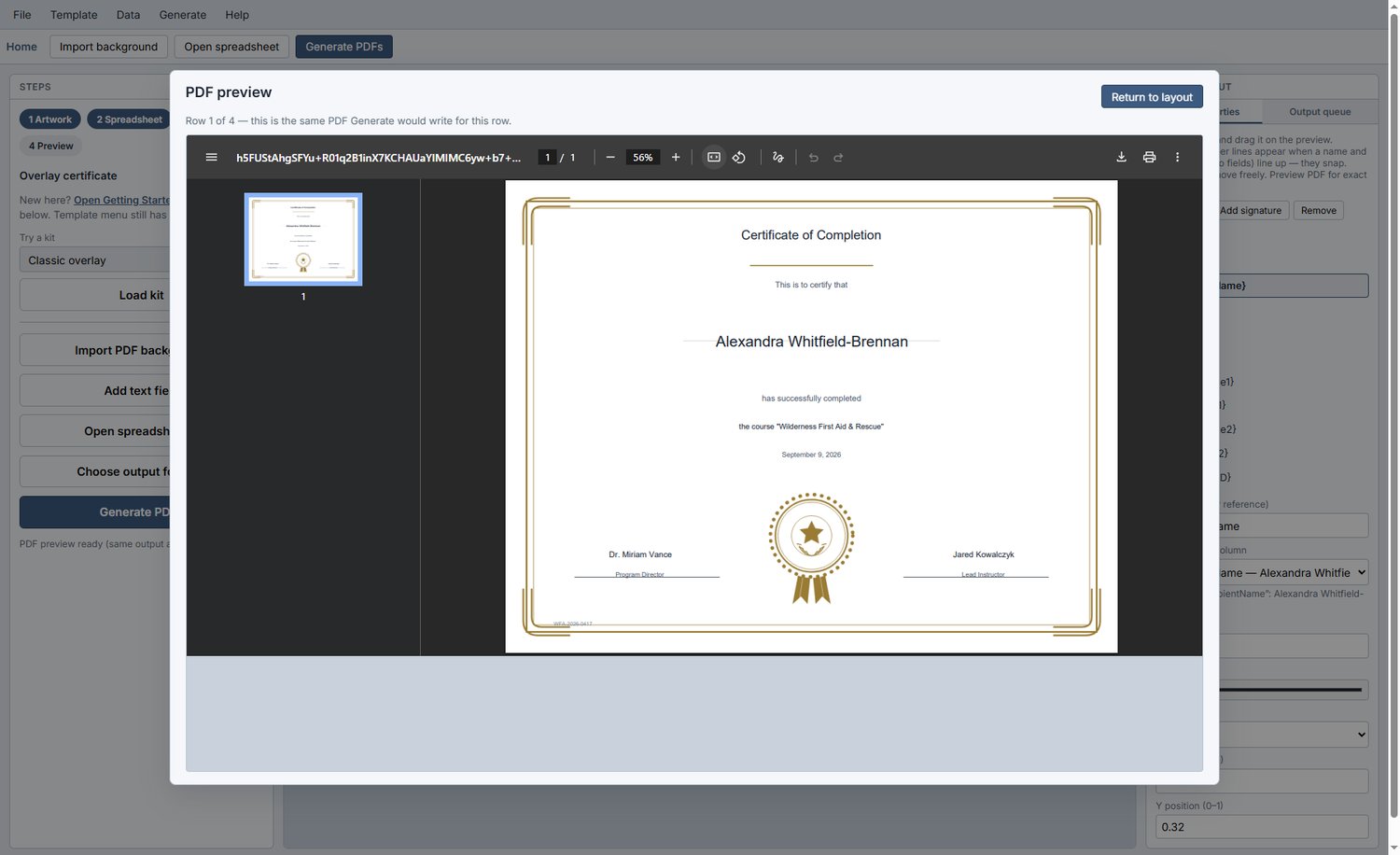
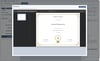
Preview before generating — Check a recipient’s finished PDF before creating the full set.
Generate separate PDFs — Save one PDF per spreadsheet row to your chosen folder, with filenames based on recipient details. Your files are ready to print or distribute yourself.
Start with a sample — Classic, Modern, and Playful sample kits and built-in certificate styles help you get started.
Save your setup — Save a .mailroom project to reuse your layout and field mapping. Keep the linked artwork and spreadsheet available.
Keep your data local — No cloud account, document upload, per-certificate credits, or recurring subscription.
Choose your Linux download after checkout. Linux .deb packages support Debian/Ubuntu-based systems on 64-bit Intel/AMD hardware.
Mailroom works with exported artwork; it does not directly open Canva links, Word documents, or PowerPoint presentations. Email delivery, online credential verification, and invoice generation are not included.