


Lisp Routine Test Studio
LISP Routine Test Studio
Get a clearer look at your AutoLISP routines before putting them to work.
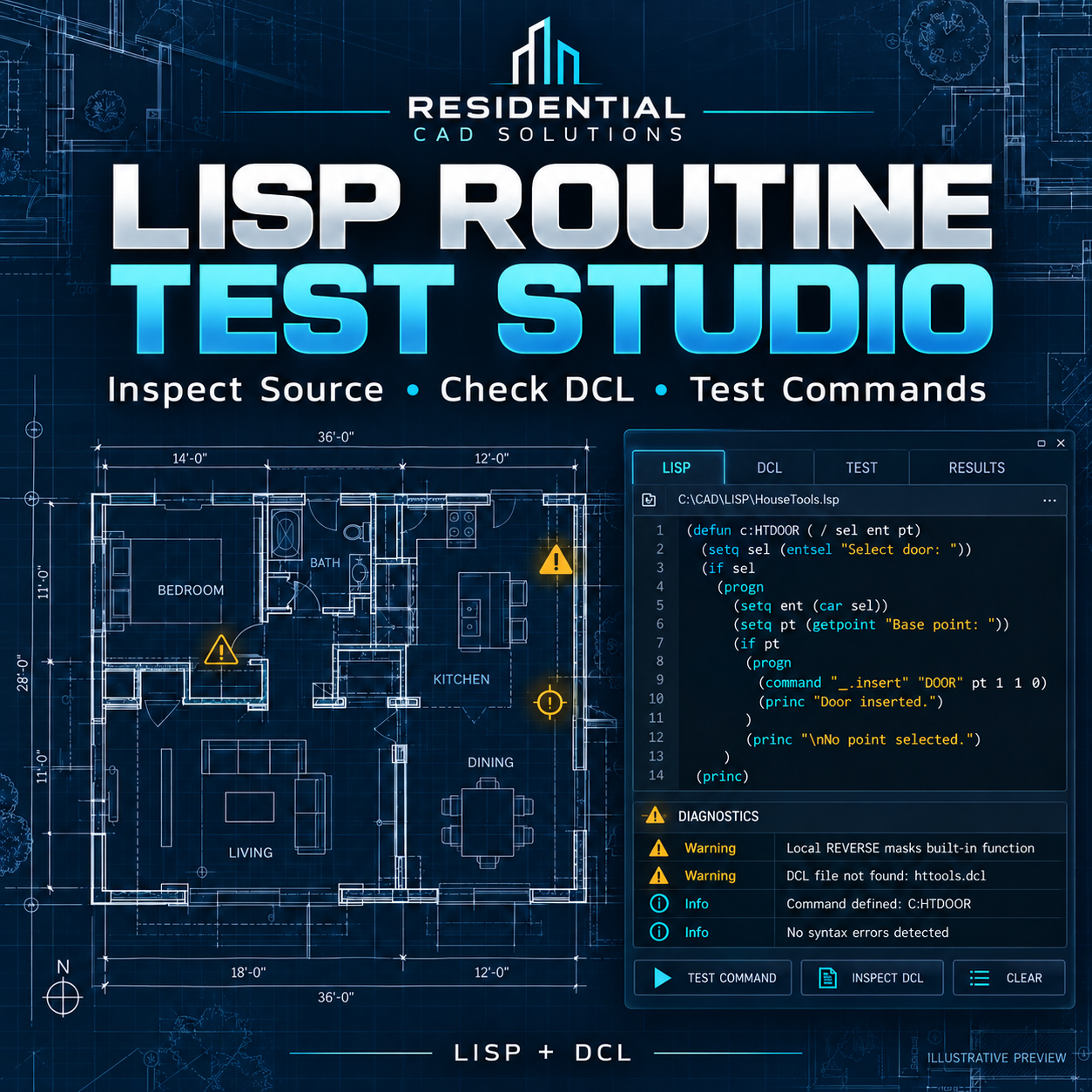
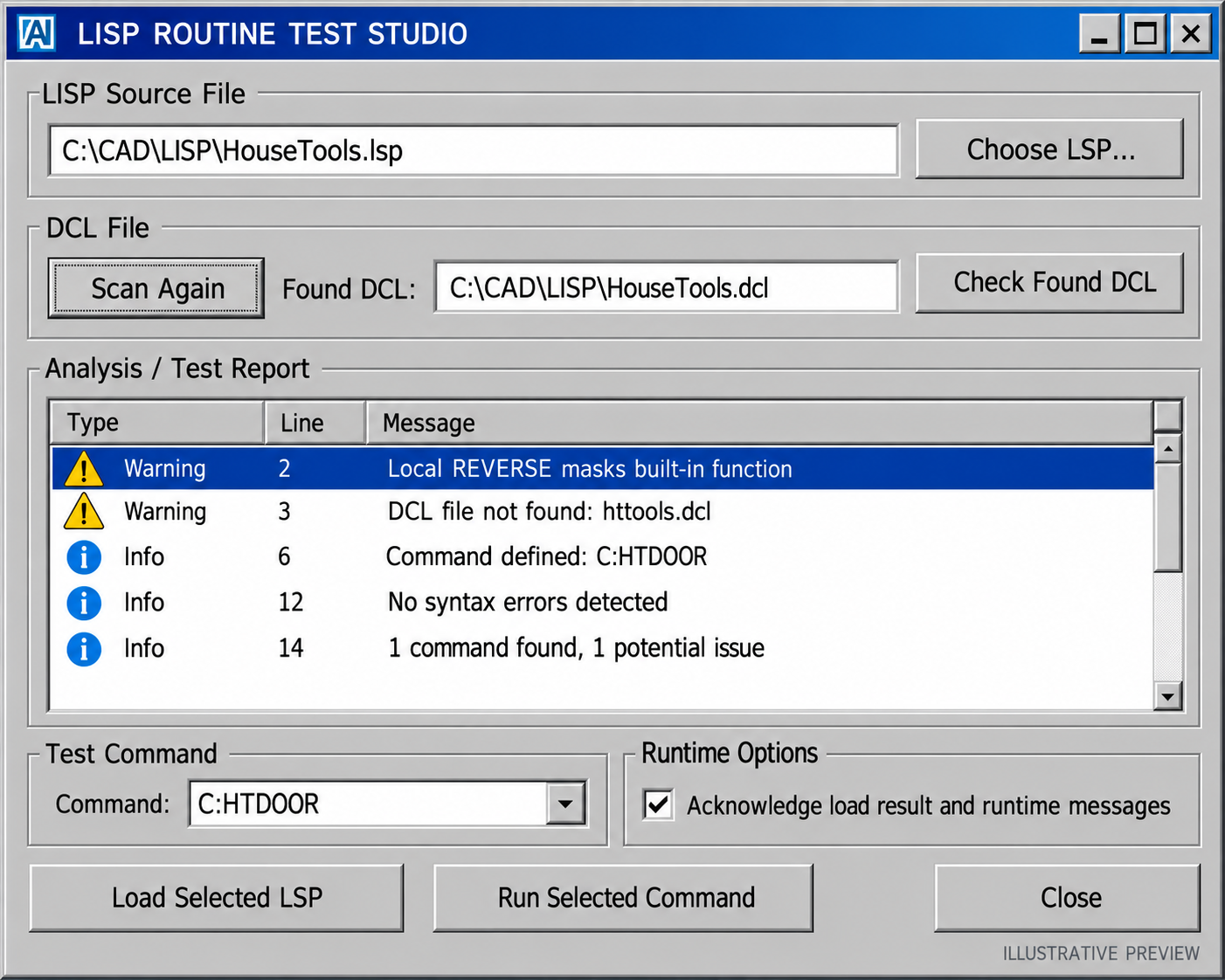
LISP Routine Test Studio helps you inspect readable LISP source files for common problems, check referenced DCL files, and run optional tests from a convenient dialog. It’s designed for drafters and AutoLISP users who want a practical way to investigate routines and document what they find.
Key features
- Scan LISP files for unbalanced parentheses, unfinished strings, and malformed function definitions.
- Flag selected local variables that share names with built-in functions, such as REVERSE.
- Find repeated function definitions and direct AutoCAD command definitions.
- Check certain referenced files and attempt to compile found DCL files.
- Load a selected routine and run a discovered command for a live test.
- Save a text report with the scan results.
- Practice with included example routines.
How it works
Choose an existing .lsp file and review the scan results. If you want to test the routine in AutoCAD, use the optional load and run controls, then inspect the results in your drawing.
What’s included
- LISP Routine Test Studio LISP and DCL files
- Installation and usage instructions
- Example routines and a scanner self-test
- Payhip cover and DCL preview images
AutoCAD command: LISPTEST
Price: $39.00
A clean scan or a command that returns without an error does not guarantee correct results. Runtime tests execute code in the current AutoCAD session, so use trusted routines and a disposable drawing. Live AutoCAD testing and version compatibility remain pending.