
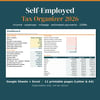

Self-Employed Tax Organizer 2026 – Income, Expense & Mileage Tracker for Google Sheets & Excel + Printables (Letter & A4)
On Sale
$12.00
$12.00
Organization only, not tax advice.
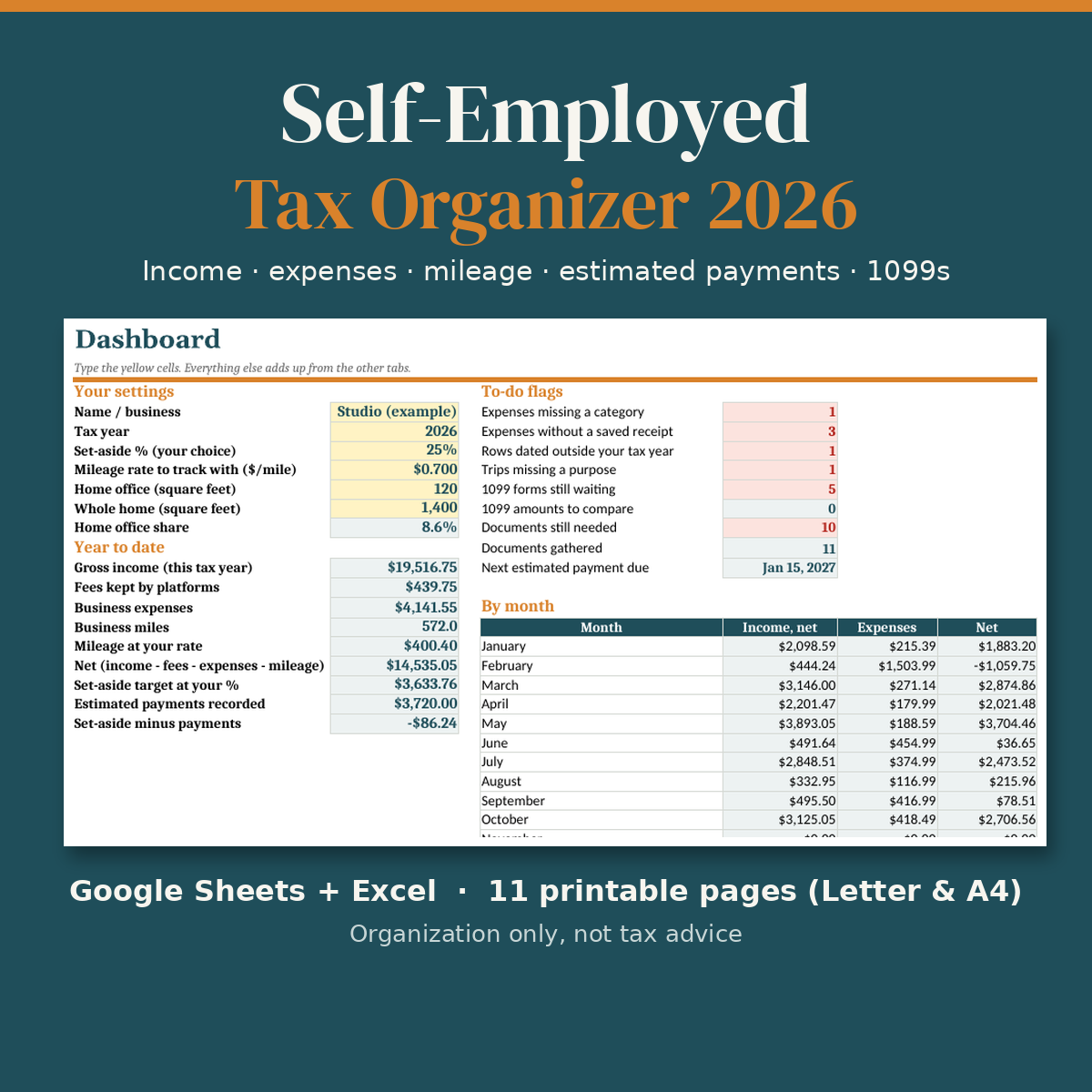
Tax time goes faster when your records are already in one place. This organizer is a spreadsheet for Google Sheets and Excel where you log your freelance or self-employed income, expenses and business miles through 2026, plus 11 printable pages if you prefer paper.
What it does
- Income log: one row per payment, with platform fees kept separate. Totals by month and by estimated-payment period.
- Expense log: pick a category from the dropdown and the 2025 Schedule C line reference fills in, so your preparer can see where you filed each item. A business-use % column handles mixed items like a phone bill.
- Mileage log: odometer readings or miles, purpose, and a total at the rate you choose to track.
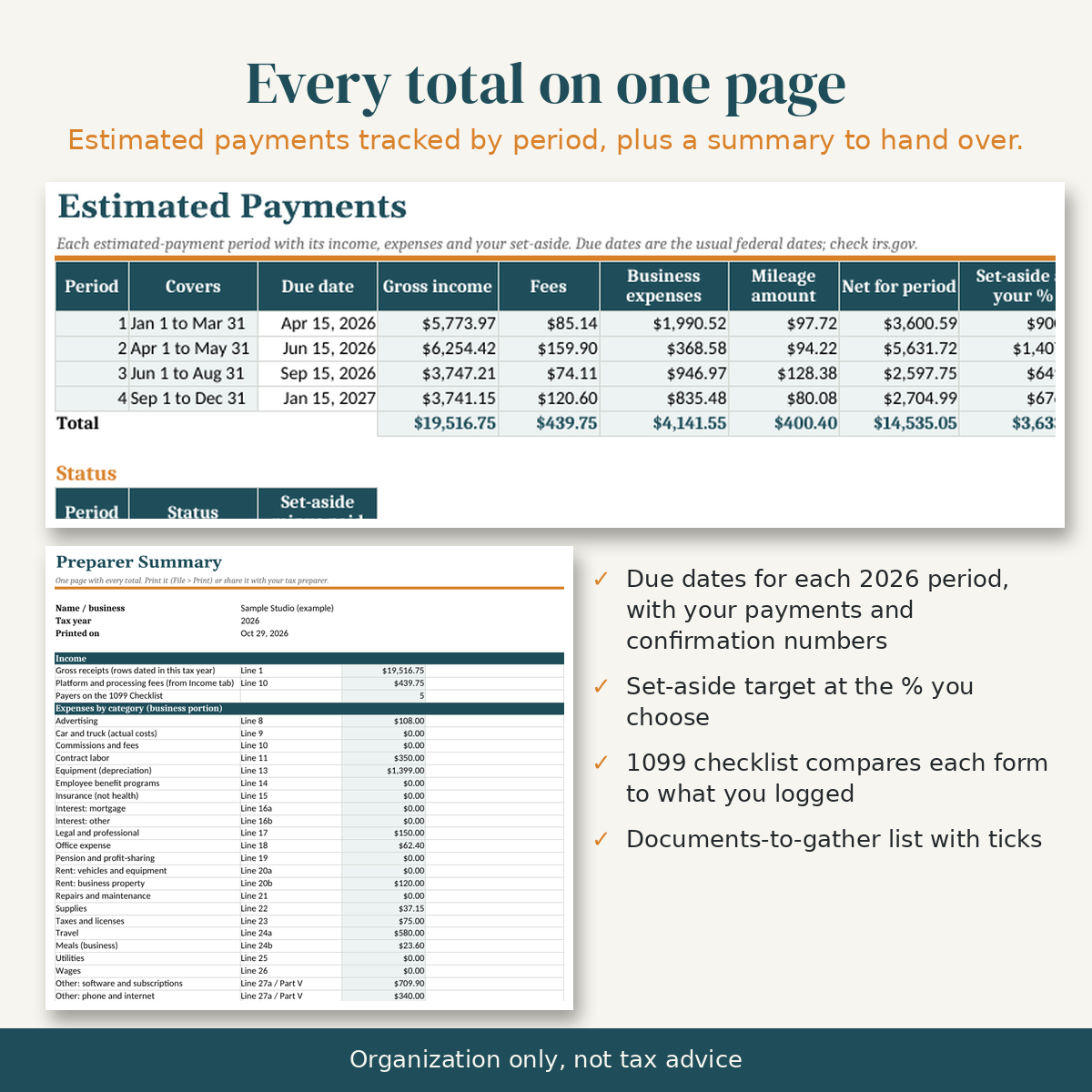
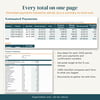
- Estimated payments: each 2026 period with its usual federal due date, your income and expenses for that period, a set-aside figure at the % you choose, and space for what you paid and the confirmation number.
- 1099 checklist: list who should send you a form; it compares each form with what you logged from that payer.
- Documents to gather: a checklist of common paperwork, ticked off as it arrives.
- Dashboard and flags: year-to-date totals, a monthly chart, and flags for missing receipts, missing categories, rows dated outside your tax year and forms still to come.
- Preparer summary: every total on one page to print or share with whoever prepares your return.
What you get
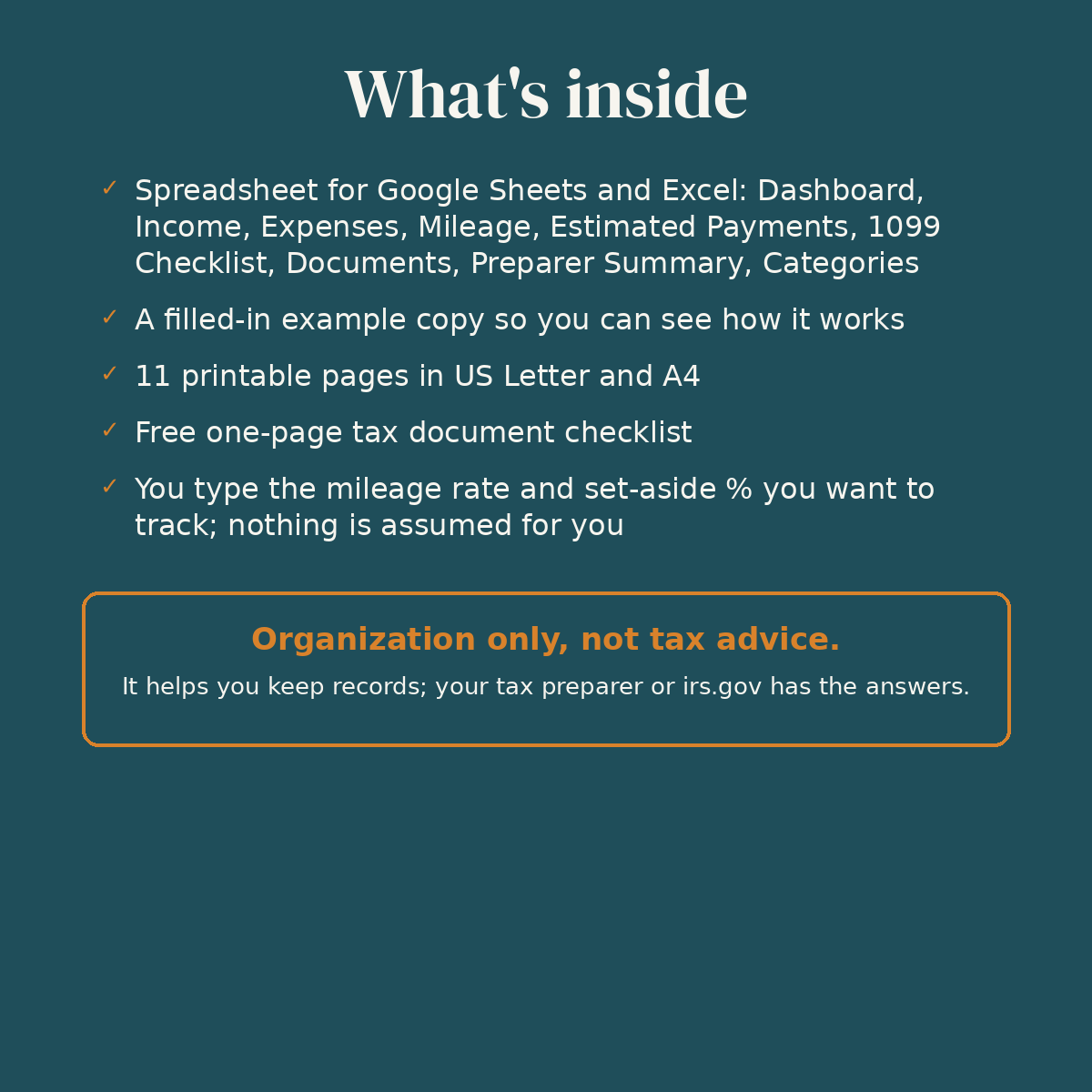
- Blank organizer (.xlsx)
- Example organizer filled with sample data, so you can see how everything works
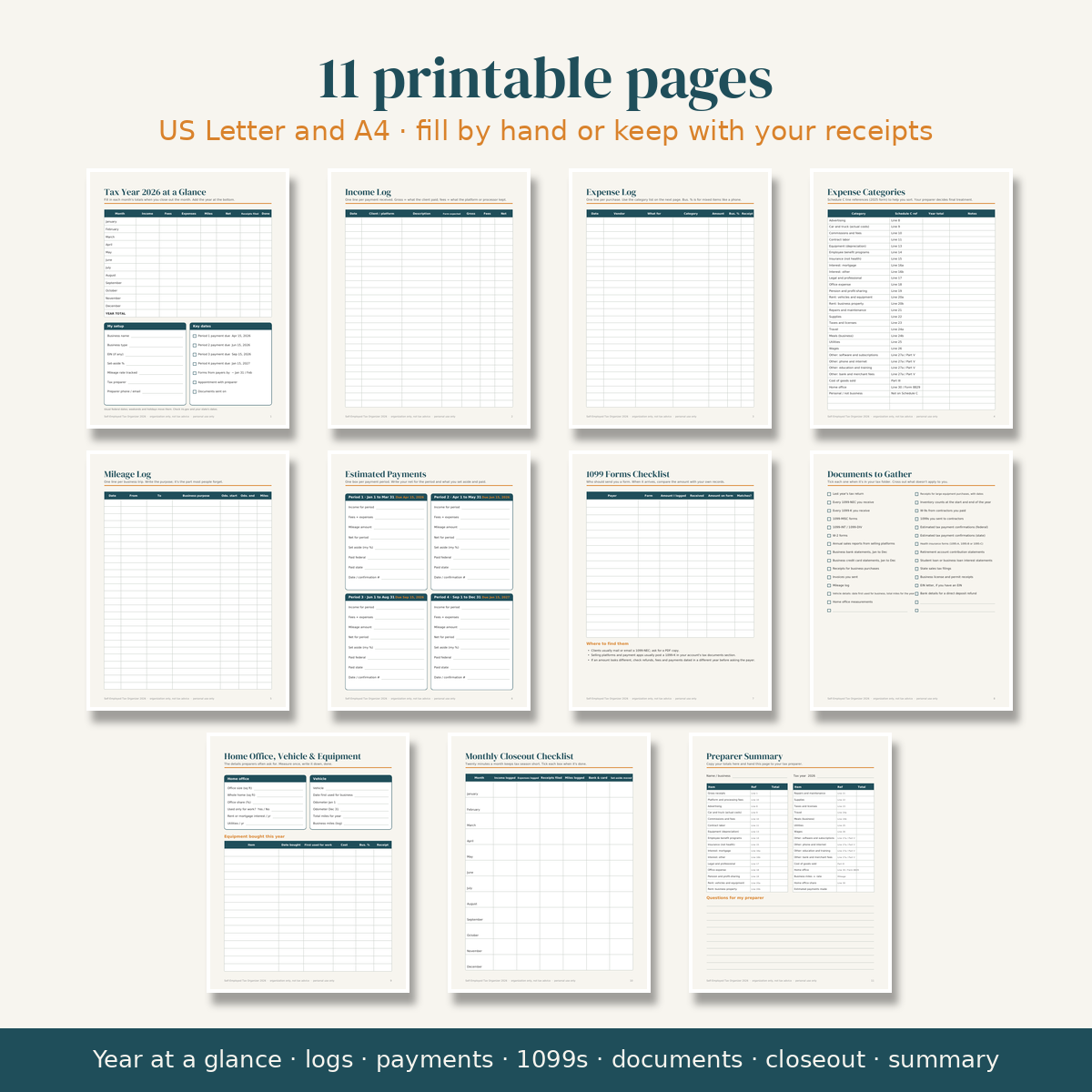
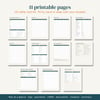
- 11 printable pages in US Letter and A4: year at a glance, income log, expense log, expense categories, mileage log, estimated payments, 1099 forms checklist, documents to gather, home office/vehicle/equipment, monthly closeout, preparer summary
- Quick-start README
Good to know
- This is a record-keeping tool. It doesn't tell you what you can deduct, how much to set aside or what you owe, and it doesn't file anything. Ask a tax professional or check irs.gov for those answers.
- You type the mileage rate and set-aside % yourself. Due dates shown are the usual federal ones; check irs.gov because they move when they fall on a weekend or holiday. Line references follow the 2025 Schedule C and may change.
- No macros and no add-ons. Works in Google Sheets (File → Import), Excel for Windows, Mac and the web, and opens in LibreOffice/Numbers.
- Instant digital download. Nothing is shipped.
License: personal use only. Please don't resell, share or redistribute the files.
Refunds: because this is a digital download, sales are final. If a file won't open or something is broken, contact me through the link in your receipt and I'll fix it or refund you.