
ROV Accessibility Studio
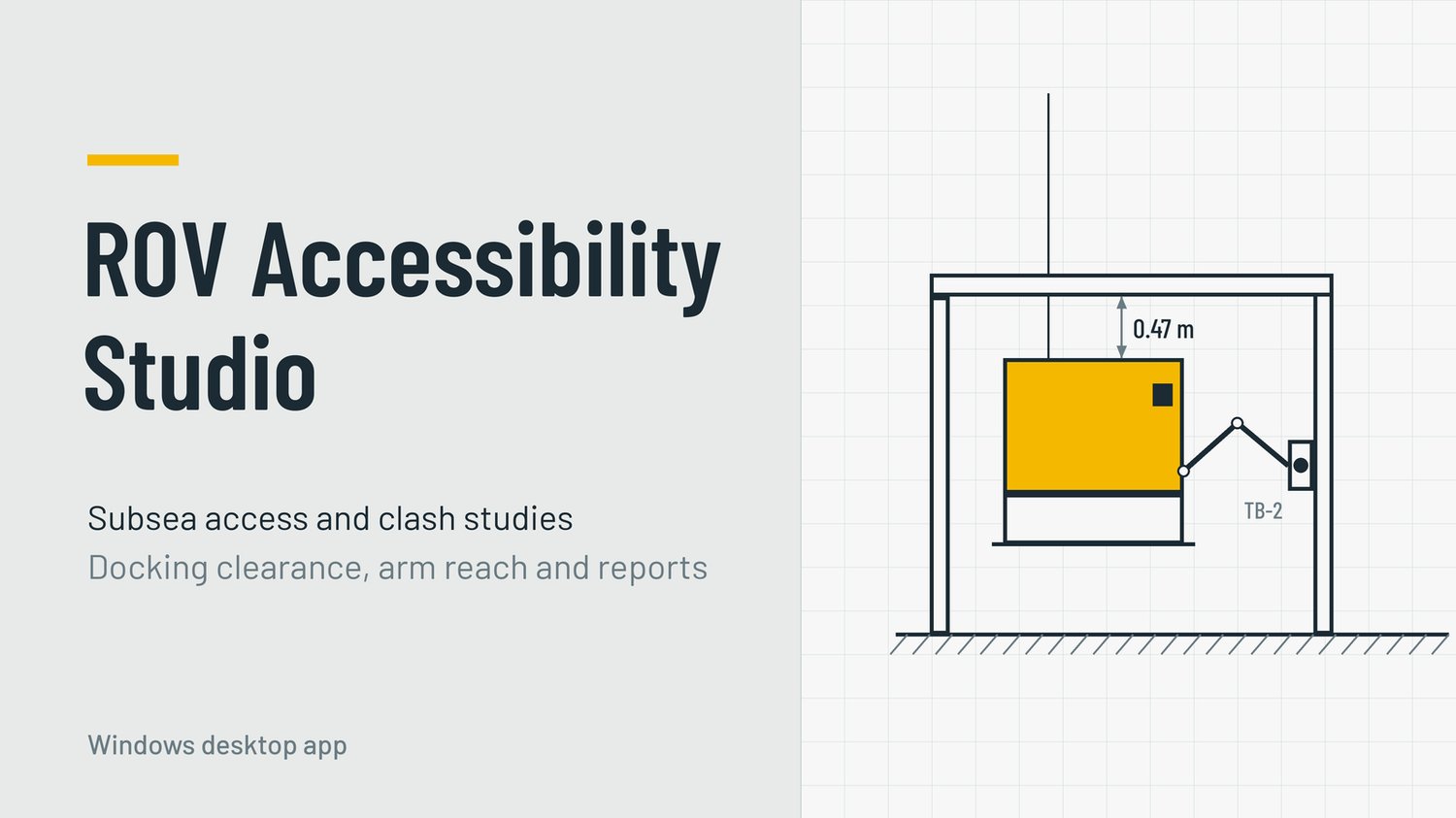
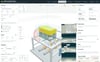
Check that a work-class ROV can reach every valve, hot stab and grab handle on your subsea structures before the design is frozen. Load the 3D models, place the targets, and get pass/fail for each one with the docking pose, clearances, manipulator reach and a printable report with screenshots. A Windows desktop app that runs on your own computer.
Description
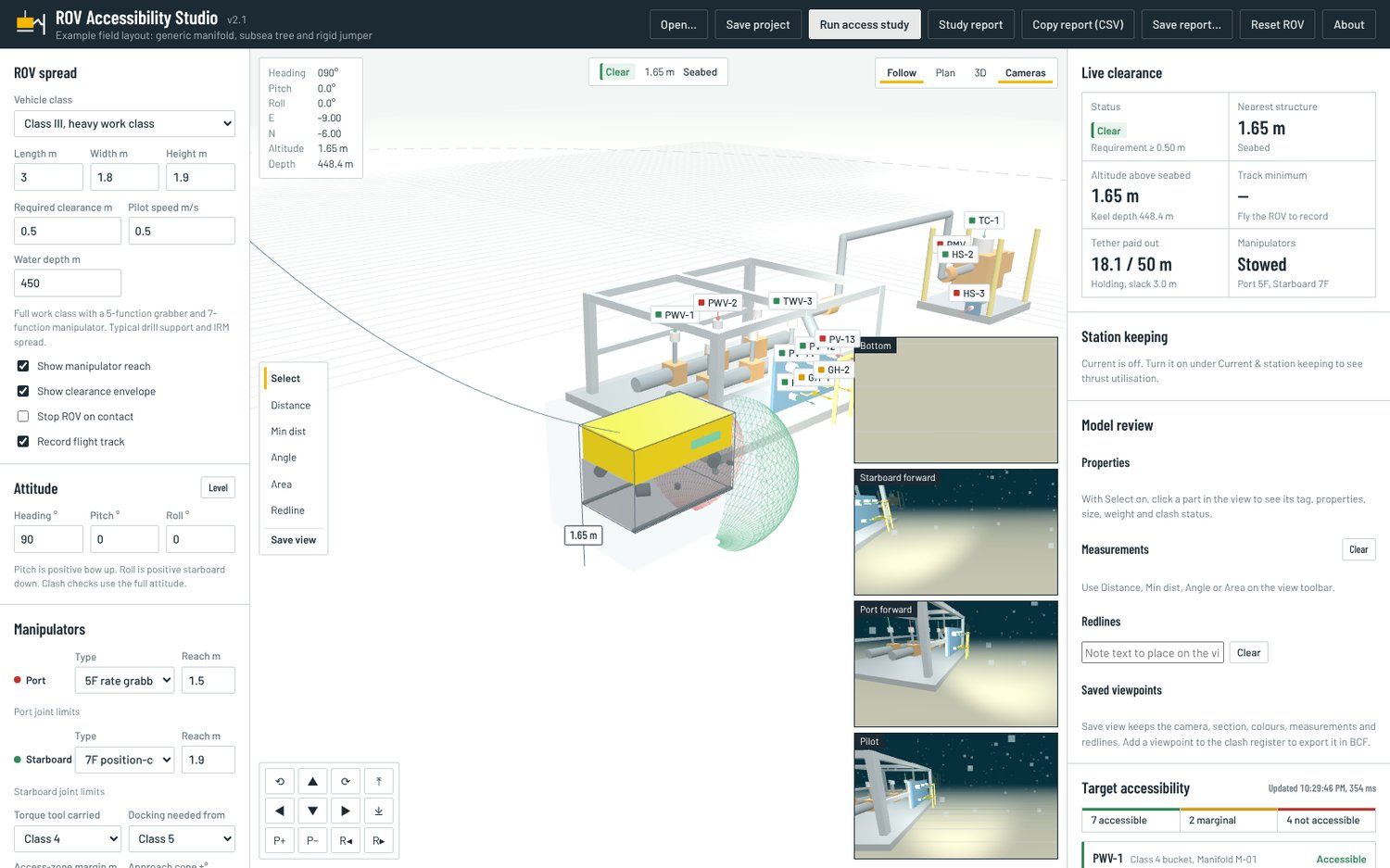
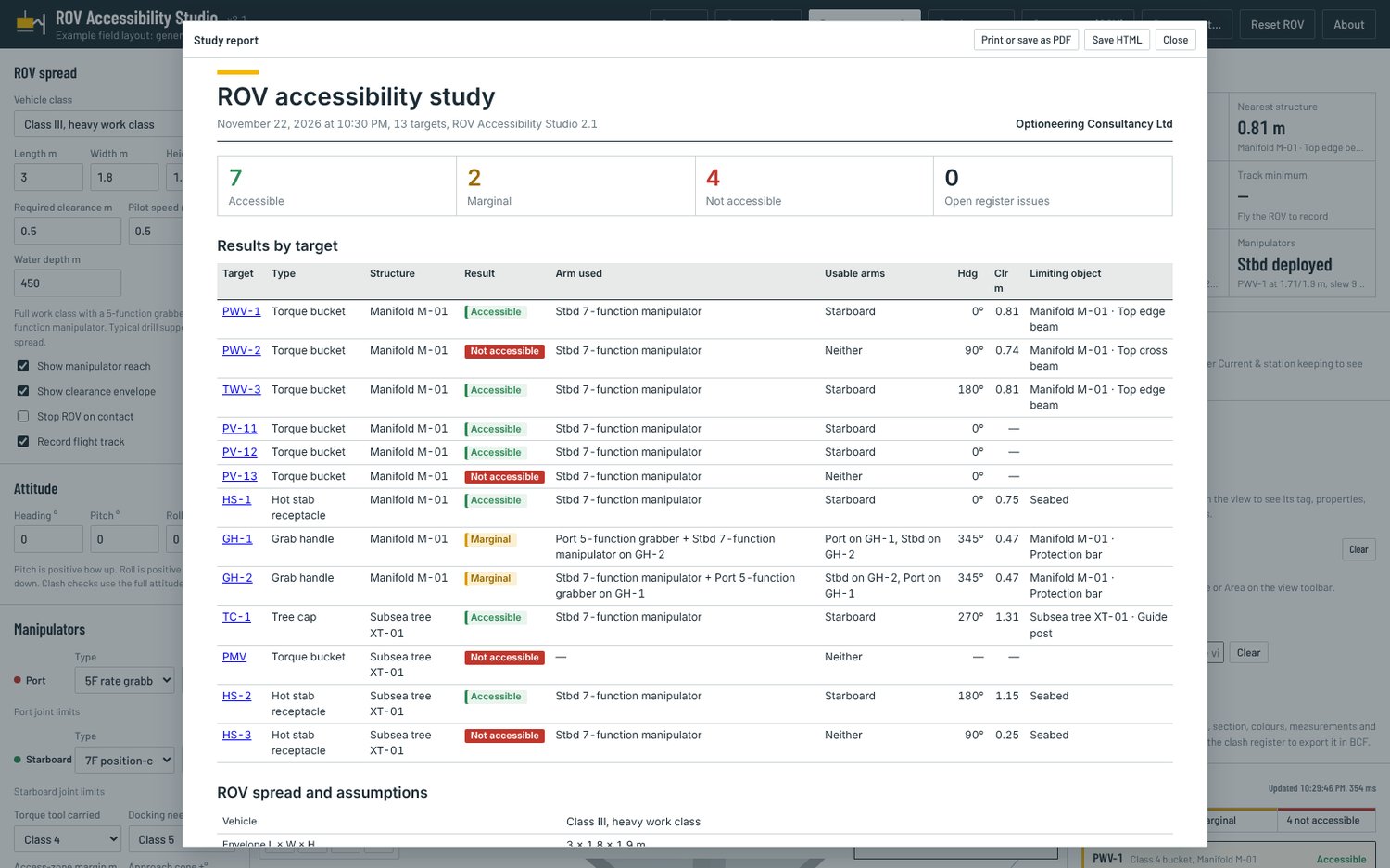
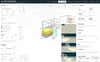
ROV Accessibility Studio loads your subsea structures (manifolds, trees, PLETs, jumpers, templates) from IFC, STEP, glTF, FBX, OBJ or STL, and checks every ROV interface on them against your ROV spread. For each target it finds a docking pose and tells you whether it is accessible, marginal or not accessible, and why.
What it checks
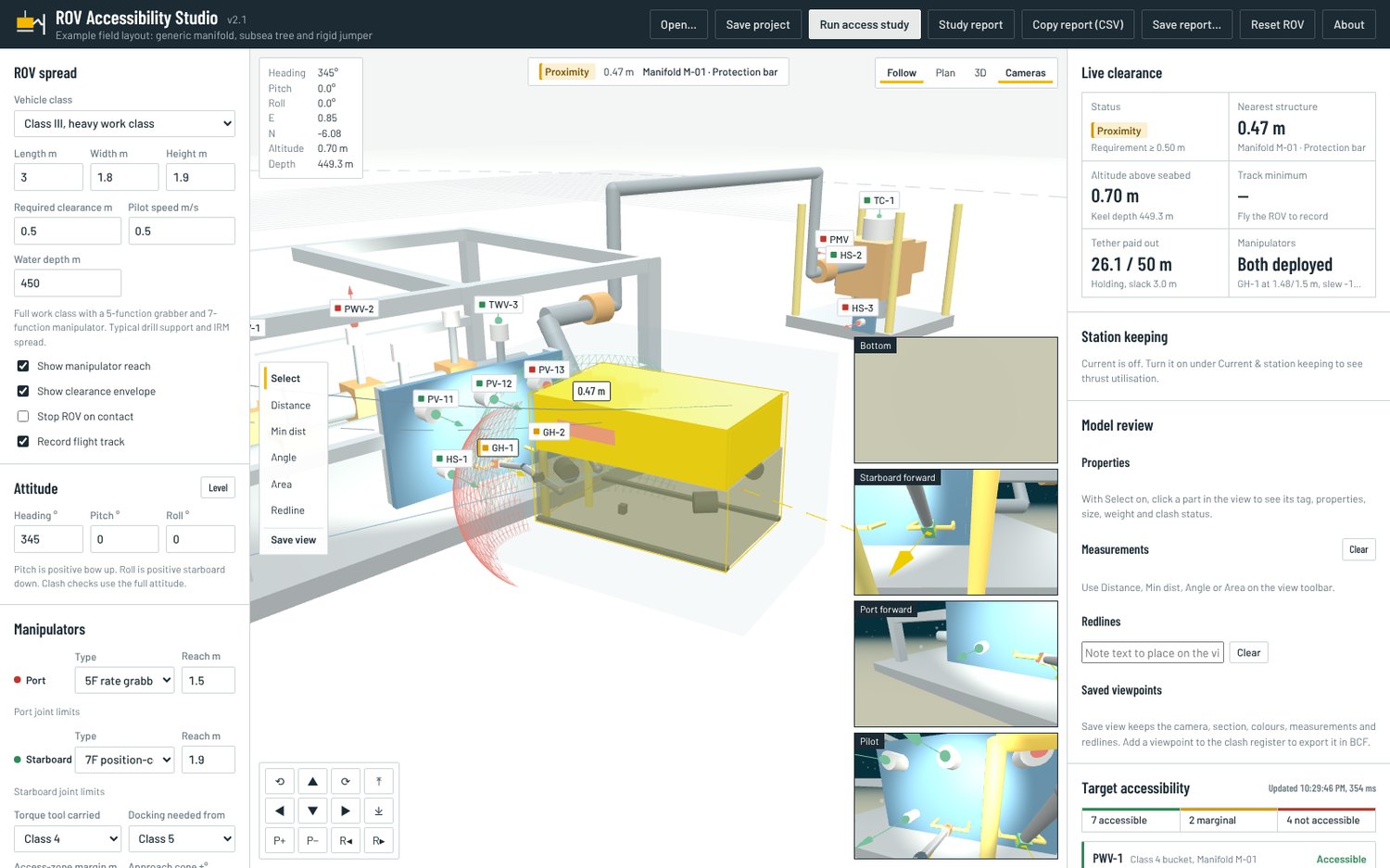
Docking clearance - The ROV envelope at the docking pose against every structure, with your required clearance.
Approach corridor - The swept volume of the ROV along the approach path, so a valve that is reachable but boxed in is caught.
Manipulator reach and joint limits - Port and starboard arms checked separately (5- and 7-function presets with editable reach and joint limits), with the arm and tool checked for clashes. Each target shows whether port, starboard or both arms can do it.
Two-handed tasks - Pair two targets, for example two grab handles, and it finds one pose where each arm takes one, without the arms crossing.
Torque tooling - ISO 13628-8 / API 17H torque classes 1 to 7, tool access zone and approach cone, and when docking is needed for reaction torque.
Station keeping and tether - Thrust needed against current, tether reach from the TMS and tether snag risk.
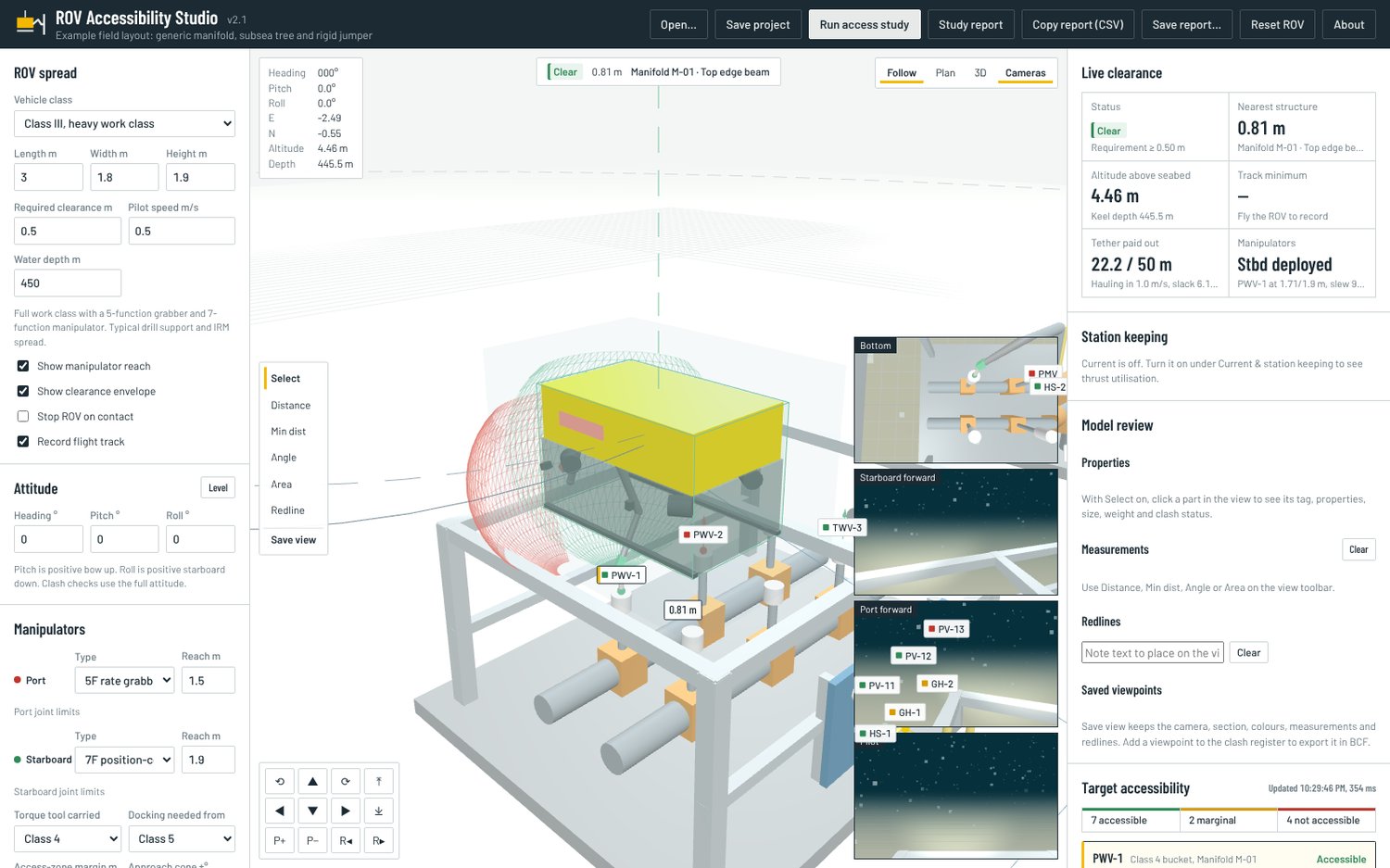
Camera view - Whether the ROV cameras see the tool engagement, with water visibility.
Extra bits
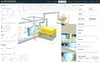
- Fly the ROV through the field yourself with live proximity warnings, ROV camera views, sonar and a flight log, or let the task script auto-pilot run the job and score it.
- Clash register with BCF 2.1 export for Navisworks, Solibri, BIMcollab and Revizto.
- Review tools: part properties from IFC, distance and minimum-distance measurements, sections, redlines and saved viewpoints.
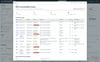
- Study report: a printable pass/fail report with an overview, a close-up and the ROV camera view for every target, ready to save as PDF.
- Save the whole study as one project file to send to a colleague.
Who it is for
Subsea, SURF and installation engineers, ROV interface and tooling engineers, and structure designers who need to show that every ROV interface on a structure can actually be operated.
What you get
- `ROV Accessibility Studio.exe` for Windows 10 and 11 (64-bit). No installation needed.
- An example project, an example IFC with properties, a template STL and an example study report.
- The terms of use (`TERMS.md`).
- 12 months of updates.
Licence
One licence key per purchase, valid for 12 months on one computer. Activation needs internet once; after that the app works offline for up to 30 days at a time. Move the licence to a new computer from About > Deactivate licence on this computer. Your models and projects stay on your computer and private; the app only contacts Payhip to check the licence.
Requirements
Windows 10 or 11, 64-bit, with Microsoft Edge (built in) or Google Chrome.
Results are a study aid and must be checked by a competent person before use. See the terms of use.