
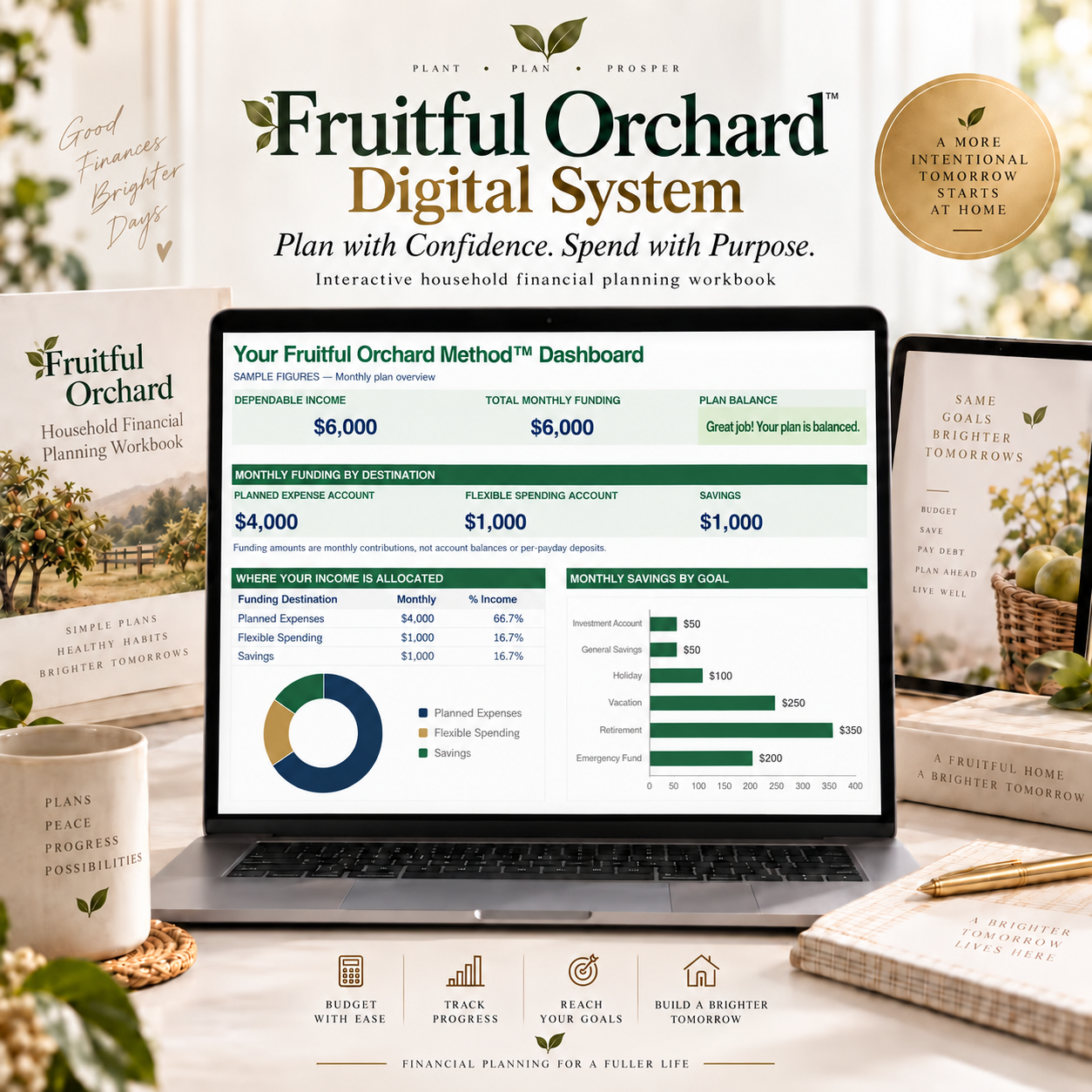
Excel & Google Sheets Household Budget Planner | Fruitful Orchard Method Digital System
You can pay the bills and still wonder why your savings and goals are not moving forward. The Fruitful Orchard Method Digital System helps you see what your money needs to accomplish and build a household plan to support it.
Turn a wall of numbers into a clear financial picture with a guided workbook for Excel or Google Sheets.
Start with your Why
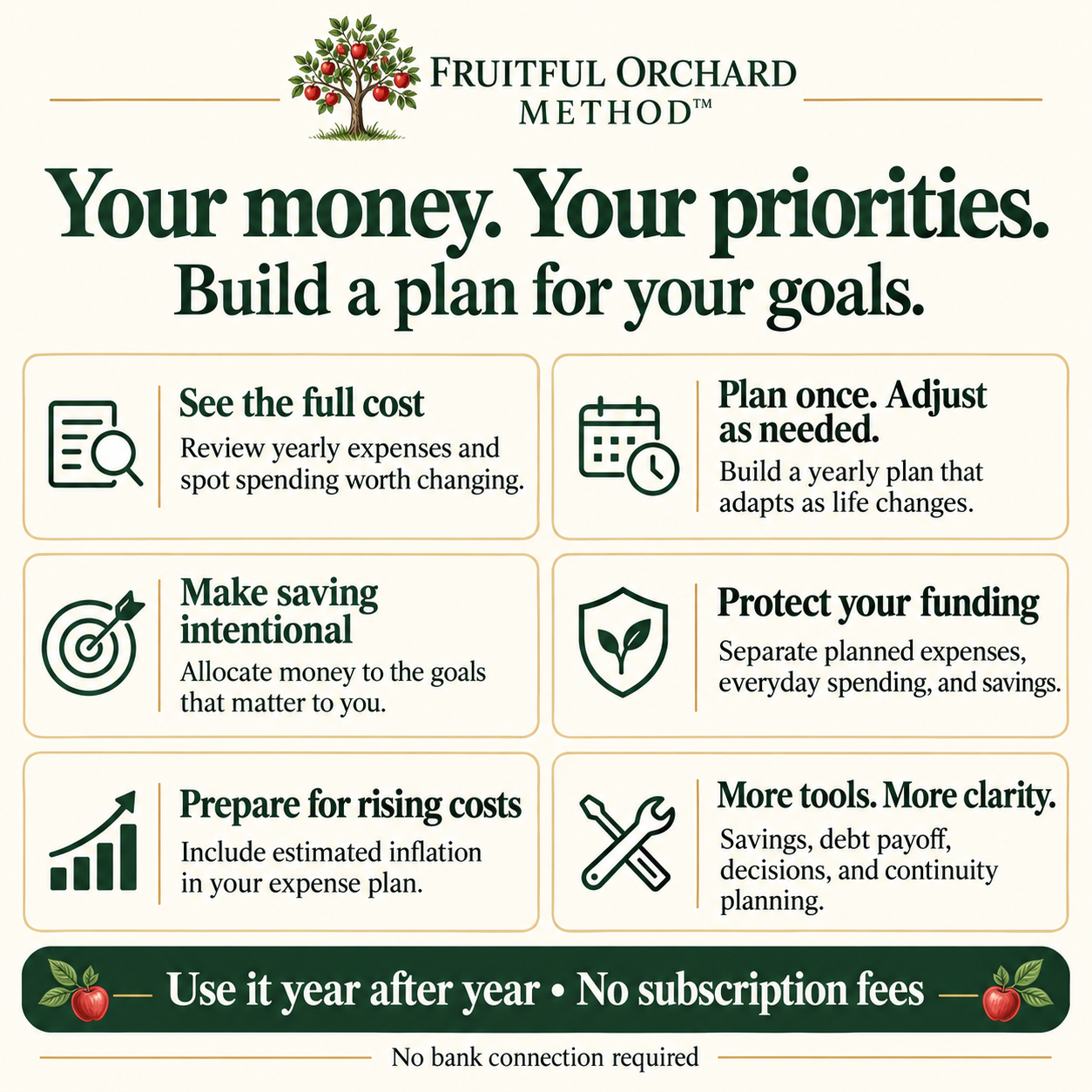
Income, expenses, and savings are part of the plan. The difference is how you bring them together: identify what matters first, give your goals a place in the plan, and then determine what is available for flexible everyday spending.
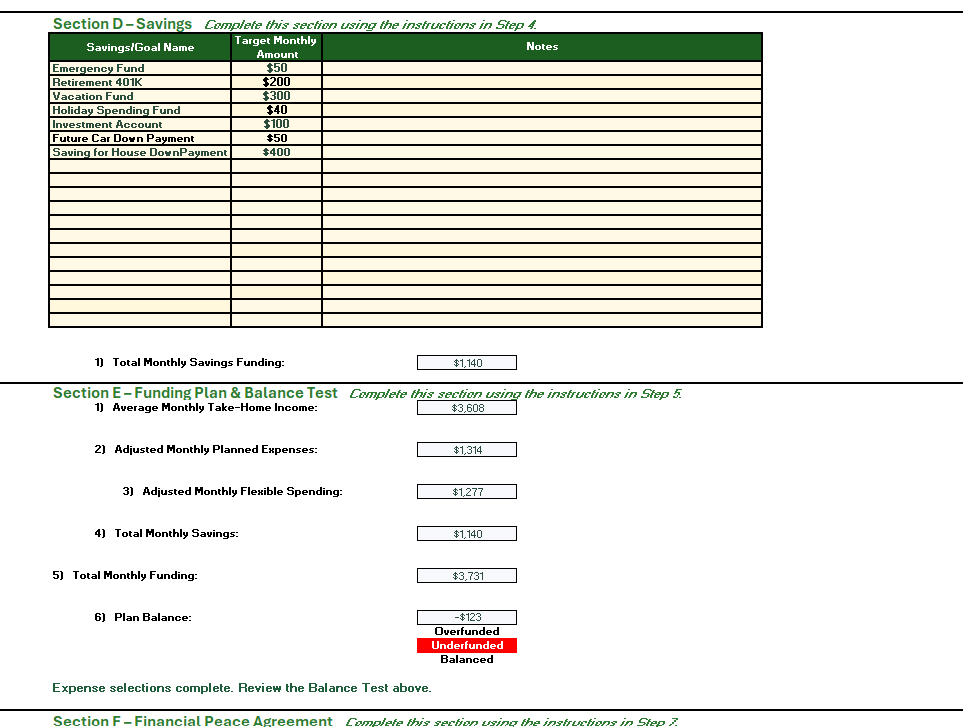
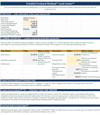
The FOM Balance Test shows whether your planned expenses, flexible spending, and savings goals fit your dependable take-home income. When they do not, you can see the gap and use your values to decide what to change. You make the decisions; the workbook calculates the results.
Move from planning to a funding routine
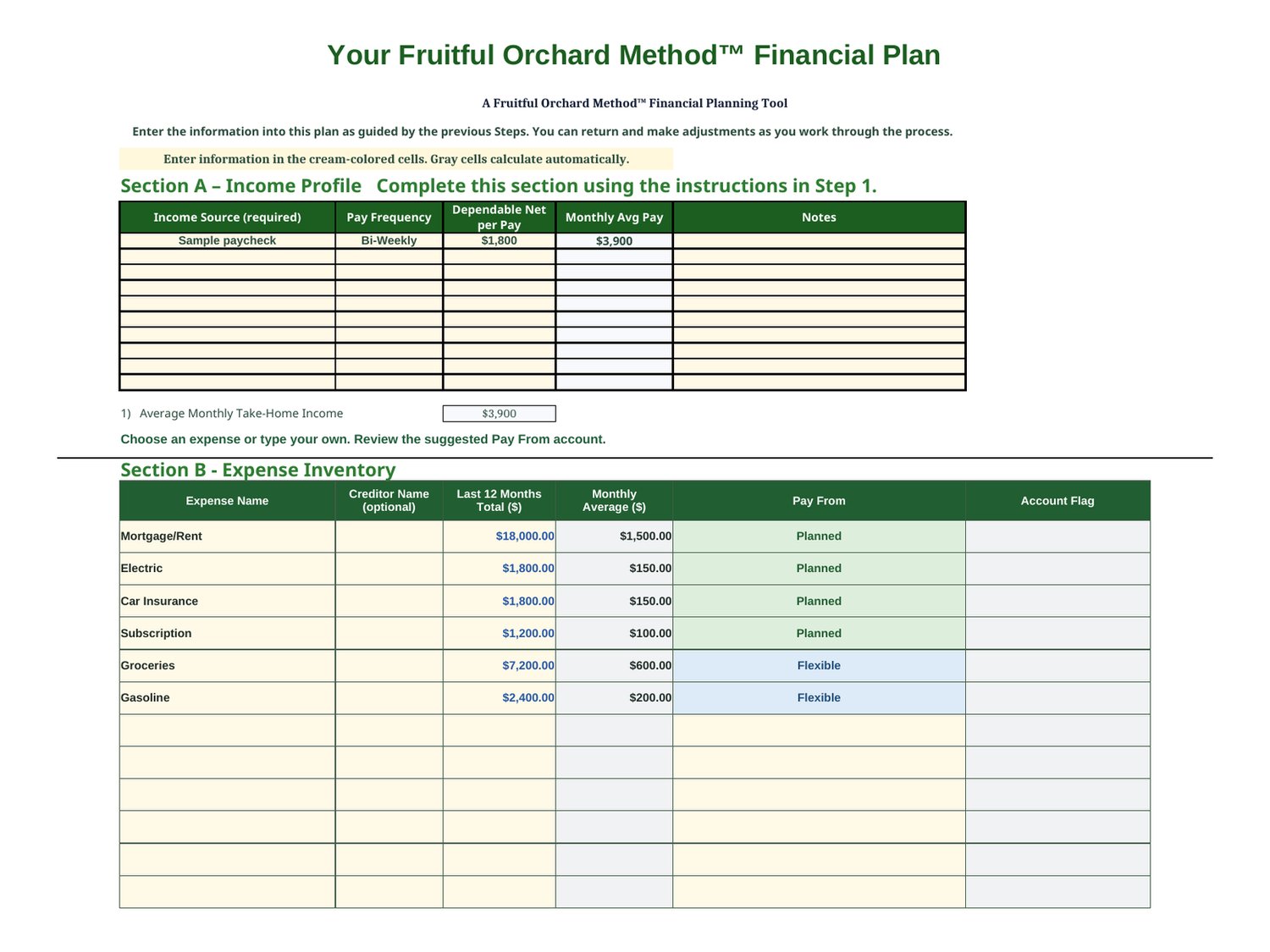
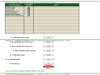
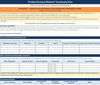
Account for costs across the year, including bills that arrive only once or a few times annually. Review funding by income source and pay schedule, then separate money for Planned expenses, savings, and Flexible spending.
The Initial Funding Check helps estimate the opening funds your Planned Expense Account may need based on the payment schedule you enter. It helps you prepare for timing differences between funding the account and paying bills.
Choose how much detail you want
Enter Flexible spending as separate annual totals by category or as one combined annual total. Categories make yearly costs visible and help you find possible reductions if the plan is underfunded. One combined total simplifies entry. Include each expense only once.
One-time purchase with lasting usefulness
Reuse your workbook each year with no recurring FOM subscription. Enter your own figures without connecting bank accounts or providing bank credentials. Daily transaction logging is not required. Review the plan annually or when life changes.
Tools and guidance included
Macro-free Excel workbook (.xlsx)
Quick Start Guide with Google Sheets access links
Fictional Pickleberry example workbook
Companion Guide
Printable Workbook Instructions Reference
Built-in workbook Notes
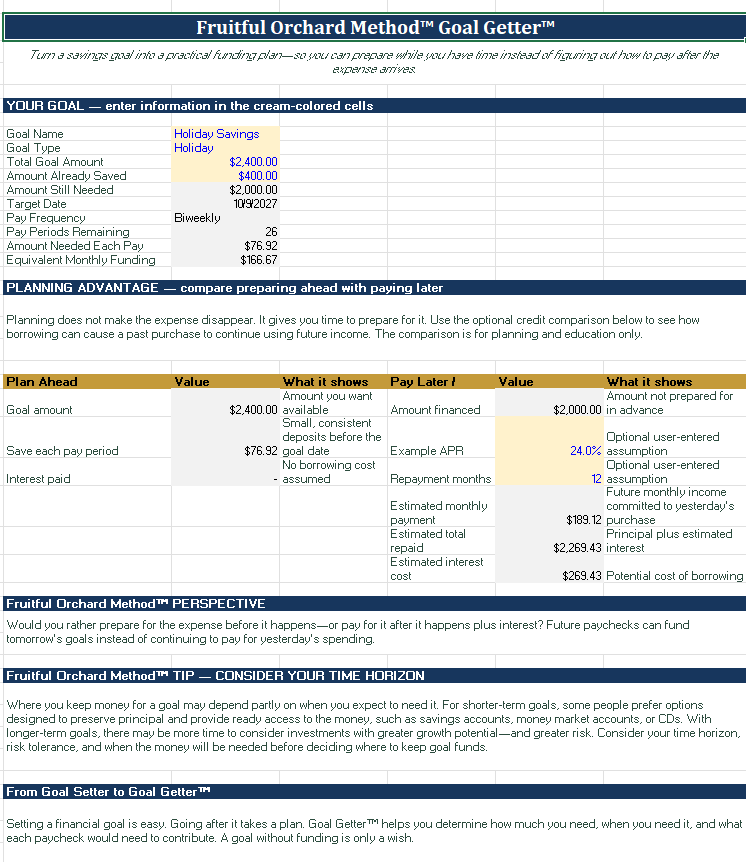
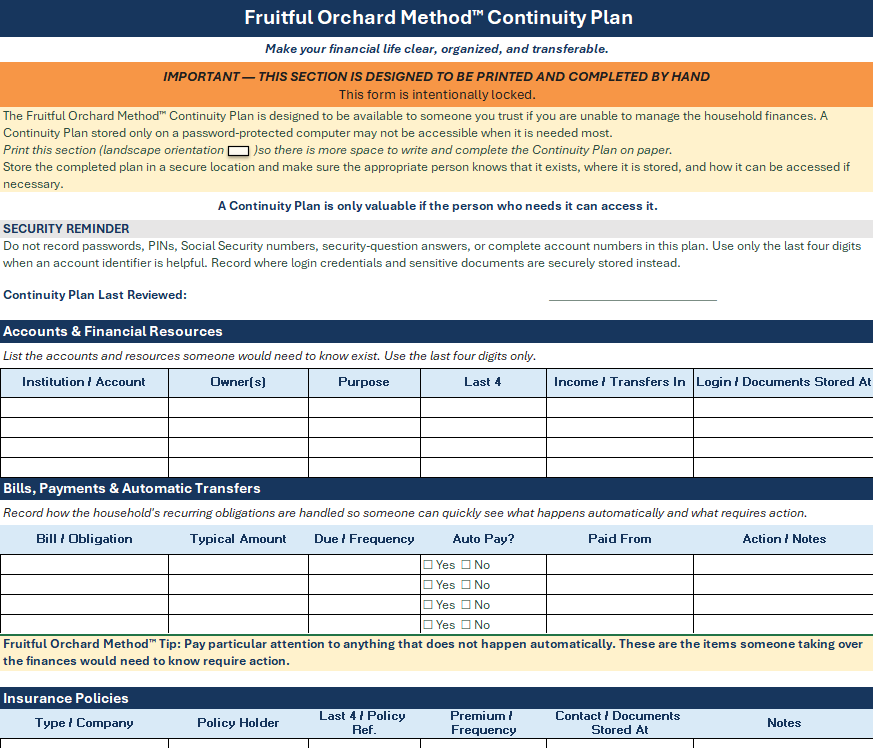
Alongside the core plan and dashboard, optional tools help you explore savings goals with Goal Getter, compare debt payoff estimates with Get GOOD, consider major choices with Choice Compass, organize a Continuity Plan, and keep a Bill Due Dates reference.
What you need
Choose Microsoft Excel or Google Sheets. Desktop Excel is recommended for the Excel workbook; Microsoft Excel is not included. A Google account is needed to save your own Google Sheets copy. This is a digital product, with no physical shipment. The separate book is optional.
Created by Jim Cook from more than 30 years of household use. If you need help accessing your files or getting started, message me directly.
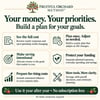
Start with what matters. Build a plan to support it.