

3D Maker Studio (Once Off)
## Description (copy from here)
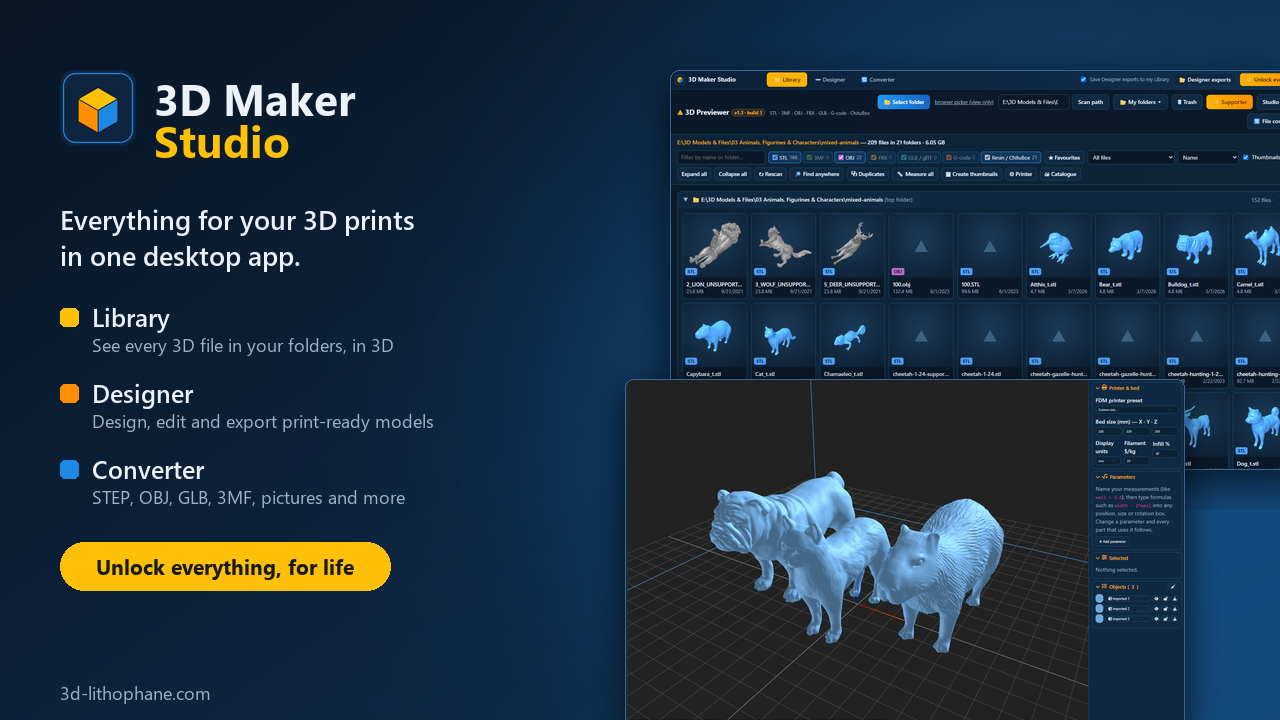
**Everything for your 3D prints in one desktop app.**
3D Maker Studio puts three tools in one window, so you never have to jump between programs:
**Library**
Point it at any folder and see every 3D file inside it in 3D, sub-folders included. STL, 3MF, OBJ, FBX, GLB, G-code and resin files. Search, sort, tag, mark favourites, find duplicates, measure size and weight, and open a file in your slicer with one click.
**Designer**
Design your own models or change the ones you have: shapes, text, holes, gears, threads, hollowing, cutting, colours for multi-colour prints and much more. Export STL, 3MF with colours, OBJ and GLB, ready for your slicer.
**Converter**
Turn almost any 3D file into the format you need. Open STEP, IGES, PLY, DAE, Rhino and more, save as STL, OBJ, GLB or a 3MF that keeps its colours for your AMS or CFS. It does pictures too: JPG to PNG, greyscale, black and white for laser engraving.
**It all works together**
Right-click a model in your Library and open it in the Designer or the Converter. Everything you export from the Designer is saved straight into your Library, so you always know where your files are.
**What the lifetime unlock gives you**
- Every tab without limits, for life: no monthly fee
- Unlimited saves and exports in the Designer, in every format
- 30 AI creations a month in the Designer for the first 12 months
- Your whole drive in the Library, with no limit on the number of files
- Every update to the Studio
The Studio is free to download and try. The free version has daily limits on saves and exports, and the Library shows up to 1,000 files per folder.
**How to unlock**
Buy with the same email address as your free 3d-lithophane.com account. Sign in to the Studio with that account and it unlocks by itself.
**Already bought the 3D Designer or 3D Previewer app?**
What you bought keeps working. Your Designer or Previewer unlock opens that tab in the Studio, and the bundle opens everything.
**Requirements**
Windows 10 or 11 (64-bit). An internet connection to sign in. A Mac version is on its way.
Your files stay on your computer. Nothing is uploaded when you browse, design or convert.