


Area Calculator Pro
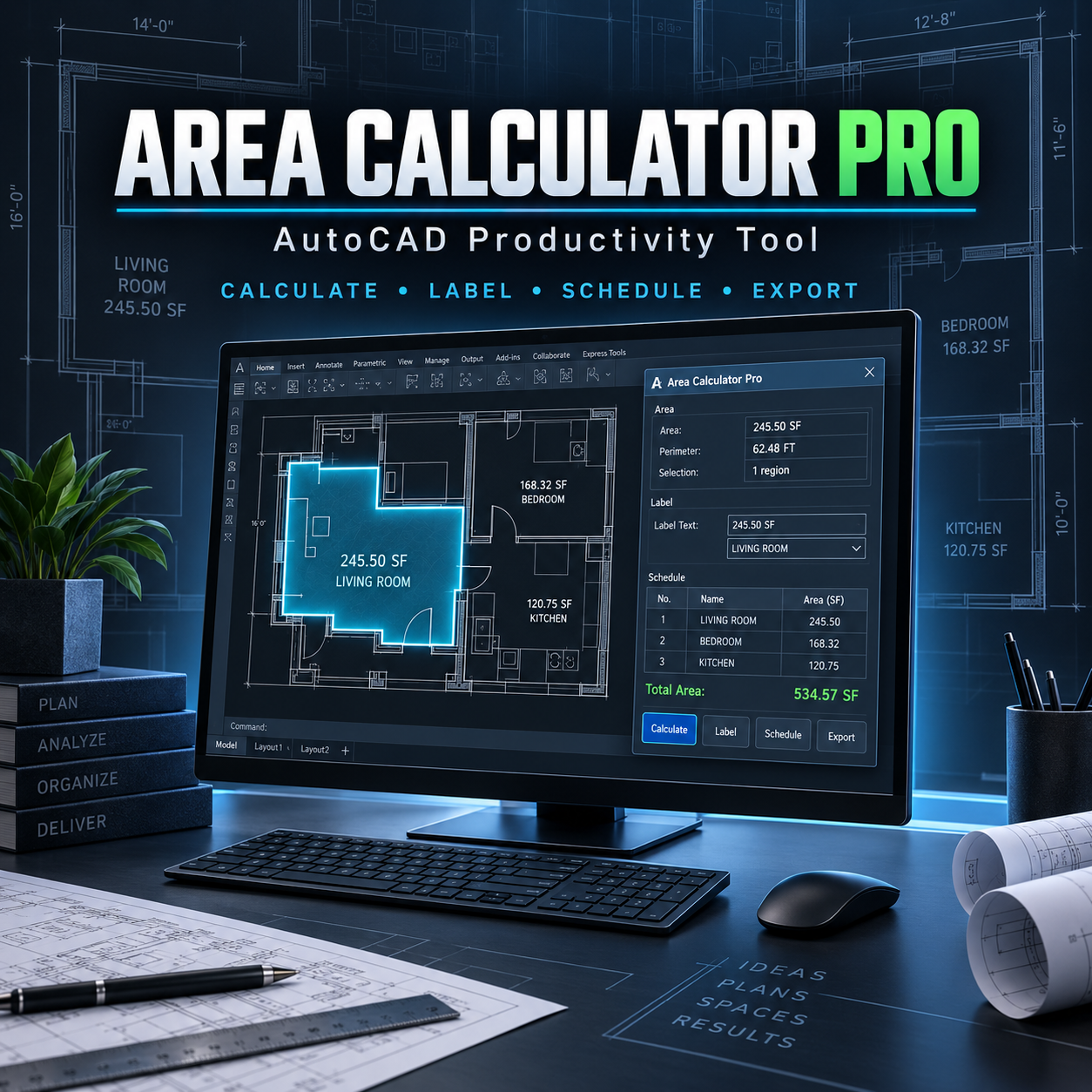
Area Calculator Pro is an AutoLISP and DCL productivity tool designed to help AutoCAD users calculate, organize, label, and document room and floor areas quickly and accurately.
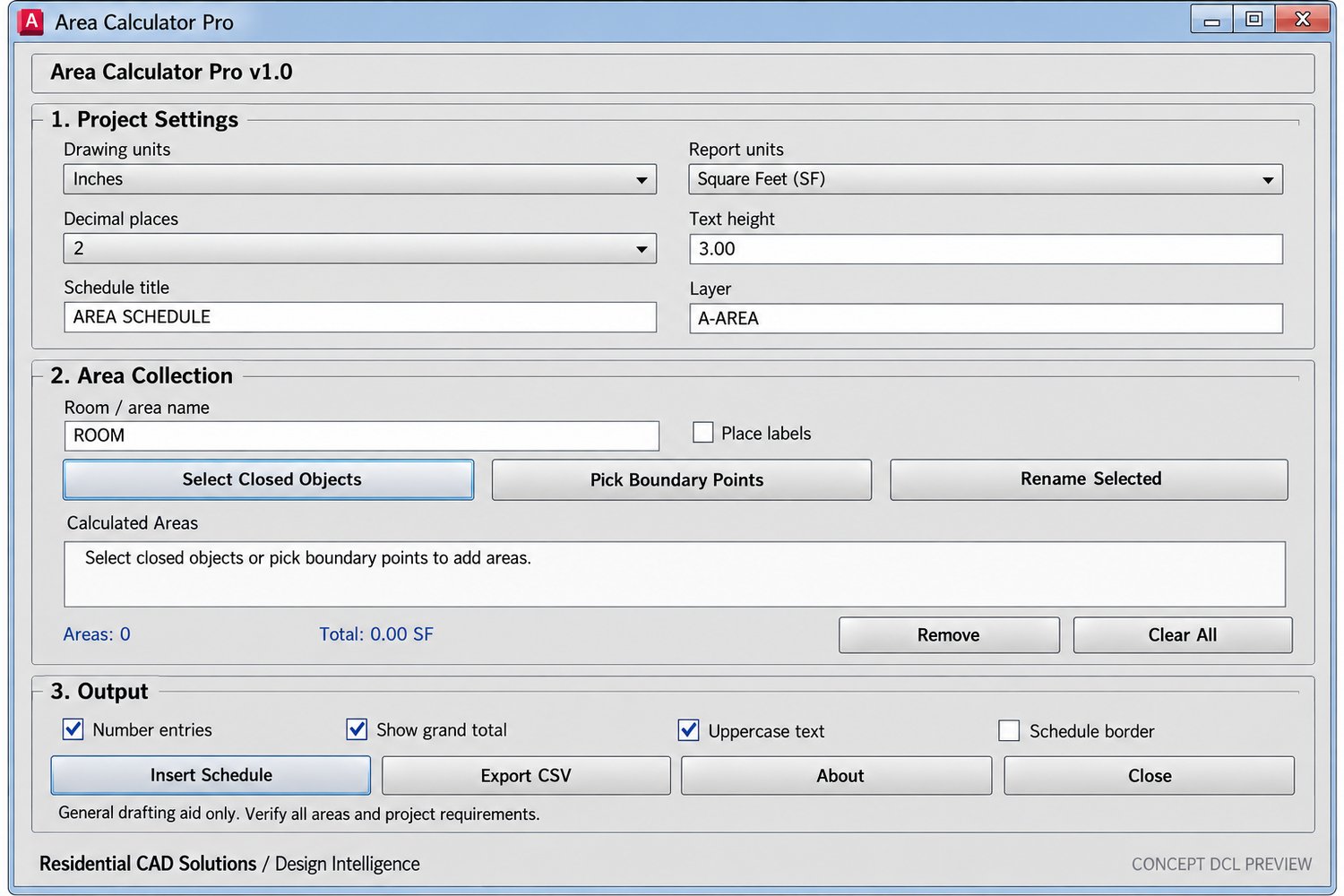
Select closed drawing objects or define an area by picking boundary points. The program calculates each area, maintains an organized project list, produces a grand total, and inserts a professional area schedule directly into your drawing.
KEY FEATURES
• Calculate areas from closed polylines, circles, ellipses, regions, hatches, and supported splines
• Create areas by manually selecting boundary points
• Assign custom room and area names
• Calculate individual areas and grand totals
• Optional area labels inside the drawing
• Rename, remove, and organize calculated areas
• Insert a formatted MTEXT area schedule
• Optional numbering and uppercase formatting
• Adjustable text height, title, layer, and decimal precision
• Optional schedule border
• Export area schedules to CSV for Excel
• Automatic A-AREA layer creation
• Supports square feet, square meters, and square inches
SUPPORTED DRAWING UNITS
• Inches
• Feet
• Millimeters
• Centimeters
• Meters
INCLUDED FILES
• AreaCalculatorPro.lsp
• AreaCalculatorPro.dcl
• Installation and user instructions
• Commercial end-user license
• Payhip product cover image
INSTALLATION
- Extract the downloaded ZIP file.
- Keep the LSP and DCL files together in the same folder.
- Add the folder to AutoCAD’s Support File Search Path.
- Use APPLOAD to load AreaCalculatorPro.lsp.
- Enter ACPRO or AREACALC at the command line.
COMMANDS
• ACPRO — Open Area Calculator Pro
• AREACALC — Open Area Calculator Pro
• ACPABOUT — Display product and version information
COMPATIBILITY
Built on an AutoCAD 2002-compatible foundation and intended for full Windows desktop versions of AutoCAD that support AutoLISP, Visual LISP, and DCL.
AutoCAD LT versions without AutoLISP support are not compatible. Testing with your specific AutoCAD release is recommended.
IMPORTANT
Calculation results depend on drawing accuracy, boundary geometry, scale, units, and selected settings. Always independently verify all areas before using them for permits, estimates, contracts, leases, appraisals, construction documents, or code compliance.
This software is a general drafting and productivity aid. It does not replace professional architectural, engineering, surveying, appraisal, legal, or code review.
Calculate room areas faster, create organized schedules, and maintain consistent project documentation with Area Calculator Pro.