

How to compare home-service quotes on the same written scope
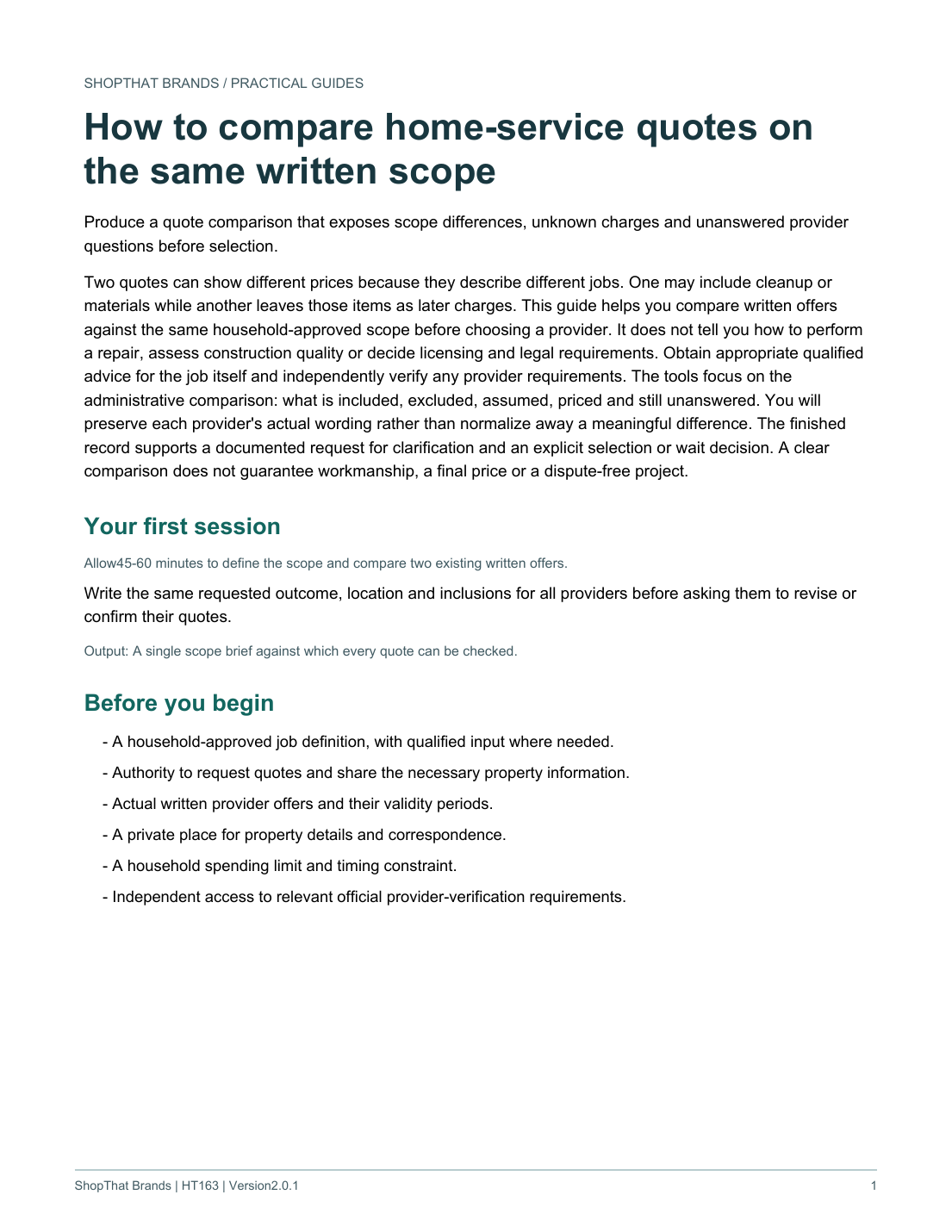
A lower quote may simply describe less work. This guide helps a household compare written offers against one independently defined scope and expose included, excluded and unanswered items before making a selection.
Eight steps cover the common brief, source offers, line-by-line differences, confirmed cost arithmetic, clarification questions, independent requirements, an explicit decision and the accepted-version trail. The fictional example adds a confirmed disposal charge to one quote and compares $650 with a $630 inclusive offer without equating price with workmanship.
Four tools provide the common scope brief, quote/difference comparison, provider question/revision log and selection/final confirmation record. Each includes field help and a coherent completed example. Use the PDF for instructions and offline HTML or editable TXT records for your own written offers. The tools do not calculate totals automatically or create a service contract.
Troubleshooting addresses omissions, different technical proposals, expired offers, verbal changes and later invoice differences. Technical and applicable provider requirements must be resolved independently with appropriate expertise. The guide does not design repairs, certify providers, interpret law or guarantee cost or workmanship. Its finished result is a transparent decision and a traceable accepted version, with unknowns left visible rather than priced at zero.
Included files: PDF guide, offline HTML guide, 4 distinct editable tools in HTML and TXT. Extract the ZIP before use. No paid software is required to read this guide or edit its supplied tools. Third-party services discussed may have their own costs. No XLSX, Canva, Notion or video files are included.
Text and template wording were generated with AI and reviewed for clarity and consistency.
License: Personal or internal business use only. You may edit the templates for that use; do not redistribute or resell the supplied files or templates.
HTML tools do not autosave. Use Save filled copy before closing to download and keep your completed entries.